Connected tools
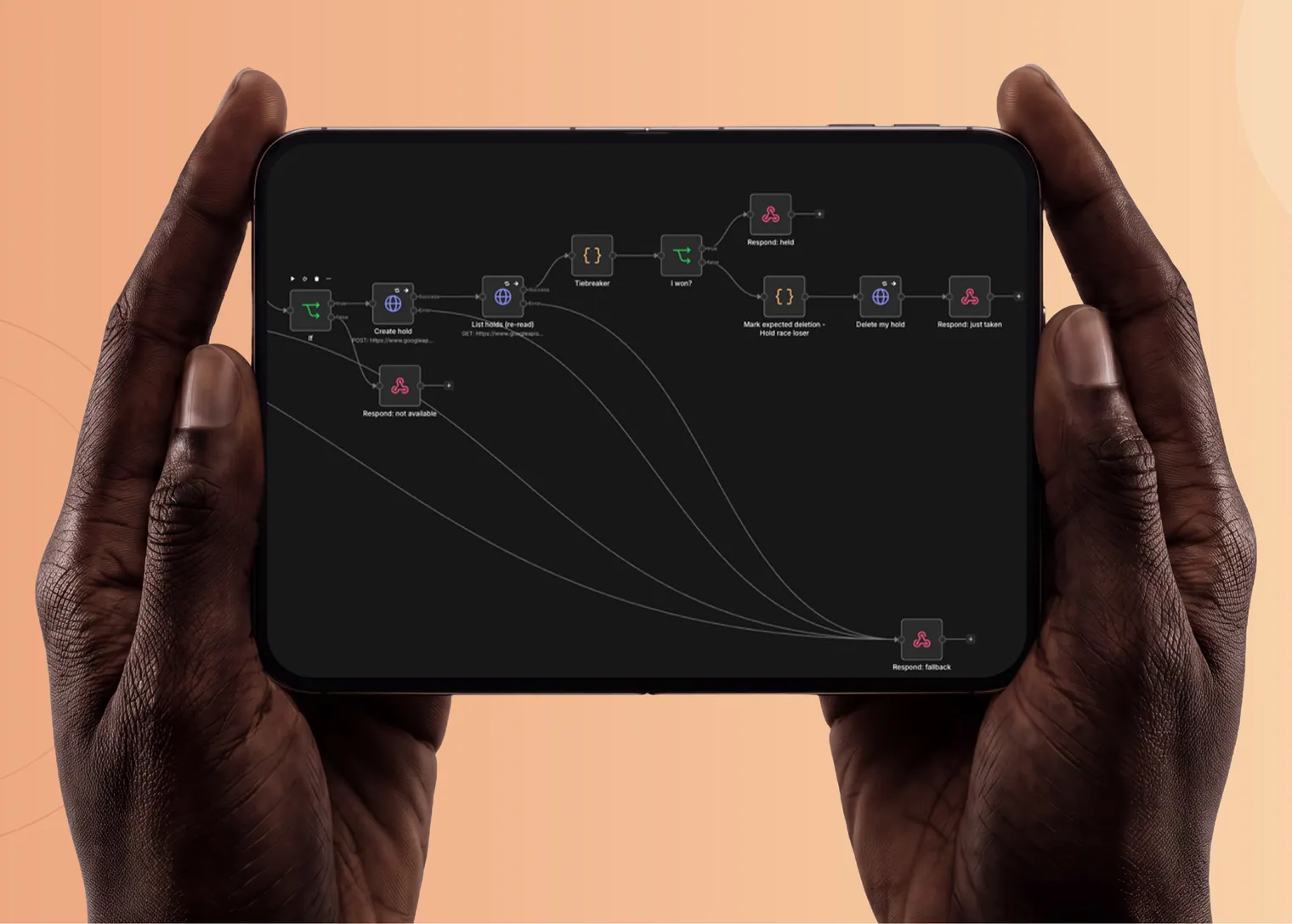
Forms, email, calendars, CRMs, payments and spreadsheets joined so data is entered once.
We’d like to use analytics cookies to see how the site is used, and marketing cookies to measure our ads. Nothing is set until you choose. Privacy policy
Automate / Workflow automation
An enquiry comes in, a calendar gets updated, an invoice goes out, the team is told. We connect the steps so nobody copies data from one tool to the next.
What we build
Forms, email, calendars, CRMs, payments and spreadsheets joined so data is entered once.
Invoices, forms and reports read and turned into data, with a person checking the exceptions.
The right person is asked at the right step, and nothing goes out without the sign-off it needs.
n8n, Make or custom code, chosen for what you’ll be able to run and change after we hand over.
Work
How we measure it
We time the workflow as it runs today, step by step. After launch we report the same numbers.
How it runs
We sit with the people who do the work today and map the process as it actually runs.
Time, errors and cost for the task as it is now, written down before we build anything.
Working software early, reviewed with you as it develops.
After launch we measure the same things again, so the result is a number, not an opinion.
From the blog
AI agents and automation · 12 Aug 2026 · 6 min read
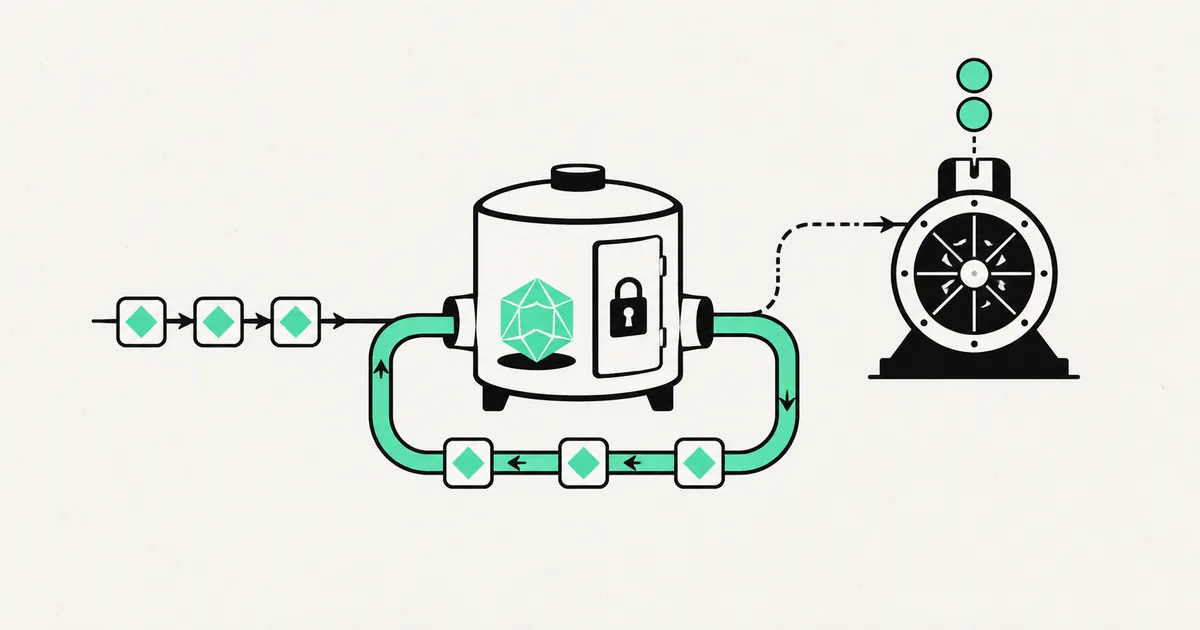
Cache the deterministic and reusable parts of your AI workflow without serving stale private data or pretending every model response is interchangeable.
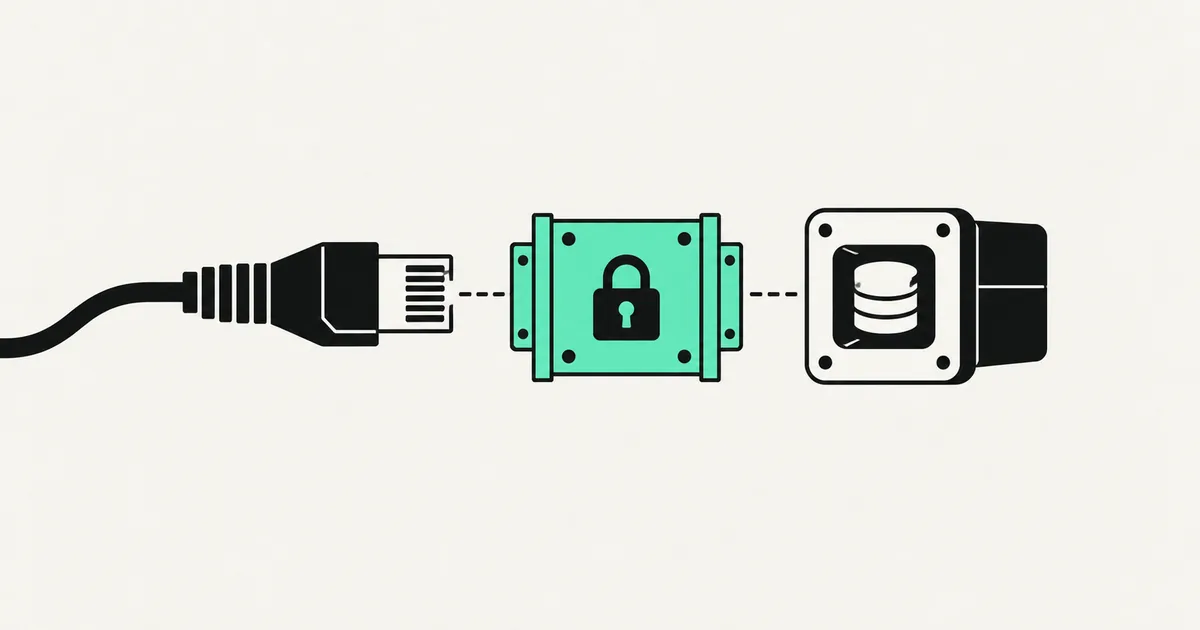
AI agents and automation · 31 Jul 2026 · 7 min read
Connecting an MCP server is installing software and handing it credentials. A practical review checklist for anything you are about to plug into your agent.
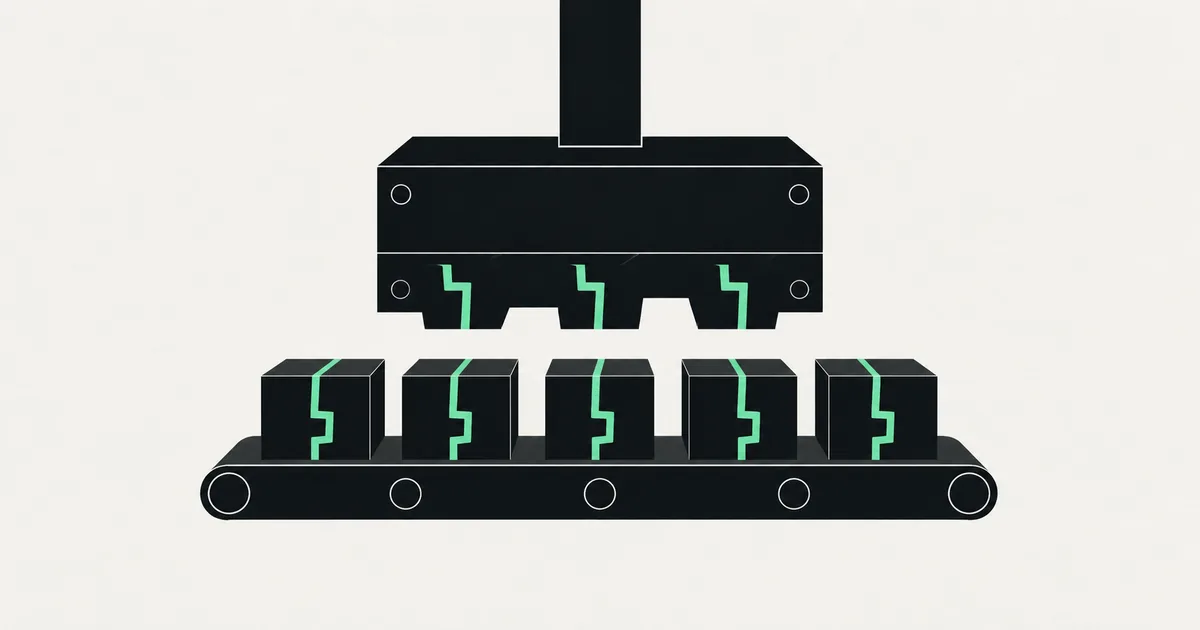
AI agents and automation · 30 Jul 2026 · 7 min read
AI coding tools fail in patterns, not at random. These are the vulnerability classes they produce again and again — and the fastest way to find them in your own repo.
Related
Questions
It depends on how complex the workflow is and who will maintain it. We recommend the simplest option your team can run after handover.