
Case study · Education / academic research coaching
AI Assistant Hub for Academic Researchers.
A private, login-protected platform for academic researchers and PhD students that centralizes multiple specialized AI assistants into one professional web application.
- What we built
- Private multi-agent AI web app with admin dashboard
- Stack
- Next.js, React, Node.js, REST API
- Services
- Web appAI assistantsRAG knowledge basesAdmin dashboard
About the project
What is AI Assistant Hub for Academic Researchers?
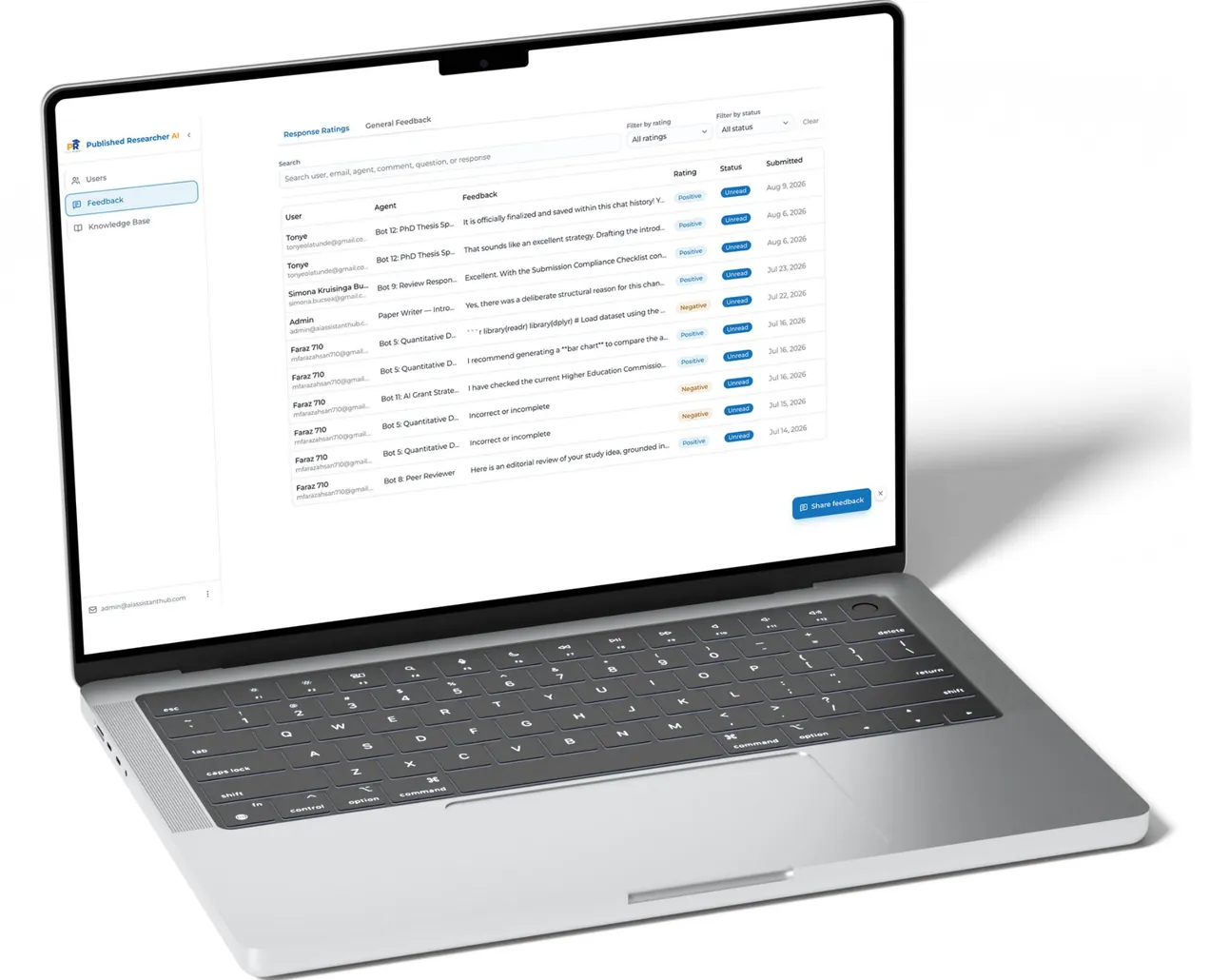
We developed a private, login-protected AI Assistant Hub for academic researchers and PhD students. The platform centralizes multiple specialized AI assistants into one professional web application. The system replaces a collection of individual Google Gemini Gems with a scalable platform containing approximately 12 purpose-built AI agents, each trained with dedicated prompts and research/course materials through Retrieval Augmented Generation (RAG). The platform is designed exclusively for paying clients of an academic coaching program, with controlled access, secure authentication, agent-specific knowledge bases, file uploads, and an administrative dashboard.
The problem
What was slowing them down.
- 01
No centralized platform
The existing AI assistants were distributed across separate Gemini Gems. Researchers had no centralized platform for accessing the available AI tools.
- 02
Managing approximately 12 assistants
Managing approximately 12 individual AI assistants was difficult.
- 03
Knowledge and course materials
Knowledge and course materials needed to be properly organized and connected to each assistant.
- 04
Restricted access
Access needed to be restricted to active paying clients.
- 05
Uploading research papers
Users needed to upload research papers and receive responses grounded in the provided materials.
- 06
Flexibility to improve agents
The system needed to be flexible enough to improve existing agents and add new ones over time.
- 07
Visibility and control
The client also needed visibility and control over user access and AI API usage.
- 08
The goal
The goal was to turn this fragmented setup into a single, secure, scalable AI research platform.
The solution
What we built.
Secure Access
SprintX designed and developed a centralized AI Assistant Hub with a modular architecture.
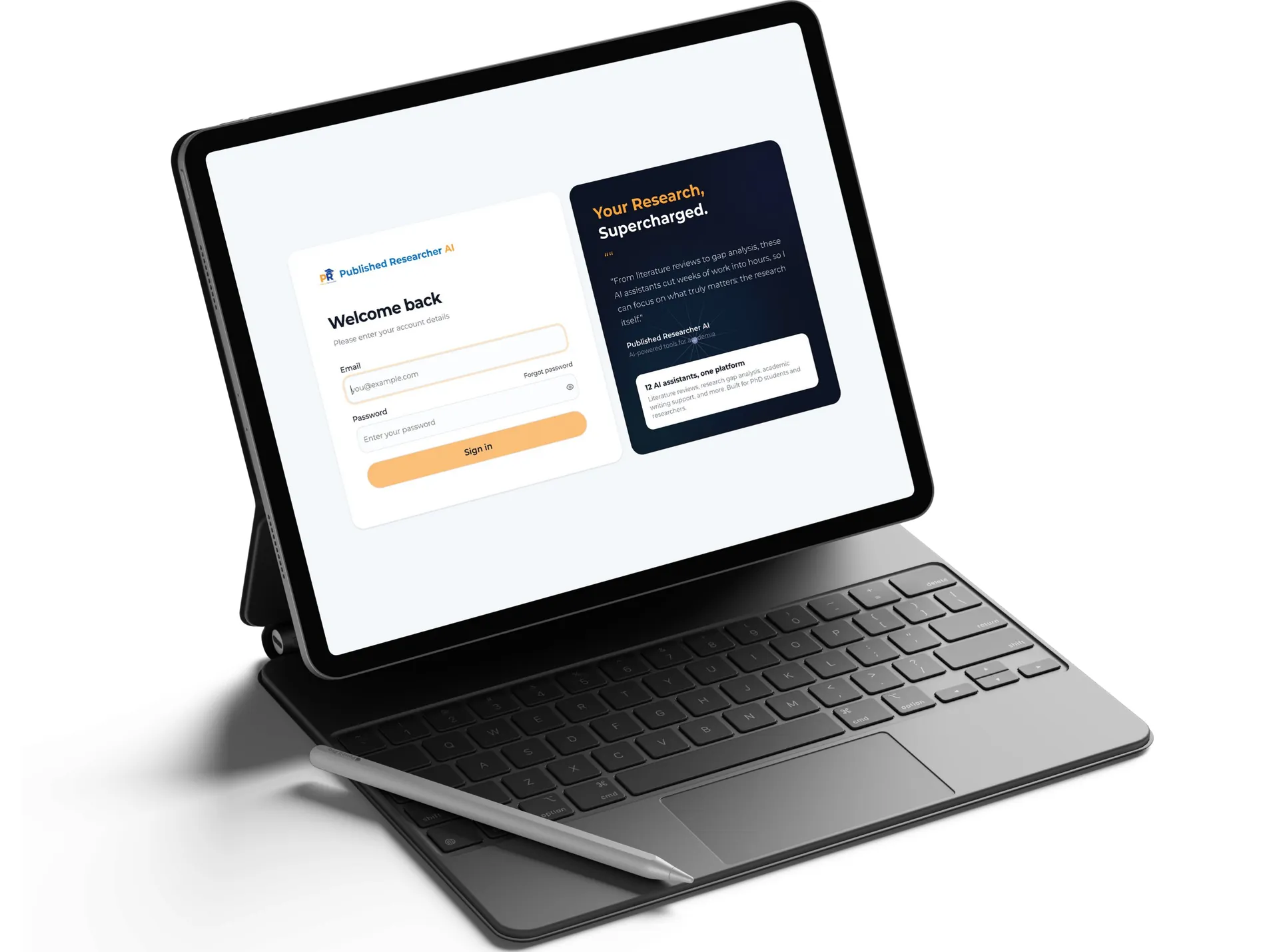
- Invite-only email authentication.
- JWT-based session management.
- Admin controls for adding, removing, and deactivating users.
- Inactive users are automatically prevented from accessing the platform.
AI Agent Hub
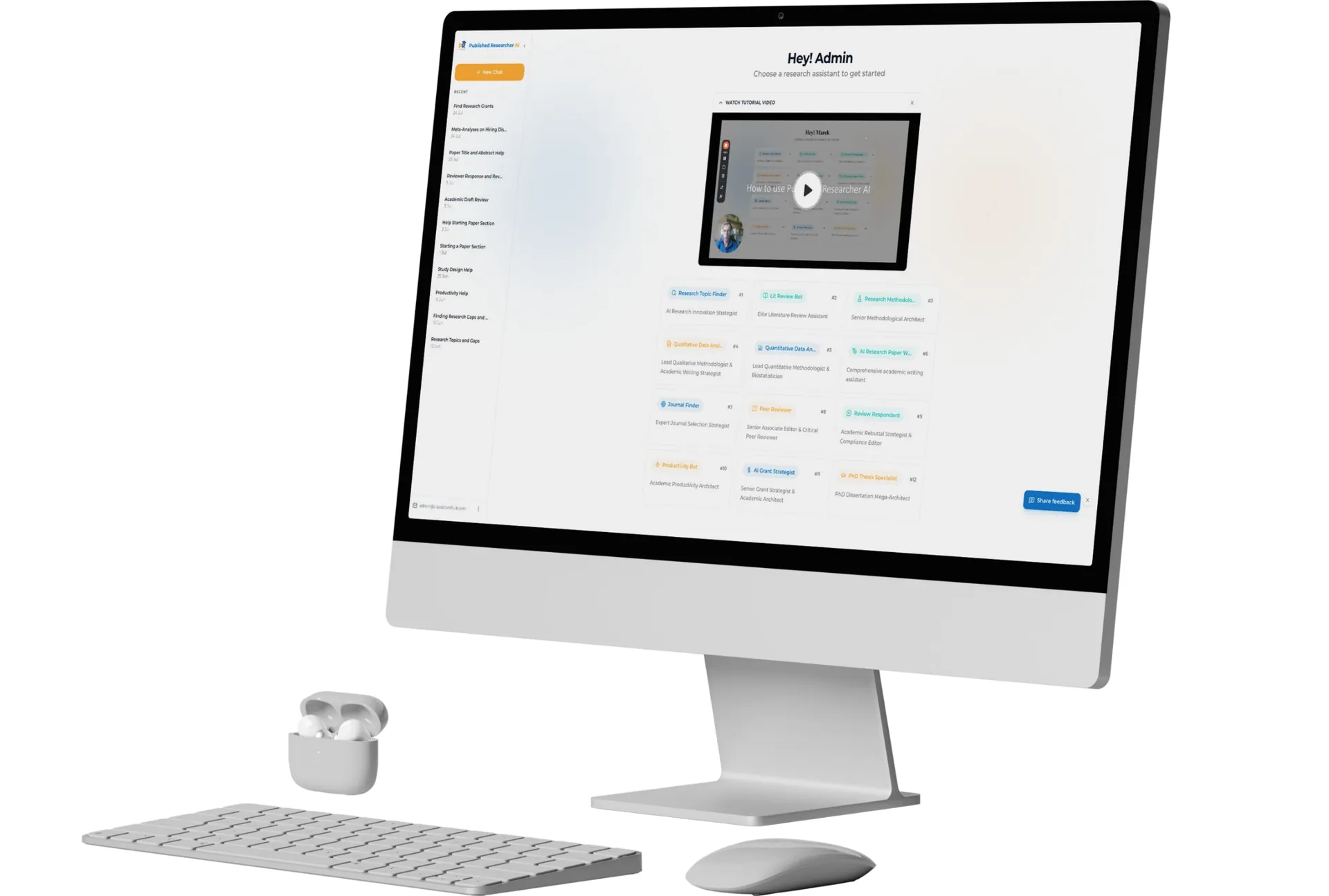
- Centralized agent selection screen.
- Approximately 12 specialized research assistants.
- Each agent has its own system prompt and dedicated RAG knowledge base.
- Agents cover research topics, literature reviews, paper sections, peer review, quantitative/qualitative analysis, grants, and other academic workflows.
RAG-Powered Knowledge
- Course PDFs, worksheets, and other materials are organized by agent.
- Each agent retrieves relevant content before generating responses.
- Video course material can be processed through transcripts.
- Users can upload research papers or PDFs directly within conversations.
Chat Experience
- Dedicated chat sessions for each AI assistant.
- Conversation context maintained within each session.
- Researchers can ask questions and receive responses based on the relevant knowledge base.
Admin Dashboard
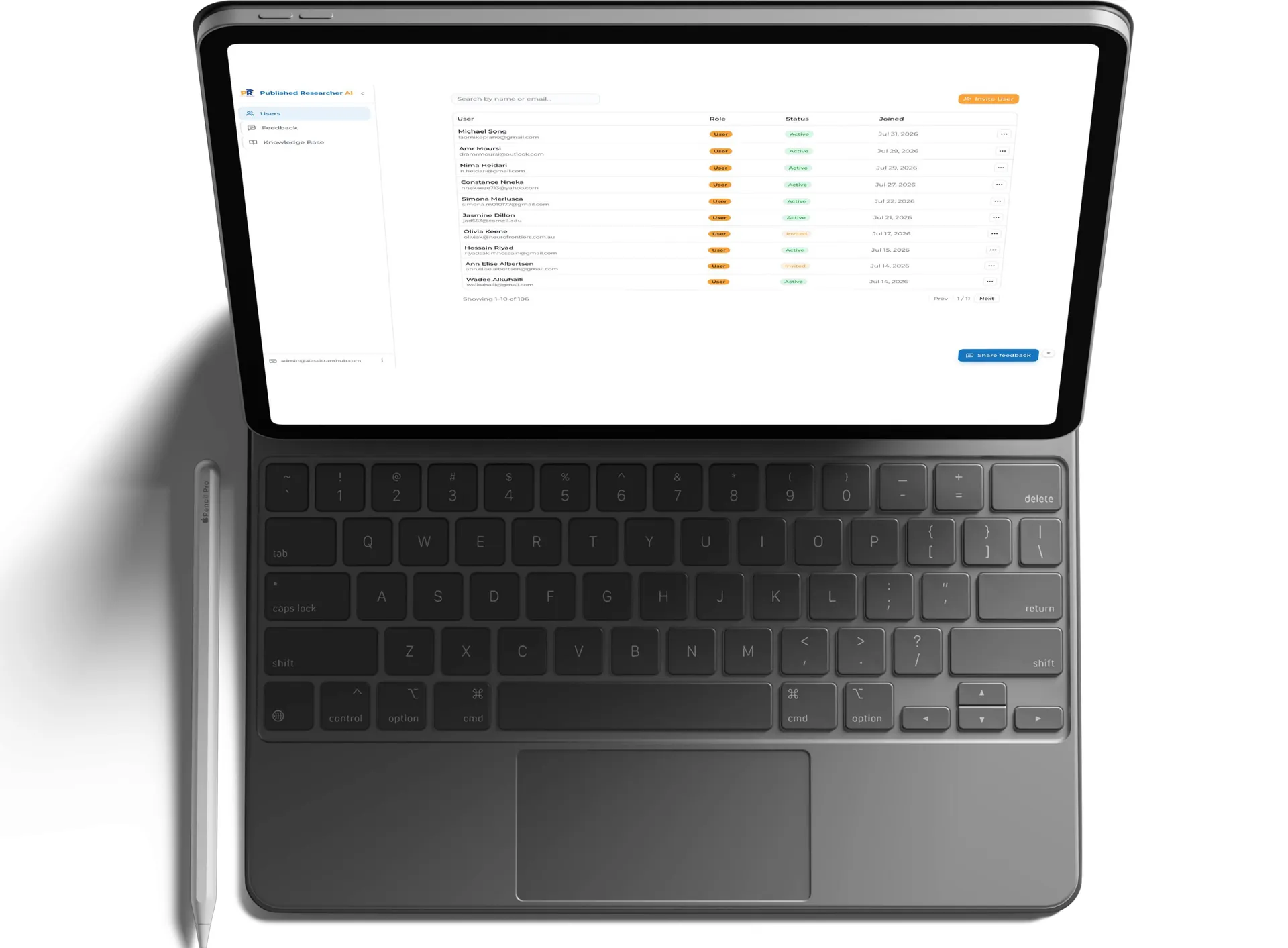
- Manage users and access status.
- Send invitations.
- Monitor AI API credit consumption.
- Maintain centralized control over the private platform.
Results
What changed.
Key business value
A single destination
The platform creates a single destination for AI-powered academic support, replacing scattered AI tools with an organized and professional experience.
Centralized access
Centralized access to approximately 12 specialized AI assistants.
Better consistency
Better consistency through dedicated prompts and RAG knowledge bases.
Secure access
Secure access limited to active coaching clients.
Faster access
Faster access to research- and course-based guidance.
Upload and analyze papers
Ability to upload and analyze academic papers directly in chat.
Modular architecture
Modular architecture allowing new agents and improvements over time.
Reduced dependence on manual management
Reduced dependence on manually managing separate Gemini Gems.
A professional platform
A professional platform that can be hosted under the client's own branded subdomain.
Flexible AI provider
The architecture also keeps the AI provider flexible, allowing Gemini to be used initially while supporting a future switch to another provider if required.
Key challenges
The hard parts, and how we solved them.
Migrating multiple AI assistants: approximately 12 existing Gemini Gems needed to be moved into a single custom platform.
Built a modular agent architecture where every assistant has its own system prompt and dedicated RAG knowledge base.
Maintaining reliable, grounded responses: academic users require responses based on trusted course and research materials.
Implemented RAG pipelines that retrieve relevant source material before generating responses.
Controlling client access: the platform is intended only for paying coaching clients.
Implemented invite-only authentication and admin-controlled active/inactive user access.
Supporting different research workflows: researchers have different needs, from literature reviews to peer review and statistical analysis.
Created specialized AI agents, each focused on a specific academic task.
Future flexibility: AI models and the number of assistants may change over time.
Designed a modular architecture that allows agents to be improved or added and makes switching AI providers relatively simple.

Tech stack
What it runs on.
- Frontend
- Next.jsReact
- Backend
- Node.jsREST API
- Authentication
- JWT + Email Invite Flow
- Database
- PostgreSQL via Supabase
- AI
- Gemini API
- AI architecture
- RAG
- File storage
- Cloud Storage
- Hosting
- Vercel + Cloud Backend
- Domain
- Client-branded subdomain
- Knowledge sources
- PDFs, worksheets, course materials, and video transcripts
Process
How we got there.
01User invitation
Admin adds a client's name and email. · User receives an invitation. · User creates an account.
02Secure login
User logs in through the protected platform. · Authentication is verified. · Active users access the AI Assistant Hub.
03Select AI agent
User views available assistants. · Selects an agent based on their research requirement.
04Start chat
User asks a question. · The selected agent retrieves relevant information from its dedicated knowledge base. · AI generates a grounded response.
05Upload research material
User can attach a research paper or PDF. · The agent reads the uploaded material and incorporates relevant information into the conversation.
06Continue research workflow
User can use different specialized agents for different tasks, such as literature reviews, methodology, discussion, peer review, data analysis, or grant applications.
07Admin management
Admin manages user access and monitors API credit consumption from the administrative dashboard.
More work.
All projects
Alignwithme
AI SaaS platform delivering personalized employee guides to enhance team collaboration, workplace culture, and organizational productivity.
LIVA
Built an AI-powered conversational video sales platform that uses live AI avatars to engage property buyers, qualify leads, capture consent-based contact information, and automatically deliver structured lead insights to real estate agents.
Building something like AI Assistant Hub for Academic Researchers?