
Case study · AI productivity tools
Aulevo Chat GPT Booster Chrome Extension.
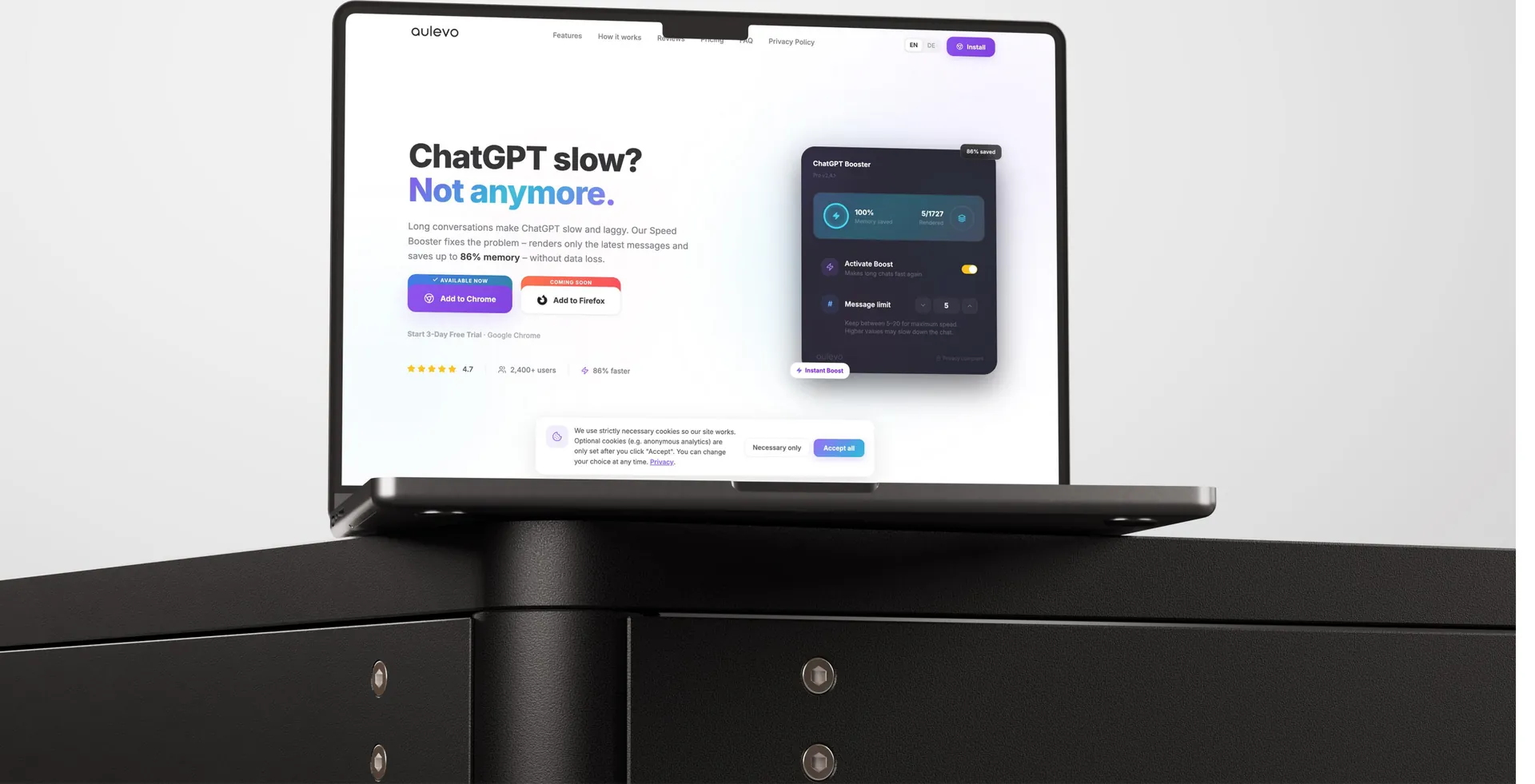
A Chrome extension that significantly improves the performance of long ChatGPT conversations by optimizing how messages are rendered in the browser.
- What we built
- Subscription browser extension (SaaS)
- Stack
- React, Plasmo Framework, Chrome Extension (Manifest V3), Supabase
- Services
- Chrome extensionSubscription billingAuthentication and licensing
About the project
What is Aulevo Chat GPT Booster Chrome Extension?
This project involved developing a Chrome extension that significantly improves the performance of long ChatGPT conversations by optimizing how messages are rendered in the browser. Instead of loading entire chat histories at once, the extension intelligently displays only the most recent messages while preserving complete conversation history in the background. The solution was designed as a subscription-based SaaS browser extension with Free and Pro plans, secure authentication, Stripe billing, and cloud-based license management. Built using the Plasmo Framework and Manifest V3, the extension delivers a smoother ChatGPT experience while remaining fully compatible with future browser expansion.
The problem
What was slowing them down.
- 01
Slow performance in large conversations
Threads containing hundreds of messages caused lag, freezing, and delayed typing.
- 02
High browser resource usage
Rendering every message increased CPU and memory consumption, reducing responsiveness.
- 03
No efficient conversation management
Users had to work through increasingly slower chats as conversations grew.
- 04
Subscription management required
The client needed a secure Free/Pro licensing system with trials and recurring billing.
- 05
Limited usability
These issues negatively affected productivity and limited the usability of long AI conversations.
The solution
What we built.
A custom Chrome extension
A custom Chrome extension was developed to optimize ChatGPT performance without modifying or deleting conversation history.
- Intelligent client-side message rendering engine
- Configurable message loading for improved performance
- "Load More Messages" functionality for accessing older conversations
- Secure user authentication using Supabase
- Free and Pro subscription plans with Stripe integration
- Three-day free trial with automatic license validation
- Quiet Mode and advanced customization for Pro users
- Manifest V3 architecture with future Firefox compatibility
- The result is a lightweight browser extension that improves ChatGPT responsiveness while maintaining complete privacy.
Results
What changed.
Operational results
Smooth performance
Smooth performance in conversations containing hundreds of messages.
Business value
Better productivity
Better productivity for heavy ChatGPT users.
Scalable SaaS architecture
Scalable SaaS architecture for future growth.
Browser-ready foundation
Browser-ready foundation for additional platforms.
Privacy-first experience
Privacy-first experience with zero chat data collection.
Key challenges
The hard parts, and how we solved them.
Large conversation performance
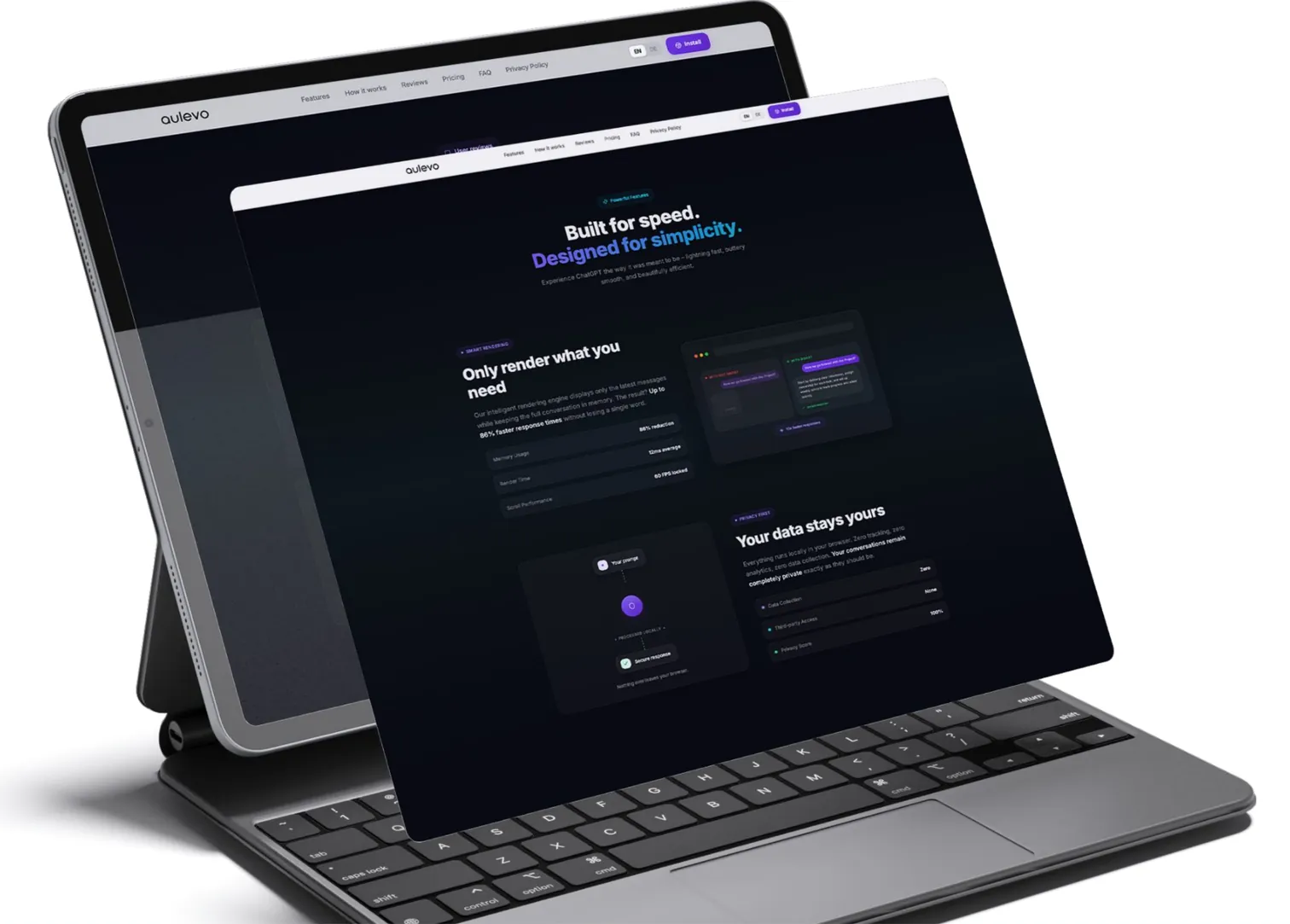
Implemented an intelligent rendering engine that displays only recent messages while preserving the complete chat history.
Manifest V3 compatibility
Built the extension using Plasmo Framework and modern service-worker architecture for long-term browser compatibility.
Subscription & license validation
Integrated Stripe with Supabase to securely manage free trials, subscriptions, and license verification.
Privacy protection
Designed the optimization engine to run entirely on the user's device so conversation content never leaves the browser.
Future scalability
Structured the architecture to support Firefox deployment and additional premium features with minimal changes.

Tech stack
What it runs on.
- Frontend
- ReactPlasmo FrameworkChrome Extension (Manifest V3)
- Backend & authentication
- SupabaseSupabase AuthRow-Level Security (RLS)
- Payments
- Stripe CheckoutStripe Webhooks
- Infrastructure
- Client-side rendering engineSecure browser storageCross-browser ready architecture
Process
How we got there.
01User workflow
Install the Chrome extension. · Sign in or create an account. · Open ChatGPT normally. · Extension automatically optimizes message rendering. · Load older messages when needed. · Upgrade to Pro for unlimited usage and advanced settings.
02System workflow
Extension detects ChatGPT conversations. · Recent messages are rendered while older messages remain hidden. · Users can reveal previous messages on demand. · Subscription status is validated through Supabase. · Stripe manages trials, payments, renewals, and plan changes.

More work.
All projects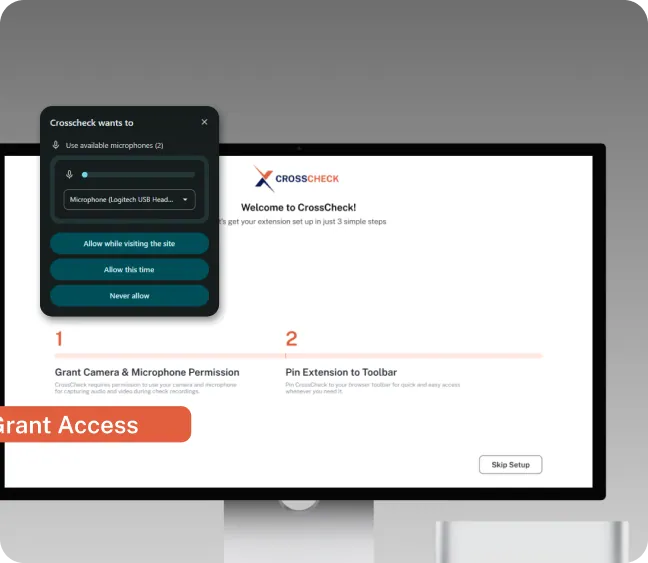
Cross Check
SaaS Chrome Extension for QA teams: instant session replays, annotated screenshots, screen recordings, and direct Jira/ClickUp bug task creation.

Tikko Mcro
SaaS browser extension for TikTok sellers: automate promotional campaigns, TikTok OAuth login, user dashboard, and Stripe-powered subscriptions.
Building something like Aulevo Chat GPT Booster Chrome Extension?