
Case study · Education
Brevidee.
A two-part platform that turns a manual video service into a scalable SaaS for schools.
- What we built
- Mobile app, web studio and shared backend
- Stack
- React, React Native (Expo), Vite, Socket client
- Services
- Mobile appWeb studioAI assistantBackend and APIs
About the project
What is Brevidee?
Brevidee is a two-part platform that turns a manual video service into a scalable SaaS for schools.
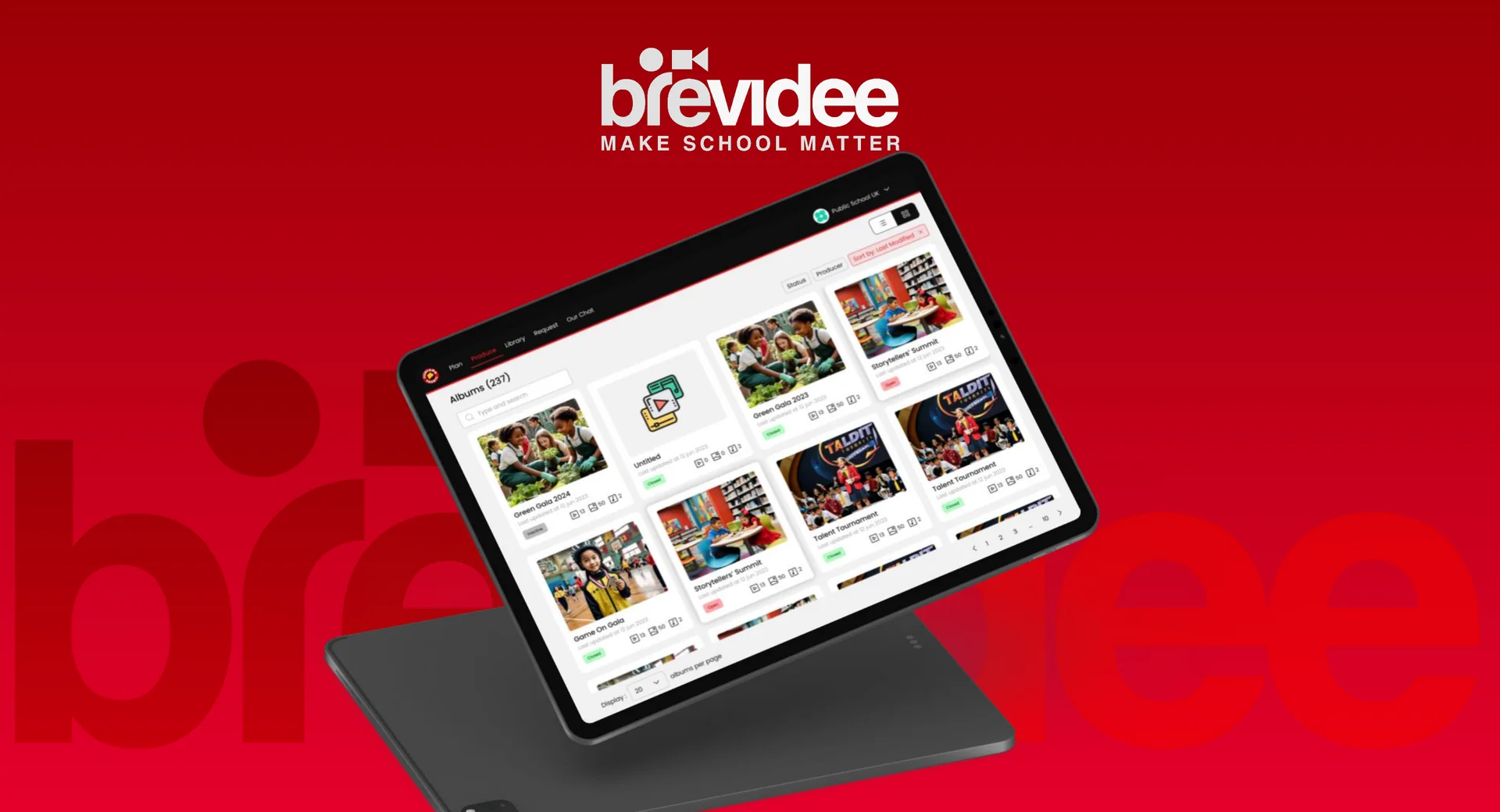
Brevidee App (mobile, SaaS for schools)
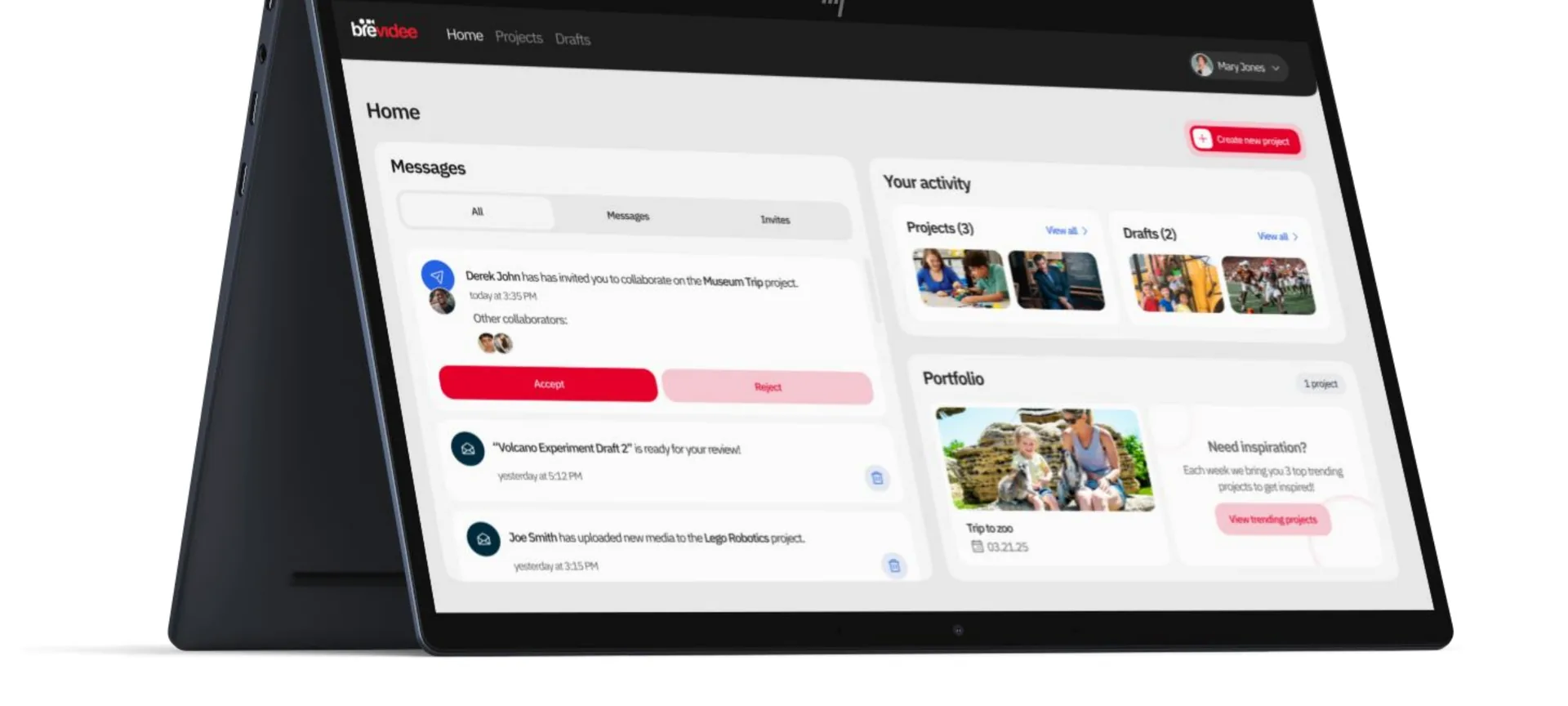
Teachers, staff and students (Producers) record and upload event videos. School leaders (Executive Producers: owner, principal, superintendent) review drafts, chat with the editor and approve. Executive Producers have an AI assistant in the app that knows the school’s context and helps plan future events and content.
Brevidee Studio (web, for the editing team)
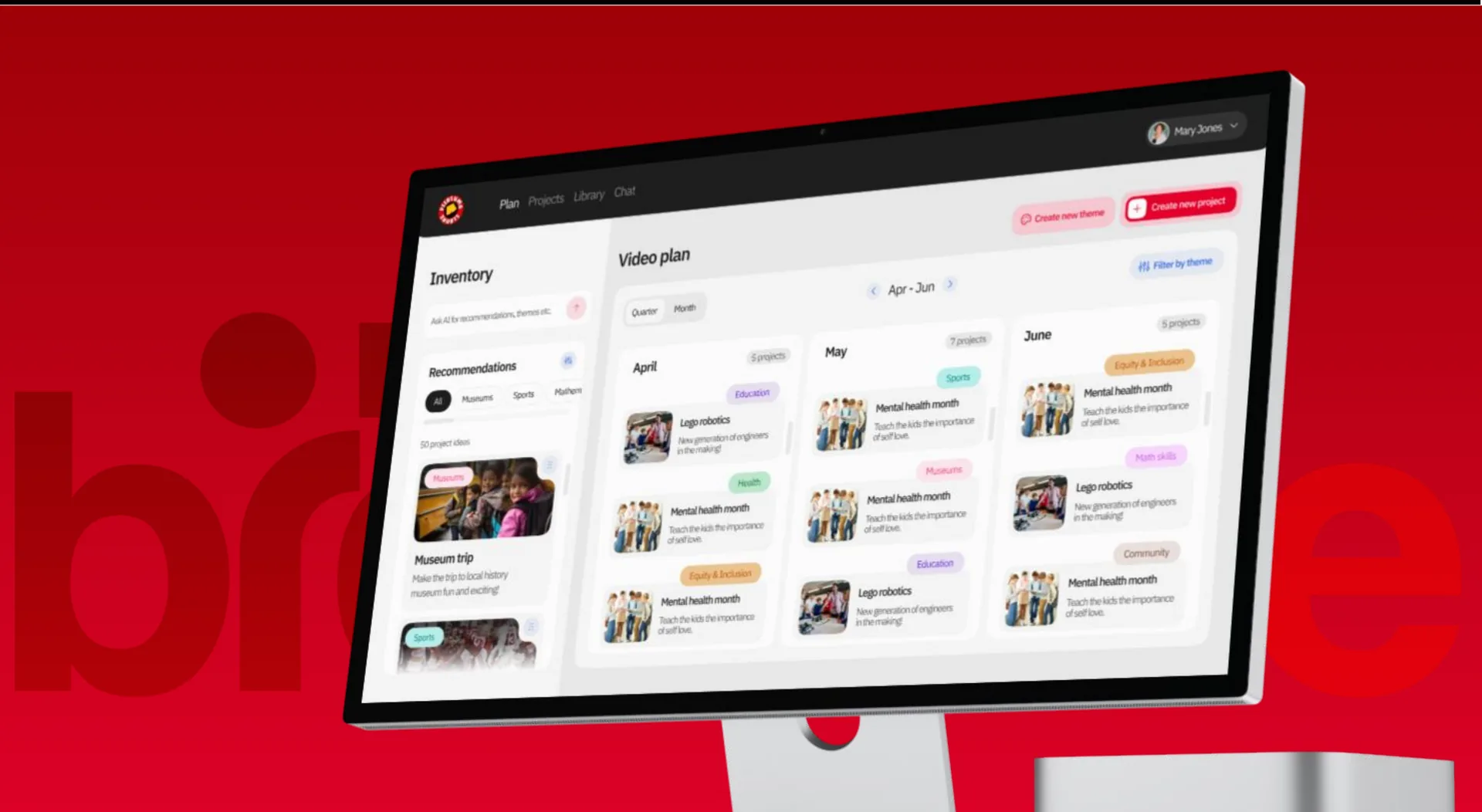
Centralises incoming footage, applies templates, edits videos and publishes embeddable widgets.
The problem
What was slowing them down.
- 01
Scalability
One videographer could not cover many schools at once.
- 02
Bottlenecks
Recording, editing and approval all relied on a single person.
- 03
Lack of control for schools
Schools had no role in content creation beyond receiving the final video.
- 04
Collaboration gaps
Travel and manual editing caused long turnaround times.
- 05
Time-to-publish delays
There was no smooth channel for feedback between schools and the editor.
The solution
What we built.
Brevidee App
The core SaaS product sold to schools.
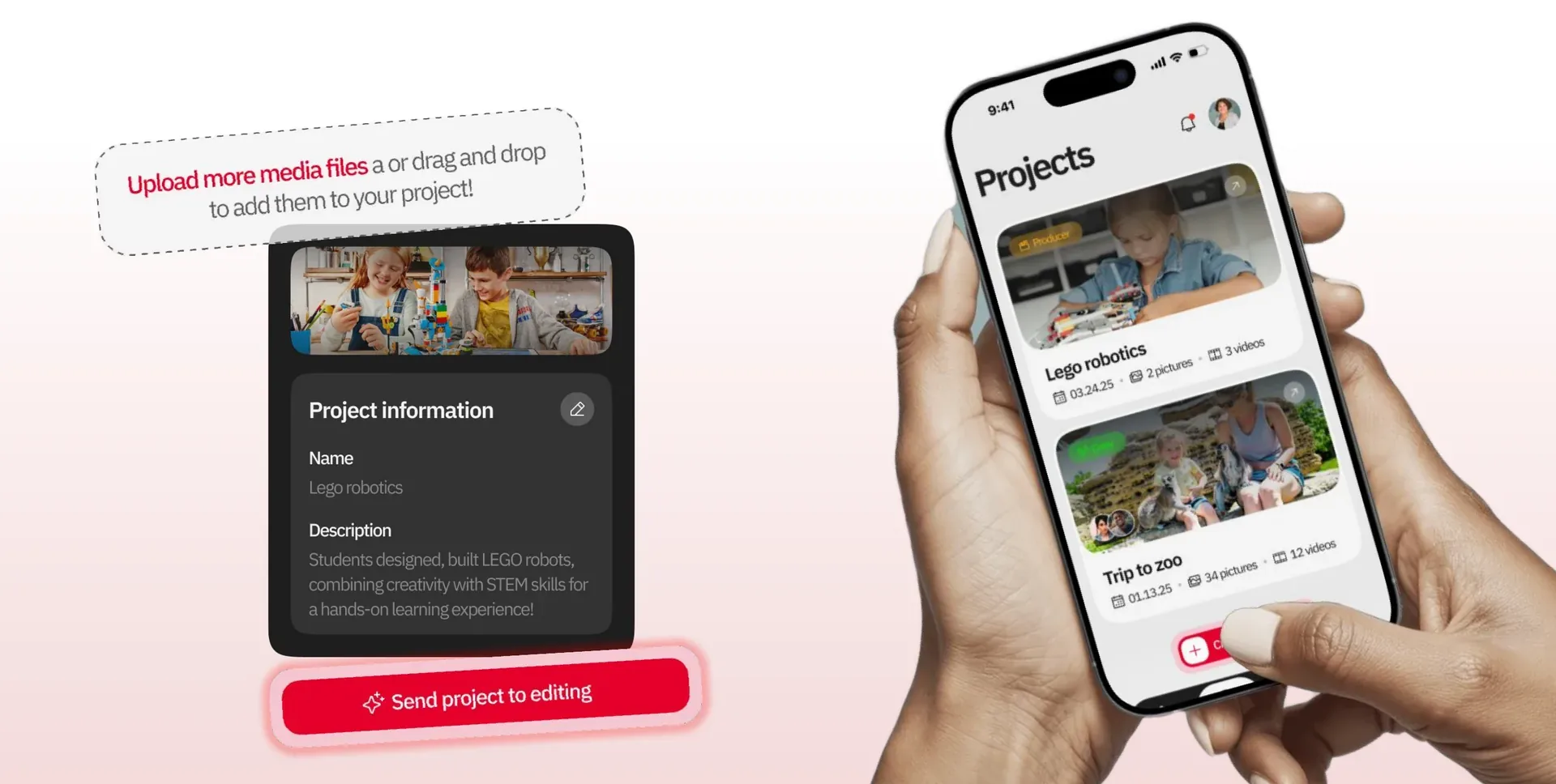
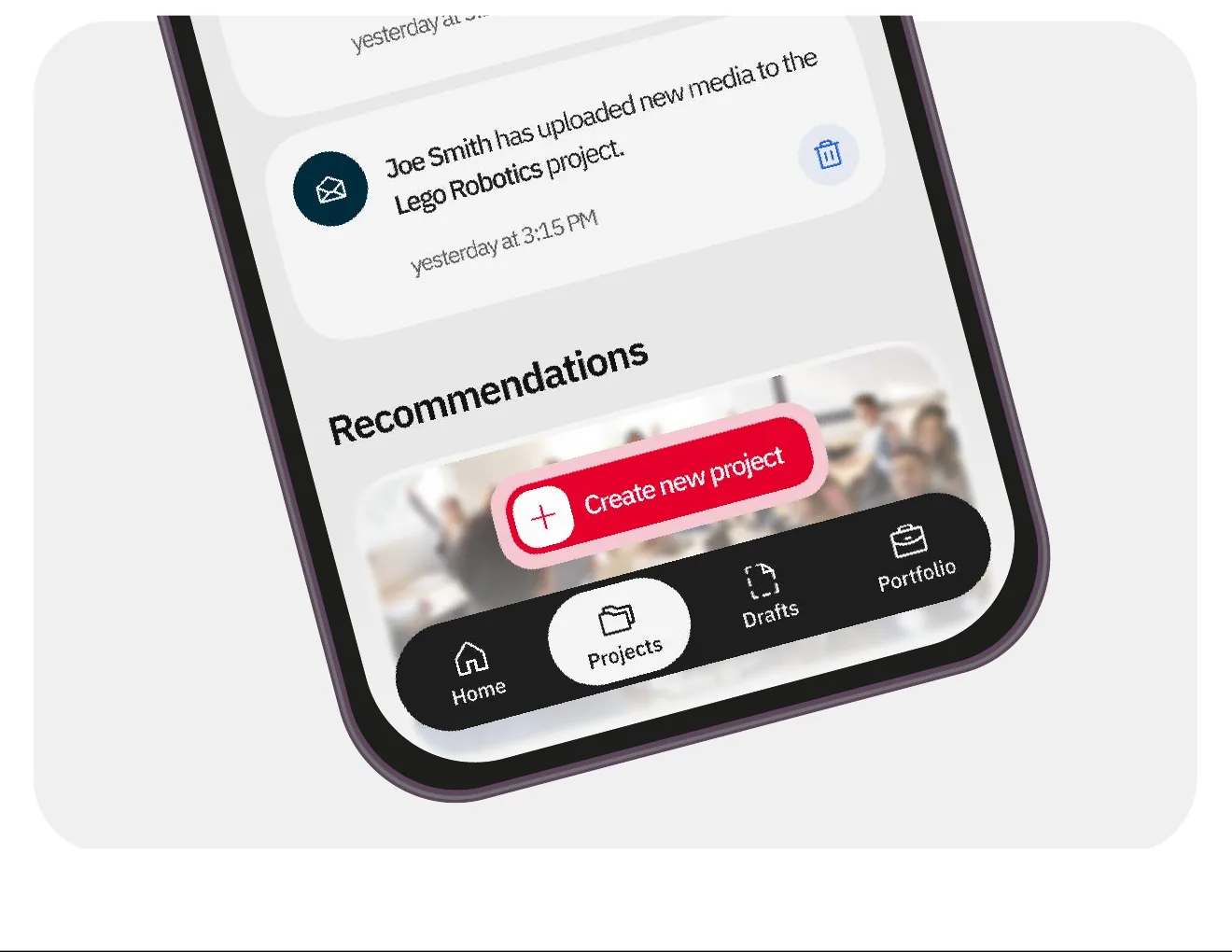
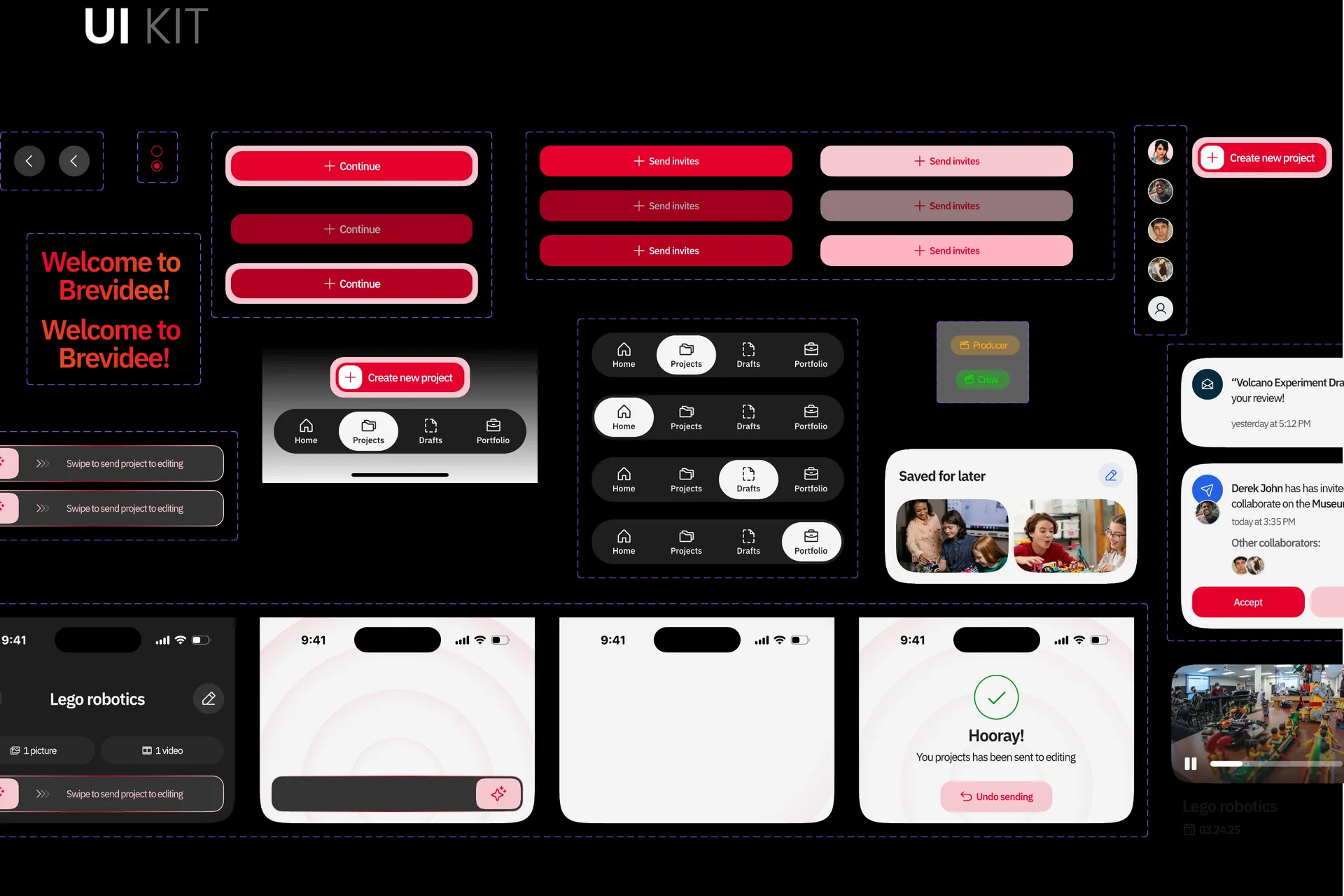
- Producers (teachers, staff, students) record and upload event videos from their phones.
- Executive Producers receive edited drafts in the app.
- They chat directly with the editor for feedback and changes.
- A school-aware AI assistant helps plan upcoming events and content calendars.
Brevidee Studio
The professional workspace for the editing team.
- Centralises footage from many schools and projects.
- Manages templates (JSON and simple Python).
- Edits through the Shotstack API, or exports to advanced tools such as Premiere Pro.
- Creates widgets that embed videos on school websites.
- Runs real-time chat with each school’s Executive Producers for reviews and approvals.
Results
What changed.
For schools
Faster cycles
On-device capture and in-app approvals cut turnaround time.
Smarter planning
AI reduces pre-production overhead and keeps quality consistent across events.
Higher engagement
More authentic, more frequent videos featuring real school moments.
For the business
Scalable SaaS
The Brevidee App is sold to schools, which brings recurring revenue.
Capacity lift
The editor focuses on quality while schools capture their own footage.
Clear feedback loop
Draft, mobile review, in-app chat, publish.
Key challenges
The hard parts, and how we solved them.
Multi-device, multi-format uploads
A resilient upload pipeline with background processing and consistent transcoding.
Template standardisation
JSON and simple Python templates for reusable, brand-safe compositions.
The feedback loop
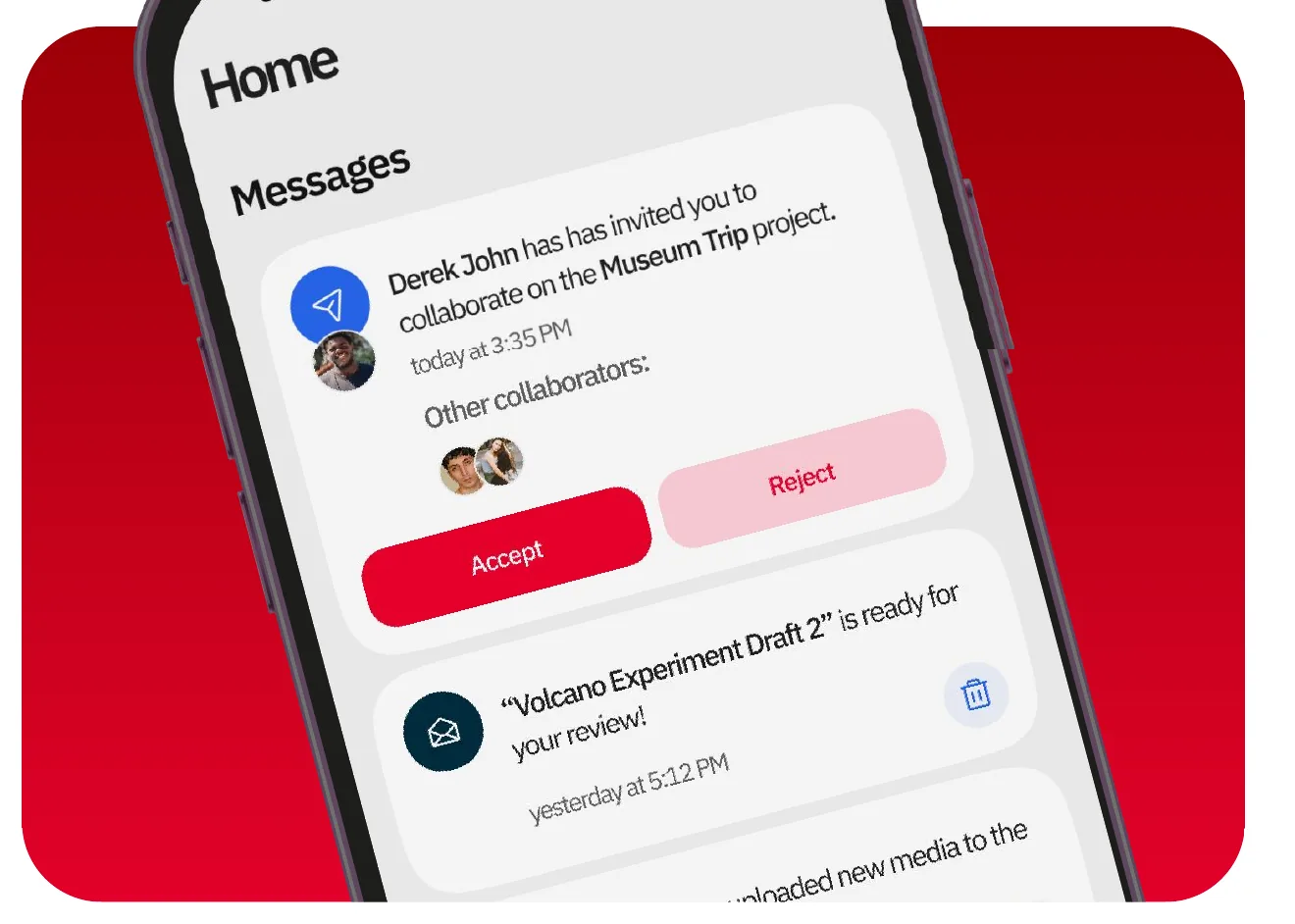
In-app draft review and chat between the Executive Producer and the editor.
Media player complexity
Smooth previews and consistent playback across devices.
Tech stack
What it runs on.
- Frontend
- ReactReact Native (Expo)ViteSocket client
- Backend and APIs
- Node.jsExpressMongoDBUpstashSocket
- Cloud and infrastructure
- AWS EC2Route 53AmplifyTranscribe
- Media and communication
- VimeoShotstackTransloaditPostmark
- AI and integrations
- OpenAILangfuse
- Auth
- Firebase
Process
How we got there.
01Research
User research · Competitive analysis · User flows · Journey mapping
02Discovery
Low-fidelity wireframes · High-fidelity mockups · Design system
03Solution
Interactive prototype · Development · User testing
Design
Typography and colour.
Typeface
Poppins
Poppins keeps the dashboard clean and modern, with excellent readability. Its geometric structure gives every screen a consistent, friendly feel.
Colour palette
Brevidee red
#C2000A
Deep black
#0D0F0E
Soft red
#F7C6CA
Grey
#5C5C5C
Bold red brings energy and forward motion, right for the vibrancy of school events. Deep black grounds it, so the platform feels professional as well as lively.
He brought genuine intelligence to the hard problems and cared about getting things right rather than just getting things done. The team he’s assembled at SprintX reflects that same standard.
More work.
All projects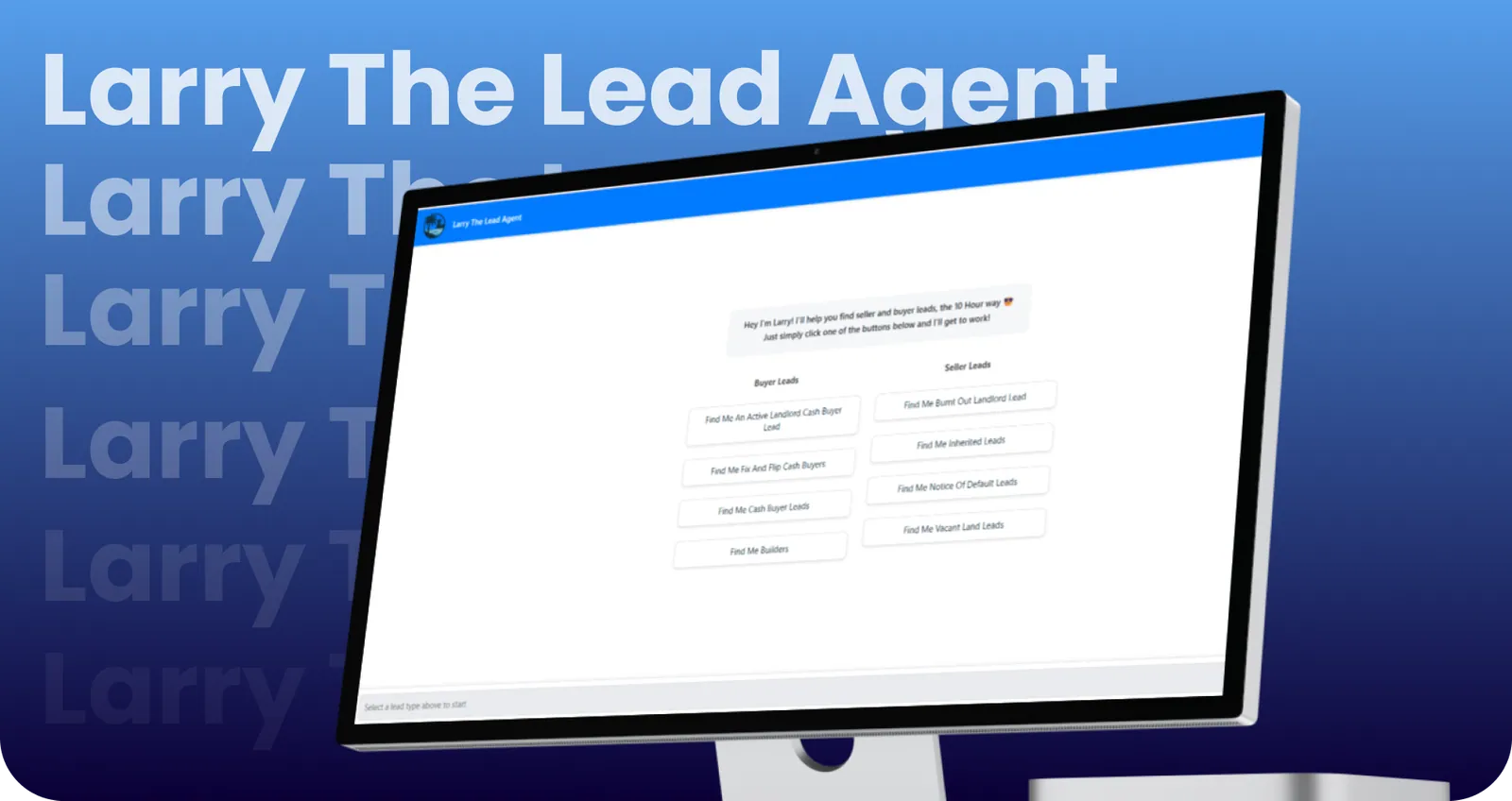
Larry The Lead Agent
AI-powered SaaS chatbot for real estate agents: conversational lead generation for sellers/buyers, tiered access, quota management, and personal lead repository. 3 Tags
Lander
AI-powered chatbot that instantly explains zoning laws and building permissions by district and plot, turning complex legal data into clear answers.
Building something like Brevidee?