
Case study · Productivity software
Clipboard Chrome Extension.
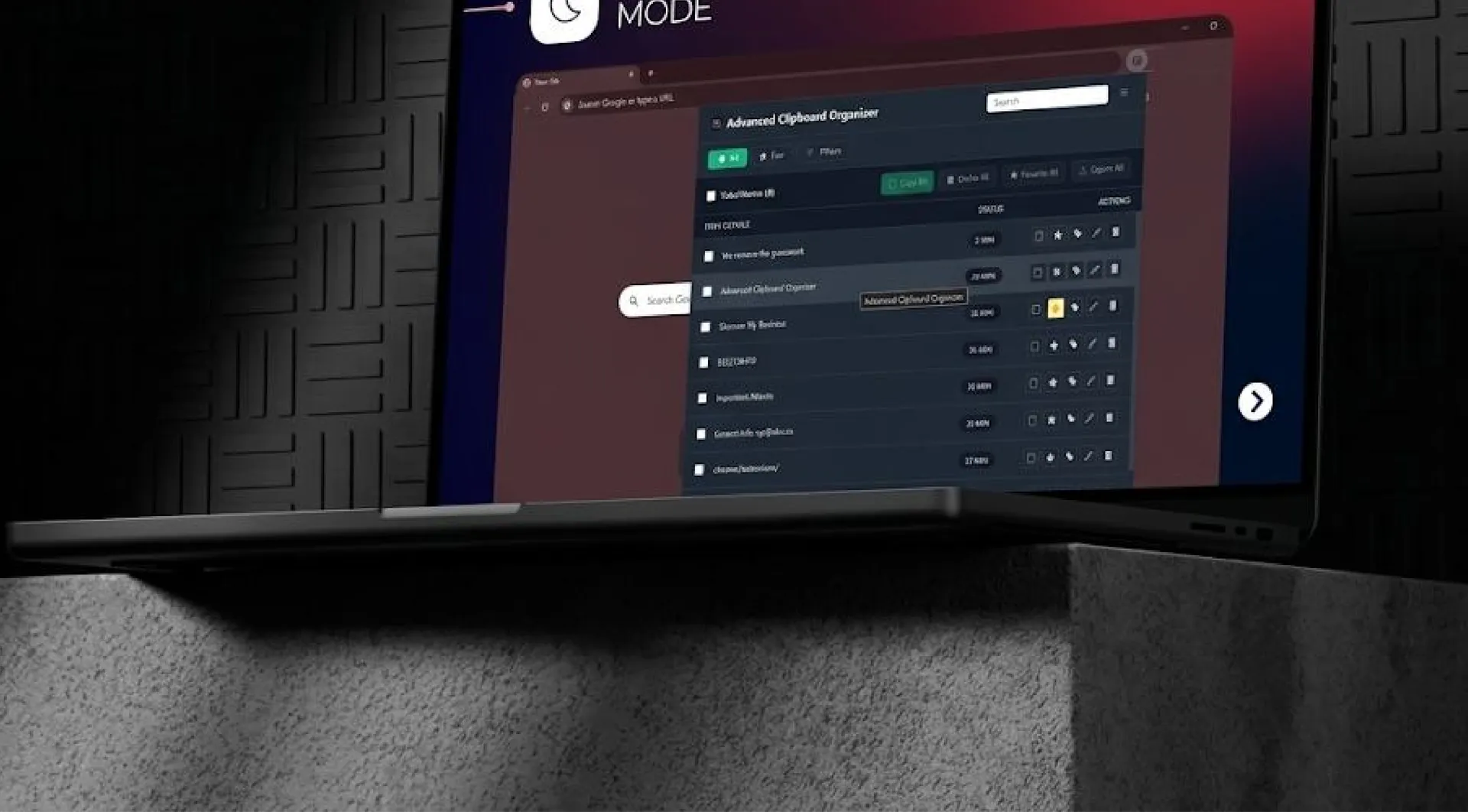
A cloud-enabled clipboard manager that automatically captures everything users copy and stores it securely with advanced organization and search capabilities.
- What we built
- Chrome extension with backend APIs and subscriptions
- Stack
- Vanilla JavaScript or React, Chrome Extension Manifest V3, Local Storage + IndexedDB, Node.js (Express) or Python (FastAPI)
- Services
- Chrome extensionBackend APIsCloud syncSubscription billing
About the project
What is Clipboard Chrome Extension?
This Chrome Extension is a cloud-enabled clipboard manager that automatically captures everything users copy and stores it securely with advanced organization and search capabilities. The solution combines a high-performance browser extension with backend APIs for authentication, cloud sync, and subscription management. It allows users to store text, links, rich text, and images while accessing them through multiple interface modes including popup, floating window, context menu, and keyboard shortcuts.
Objective
The objective was to build a fast, secure, and scalable productivity tool that works instantly after installation and supports recurring revenue through a Free and Pro subscription model.
Conclusion
The extension demonstrates how a browser-based utility can evolve into a secure, scalable SaaS product. By combining automatic clipboard capture, advanced organization tools, cloud synchronization, and subscription monetization, the solution enhances user productivity while generating sustainable recurring revenue. The system is fully deployable, Chrome Web Store–ready, and built for long-term growth.
The problem
What was slowing them down.
- 01
Limited clipboard history
Most operating systems offer limited clipboard history with no long-term storage, organization, or cross-device sync.
- 02
Losing important copied content
Users struggle with losing important copied content.
- 03
No tagging or filtering system
Users struggle with no tagging or filtering system.
- 04
No search optimization
Users struggle with no search optimization.
- 05
No privacy protection for sensitive data
Users struggle with no privacy protection for sensitive data.
- 06
No synchronization across devices
Users struggle with no synchronization across devices.
- 07
Business requirements
From a business perspective, building a monetized Chrome Extension also requires secure authentication, payment processing, and reliable backend infrastructure, which basic clipboard tools do not provide. The challenge was to deliver a secure, scalable clipboard manager that enhances productivity while enabling a sustainable SaaS model.
The solution
What we built.
Extension Capabilities
We developed a Chrome Extension integrated with backend APIs to provide automated clipboard tracking, advanced organization tools, and subscription-based cloud sync.
- Automatic monitoring of Ctrl+C / Cmd+C
- Smart duplicate detection
- Support for text, links, rich text, and images
- Storage up to 1,000 items (Pro)
- 30-day retention with auto-cleanup
User Interfaces
- Popup dashboard
- Always-on-top floating window
- Right-click context paste
- Customizable keyboard shortcut (default: Ctrl+Shift+V)
Organization & Productivity
- Real-time indexed search
- Filter by type, date, and tags
- Favorites (protected from auto-delete)
- Multi-tag support
- Light/dark themes
- Configurable settings panel
Privacy & Security
- Password-protected history
- Sensitive content blur
- Private mode & exclusion list
- JWT authentication
- Encrypted storage
- HTTPS-only APIs
- GDPR compliance
Subscription Structure
Users can upgrade directly within the extension.
- Free Tier: 50 items, 7-day retention, no cloud sync
- Pro Tier: 1,000 items, 30-day retention, cloud sync, all premium features
Backend & Subscription Model
The backend handles:
- Email/password authentication
- JWT session management
- Cloud storage and sync
- Full CRUD APIs for clipboard items and tags
- Stripe subscription integration
- Zapier webhook triggered on user registration
Results
What changed.
User Benefits
Prevents loss of copied content
Prevents loss of copied content.
Fast retrieval
Enables fast retrieval through indexed search.
Secure storage
Securely stores sensitive data.
Cross-device sync
Syncs clipboard history across devices.
Business Impact
Recurring revenue
Recurring subscription revenue via Stripe.
Automated onboarding
Automated onboarding with Zapier integration.
Scalable backend
Scalable backend architecture.
Chrome Web Store–ready
Chrome Web Store–ready deployment. The product converts a simple clipboard utility into a premium productivity SaaS platform.
Key challenges
The hard parts, and how we solved them.
Performance at scale: handling 1,000+ items without UI lag.
Implemented IndexedDB storage and indexed search optimization.
Secure cloud sync: protecting sensitive clipboard data.
Used JWT authentication, encrypted storage, and HTTPS APIs.
Multi-mode interface consistency: ensuring stable UX across popup, floating window, and shortcuts.
Modular UI architecture with shared state management.
Seamless Free-to-Pro upgrade: avoiding friction during payment flow.
Integrated Stripe with instant subscription verification.
Tech stack
What it runs on.
- Extension Development
- Vanilla JavaScript or ReactChrome Extension Manifest V3Local Storage + IndexedDB
- Backend Development
- Node.js (Express) or Python (FastAPI)PostgreSQL or MongoDBJWT AuthenticationStripe IntegrationHosted on Cloudways
Process
How we got there.
01User installs the extension
02On first use, user registers with email and password
03JWT session is created and Zapier webhook sends user data
04Clipboard events are automatically captured and stored locally
05Pro users' data syncs to the cloud via backend APIs
06Stripe manages subscription billing and upgrades
07Backend verifies subscription status and unlocks features instantly
More work.
All projects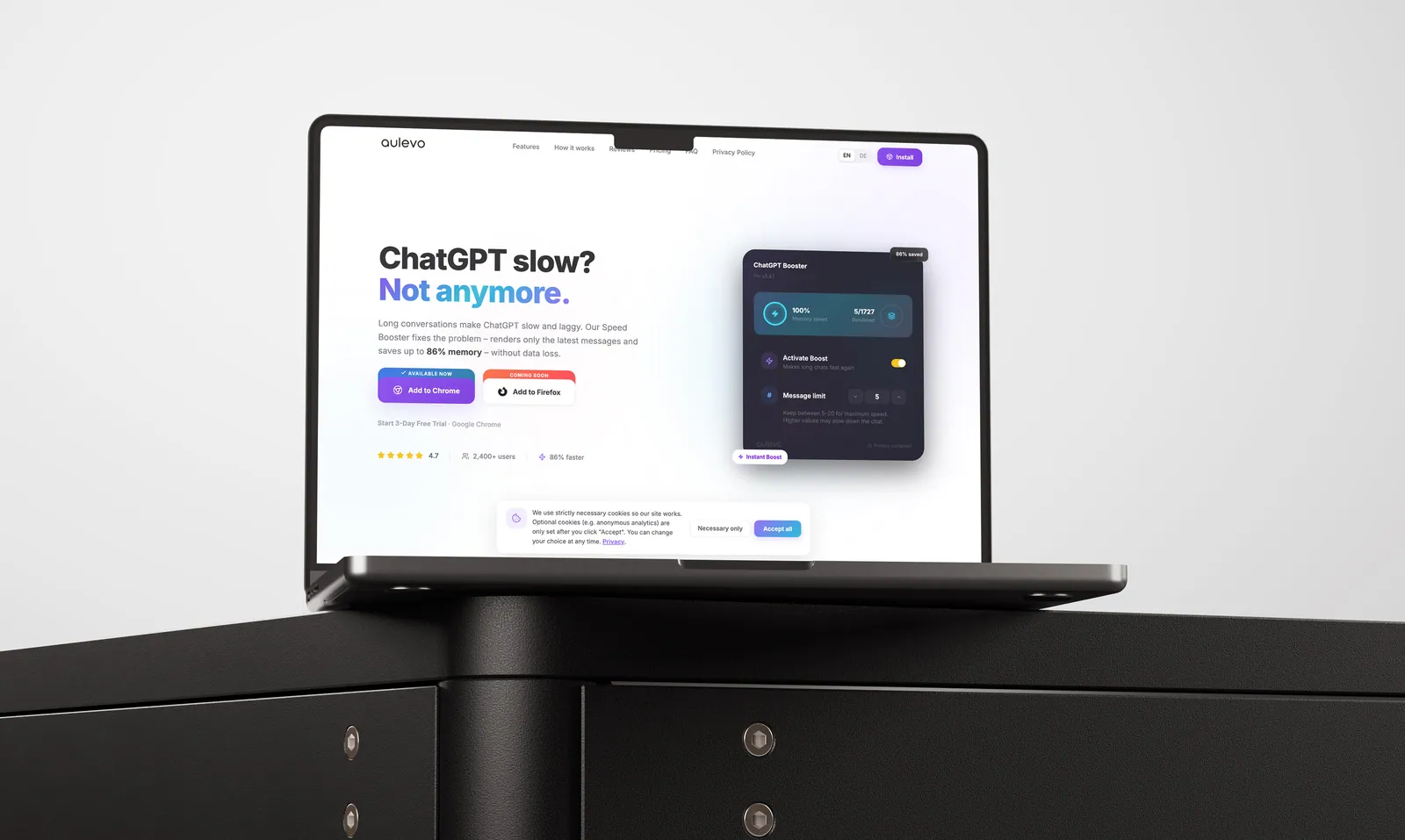
Aulevo Chat GPT Booster Chrome Extension
Built a SaaS Chrome extension that enhances ChatGPT performance by intelligently optimizing long conversations, reducing browser resource usage, and delivering a faster, smoother user experience with secure authentication, subscription management, and privacy-first architecture.
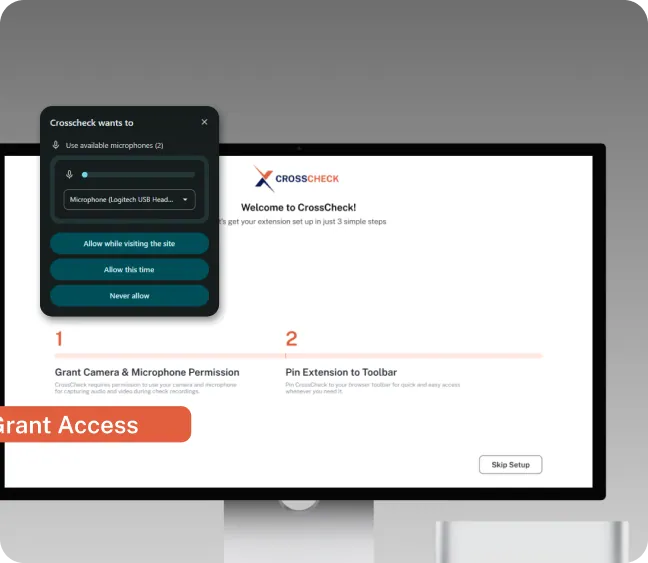
Cross Check
SaaS Chrome Extension for QA teams: instant session replays, annotated screenshots, screen recordings, and direct Jira/ClickUp bug task creation.
Building something like Clipboard Chrome Extension?