
Case study · Sales enablement
Google My Business - Chrome Extension.
A custom Chrome extension integrated directly with Google Maps, designed as an internal sales enablement tool for competitive local business analysis.
- What we built
- Internal browser extension with backend API
- Stack
- React 19.2.0, CSS Module Styling, 3rd Party Integration (API Integration of Google Maps), Chrome Database (for history)
- Services
- Browser extensionBackend APIUX/UI design
About the project
What is Google My Business - Chrome Extension?
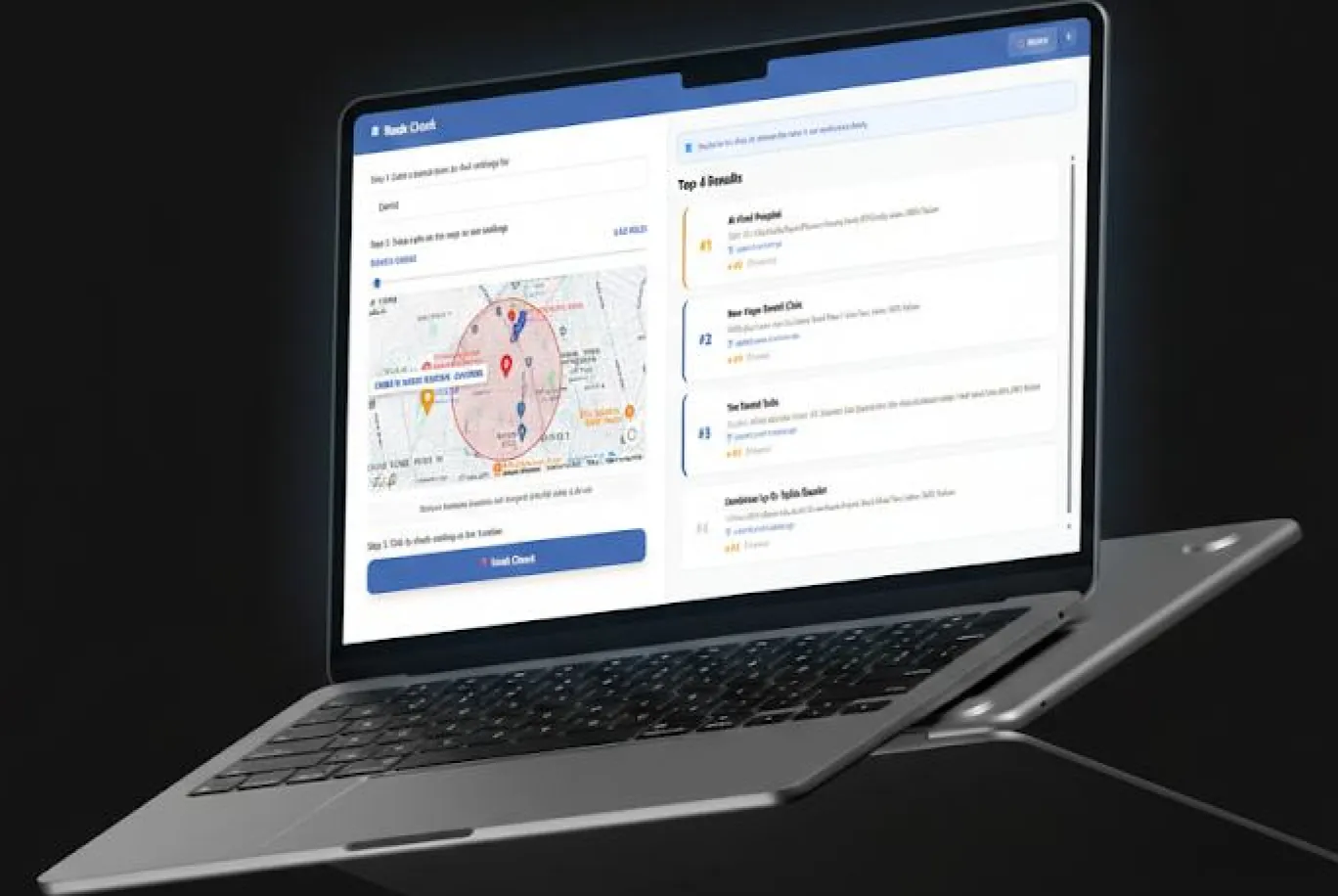
This project involved building a custom Chrome extension integrated directly with Google Maps, designed as an internal sales enablement tool for competitive local business analysis. Sales teams often need to evaluate business categories, rankings, and location-based competition on Google Maps, but the native platform lacks advanced tools for fast, repeatable analysis. The goal of this project was to enhance Google Maps with intelligent overlays, ranking insights, and location-based comparisons without disrupting the existing user experience. The solution was developed as a secure, internal-only system, combining a Chrome extension with a backend API deployed on cloud infrastructure. The tool enables sales teams to instantly analyze competitors, simulate rankings at any location, and track historical searches for future reference.
Solution
A custom Chrome extension was developed to augment Google Maps with advanced competitive analysis capabilities while maintaining a native look and feel. The extension injects intelligent UI elements into Google Maps, allowing users to detect categories, analyse rankings at any location, and visually compare competitors, all in real time.
Conclusion
This custom Chrome extension successfully enhanced Google Maps with advanced competitive analysis capabilities tailored for internal sales teams. By combining intelligent automation, clean UX design, and scalable backend logic, the project demonstrates a strong balance between technical execution and user-centric design.
The problem
What was slowing them down.
- 01
No easy way to identify a business's primary category
No easy way to identify a business's primary category instantly.
- 02
Manual, repetitive searches
Manual, repetitive searches for rankings across different locations.
- 03
Inability to simulate rankings
Inability to simulate rankings by moving to new geographic areas.
- 04
No historical record
No historical record of past competitive analyses.
- 05
Time-consuming workflows
Time-consuming workflows within Google Maps. These limitations made competitive research slow, inconsistent, and difficult to scale across teams.
The solution
What we built.
Automatic Category Detection
Instantly detects and displays the primary category of any business.
- Appears directly within the Google Maps business sidebar
- Always-on functionality with no manual activation required
Location-Based Ranking ("Teleport") Feature
Users can select any business and auto-fill its category.
- Drop a pin anywhere on the map to simulate a new location
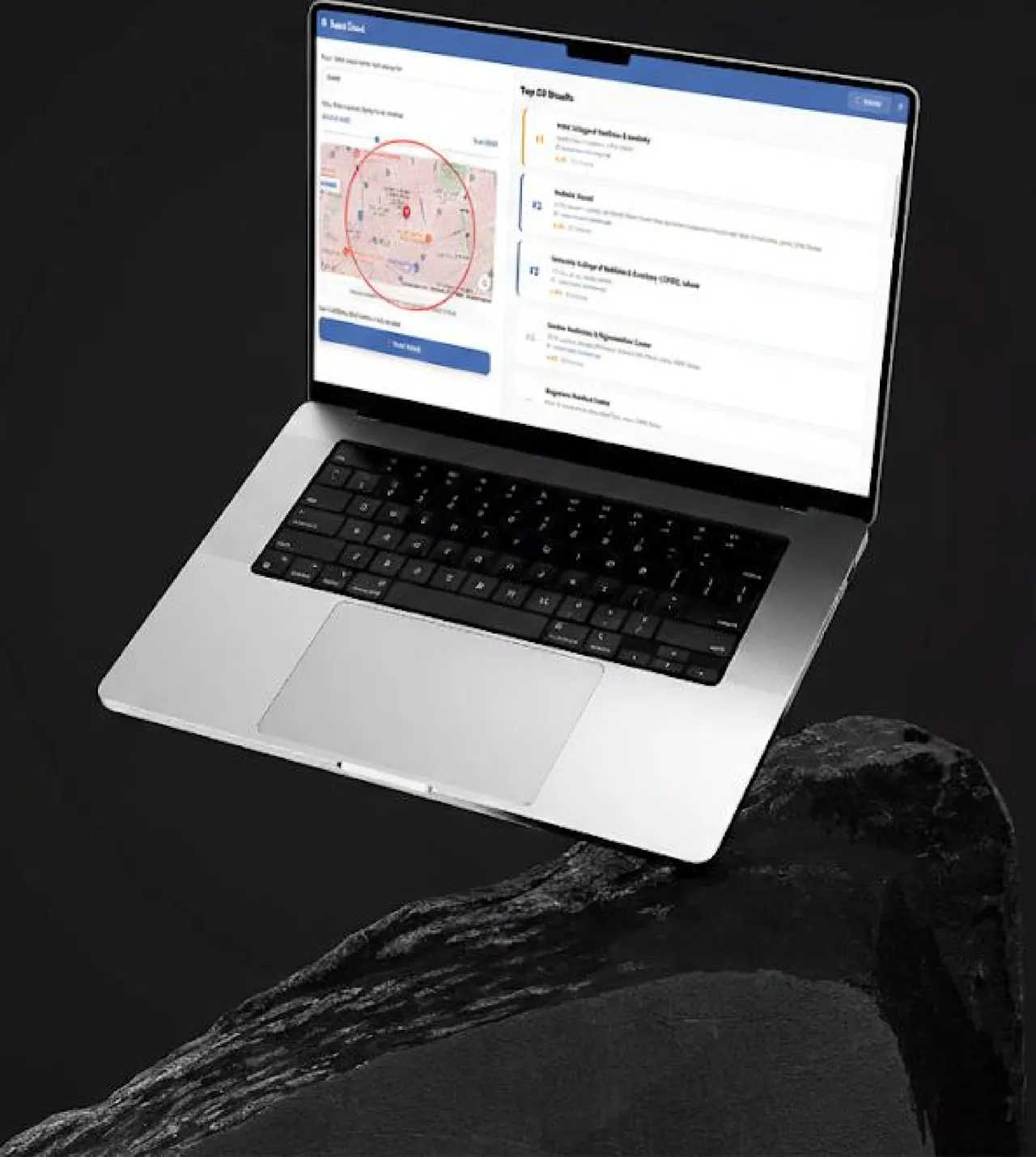
- Retrieve the top 20 businesses in that category at the pinned location
- Display the selected business's ranking within the top 20
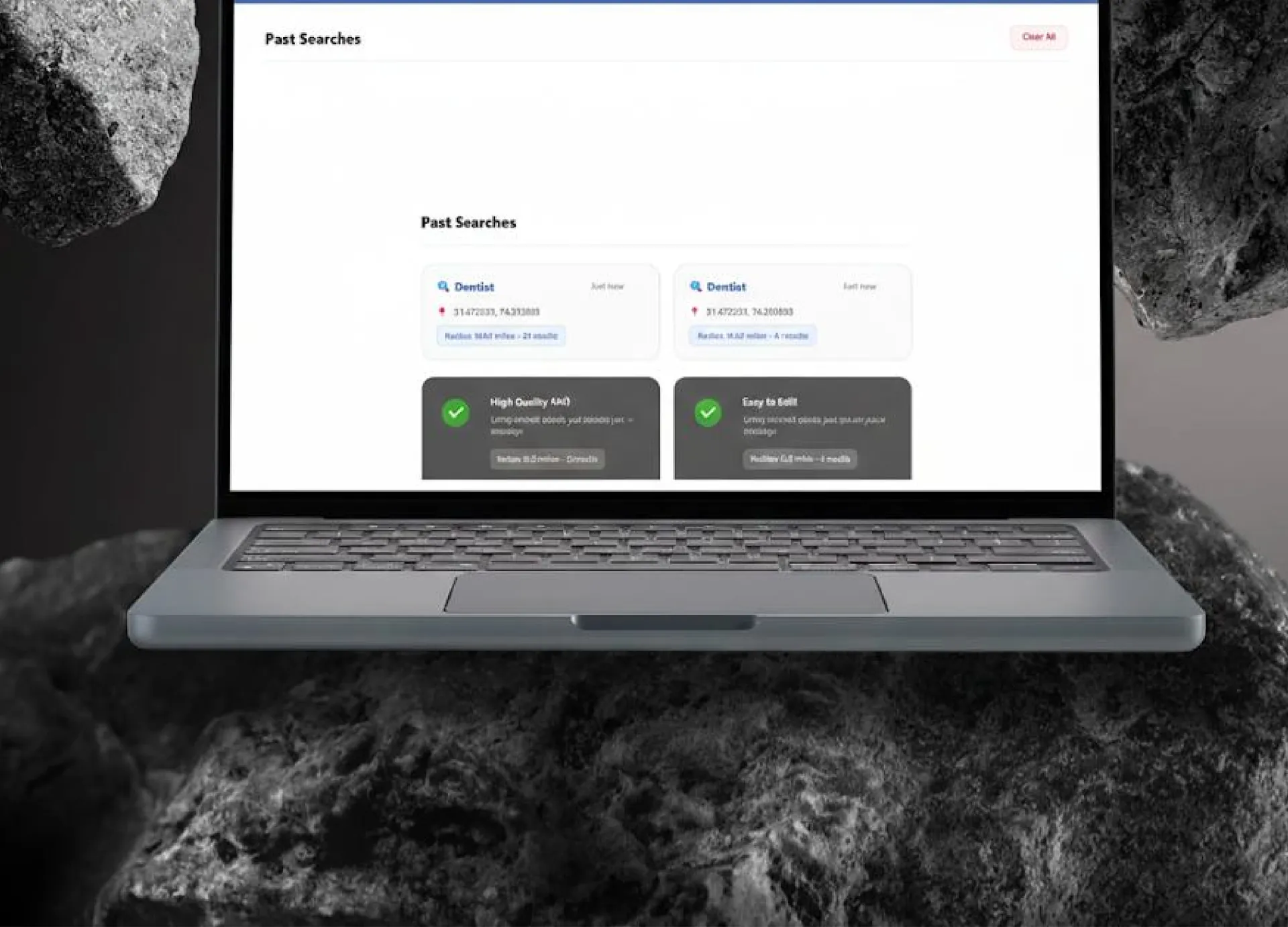
Search History & Replay
Automatically stores previous searches with location, category, and timestamp.
- One-click replay restores pin position and original search parameters
- Enables comparison, tracking, and repeat analysis
Visual Ranking Indicators
Color-coded system for fast competitive insights.
- Top 3 businesses highlighted in green
- Client's business clearly marked with a red ranking indicator
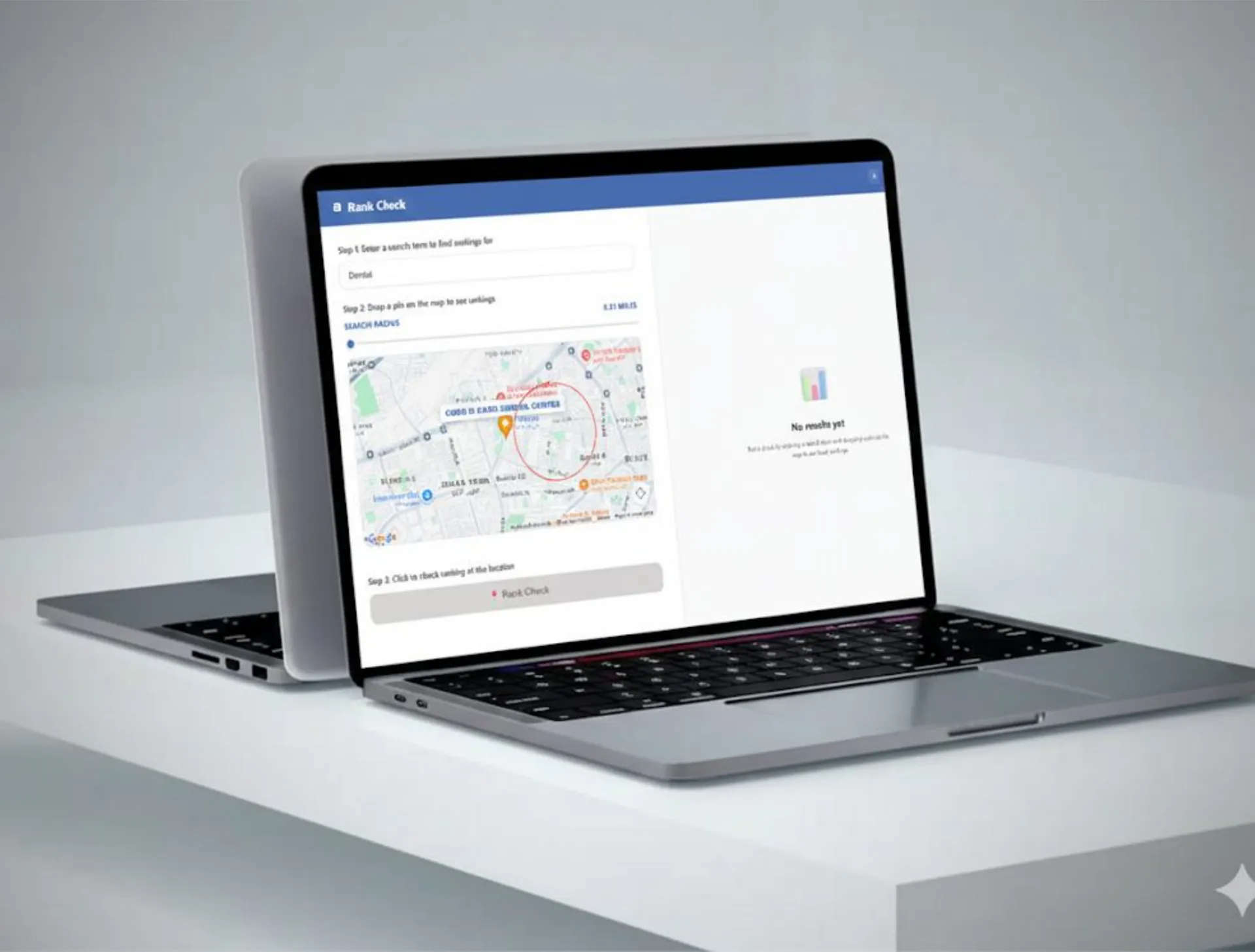
Adjustable Radius Search
Slider-based control to define search radius.
- Results dynamically update based on radius selection
- Optional visual radius overlay on the map
Results
What changed.
Sales teams
Time Savings
Eliminated manual category checks and repeated searches.
Faster Insights
Instant visibility into rankings and competition.
Improved Accuracy
Location-based simulations reduced guesswork.
Operational Efficiency
Sales teams could analyse multiple locations in minutes.
Scalability
Centralized system usable across teams without performance loss.
Key challenges
The hard parts, and how we solved them.
Extracting reliable category data
Implemented structured data extraction from Google Maps business profiles.
Maintaining Google Maps performance
Optimized extension scripts and minimized DOM interference.
Handling multiple location simulations
Built dynamic pin placement and ranking recalculation logic.
Clear ranking visualization
Used color-coded indicators for instant readability.
Historical data management
Designed persistent storage with replay functionality.
Tech stack
What it runs on.
- Frontend
- React 19.2.0CSS Module Styling3rd Party Integration (API Integration of Google Maps)
- Database
- Chrome Database (for history)
Process
How we got there.
01Research & Discovery
Studied sales team workflows and competitive analysis needs · Analysed existing market tools and identified feature gaps
02UX/UI Design & Prototyping
Designed sidebar-based layouts aligned with Google Maps UI · Focused on clarity, minimal clicks, and visual hierarchy
03Extension Development
Implemented Google Maps integration · Built category detection and teleport workflows · Added interactive map controls and sidebar results
04Backend Development
Developed API for data processing and ranking logic · Implemented secure data handling and storage
05Testing & Optimization
Tested across multiple categories and locations · Validated ranking accuracy and visual indicators · Optimized performance to avoid Google Maps slowdowns
06Deployment & Feedback
Deployed production version on cloud infrastructure · Conducted internal testing and incorporated feedback · Finalized documentation and installation guides
More work.
All projects
Watch Party
Real-time Chrome extension enabling synchronized Netflix watch parties with host controls, live chat, and seamless multi-user playback sync.
SENTRY
AI-powered platform generating consistent, print-ready corrective exercise programs from assessments, enabling customization, automation, and efficient workflows for fitness professionals.
Building something like Google My Business - Chrome Extension?