
Case study · Fire suppression and protection manufacturing
Zenova Chatbot.
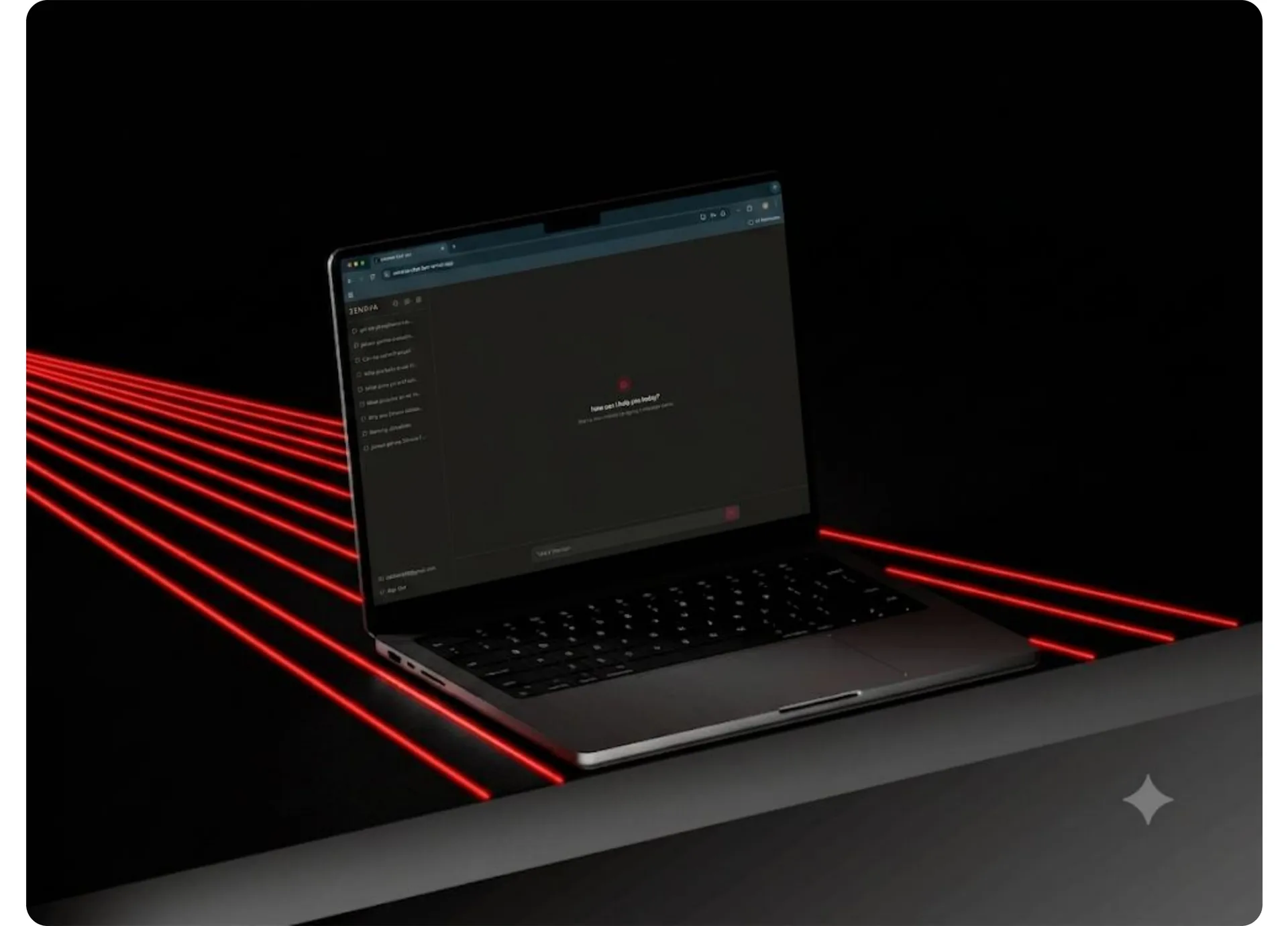
A secure AI chatbot that centralises internal documents and knowledge, enabling staff to instantly search information and generate client emails.
- What we built
- Internal AI chatbot (RAG) with admin panel
- Stack
- OpenAI GPT-4 / Anthropic Claude (via API), LangChain / custom retrieval pipeline
- Services
- AI chatbotRAG pipelineAdmin panelWeb app
About the project
What is Zenova Chatbot?
A UK-based manufacturer and distributor of fire suppression and protection products needed a smarter way to give their sales and technical staff instant access to a growing library of internal documents — product specs, safety data sheets, pricing guides, certifications, and client Q&A material. SprintX was engaged to design and build a private, AI-powered internal chatbot that would serve as the company's centralised knowledge hub, enabling staff to query documents in natural language, retrieve files on demand, and draft client-facing emails — all within a secure, login-protected web application.
The problem
What was slowing them down.
- 01
Time lost hunting for documents
The sales and technical teams were spending significant time hunting through OneDrive folders, emailing colleagues for documents, and manually composing client responses — all during live sales conversations. As the product range expanded (including new lithium fire certifications), the problem compounded.
- 02
No Centralized Knowledge Base
No centralised, searchable knowledge base for staff.
- 03
Fragmented Product Information
Product information scattered across PDFs, Word docs, and Excel sheets.
- 04
Inconsistent Client Email Drafting
No consistent way to draft accurate, professional client-facing emails quickly.
- 05
Lack of Visibility into Knowledge Gaps
Admin had no visibility into what questions staff were asking or where knowledge gaps existed.
- 06
Slow New Hire Onboarding
New hires required substantial ramp-up time to navigate internal documentation.
The solution
What we built.
Staff users
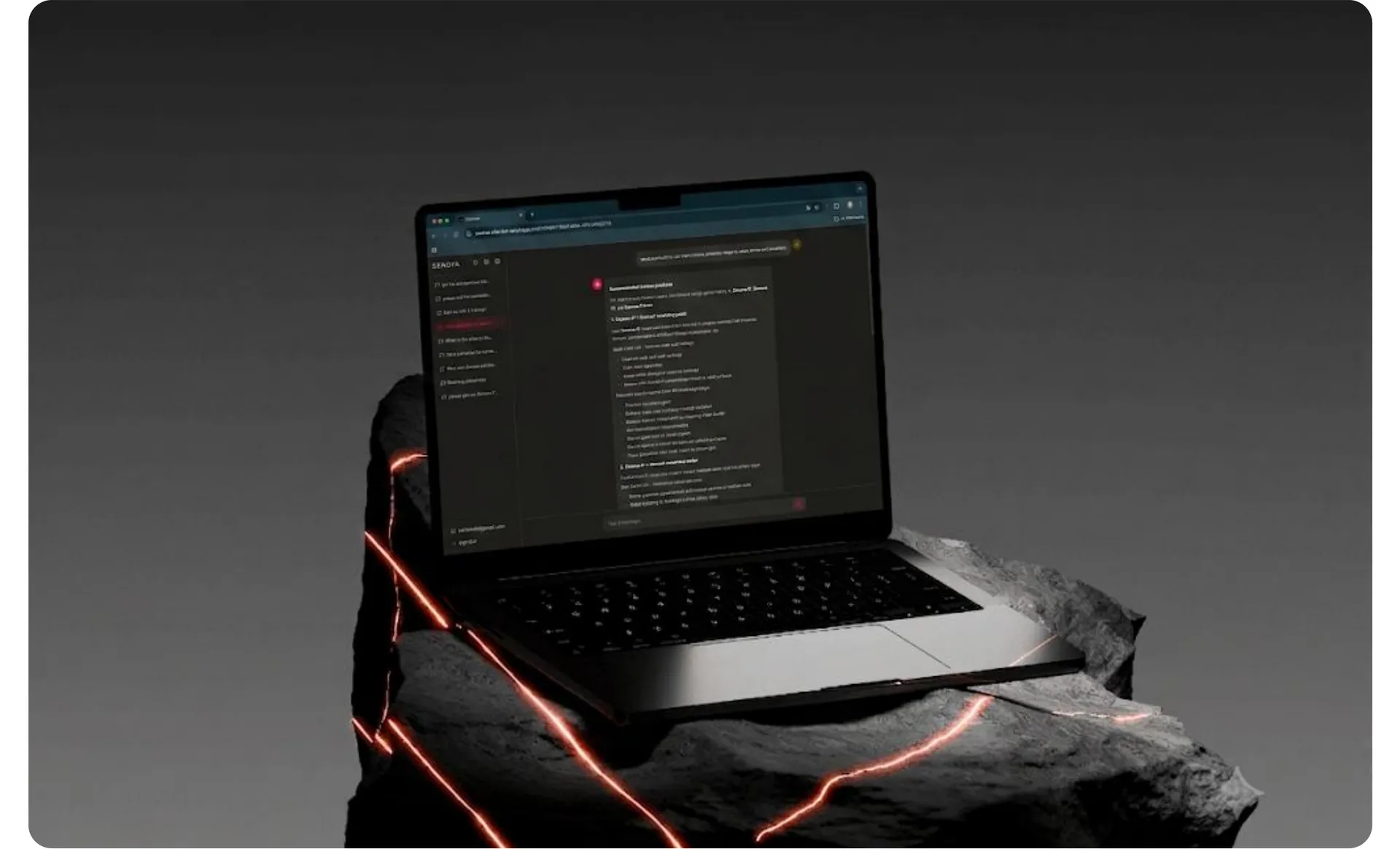
SprintX delivered a private, web-based AI chatbot built on Retrieval Augmented Generation (RAG), ensuring every response is grounded in the company's actual documents — not AI guesswork. Staff users query the chatbot and download documents.
- Natural language querying across all internal documents — product specs, SDS sheets, case studies, pricing, certifications, stock data, and application decks.
- Document retrieval in chat — staff can request a specific deck by name and download it directly from the chat interface.
- Email drafting mode — staff can ask the AI to reformat any response into a professional client-facing email, ready to copy and send.
Admin users
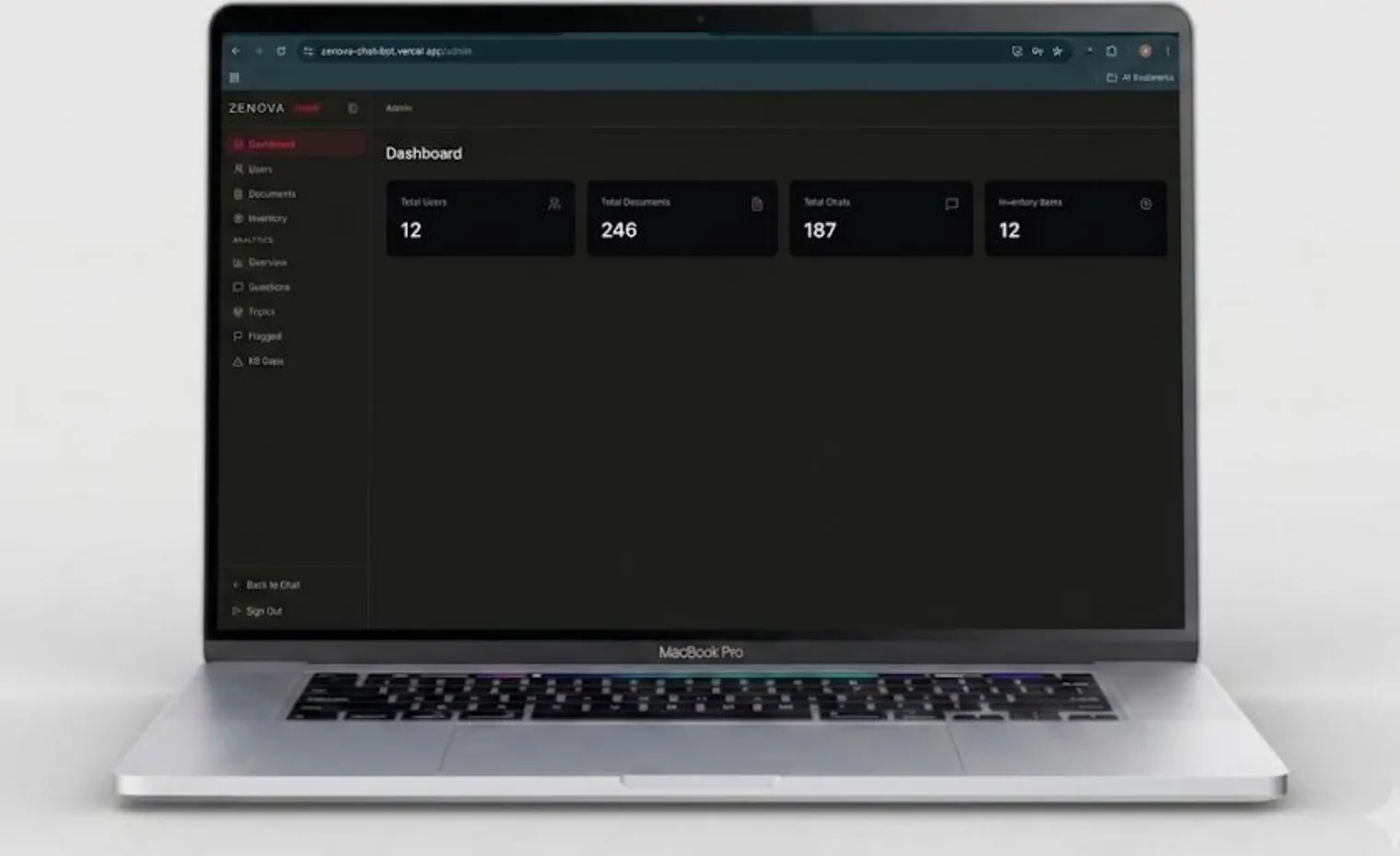
Admin users manage the knowledge base, users, and analytics.
- OneDrive/SharePoint sync — admins trigger a sync from the panel to pull in new, modified, or removed documents with zero developer involvement.
- Admin panel — full document management, user whitelisting, and access control in a non-technical interface.
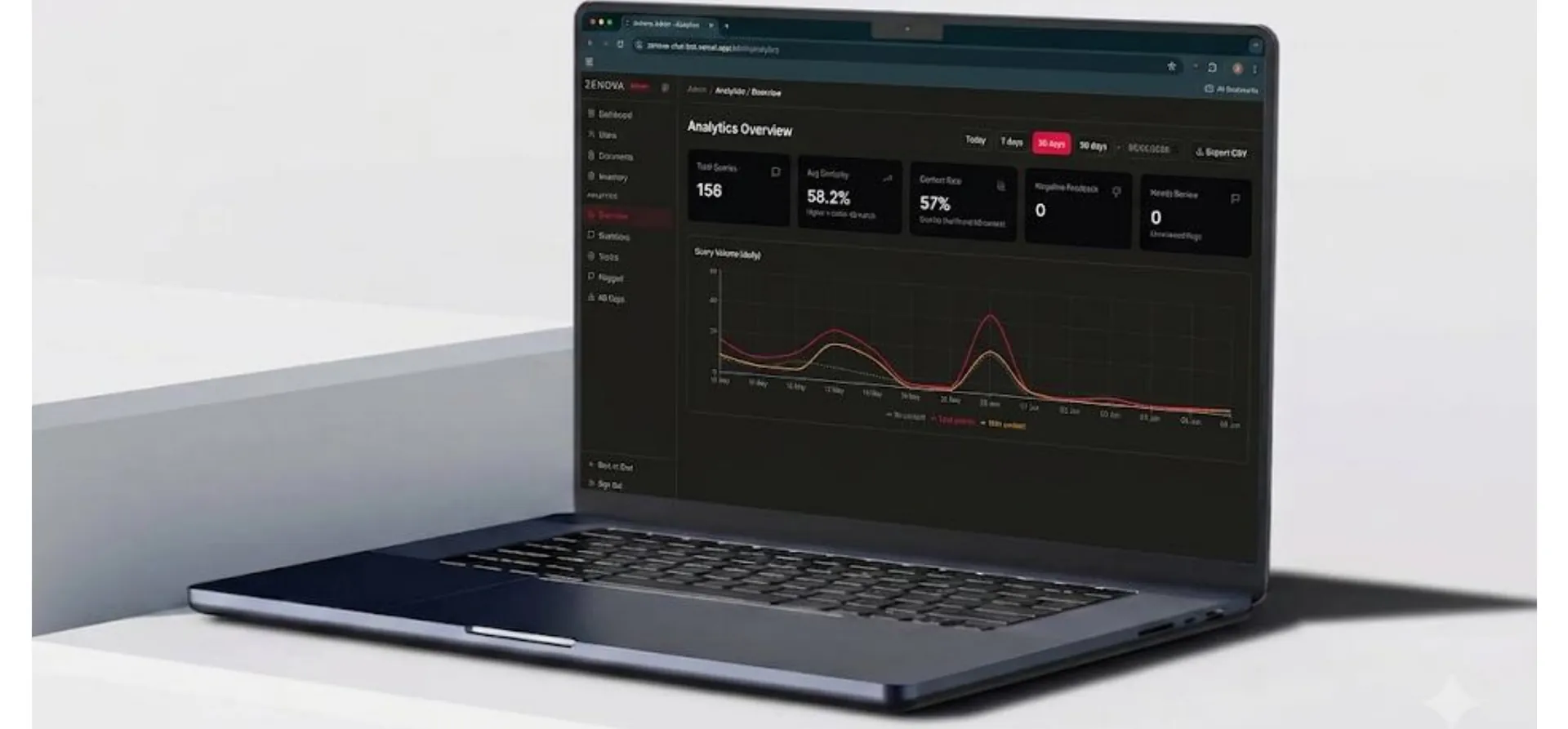
- Analytics via Langfuse — tracks query volume trends, most-asked questions, and most-requested products, with a thumbs up/down feedback loop that flags weak responses for review.
Results
What changed.
Operational results
Answers in seconds
Staff can now retrieve accurate product information and draft client responses in seconds rather than minutes.
A single queryable interface
The knowledge base consolidates all document categories — from certifications to pricing — into a single queryable interface.
Admin can update the knowledge base independently
Admin can update the knowledge base independently via OneDrive sync, with no developer involvement required post-launch.
Business value
Negative feedback flags surface knowledge gaps
Negative feedback flags surface knowledge gaps automatically, enabling continuous improvement of the system prompt and document coverage.
Onboarding time for new staff is reduced
Onboarding time for new staff is significantly reduced as the chatbot serves as an always-available internal expert.
Sensitive data remains in their own storage
The company's sensitive data remains entirely within their own storage — no third-party data retention beyond what API calls strictly require.
Key challenges
The hard parts, and how we solved them.
Ensuring response accuracy across diverse document types
The knowledge base spans PDFs, Word documents, and Excel sheets — each with different structure and formatting. We built a unified ingestion pipeline that processes all three formats into clean, chunked embeddings, ensuring the retrieval layer can surface relevant content regardless of source format.
Preventing hallucination on product-critical information
For a company dealing with fire suppression products, fabricated specifications or incorrect safety data would be unacceptable. The system prompt was engineered to constrain the AI strictly to retrieved content, with an explicit fallback instruction to acknowledge when a query cannot be answered from available documents rather than improvise.
Keeping admin in control without developer dependency
The admin needed to update the knowledge base as new products and certifications came to market — without raising a ticket to SprintX every time. The OneDrive sync integration and manual upload/delete functionality in the admin panel gave them full autonomy over the knowledge base post-launch.
Data privacy and security requirements
The client required that no company data be stored or retained by third parties. The architecture was designed so all document storage and vector embeddings remain within the client's own database, with AI API calls being the only external touchpoint — and those transmit only the minimum necessary content per query.
Tech stack
What it runs on.
- AI model
- OpenAI GPT-4 / Anthropic Claude (via API)
- RAG framework
- LangChain / custom retrieval pipeline
- Vector database
- Pinecone / pgvector
- Authentication
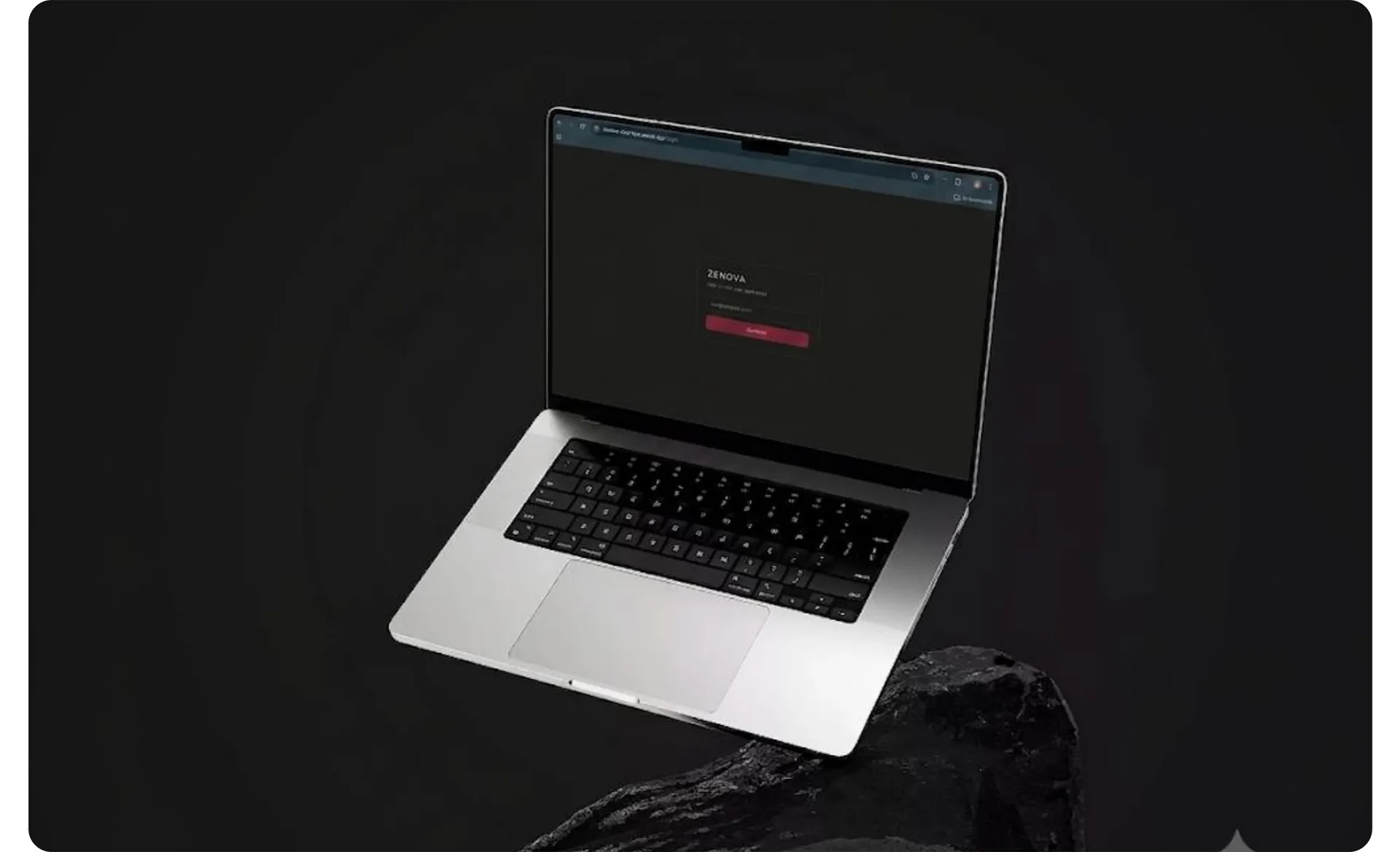
- Whitelist-gated auth with session management
- Backend
- Node.js / Python
- Frontend
- React.js
- Storage
- Client-owned cloud storage (OneDrive/SharePoint integrated)
- Analytics & logging
- Langfuse
- Hosting
- Secure cloud deployment (HTTPS enforced)
Process
How we got there.
01Staff logs in
Via a secure, whitelist-gated login portal.
02Staff submits a query
In natural language through the chat interface.
03The RAG pipeline retrieves
The most semantically relevant document chunks from the vector database.
04The AI generates a response
Grounded exclusively in retrieved content, with source context intact.
05Staff can request a document
By name — the system locates and surfaces it as a downloadable file within the chat.
06Staff can trigger email drafting
The AI reformats the response into a polished client email.
07Staff submits feedback
Via thumbs up/down on each response.
08Admin logs into the admin panel
More work.
All projects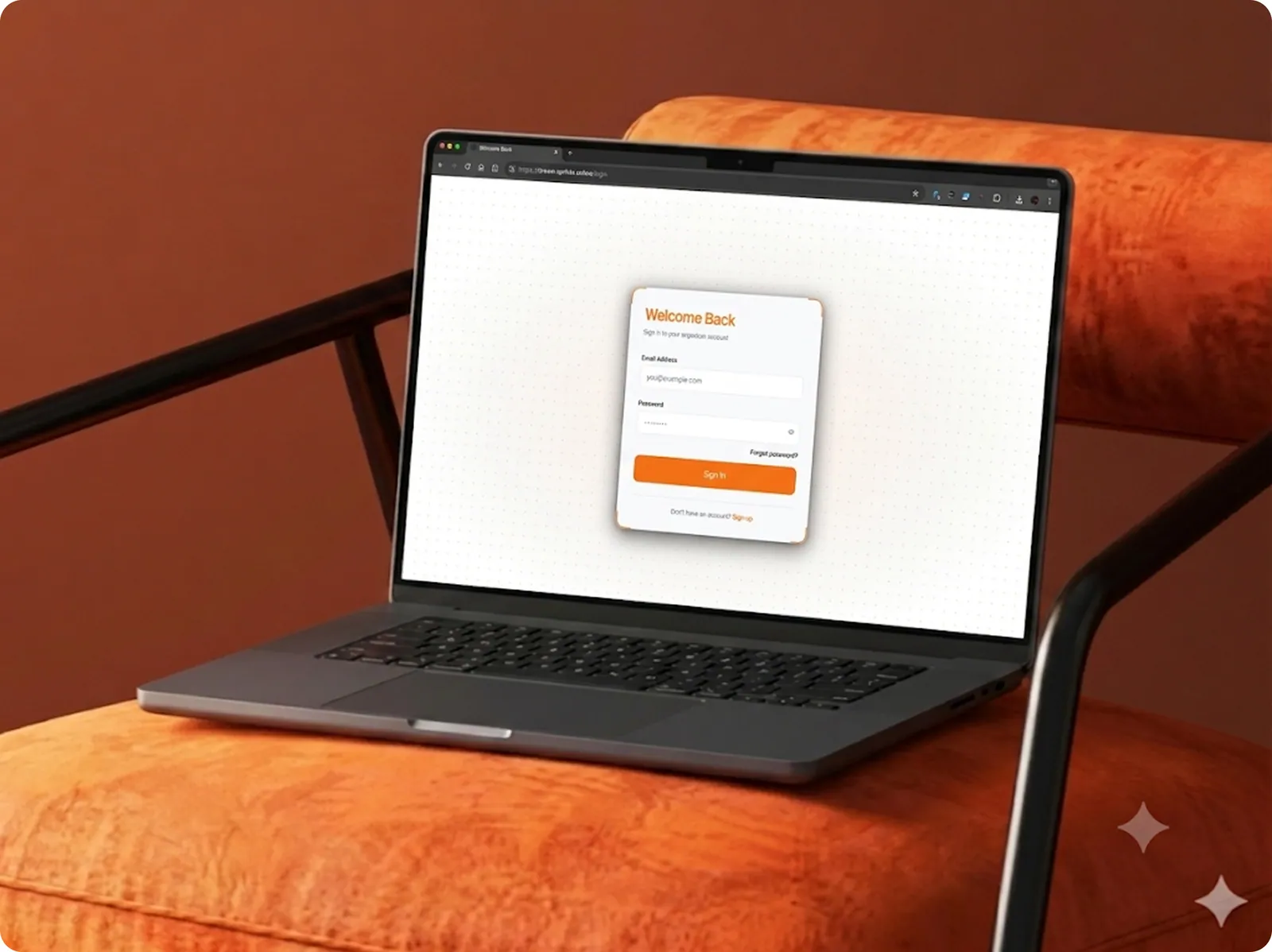
Dream - Multi Tenant SaaS Platform
Built a multi-tenant AI SaaS platform helping event organizers create meaningful attendee connections through intelligent matchmaking and guided networking workflows.
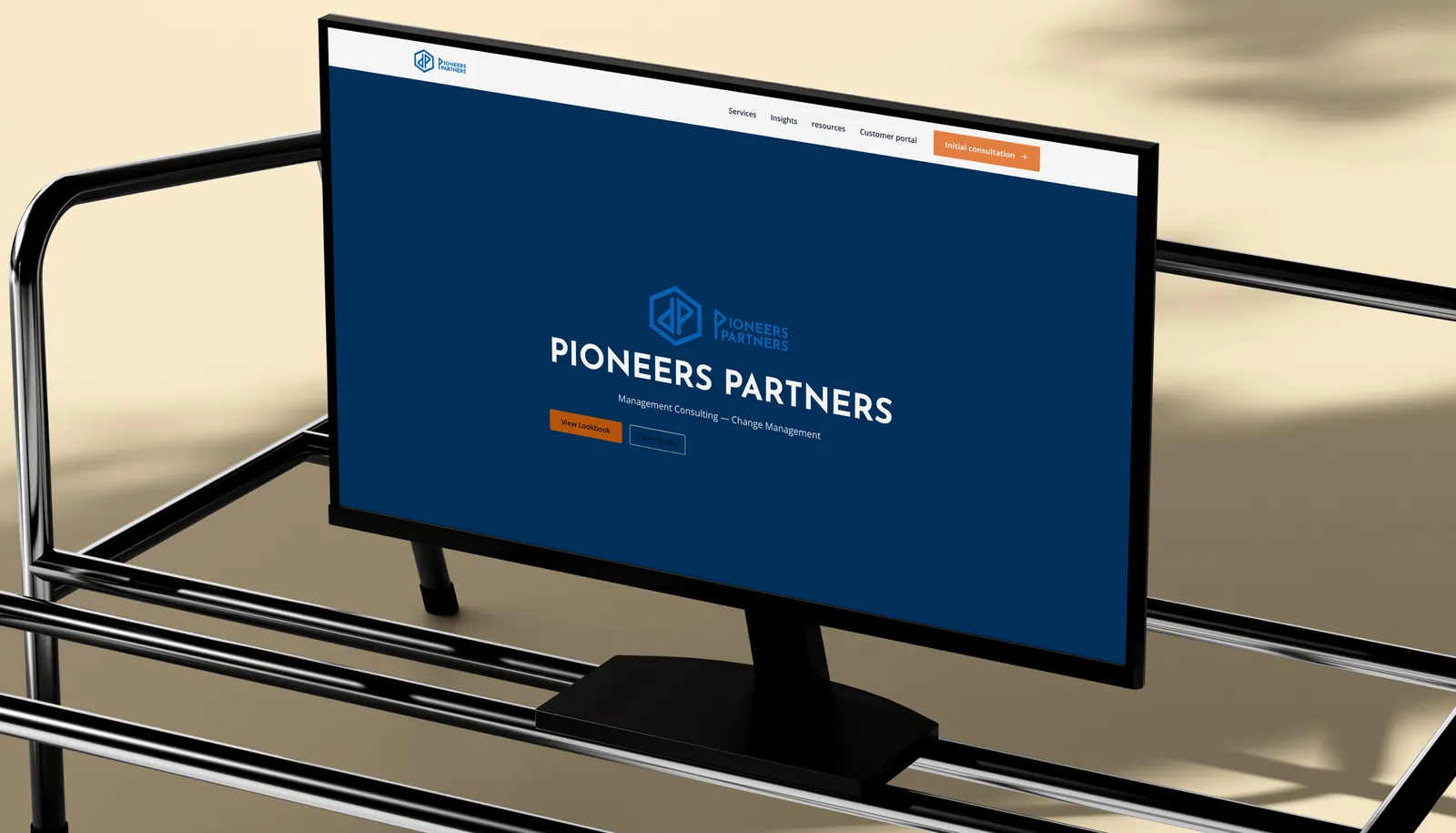
Pioneer Partners
Built an AI-powered headless CMS platform that enables businesses to create, manage, and publish website content through intelligent automation. The solution combines a modern Next.js frontend, reusable content components, AI-driven content management, automated publishing, SEO optimization, and a secure customer portal to deliver a scalable, high-performance web experience with minimal developer involvement.
Building something like Zenova Chatbot?