Why Your AI App Burns API Credits — and How to Fix It
A surprise five-figure API bill almost always traces to a handful of fixable mistakes. Here is how AI apps waste credits and how to stop it.
 SprintX Team9 min read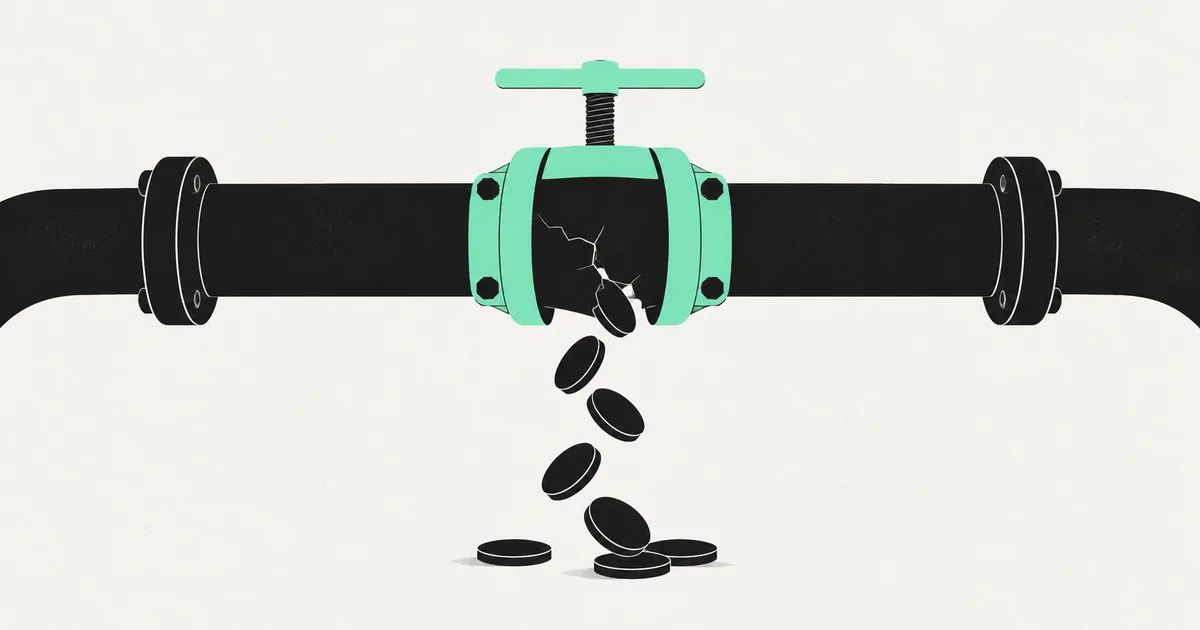
The email that starts most of our AI rescue jobs reads something like: "Our app works great, but we just got a $4,000 OpenAI bill and I have no idea why." The app is not broken. It is doing exactly what it was told — which turns out to be calling an expensive model far more often, and far more wastefully, than anyone intended.
Runaway API bills are almost never a mystery once you look. They come from a short list of specific mistakes, and every one of them is fixable without hurting the quality your users see. Here is what actually burns credits and the playbook we use to cut the bill.
Where the money actually goes
You are billed per token — roughly per word — for both what you send to the model and what it sends back. So cost scales with three things: how often you call the model, how much you send each time, and how expensive the model is. Nearly every runaway bill is one of those three dialed up by accident.

The five most common credit burners
1. Calling the model when nobody asked
The worst offender. An AI call fires on page load, on every keystroke, on every component re-render, or inside a polling loop that runs every few seconds. Users are not even interacting and the meter is spinning. We once found an app re-summarizing the same document every time a React component re-rendered — dozens of identical, paid calls per minute per user.
Fix: call the model only on a real user action. Debounce inputs, remove AI calls from render paths and effects that run repeatedly, and never put a model call inside a polling loop.
2. No caching
If ten users ask the same question, most apps pay for ten identical answers. If one user asks twice, you pay twice. The model has no memory between calls, so without a cache you re-buy answers you already have.
Fix: cache responses keyed on the input. Identical or near-identical requests should return a stored answer for free. This alone often cuts spend by a third or more on FAQ-style bots.
3. Using a giant model for a trivial job
Teams wire the largest, most expensive model into everything because it gives the best answers in testing. But classifying an email, extracting a date, or answering a simple FAQ does not need the flagship model. You are paying premium rates for a job a small model does perfectly.
Fix: route by difficulty. Send simple tasks to a small, cheap model and reserve the expensive one for genuinely hard reasoning. The price gap between model tiers is often 10x or more.
4. Sending too much context every time
Every call that stuffs the entire conversation history, a full document, or a giant system prompt into the request pays for all those input tokens — again and again, on every turn. Long context is sometimes necessary, but usually it is lazy.
Fix: trim the prompt. Send only the relevant context, summarize long histories, and retrieve just the pieces of a document that matter instead of the whole thing. Tighter prompts are cheaper and often produce better answers.
5. No limits and no visibility
The app has no per-user rate limit, no monthly spend cap, and no dashboard showing where tokens go. So one abusive user, a bug, or a traffic spike runs unchecked until the invoice arrives.
Fix: add rate limiting per user, set hard spend caps in your provider dashboard with billing alerts, and log token usage per feature so you can see what is expensive.
The savings, ranked
| Fix | Typical effort | Typical savings |
|---|---|---|
| Stop non-user-triggered calls | Low | Large |
| Cache repeated responses | Low–medium | Large |
| Route simple tasks to a cheap model | Medium | Large |
| Trim prompt and context size | Medium | Medium |
| Add rate limits and spend caps | Low | Prevents disasters |
The pattern is encouraging: the highest-impact fixes are also the cheapest to make. Stopping stray calls and adding a cache are usually a day or two of work and frequently cut the bill by more than half.
A quick self-audit
Ask these five questions about your app:
- Does any AI call fire without a user explicitly asking? (Check page load, effects, and polling.)
- If the same question is asked twice, do you pay twice?
- Is every task using your most expensive model, even the trivial ones?
- Are you sending the full history or full documents on every call?
- Could one user, today, run up an unlimited bill?
A "yes" to any of these is money leaking. Most struggling apps answer yes to three or four. If you want the model-provider-specific version, our guide on reducing OpenAI API costs in production goes deeper on token tactics.
Cost control is a feature, not an afterthought
The mindset shift that fixes this for good: treat every model call as something you are literally paying for, because you are. Design so the expensive path only runs when it has to, cache what you can, right-size the model to the task, and put a ceiling on spend. Do that and an AI app that was bleeding thousands a month usually settles into a predictable, modest bill — without your users noticing anything except that it still works.
Frequently asked questions
Why is my OpenAI bill so high when traffic is low? Almost always redundant calls. The model is being invoked on page loads, re-renders, or polling loops rather than on real user actions, so you pay even when nobody is using the app. Caching gaps and oversized models compound it.
Will cutting API costs make my app worse? Done right, no. Routing simple tasks to cheaper models, caching repeated answers, and trimming bloated prompts often improve speed and quality. You only risk quality if you naively downgrade the hard tasks too, which good routing avoids.
How much can I realistically save? It varies, but cutting stray calls and adding caching commonly reduces spend by half or more, and model routing can cut it further. The exact number depends on how wasteful the current setup is.
What should I do first? Add spend caps and billing alerts in your provider dashboard today so there are no more surprises, then hunt down and remove any AI call that fires without a user asking for it.
Watching your AI app quietly eat its own margins? SprintX audits and fixes AI cost problems — killing redundant calls, adding caching and smart model routing, and putting real spend controls in place — usually paying for itself in the first month's bill. Fixed-scope quote, you own the result, no lock-in. Get in touch and we will find where your credits are going.
Engineering and operations
Once it’s live, we keep it healthy.
Monitoring, backups, security updates and a monthly health report you can read in ten minutes.
Keep reading.
More on engineering and operations
Engineering and operations · 10 Aug 2026 · 6 min read
Refactoring AI-Generated Code Without Breaking It
AI-generated code fails in predictable patterns. Here is the sequence for cleaning it up that keeps the app working the entire time.
Engineering and operations · 29 Jul 2026 · 6 min read
AI-Built Apps That Broke in Production, and What Broke Them
Real failure patterns from AI-built apps that reached production — the symptom, the root cause underneath it, and the fix that actually held.

Engineering and operations · 23 Jul 2026 · 8 min read
Why a Vibe-Code Rescue Should Be Fixed-Scope, Not Hourly
The case for buying rescue work as fixed scope rather than hourly, what the contract needs to say, and the situations where hourly is genuinely the right call.