React Native App Development: A Founder's 2026 Guide
A founder-friendly guide to React Native app development in 2026 — what it is good at, where it is not, what it costs, and how a real build comes together.
 SprintX Team9 min read
If you are a founder trying to get a mobile app built, you have almost certainly heard "just use React Native." It is the most common recommendation for a reason — but "use React Native" is advice for developers, not an explanation for the person paying the bill. What does it actually mean for your cost, your timeline, and the quality of the app your users will hold in their hands?
This guide answers that. No framework tribalism, no jargon for its own sake — just what React Native is, when it is the right call, what it costs, and how a real build comes together in 2026.
What React Native actually is
React Native lets a team build one app, in one codebase, that runs on both iOS and Android. Instead of writing the app twice — once in Swift for iPhone, once in Kotlin for Android — developers write it once, and React Native renders real, native interface components on each platform. Your users get a genuine native app in the App Store and Google Play, not a website in a wrapper.
The framework is built and used at scale by Meta, and powers apps you already use across shopping, finance, and social. That maturity matters: React Native in 2026 is a proven, boring-in-the-good-way choice, not an experiment.
The practical payoff is simple. One codebase means one team, one set of features to build, and — crucially — one place to fix bugs and ship updates instead of two. That is where the savings really compound over the life of the app.
When React Native is the right choice (and when it is not)
React Native is the right default for the large majority of business and startup apps. It shines for:
- Standard product apps — social, marketplace, booking, productivity, on-demand services.
- SaaS companion apps that talk to an existing backend or API.
- MVPs where speed to market and budget matter, and you need both platforms at once.
- Content and commerce apps where the interface is forms, lists, feeds, and media.
It is not the right pick for everything. Consider native when your app is a graphics-heavy game, when it leans hard on cutting-edge, platform-specific hardware (advanced camera pipelines, ARKit-level features, deep Bluetooth work), or when you need to squeeze out the absolute last bit of performance for something computationally intense. For those, native's direct access earns its extra cost. If you are actively weighing frameworks, the React Native versus Flutter question is worth a dedicated read before you decide.
For everyone else — which is most people — React Native gets you a fast, high-quality app on both platforms for meaningfully less money.
What React Native app development costs
Cost is driven by scope, not by the framework. Here is a realistic 2026 picture by app complexity.
| App complexity | Build (one-time) | Timeline |
|---|---|---|
| Simple MVP (few screens, basic backend) | $8,000 – $20,000 | 4 – 8 weeks |
| Standard app (auth, API, payments) | $20,000 – $50,000 | 2 – 4 months |
| Complex app (real-time, integrations) | $50,000 – $120,000 | 4 – 8 months |
| Large product (multi-role, offline, scale) | $120,000+ | 8+ months |
The single codebase is why these numbers beat building native twice — and why ongoing updates cost roughly half of what maintaining two native apps would. If you want the full breakdown of what pushes a quote up or down, we cover React Native cost in depth separately.

How a React Native build actually comes together
A real project is more than "write the app." The pieces that matter:
- Scope and design. Nailing the feature list and the screens first is what keeps the budget honest. Scope creep here is the number-one reason projects balloon.
- The app itself. The React Native front end — the screens, navigation, and interactions your users touch.
- The backend. Accounts, data, and business logic. Many apps pair React Native with Supabase or Firebase for the database and auth, which keeps cost and complexity down.
- Integrations. Payments (Stripe), maps, notifications, analytics, and anything talking to existing systems. Each adds real hours.
- Native modules, if needed. For most apps, none. When you need deep hardware access React Native does not cover out of the box, a small amount of custom native code bridges the gap.
- Testing, store submission, and launch. Getting through Apple and Google review, then shipping — with the accounts registered to you.
The backend is the part founders consistently underestimate. The app is only half the product; the data layer behind it is the other half, and it is where a lot of the real engineering lives.
The costs beyond the build
Budget for the app's life, not just its launch:
- App store fees: Apple's Developer Program is $99/year; Google Play is a one-time $25.
- Backend hosting: typically $20–$500+/month depending on usage — Supabase, Firebase, or your own servers.
- Maintenance: iOS and Android release new versions constantly, and libraries need updating. Budget roughly 15–20% of the build cost per year to keep the app healthy. Skipping this is how a working app slowly breaks.
Frequently asked questions
Will a React Native app feel as good as a native one? For the vast majority of apps — social, commerce, booking, productivity, SaaS — users cannot tell the difference when it is built well, because React Native renders genuine native components. The cases where native has a clear edge are heavy games and apps built around specialized hardware.
Is React Native really cheaper than native? Yes, for building both iOS and Android, because you share most of the code instead of writing two separate apps. The savings are largest on ongoing updates, where you fix and ship once instead of twice. For a single platform only, the gap narrows.
How long does a React Native app take to build? A simple MVP is typically 4–8 weeks, a standard app with accounts and payments 2–4 months, and a complex real-time or multi-role app longer. The feature list and backend complexity drive the timeline far more than the framework does.
Do I own the code and the app? With the right partner, yes — the source code and the Apple and Google developer accounts should be registered to you and stay with you. Insist on this before starting; it is how you avoid being locked into any one developer or agency.
Ready to build a cross-platform app the right way — or revive one that stalled? SprintX ships React Native apps on a fixed-scope quote, with full ownership of the code and store accounts and no lock-in. Tell us your idea and we will give you a straight answer on cost and timeline.
Building software
Systems your business runs on.
Custom platforms, internal tools and integrations that move work off spreadsheets.
Keep reading.
More on building software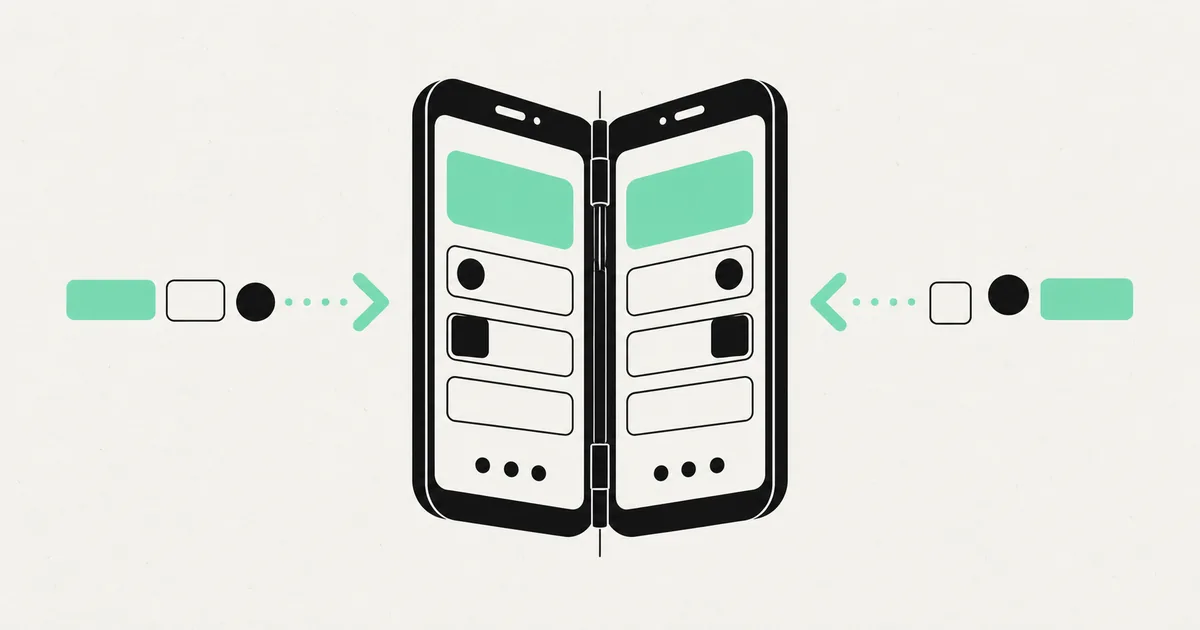
Building software · 11 Jul 2026 · 9 min read
Adding RTL (Arabic/Hebrew) Support to a React Native App
What it really takes to make a React Native app work in Arabic and Hebrew, from layout mirroring to the icon and gesture details teams always miss.

Building software · 18 Jul 2026 · 8 min read
React Native App Development Cost in 2026
A clear, no-hype breakdown of what a React Native app actually costs to build in 2026 — from an MVP to a complex, integration-heavy product.

Building software · 18 Jul 2026 · 8 min read
Mobile App Development Services (UK) — Fixed-Scope Builds
A straight guide to mobile app development services for UK businesses in 2026 — fixed-scope builds, real timelines, and what actually drives the quote.