From Vibe-Coded MVP to Production-Ready App
A practical roadmap for hardening a vibe-coded or AI-generated MVP into a real production app — security, data, testing, and deployment.
 SprintX Team9 min read
Vibe coding is genuinely remarkable. You describe an app to an AI tool — Lovable, Bolt, Cursor, Replit — and minutes later you have something that runs, logs users in, and demos well enough to win a meeting. For validating an idea, it is the fastest thing to happen to software in a decade. The trouble starts when that demo gets real users, real data, and real money moving through it, because the gap between "it runs" and "it is production-ready" is exactly the part the AI skipped.
This is not an argument against vibe coding. It is a map of what has to happen next, so the app that got you your first customers does not fall over when you get your fiftieth.
Why vibe-coded apps demo well but break in production
AI code generators optimize for one thing: producing something that works right now, in the happy path, on the builder's own preview environment. They are brilliant at UI and scaffolding. They are careless about everything a demo never exercises — what happens when two users act at once, when input is malformed, when an API key is exposed, when the database needs a migration, when someone tries to read another user's data.
None of that shows up in a demo. All of it shows up in production. The result is an app that looks finished and is structurally about 60% of the way there — with the missing 40% being precisely the parts that keep it secure and stable.
The five gaps that matter most
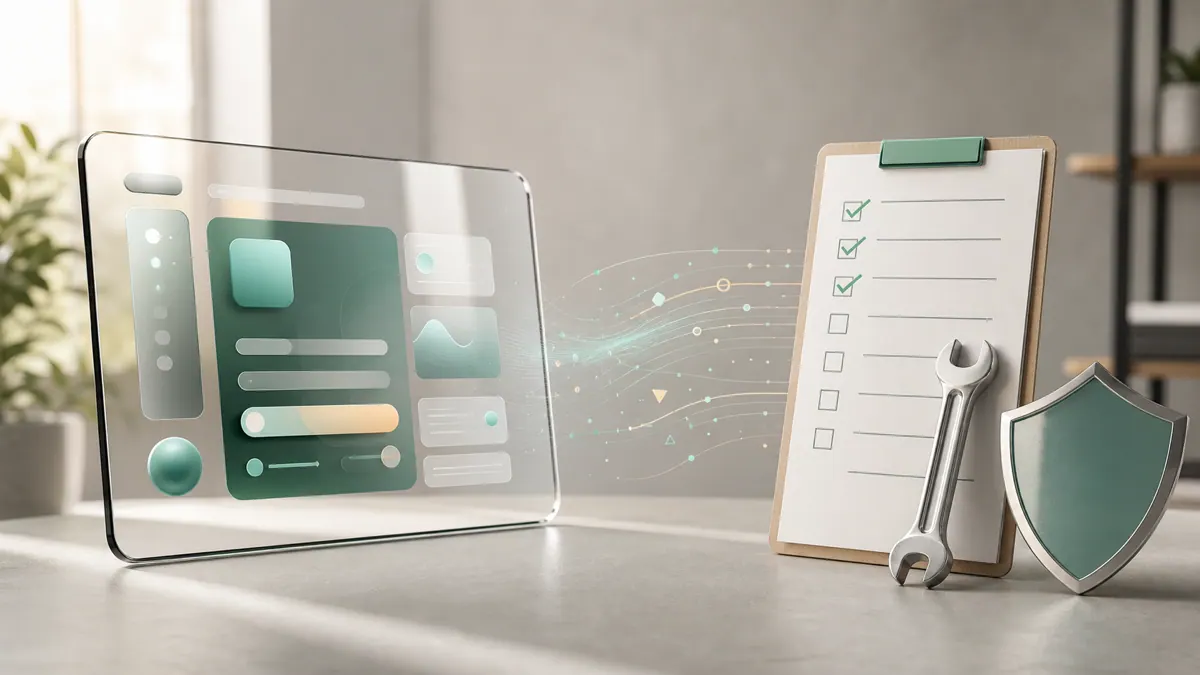
We have hardened enough of these builds to know where the bodies are buried. In rough priority order:
| Gap | What it looks like in a vibe-coded app | Why it bites |
|---|---|---|
| Security | API keys in frontend, no access rules | Data leaks, abuse, surprise bills |
| Data integrity | No validation, no migrations | Corrupt records, lost data |
| Error handling | Happy path only | Blank screens, silent failures |
| Cost control | AI calls fire on every event | Runaway API bills |
| Deployment | Only works in the builder's preview | Can't ship, can't scale |
1. Security is almost always the emergency
The most common serious flaw: secrets and permissions. AI-generated apps routinely put API keys directly in frontend code, where anyone can read them from the browser, and skip database access rules entirely so any logged-in user can query any row. If your app uses Supabase, that means Row Level Security is off or wide open. Fixing this is job one — move every secret to the server and lock down data access per user before another customer signs up.
2. Data that cannot be trusted
Demos use clean input. Production gets empty fields, emoji in phone numbers, duplicate submissions, and half-finished records. Vibe-coded apps rarely validate input or enforce constraints at the database level, so bad data accumulates quietly until a report is wrong or a feature breaks. You need validation on the way in and real database constraints underneath. And because the AI likely never set up migrations, changing the schema safely — without wiping data — is its own task to solve.
3. Error handling beyond the happy path
Ask a vibe-coded app what happens when the payment API times out, and the answer is usually a white screen. Every external call needs a failure path: a retry, a friendly message, a logged error you can actually find. This is unglamorous work that no demo rewards, which is exactly why the AI left it out.
4. Cost control before the bill arrives
If your app calls an AI model, check how often. We regularly find apps that fire an expensive model call on every keystroke or page load, quietly running up hundreds of dollars a month. Routing simple requests to a cheaper model, caching repeated answers, and only calling the AI on real user actions typically cut that spend by half or more. Our guide on why AI apps burn API credits breaks the specific fixes down.
5. Deployment that leaves the sandbox
Many vibe-coded apps only truly run inside the builder's own preview environment. Moving to your own hosting surfaces every hidden assumption — environment variables that were never set, a database that lived inside the tool, hardcoded preview URLs. Getting off the builder and onto infrastructure you own and control is what makes the app actually yours.
A hardening roadmap in the right order
Do not try to fix everything at once. Work in this sequence, because each step de-risks the next:
- Lock down security. Move secrets server-side, enable and test access rules, rotate any key that was ever exposed.
- Own your infrastructure. Get the app onto your own database, hosting, and domain, with environment variables set properly.
- Protect your data. Add input validation, database constraints, and a real migration workflow.
- Handle failure. Wrap external calls, add user-facing error states, and set up logging you can search.
- Control cost. Audit AI and API usage, add routing and caching, alert on spend.
- Add a safety net. Write tests for the flows that touch money and data so future changes do not silently break them.
None of this requires throwing the app away. The UI and product logic the AI built are usually fine to keep. What you are adding is the engineering underneath that a demo never needed.
When to harden vs when to rebuild
Not every vibe-coded app is worth saving as-is. A quick test: if the core data model is sensible and the features roughly match what you need, harden it — that is far cheaper than starting over. If the app is a tangle of duplicated logic, the data model cannot support your real use case, or the AI painted itself into a corner you cannot edit, a targeted rebuild of the backend while keeping the frontend is often faster than fighting it. An experienced engineer can tell you which camp you are in within an hour of reading the code. If you are weighing tools before you even start, our comparison of no-code AI builders is a useful primer.
Frequently asked questions
Is vibe coding bad? No. It is an excellent way to validate an idea and win early customers fast. It just produces a prototype, not a finished product — the hardening work is a separate, expected phase, not a sign you did something wrong.
How long does it take to make a vibe-coded app production-ready? For a typical MVP, a focused hardening pass is often one to three weeks depending on how much data and money the app handles. Security and deployment come first; the rest can follow in stages.
Can I keep the code the AI wrote? Usually most of it, yes — especially the frontend. The work is adding the security, validation, error handling, and infrastructure the generator skipped, not rewriting the product from scratch.
Got a vibe-coded app that won your first customers and now needs to hold up? SprintX turns AI-generated MVPs into secure, stable, production-ready apps — fixed scope, no lock-in, and you own every line. Send us your repo or builder link and we'll tell you exactly what it needs.
Building software
Systems your business runs on.
Custom platforms, internal tools and integrations that move work off spreadsheets.
Keep reading.
More on building software
Building software · 24 Jul 2026 · 6 min read
Taking a v0 App to Production
v0 gives you a genuinely good interface and almost no application behind it. Here is exactly what has to exist before that interface can meet real users.

Building software · 18 Jul 2026 · 8 min read
Software Development for Startups: MVP to Scale Without a Full-Time Team
A founder-focused guide to software development for startups — how to ship an MVP and scale it without prematurely building a full-time engineering team.

Building software · 11 Jul 2026 · 9 min read
How to Migrate Off Lovable to Your Own Supabase + Vercel
When you outgrow Lovable, here is how to move to your own Supabase and Vercel setup without losing the product you already validated.