
Case study · Real estate
Weretouche App.
Transform property photos with ease.
- What we built
- Mobile app (UI/UX design)
- Stack
- Services
- Mobile appUI/UX design
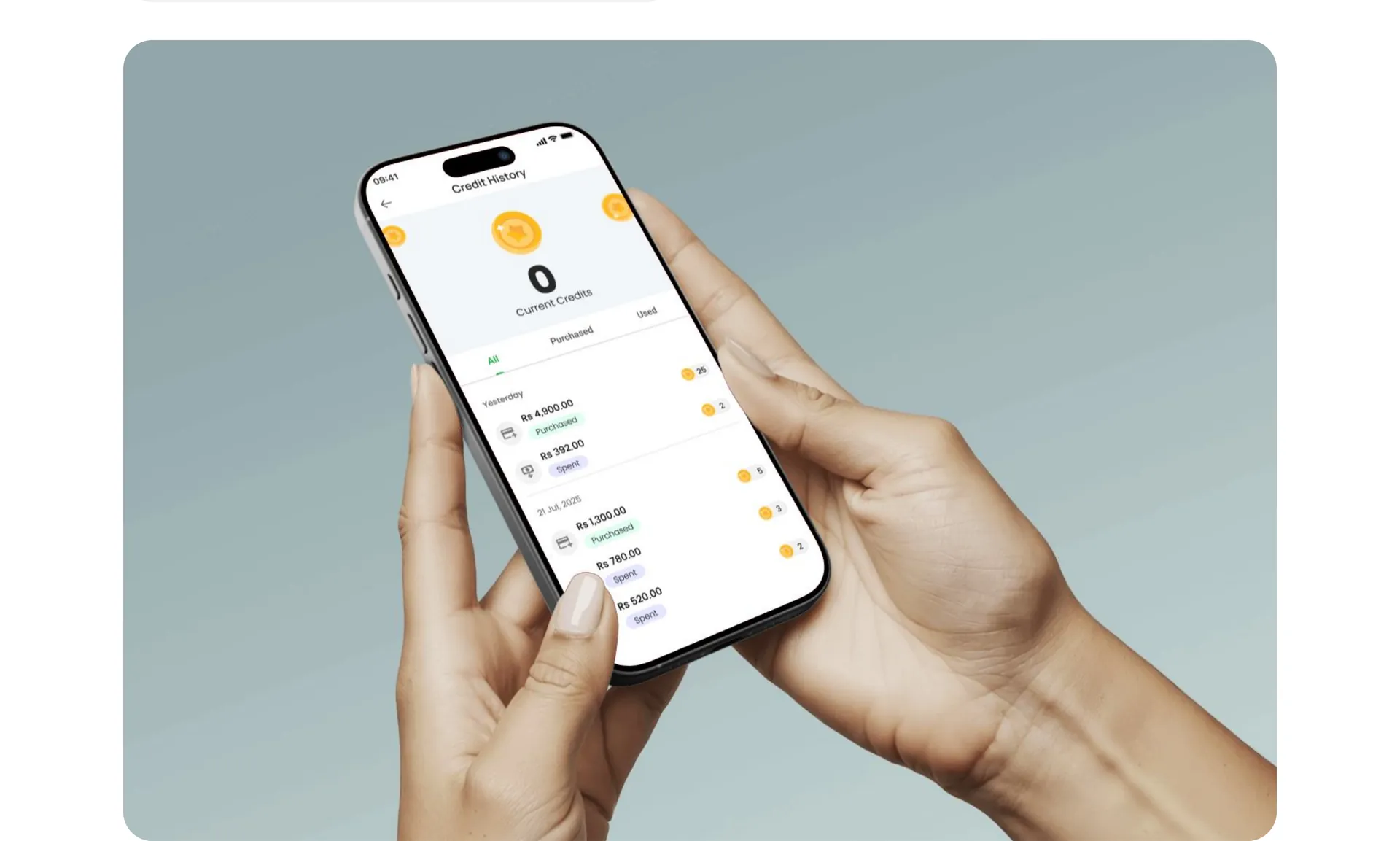
About the project
What is Weretouche App?
This real estate photo editing app helps users upload and enhance property images with ease. Designed for agents and property owners, it allows quick adjustments to lighting, color, and contrast—making every listing stand out. With a clean, user-friendly interface, the app simplifies editing while delivering professional results. From room interiors to outdoor shots, it ensures every photo looks sharp, vibrant, and ready to attract potential buyers.
App Goal
The goal of this app is to provide real estate professionals with a simple yet powerful tool to enhance property photos, making listings more attractive and engaging—ultimately helping properties sell or rent faster through high-quality visual presentation.
Onboarding
The onboarding is quick, intuitive, and visually engaging — guiding users through before-and-after images that highlight enhancements, improved contrast, and refined filters. It's designed to show instant value and get you editing in seconds.
App Architecture
Home branches into My Projects (listing, create new project), Start New Project (image gallery, project detail), Buy Credits (credits plan, credit history) and Settings (profile, logout).
The problem
What was slowing them down.
- 01
Uploading multiple images
When I tried uploading multiple images, I couldn't tell which ones were successfully added. It felt messy and unorganized.
- 02
No clear next step
Once I uploaded my photos, I wasn't sure what the next step was. It felt like there was no direction in the app.
- 03
Missing project details
Every time I created a new project, I'd forget to add the date or mistype the property location. It slowed me down and made my projects harder to search later.
- 04
Inconsistent visual style
Whenever I worked on multiple listings, the photos ended up looking slightly different—some were too warm, others too bright. It was hard to maintain a consistent visual style across projects.
- 05
No way to compare
Sometimes after tweaking the lighting or contrast, I wasn't even sure if the image looked better. I just needed a way to compare.
- 06
Fear of over-editing
As someone who's not a designer, I was nervous about over-editing my photos. I just wanted them to look good without looking fake.
The solution
What we built.
New upload flow
Shows a preview of every image as it's added and lets users upload in batches.
Auto-suggested details
The app auto-suggests details from past entries and pulls the date from the image itself.
Built-in presets
Users can pick a preset that fits the property type and make small adjustments from there.
Bulk editing
Edits can be applied in bulk and the app processes everything in the background without crashing or slowing down.
Before-and-after view
Users can slide between the original and the edited version to see exactly what's improved.
Redesigned flow
A progress bar shows what's done and what's left—upload, edit, review, export.

Tech stack
What it runs on.
Process
How we got there.
01Day 01
Research
02Day 02
UI Analysis
03Day 03
Ideate
04Day 04
Sketch · Wireframe
05Day 05
UI Design
Design
Typography and colour.
Typeface
SF Pro Text
Weights: Light, Regular, Medium, Bold. Sizes: 12, 16, 20, 24, 28, 32, 64.
Colour palette
More work.
All projects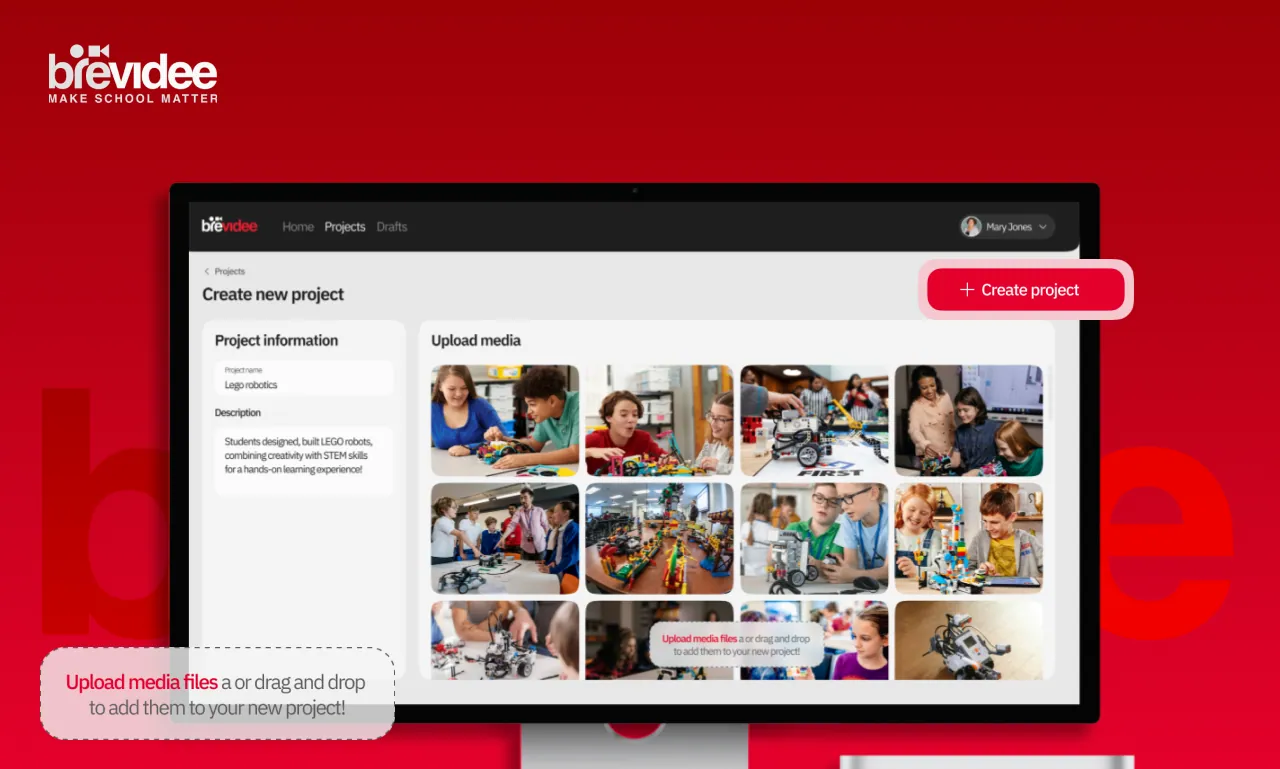
Brevidee
Brevidee streamlines school video creation—teachers record, leaders approve with AI support, and editors publish polished, ready-to-use content.heading
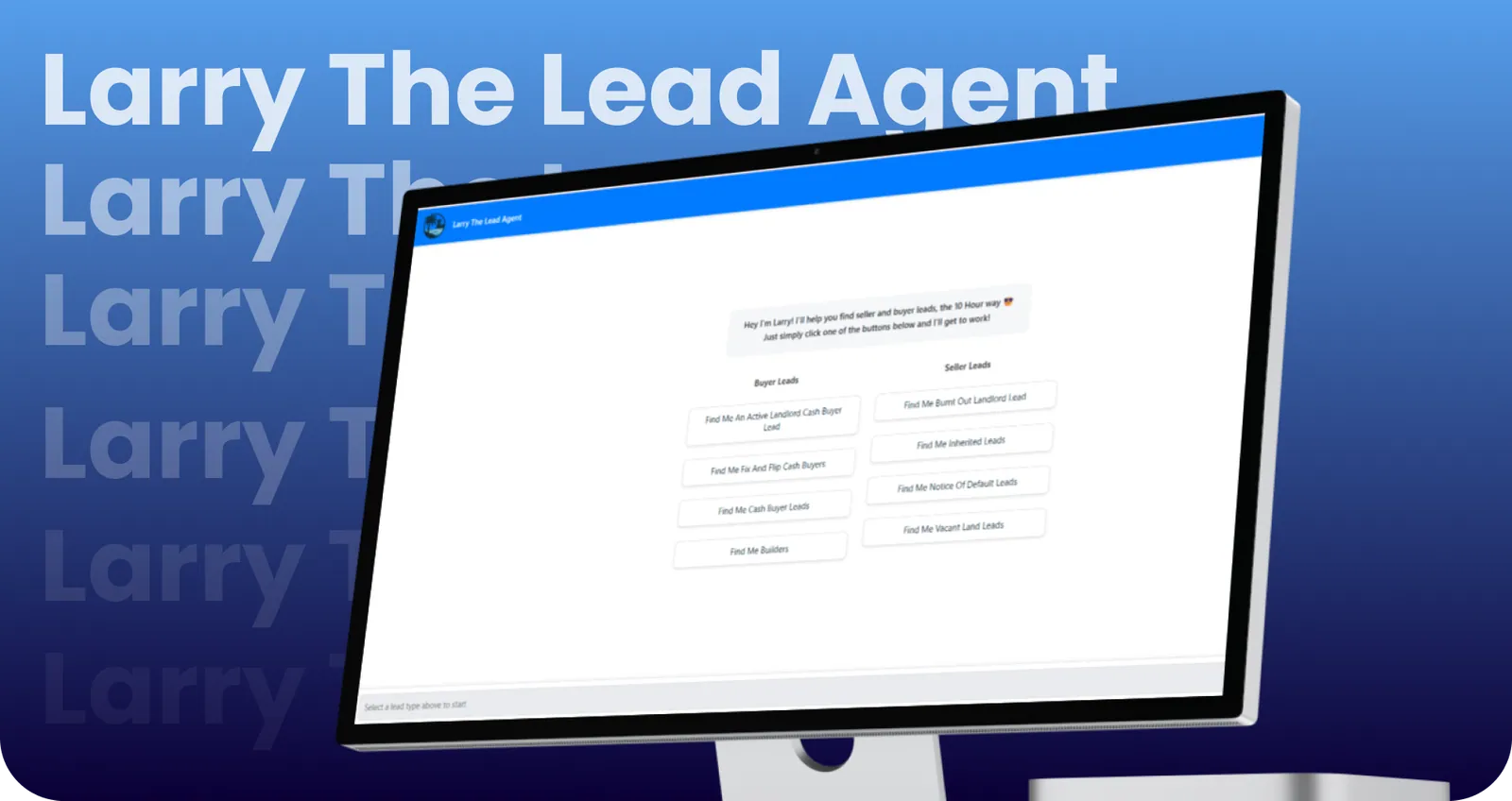
Larry The Lead Agent
AI-powered SaaS chatbot for real estate agents: conversational lead generation for sellers/buyers, tiered access, quota management, and personal lead repository. 3 Tags
Building something like Weretouche App?