Firebase Studio Is Shutting Down: Your Migration Options
A calm, ordered plan for getting a Firebase Studio project out: what the sunset actually affects, what you keep, and which of three exit paths fits you.
 SprintX Team6 min read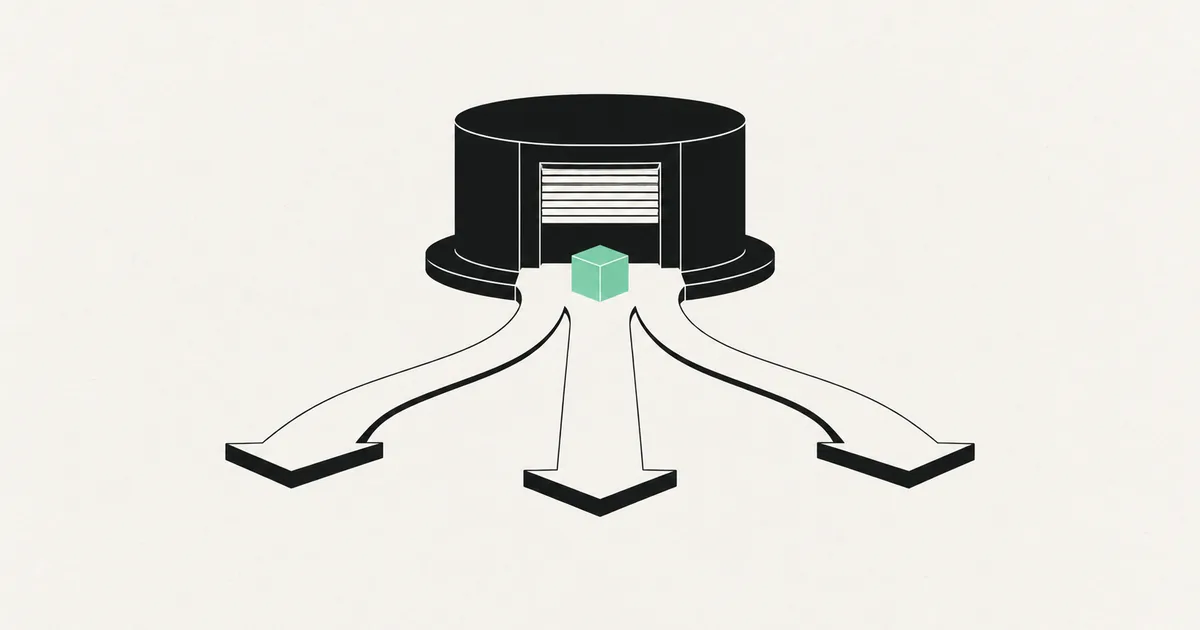
A sunset notice for the tool your product lives in produces a specific kind of panic, and it usually leads to the wrong first move: opening a new builder and starting to re-prompt the app from scratch.
Do not do that. A Firebase Studio project is not a single indivisible thing, and in most cases the part being retired is the smallest part of what you built. Before you decide anything, separate what is going away from what is not.
Check the official timeline on Google's own deprecation notice for your exact dates and grace periods — those change, and you should plan against the real ones rather than a blog's paraphrase. What follows is the engineering side, which does not change.
Separate the workspace from the app
A Firebase Studio project is three layers stacked together, and they have very different fates.
The workspace. The cloud IDE, the Gemini-assisted editing session, the preview environment, the project templates. This is the layer a sunset actually removes.
The application code. A real repository — typically a Next.js, React, Angular, or Flutter app with configuration files, dependencies, and whatever the assistant generated. This is ordinary source code. It runs anywhere Node or Flutter runs. It does not depend on the IDE that produced it.
The Firebase backend. Authentication, Firestore or Realtime Database, Cloud Storage, Cloud Functions, App Hosting, and whatever else your app calls. These are Google Cloud products with their own lifecycles. A studio sunset does not delete your Firestore data.
Most founders read "shutting down" and assume all three vanish. In practice the common outcome is that you lose an editor and keep a working application, which turns a crisis into a chore.
Get everything out before you decide anything
Do this today, regardless of which path you pick. Exports are cheap while the platform is up and impossible after it is not.
- Push the code to your own Git remote. Your own GitHub or GitLab organisation, not a fork inside someone else's account. If the workspace has a built-in Git integration, use it; if not, download the archive and initialise a repository locally. Confirm it installs and builds on your machine before you celebrate.
- Export the database. Firestore supports managed exports to a Cloud Storage bucket; Realtime Database exports JSON. Take one now, and take another the day before any shutdown date.
- Export the users. The Firebase CLI can dump your auth users including password hashes, which is what makes a future migration possible without forcing every customer to reset their password. Losing this file is the difference between a migration and a relaunch.
- Write down the configuration. Every environment variable, every API key, every service account, every security rule, every scheduled function and its cron. This is the part that lives only in a console UI and is silently lost.
- Screenshot the console. Billing settings, quotas, custom domains, DNS records. Twenty minutes now saves a week of archaeology later.
If any of these steps fails because the code will not build outside the workspace, that is your real finding, and what to do when you cannot get your code out of a builder covers the recovery.
The three exit paths
| Path | What you move | Effort | Choose it when |
|---|---|---|---|
| Same backend, new editor | Code only. Firebase stays. | Days | The app works, the backend fits, you just need somewhere to write code |
| Own repo, own hosting | Code and hosting. Firebase data stays. | One to three weeks | You want a normal CI/CD pipeline and no platform dependency for deploys |
| Full migration off Firebase | Code, data, auth, functions | Three to eight weeks | Firestore is fighting your data model, or costs and query limits are biting |
Path one: keep Firebase, change where you edit
The lowest-risk move and the right default. Clone the repository locally, install dependencies, point the app at the same Firebase project, and run it. Your users, data, and deployed backend are untouched. You now edit in VS Code, Cursor, or any agentic editor you like.
Two things to fix while you are there: make sure the Firebase config and API keys come from environment variables rather than being committed, and set up a second Firebase project as a staging environment if you never had one. The workspace was probably deploying straight to production, and setting up a staging environment is the habit that ends that.
Expect a rough first day. Cloud workspaces hide a lot of setup, and the app that ran instantly in a preview pane will need a real Node version, real credentials, and a real emulator suite locally.
Path two: own repo, own hosting
Same as path one, plus you move the frontend to hosting you control — Vercel, Netlify, Cloudflare, or a container. Firebase keeps serving auth and data through its client SDKs, which works fine from anywhere.
This is worth doing when you want a real pipeline: pull requests, preview deploys, and a build that fails before it reaches users rather than after. Setting up CI/CD for an app that never had any is the companion piece, and it is usually a two-day job on a small codebase.
Path three: leave Firebase entirely
Only take this path for a product reason, not because of a sunset notice. Good reasons exist: Firestore's query model punishes relational data, aggregate queries get expensive, and multi-tenant permission logic is far more natural in SQL with row-level policies.
The work is real. Data has to be reshaped from document collections into tables with actual foreign keys, security rules have to be rewritten as database policies, Cloud Functions become API routes or edge functions, and the auth users file has to be imported into the new provider with password hashes intact so nobody gets locked out. Supabase versus Firebase compares the destinations honestly, and what a database migration service does covers running a cutover without losing writes.
Do not attempt this and a feature release in the same month.
What to fix while the code is open anyway
A migration is the cheapest moment to close the gaps a generated app always has, because you are already touching every file. While you are in there: move any keys out of client code, add server-side checks for anything currently enforced only in the UI, put constraints on the database so half-finished records stop appearing, and add error handling around the calls that talk to Firebase. The production readiness checklist is the short version of that list.
Frequently asked questions
Will my app stop working when the studio shuts down? The deployed app usually keeps running, because it is served by hosting and backend services that are separate products. What you lose is the environment you edit and preview in. That is exactly why getting the code into your own repository is urgent and rewriting the app is not.
Do I lose my Firestore data? No. Firestore is a Google Cloud product with its own lifecycle and your data stays in your project. Take a managed export anyway — having a portable copy in a bucket you control is good practice regardless of what any platform announces.
Should I move to another AI builder instead? Only if you want to be in the same position again. Every hosted builder carries some version of this risk, which is why it is worth measuring before you commit — how to measure vendor lock-in in AI builders gives you the checklist. The durable answer is a plain repository you own, edited with whatever assistant you prefer.
You have a working product and a countdown on the tool you built it in. SprintX moves AI-built apps off sunsetting platforms onto infrastructure you own, data and users intact, on a fixed scope. Send us your project details and we will map the shortest safe route out.
Building software
Systems your business runs on.
Custom platforms, internal tools and integrations that move work off spreadsheets.
Keep reading.
More on building software
Building software · 6 Aug 2026 · 6 min read
I Cannot Get My Code Out of the Builder
What to do when a no-code or AI builder will not hand over your code: what each export really contains, how to extract the missing pieces, and the runway plan.

Building software · 5 Aug 2026 · 8 min read
I Ran Out of Credits Before My App Was Finished
Why AI builder credits run out right as your app gets complicated, how to tell if buying more will finish it, and what the alternatives actually cost.
Building software · 28 Jul 2026 · 6 min read
How to Get Your Code Off Replit
Replit gives you real files, but not a portable app. Here is how to get the code out, replace the platform-specific pieces, and run it on infrastructure you own.