How to Build a Multi-Tenant SaaS the Right Way
A founder-and-engineer guide to multi-tenant SaaS architecture: how to isolate tenant data, pick a tenancy model, and avoid the leaks that sink products.
 SprintX Team9 min read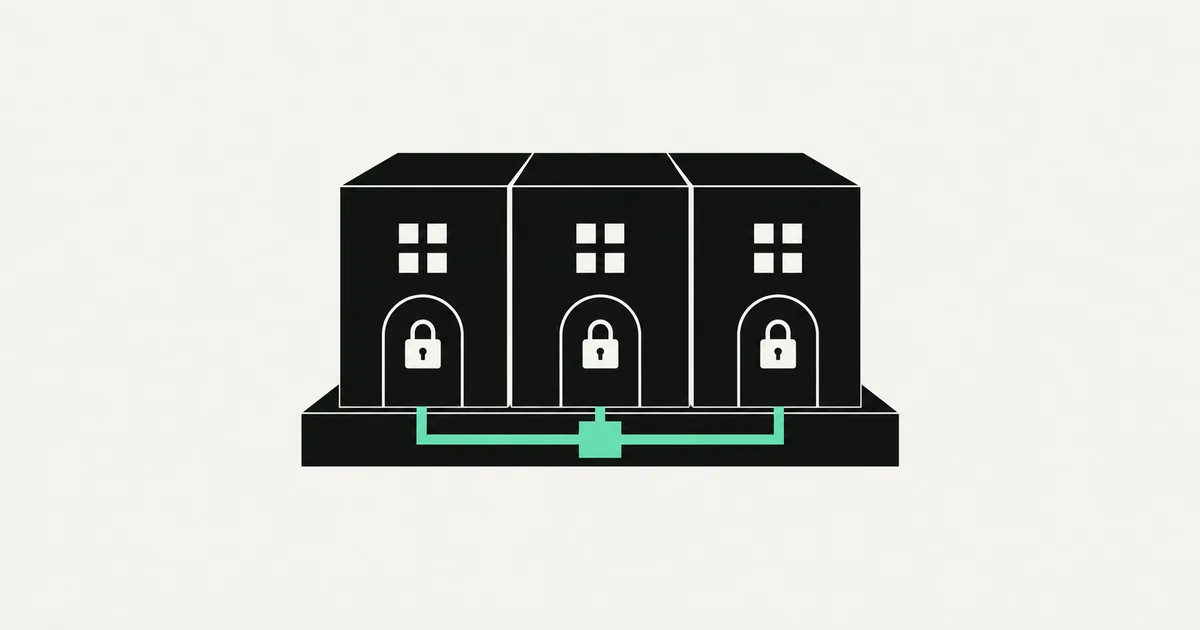
There is one bug in SaaS that can end a company overnight: Customer A logs in and sees Customer B's data. Every other mistake is recoverable. That one erodes trust instantly and can trigger legal and compliance nightmares. Multi-tenancy — many customers sharing one application — is the architecture that either prevents that or invites it, depending on how you build it.
The good news: doing it right isn't exotic. It's a set of clear decisions made early. This guide covers the tenancy models, how to isolate data properly, the tools that make it safe, and the mistakes that cause leaks.
What "multi-tenant" actually means
A tenant is a customer organization — a company, a team, an account. In a multi-tenant SaaS, all tenants share the same running application and, usually, the same database. The alternative, spinning up a separate copy of everything per customer (single-tenant), is simpler to isolate but expensive and painful to update at scale.
Almost every modern SaaS is multi-tenant. The whole game is making tenants share infrastructure while being completely invisible to each other.
The three tenancy models
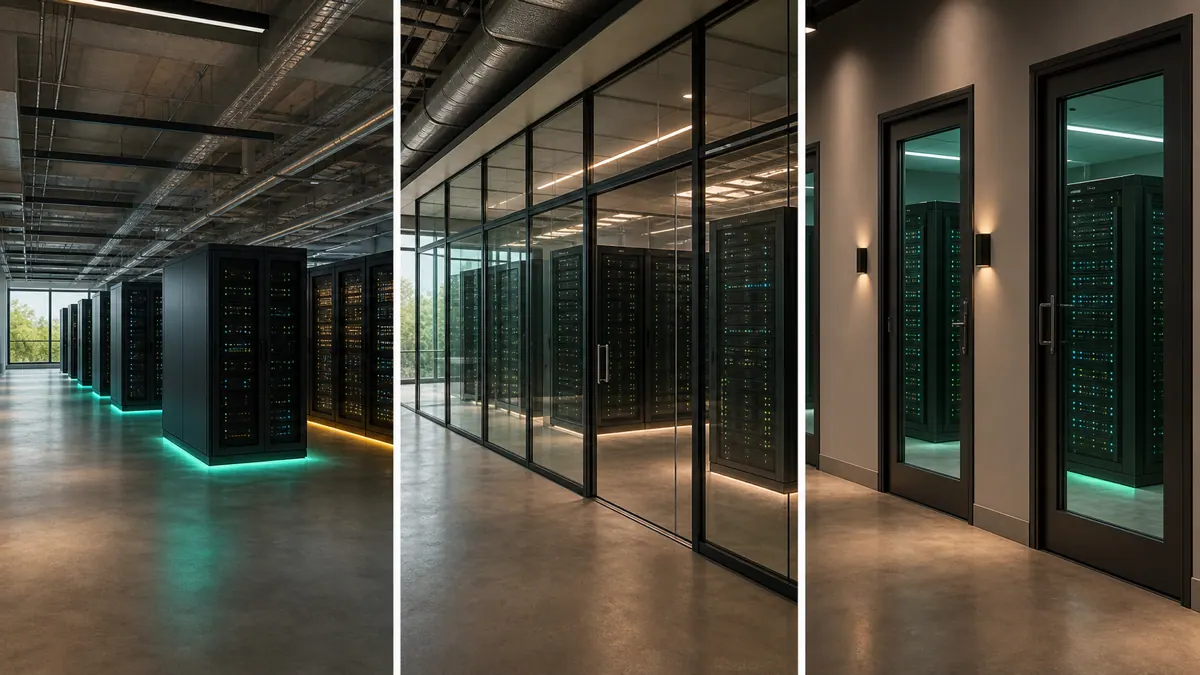
How you separate tenant data is the foundational choice. There are three models, and they trade isolation against cost and complexity.
| Model | How it isolates | Isolation | Cost & ops | Best for |
|---|---|---|---|---|
| Shared database, shared schema | A tenant_id column on every table | Logical (enforced in code/DB) | Cheapest, easiest to scale | Most SaaS products |
| Shared database, schema per tenant | A separate Postgres schema per tenant | Stronger | More complex migrations | Mid-market, some compliance needs |
| Database per tenant | A whole database per tenant | Strongest | Most expensive to run | Enterprise, strict compliance |
For the overwhelming majority of products, shared database with a tenant_id column is the right starting point. It's cheap, scales well, and — done properly — is perfectly safe. The other models exist for specific compliance or enterprise-isolation reasons, and you can move a big customer to its own database later if you truly need to.
The one rule that prevents disaster
If you take one thing from this article: never rely only on your application code to filter by tenant. A single forgotten "where tenant_id equals X" clause in one query is all it takes to leak data. Humans forget. The database should not.
This is where Postgres Row-Level Security (RLS) earns its keep, and it's why so many teams build on Supabase (managed Postgres with RLS built in). With RLS, you write policies at the database level that automatically restrict every query to the current tenant, no matter what the application code does. Even a buggy query physically cannot return another tenant's rows.
The pattern:
- Add a tenant_id (or organization_id) column to every tenant-scoped table.
- Set the current tenant on each request — typically from the authenticated user's session — as a session variable.
- Write RLS policies that filter every row by that variable.
- Test it adversarially: log in as one tenant and try, deliberately, to fetch another's data.
Getting RLS and roles right is subtle enough that fixing a broken version of it is a common project rescue job — it's much cheaper to design it correctly up front.
Getting tenant context right
Every request needs to know "who is this, and which tenant are they acting as?" Two common approaches:
- Subdomain per tenant —
acme.yourapp.com. Clean, brandable, and the subdomain identifies the tenant. Slightly more DNS and routing work. - Tenant in the session — the logged-in user belongs to one or more organizations, and the active one is stored in the session or token.
Many products use both: a subdomain for branding plus session data for the actual security. The critical part is that the tenant context is set on the server from trusted data (the session), never from something the client can tamper with like a URL parameter.
Users, roles, and multiple orgs
Real SaaS has messy membership: one person belongs to several tenants (a consultant with five clients), and within a tenant they have roles (admin, member, viewer). Model this explicitly with a membership table linking users to tenants with a role, rather than baking a single tenant ID onto the user record. This flexibility is hard to retrofit, so decide early even if you launch with the simple case.
The stack that makes it manageable
A modern, proven multi-tenant stack:
- Next.js and React for the app, with middleware that resolves the tenant on every request.
- Supabase or Postgres with RLS as the isolation backbone.
- An auth layer (Supabase Auth, Clerk, or Auth.js) that carries organization membership.
- Stripe for per-tenant billing and subscriptions.
- Vercel for hosting.
None of this is bleeding-edge. Boring, well-understood tools are exactly what you want when the cost of a mistake is a data leak.
Scaling: what breaks as you grow
The shared-database model carries you a long way, but a few things need attention as tenants and data grow:
- Noisy neighbors. One heavy tenant running huge reports can slow the database for everyone. Index tenant_id well, and watch your slowest queries per tenant so one customer can't degrade the rest.
- Data volume. A tenant_id column on billion-row tables demands good indexing and, eventually, partitioning by tenant. Design your indexes with the tenant filter in mind from the start.
- Per-tenant customization. Enterprise customers will ask for custom fields, branding, or feature flags. Model these as tenant-scoped settings rather than forking your codebase, or you'll drown in one-off variants.
- Migrating a big tenant out. Occasionally a large or compliance-heavy customer needs their own database. If your tenant boundary is clean, moving one tenant to dedicated infrastructure is a contained job — another reason to keep isolation tight from day one.
None of these require solving up front. But knowing they're coming keeps you from painting yourself into a corner with early shortcuts.
Mistakes that cause leaks
- Relying only on app-code filtering. One missed filter leaks data. Enforce isolation in the database with RLS.
- Trusting the client for tenant context. Never read the tenant from a URL param or header the user controls. Derive it from the session.
- No adversarial testing. Write tests that actively try to cross tenant boundaries. If they pass, you're isolated.
- Baking one tenant per user. You'll eventually need users in multiple orgs. Model membership separately from the start.
- Forgetting background jobs. Async jobs and webhooks also need tenant context. They're an easy place to accidentally bypass isolation.
Frequently asked questions
Which tenancy model should I start with? Shared database with a tenant_id column and Postgres RLS. It's the cheapest, scales well, and is safe when done right. Move a specific large customer to a dedicated database only if compliance truly demands it.
Is Row-Level Security enough on its own? RLS is your safety net, and it's a strong one. Combine it with tenant filtering in your queries and adversarial tests. Defense in depth — the database enforces the rule even if the code forgets.
How do I bill each tenant separately? Tie each tenant to a Stripe customer and subscription. Usage and seats are tracked per tenant, and Stripe handles invoicing, upgrades, and failed payments.
Can I retrofit multi-tenancy onto an existing app? Yes, but it's real work — every table, query, and job needs tenant awareness. It's far cheaper to design for it from the start, which is why it's worth getting the architecture right early.
Building a SaaS that has to keep every customer's data airtight? SprintX designs and builds multi-tenant SaaS — proper data isolation, RLS, roles, and billing — on a fixed-scope quote you own, with no lock-in. Tell us about your product and we'll architect the tenancy right the first time.
Building software
Systems your business runs on.
Custom platforms, internal tools and integrations that move work off spreadsheets.
Keep reading.
More on building software
Building software · 11 Jul 2026 · 9 min read
How to Build a SaaS MVP in 8 Weeks
A week-by-week playbook for building a SaaS MVP in eight weeks — scope, stack, and the discipline that keeps a first version shippable.
Building software · 11 Jul 2026 · 9 min read
Adding Stripe Subscriptions to Your SaaS: A Complete Guide
How to add Stripe subscription billing to a SaaS the right way — checkout, webhooks, the customer portal, and the details that keep revenue accurate.

Building software · 11 Jul 2026 · 8 min read
How to Build a SaaS Dashboard Users Actually Understand
A practical guide to designing and building a SaaS dashboard that users read in five seconds, not five minutes, from metrics to the tech stack.