A Schema Change Broke My App and I Have No Migrations
What to do when a schema change takes down an app with no migration files to fall back on, and how to introduce real migrations without a rewrite.
 SprintX Team6 min read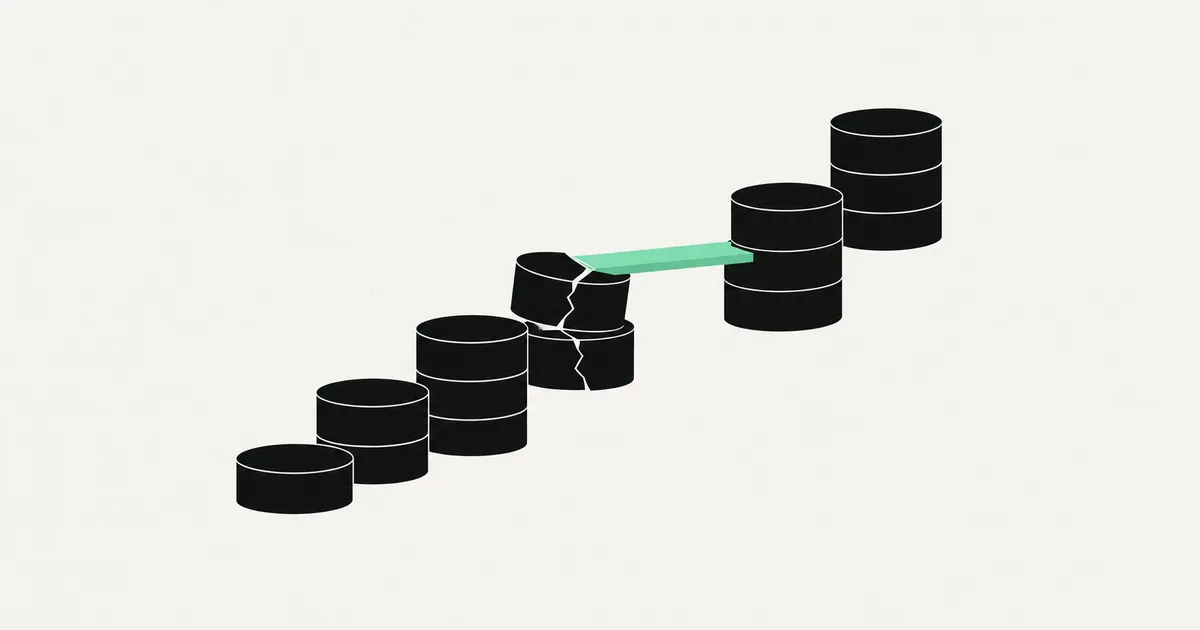
Someone renamed a column. Or added a not-null constraint to a table with existing rows. Or the assistant helpfully "cleaned up" the schema. Now half your endpoints throw, the dashboard is empty, and the obvious question — what exactly changed? — has no answer, because the change was made by clicking in a dashboard and there is no record of it.
This is the specific pain of an app whose database was built through a UI. There is no migration folder, no history, no down script. The schema is whatever it is right now, and the only place the previous shape existed was in the app that is currently broken.
Here is how to get back up, then how to make sure the next change is reversible.
Do not improvise on production
The instinct is to start altering tables until errors stop. Resist it, because undirected schema edits are how a recoverable outage becomes data loss.
Three things first, in this order:
- Take a backup right now, even of the broken state. It costs a minute and it is the difference between "we tried something" and "we destroyed the evidence."
- Check for a point-in-time restore. Most managed providers keep automatic backups with restore-to-timestamp for a retention window. If you know roughly when the change happened, you have a real rollback available.
- Restore to a copy, never over production. Spin up a second instance from the backup and compare. You need to see the old schema, not immediately become it.
Point-in-time restore is the fastest path back, but note what it does: it returns the whole database to that moment, so any writes since then are gone. If customers have been transacting during the outage, restoring wholesale trades one problem for another. Restore to a copy, then move the specific pieces you need.
Work out what actually changed
With a restored copy beside production, diff the two schemas. Any client can dump the structure of both, and the differences are your incident report.
Then match the difference to the error your app is throwing:
| Error you see | What was changed | Safe recovery |
|---|---|---|
| Column does not exist | Renamed or dropped | Re-add the old name, backfill from the new column, deploy code, then drop |
| Null value violates not-null | Constraint added with existing empty rows | Drop the constraint, backfill defaults, re-add |
| Invalid input syntax for type | Column type changed | Add a new column of the old type, convert values back |
| Foreign key violation | Related rows deleted or key added | Restore the parent rows from backup before re-adding the key |
| Duplicate key violation | Unique constraint added over duplicate data | Deduplicate deliberately, then re-add |
| Permission denied | Policies dropped when the table was recreated | Restore the policies — see Supabase RLS that stopped working |
The recovery column has a pattern worth naming: add back, backfill, deploy, then remove. Never do a destructive schema change and a code deploy in one step, because there is no moment where both versions of the code work.
Reconstructing when the data itself is wrong
Schema breakage is annoying; data loss is worse. If a change wiped or mangled values, be methodical.
- Scope it. Which table, which columns, which row range, which timestamps. Write it down before touching anything.
- Restore those rows into a staging table in production, taken from the backup copy. Do not overwrite live tables directly.
- Reconcile. Rows created after the incident must not be clobbered by older versions. Match on primary key and only fill what is empty or wrong.
- Verify with counts and spot checks against something external — an email receipt, a payment provider's records, a customer's own report.
- Then, and only then, write back in a transaction you can roll back.
If Stripe or another provider holds a copy of the transactional truth, use it as the reference. Payment providers are frequently the most reliable record a small app has.
Now introduce migrations, because this will happen again
The reason there was no rollback is that schema changes were made as actions, not as artifacts. Migrations turn a change into a file: reviewable, versioned, applied identically to every environment, and reversible.
Adopting them on an existing database is less work than founders expect:
- Baseline. Dump the current production schema and commit it as the initial migration. Mark it as already applied so nothing tries to recreate your tables.
- Pick the tool your stack already implies. Prisma Migrate, Drizzle Kit, the Supabase CLI, or plain SQL files with a runner. The choice matters far less than the discipline.
- Ban dashboard edits. From that point, every change is a file in the repo. This is the single rule that makes the rest work.
- Apply through your pipeline. Migrations run on deploy, in order, in every environment. CI/CD for a vibe-coded app covers wiring that up.
- Test them where it does not matter. A staging environment restored from a production snapshot is the only honest rehearsal, because it has your real data volume and your real edge cases.
If you are also moving databases — off SQLite, off a builder's hosted instance — the mechanics are in a Prisma SQLite-to-Postgres move, and the broader schema design questions for generated apps are in database schema for an AI app.
Make destructive changes non-destructive
The habit that ends this category of incident is the expand-and-contract pattern. Instead of changing something in place, you add the new shape, run both, then remove the old one.
Renaming a column becomes: add the new column, write to both from the application, backfill the old values, switch reads to the new column, wait a release, drop the old one. Four small deploys, each individually reversible, instead of one that cannot be undone.
The same logic applies to constraints — add them as not-valid first and validate afterward — and to table splits. It feels slow until the first time a rollback takes thirty seconds instead of a weekend.
A few rules that cost nothing:
- Never drop a column in the same release that stops using it.
- Never add a not-null constraint without a default and a backfill.
- Always run the migration against a copy of production data before production.
- Keep an actual, tested restore procedure. Untested backups are a rumor.
Frequently asked questions
Can I just let the AI assistant fix the schema? For writing the migration file, yes, with review. For deciding what to do to a production database mid-incident, no — the assistant cannot see your data, your backups, or which rows are recoverable, and it will confidently suggest a destructive change.
How far back do my backups go? Depends entirely on your provider and plan; free tiers often keep days, not weeks, and some keep nothing. Check the exact retention window today rather than during the next incident, and consider your own scheduled dump to storage you control.
Is downtime acceptable while I fix this? Usually yes, and a clear status message beats a half-working app that corrupts data as people use it. Put the app in read-only or maintenance mode, fix it properly, then come back.
If a schema change took your app down and there is no history to roll back to, the recovery and the prevention are one project. SprintX restores broken databases, reconstructs the schema into real migrations, and leaves you with a staging environment where the next change gets rehearsed. Tell us what changed and we will help you unwind it.
Engineering and operations
Once it’s live, we keep it healthy.
Monitoring, backups, security updates and a monthly health report you can read in ten minutes.
Keep reading.
More on engineering and operations
Engineering and operations · 9 Aug 2026 · 6 min read
My Database Is Full of Duplicate and Half-Finished Records
If your only validation is in the form, your database will eventually hold every record your users almost created. Here is how to clean up and prevent it.

Engineering and operations · 9 Aug 2026 · 6 min read
Every Feature I Add Makes the App Slower
An app that gets slower with every feature has a compounding problem, not a slow feature. Here is how to find what compounds and how to stop it.

Engineering and operations · 7 Aug 2026 · 6 min read
My App Is Firing Thousands of API Calls I Did Not Ask For
Why AI-generated React apps end up in request loops, how to trace the specific effect causing it, and the guardrails that keep one bug from draining a budget.