Progressive Web App (PWA) Development Cost in 2026
A clear, hedged breakdown of what a progressive web app costs to build in 2026 — price ranges by complexity, the cost drivers, and how PWAs compare to native apps.
 SprintX Team9 min read
You want an app your customers can install and use offline, but the native route — separate iOS and Android builds, app store reviews, two codebases to maintain — feels like a lot of money and hassle for what you actually need. A progressive web app (PWA) promises most of that experience from a single website. The obvious next question: what does a PWA actually cost to build in 2026?
The honest answer is "it depends," but that is not useful on its own. So here are real, hedged ranges tied to what you are actually building, the specific things that push the number up or down, and how a PWA compares to native on cost. Every figure below is a ballpark to plan around, not a quote — the real price comes from your feature list.
What a PWA actually is (and why it changes the cost)
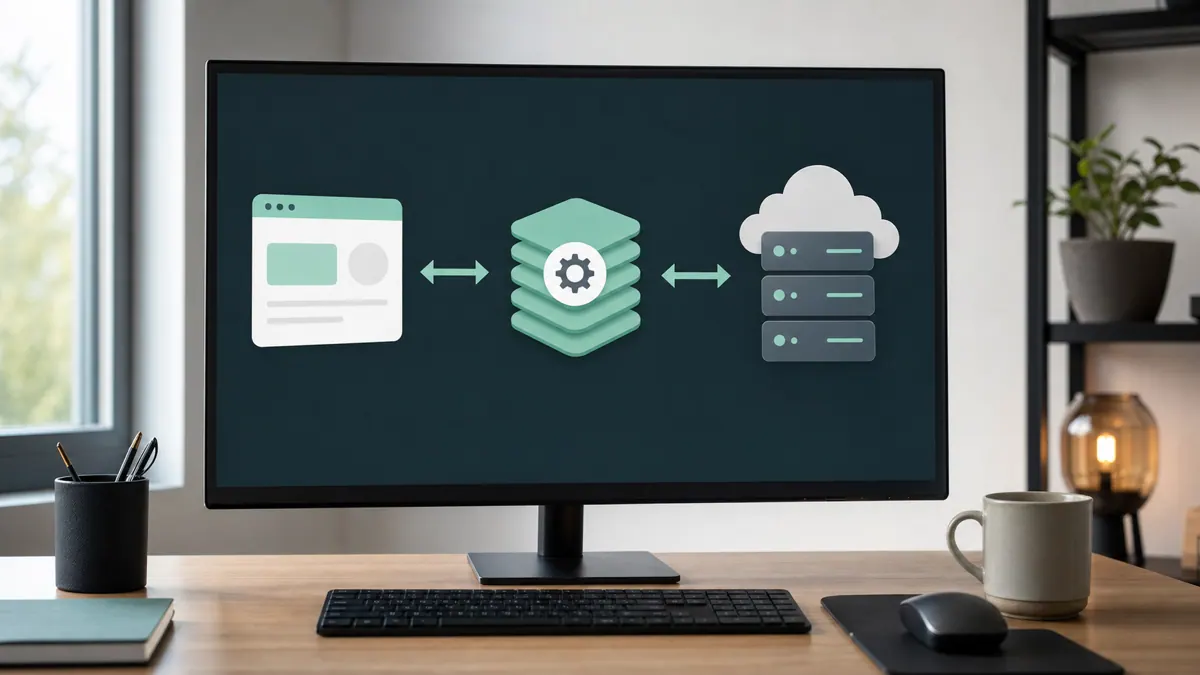
A progressive web app is a website built to behave like an app: it can be installed to a phone or desktop home screen, work offline or on flaky connections, send push notifications, and load instantly on repeat visits. Under the hood it is standard web technology — typically a modern framework like React on Next.js 16 — plus a service worker that handles caching and offline behavior, and a manifest that makes it installable.
Why this matters for cost: a PWA is one codebase that runs everywhere, instead of a separate iOS app, Android app, and website. That is the single biggest reason PWAs are usually cheaper than going native — you build and maintain one thing, not three.
PWA development cost by complexity
The clearest way to think about budget is by tier. As of mid-2026, these are realistic ranges for professional agency or senior-freelancer work. Offshore or junior rates run lower; established US/UK agencies run higher.
| Tier | What it includes | Typical cost (as of mid-2026) |
|---|---|---|
| Simple PWA | Installable site, offline caching, a few screens, basic content or a catalog | Roughly $5,000–$15,000 |
| Mid-complexity PWA | User accounts, a database, payments, push notifications, dynamic data | Roughly $15,000–$45,000 |
| Complex PWA | Real-time features, integrations, custom backend, roles/permissions, dashboards | Roughly $45,000–$120,000+ |
These overlap on purpose — a "simple" PWA with an unusually polished design can cost more than a bare "mid" one. Use the tier to find your neighborhood, then let the feature list set the real number. For a broader view across app types, our app development cost and website development cost guides give useful reference points, since a PWA sits squarely between the two.
What actually drives a PWA's price
Two PWAs at the same "tier" can differ 2–3x in cost. Here is what explains the gap.
Number and complexity of features. This is the biggest lever by far. Offline sync that resolves conflicts, real-time updates, or a booking engine each add real engineering time. A read-mostly PWA is far cheaper than one where users create and sync data offline.
Backend and data. A PWA showing static content is cheap. One with user accounts, a database, and an admin panel needs a real backend — commonly Postgres via a platform like Supabase — which adds design, security, and testing work.
Design and polish. A custom, brand-driven UI with smooth animation costs more than a clean template. For a consumer-facing product this is often money well spent; for an internal tool it usually is not.
Integrations. Every third-party system — payments (Stripe), a CRM, a calendar, an invoicing tool — adds integration and error-handling work. Integrations are where "quick" projects quietly grow.
Offline depth. "Works offline" ranges from simply caching pages you have already seen to fully functional offline data entry that syncs when you reconnect. The second is dramatically more work than the first, so be specific about which you need.
PWA vs native app: the real cost comparison
The usual reason people consider a PWA is to avoid the cost of native. Here is the honest tradeoff.
| Factor | PWA | Native (iOS + Android) |
|---|---|---|
| Codebases to build/maintain | One | Two (or a cross-platform layer) |
| Typical relative cost | Lower | Higher |
| App store approval | Not required | Required, with review delays |
| Install friction | Add to home screen from browser | Store download |
| Device features | Broad, but some gaps | Fullest access |
| Best for | Reach, content, commerce, tools | Heavy device features, games, store presence |
A PWA is usually the cheaper, faster path when your goal is reach and a solid app-like experience without deep hardware integration. Native earns its higher cost when you need the richest device access, App Store discovery, or performance a browser cannot match. If you are weighing a genuinely native or cross-platform route instead, our guides on React Native app cost and React Native vs Flutter go deeper — and in many cases a single codebase can even serve both a PWA and native builds.
How to keep a PWA budget under control
- Start with an MVP. Ship the smallest version that delivers value, then add features once real users tell you what matters. This is the single biggest cost saver.
- Be precise about offline. Decide exactly what must work offline. Vague "make it work offline" requirements are a budget trap.
- Reuse before you build. Auth, payments, and databases have mature, affordable building blocks. Custom versions of solved problems are wasted money.
- Insist on a fixed scope per phase. A phased, milestone-based plan keeps each stage's cost visible and lets you stop or pivot between phases instead of committing to one giant number up front.
- Own the code. Make sure you own the repo, so you are never locked into one vendor for changes later.
What this looks like in practice
A common build at SprintX: a retailer or service business wants an installable app their customers can use on the go — browse, book or order, pay, and get notifications — without the cost and store friction of separate native apps. We build it as a PWA on a modern React/Next.js stack with a Supabase backend, Stripe for payments, and a service worker tuned to exactly the offline behavior they need (usually cached browsing plus reliable order submission, not full offline data entry). Work like this typically ships as fixed-scope phases in the low-thousands-per-phase range, production-ready rather than just deployed, and because it is one codebase the client is not paying to maintain three apps forever. When they later want a store presence too, the same codebase can often extend to native builds instead of starting over.
Frequently asked questions
How much does it cost to build a PWA in 2026? As of mid-2026, a simple PWA commonly runs roughly $5,000–$15,000, a mid-complexity one with accounts and payments roughly $15,000–$45,000, and a complex, integration-heavy build $45,000+ — often well into six figures. These are planning ballparks, not quotes; your actual feature list sets the real number, so get a scoped estimate.
Is a PWA cheaper than a native app? Usually, yes. A PWA is a single codebase that runs on phones and desktops, so you avoid building and maintaining separate iOS and Android apps. Native still wins when you need the deepest device features, App Store discovery, or performance a browser cannot match — and that fuller capability is what you pay extra for.
What ongoing costs does a PWA have? Expect hosting (often modest for the frontend, plus a database plan), any third-party services you use (payments, email, AI APIs), and maintenance for updates and fixes. There are no app store fees for a PWA, which is one of its ongoing cost advantages. Budget for maintenance separately from the build.
Can a PWA be turned into a native app later? Often, yes — especially if it is built on a stack like React, since much of the code and logic can be reused for native builds. Planning for that path from the start makes the later transition cheaper than a rebuild, so mention it up front if a store presence is on your roadmap.
Wondering what your specific PWA would actually cost? SprintX builds progressive web apps as fixed-scope, milestone-based phases — one codebase, production-ready, NDA-friendly, and you own the repo from day one. Send us your feature list and we'll turn it into a clear, phased quote instead of a vague range.
Building software
Systems your business runs on.
Custom platforms, internal tools and integrations that move work off spreadsheets.
Keep reading.
More on building software
Building software · 18 Jul 2026 · 8 min read
How Much Does Website Maintenance Cost in 2026? (Real Plan Pricing)
A no-hype breakdown of website maintenance cost in 2026 — what the monthly plans actually include, realistic ranges by site type, and where the money goes.
Building software · 18 Jul 2026 · 8 min read
WordPress Plugin Development Cost: A 2026 Pricing Guide
A clear 2026 pricing guide to WordPress plugin development — what a custom plugin really costs, what drives the price, and the ongoing costs to plan for.

Building software · 18 Jul 2026 · 11 min read
Web App Development Cost in 2026: A Realistic Budget Breakdown
A transparent 2026 breakdown of web app development cost — what drives the price, planning ranges by complexity, and how to keep a build on budget.