FlutterFlow vs Bubble: Which No-Code App Builder Should You Pick?
A practical FlutterFlow vs Bubble comparison for founders deciding between a native mobile builder and a web app builder, with honest trade-offs.
 SprintX Team8 min read
You have an app idea, a limited budget, and a decision that feels bigger than it should: FlutterFlow or Bubble? Pick wrong and you can spend three months building on a foundation that fights your actual product. Pick well and you ship something real in weeks.
The two tools look like competitors, but they answer different questions. FlutterFlow builds native mobile apps by generating Flutter code. Bubble builds web applications with a hosted visual runtime. The right choice usually falls out of one question: where do your users actually open the product—an app icon on a phone, or a URL in a browser?
This comparison is written for founders and operators, not just builders. It uses the products as they stand in mid-2026. Pricing changes often, so treat every number as a range to confirm on the vendor's page before you commit.
Quick verdict: Choose FlutterFlow when you need a genuine native mobile app in the App Store and Play Store, or when you want real Flutter code you can hand to developers later. Choose Bubble when your product is a web app or internal tool with complex data logic and you never want to touch code.
The one distinction that settles most decisions
FlutterFlow is a visual builder on top of Flutter, Google's cross-platform UI framework. You design screens, wire up logic, and it produces an actual Flutter project. That means your output is a native iOS and Android app—and if you outgrow the builder, you can export the codebase and continue in a normal development workflow.
Bubble is a full-stack web app platform. You build the interface, the database, and the workflows inside Bubble, and Bubble hosts and runs the result. It is exceptional at data-heavy web software: marketplaces, dashboards, CRMs, internal tools. But the output is a web app that lives on Bubble's runtime, not a portable codebase you can lift out later.
So the first filter is not features. It is platform. A field-service crew needing an offline-friendly phone app leans FlutterFlow. A two-sided marketplace that lives in the browser leans Bubble.
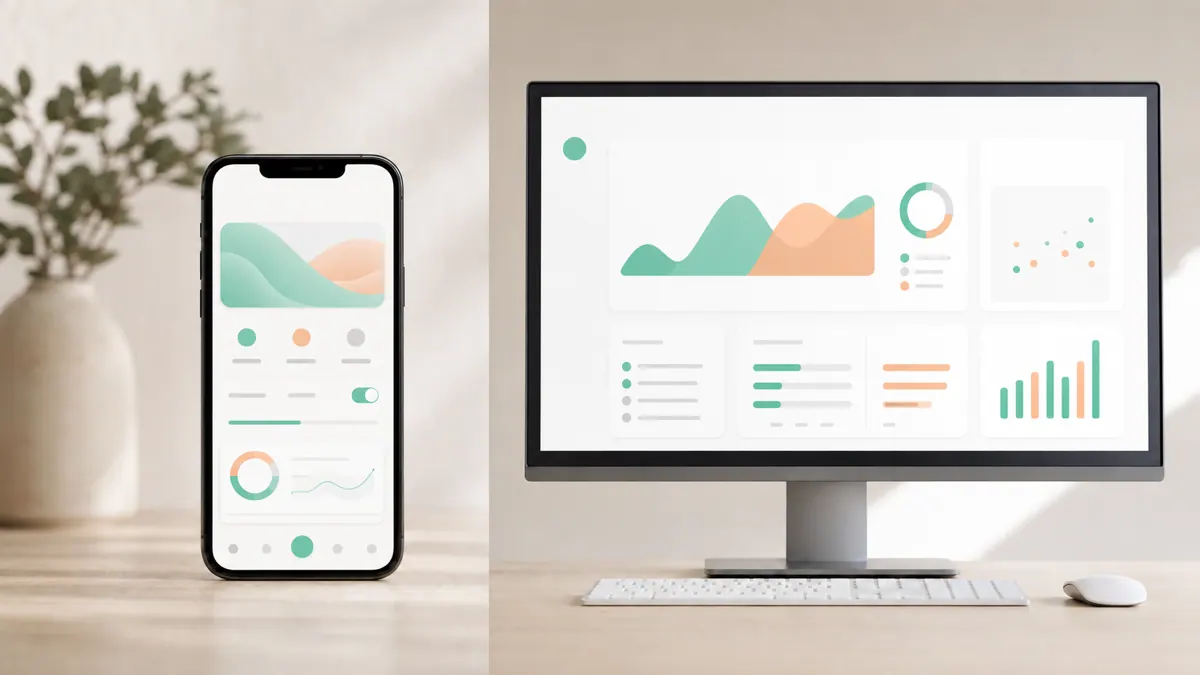
FlutterFlow vs Bubble at a glance
| Decision factor | FlutterFlow | Bubble |
|---|---|---|
| Primary output | Native iOS + Android app (Flutter); web export too | Hosted web application |
| Code ownership | Can export real Flutter code | Runs on Bubble's platform; no portable code export |
| Best for | Mobile-first products, apps needing the app stores | Web apps, marketplaces, internal tools, dashboards |
| Data model | Firebase/Supabase or your own backend | Built-in database and workflow engine |
| Learning curve | Steeper; concepts mirror real app development | Approachable for logic-minded non-developers |
| Scaling story | Scales like a normal app once exported | Scales within Bubble's hosting and pricing tiers |
| Graduating to custom | Smooth—hand the Flutter project to developers | Usually a rebuild in a different stack |
Where FlutterFlow pulls ahead
FlutterFlow's biggest advantage is that it is not a walled garden. Because it emits Flutter, you are building on a mainstream framework that professional teams use in production every day. If your MVP gets traction and you need custom animations, native device features, or performance tuning beyond the builder, you export the project and keep going. That exit ramp is worth a lot.
It also connects cleanly to real backends—Firebase and Supabase are common—so your data layer is a standard, portable service rather than a proprietary store. For anything that must live in the App Store or Play Store as a true native app, FlutterFlow is the more honest fit than wrapping a web app in a shell.
The trade-off: FlutterFlow expects you to think a little like an app developer. State, data types, API calls, and app-store submission are all real concepts you will meet. It is learnable, but it is not "drag three boxes and launch."
Where Bubble pulls ahead
Bubble is unmatched when the hard part of your product is logic and data, not native mobile polish. Its workflow engine lets you express genuinely complex business rules—conditional flows, multi-step processes, permissions, scheduled jobs—without code. Its built-in database means you are not stitching a backend together; it is all one environment.
For web-first products—marketplaces, booking platforms, admin panels, member portals—Bubble often gets you to a working, revenue-ready product faster than any other no-code tool. A large plugin ecosystem covers payments, auth, maps, and integrations, so common features are usually a configuration task rather than a build.
The trade-off is the runtime. Your application lives on Bubble. That is fine for many businesses, but it means pricing scales with usage in ways you should model early, and "leaving Bubble" almost always means rebuilding rather than exporting. Native mobile is possible via wrappers, but it is not Bubble's strength.
Pricing: model ranges, not headline numbers
Both tools use tiered subscriptions, and both change pricing periodically. As of mid-2026, both offer a free or trial tier for learning, with paid plans that scale up as you add users, capacity, or production features. Rather than quote figures that will drift, the useful move is to model your real usage.
| Cost to model | FlutterFlow | Bubble |
|---|---|---|
| Builder subscription | Monthly plan to build and export | Monthly plan tied to capacity/workload |
| Backend/hosting | Separate (Firebase/Supabase/your own) | Bundled into Bubble's plan tiers |
| Scaling driver | Users and backend usage | Workload units / capacity as traffic grows |
| App-store fees | Apple + Google developer accounts | N/A for web; wrappers add cost |
| Exit cost | Low—keep the exported code | High—rebuild elsewhere |
Confirm current numbers on each vendor's pricing page. The honest budgeting rule: Bubble bundles more into one bill, while FlutterFlow splits the builder from your backend and app-store costs. Neither is automatically cheaper; it depends on traffic and how long you stay.
What this looks like in practice
A pattern we see often at SprintX is a founder who built a promising prototype in a no-code tool, got real users, and then hit the ceiling—slow pages under load, a feature the platform can't express, or an investor asking to see the code. With a FlutterFlow project, that transition is usually manageable: we take the exported Flutter code, harden the backend, add the native capabilities the builder couldn't, and ship a production version you own outright. With a Bubble app, the same moment tends to become a scoped rebuild, because the logic lives inside Bubble's runtime. Knowing that exit cost up front—before you pick—saves months later. If you are unsure which side of that line your product sits on, a short architecture review is cheaper than a wrong bet.
How to decide in five minutes
- Is it a phone app users download? FlutterFlow.
- Is it a web app or internal tool? Bubble.
- Do you need to own real, portable code later? FlutterFlow.
- Is complex data logic the hard part, and web-only is fine? Bubble.
- Do you want the single smallest bill and no backend to manage? Bubble, if web fits.
- Do you expect to hand this to developers as it grows? FlutterFlow.
If you are genuinely between them, it is often because the product is web-first today but "should have an app someday." In that case, ship the web version in Bubble now if speed matters, but write down the mobile plan so you are not surprised by a rebuild later. For a deeper look at moving from a builder to a maintainable stack, see our guide on taking a vibe-coding project to production and the broader MVP development cost breakdown.
FAQ
Is FlutterFlow better than Bubble for a mobile app? For a true native mobile app in the App Store and Play Store, yes—FlutterFlow generates Flutter code and produces real native apps. Bubble is web-first; its mobile options rely on wrappers and are not its core strength.
Can I export my app from FlutterFlow or Bubble? FlutterFlow lets you export the underlying Flutter codebase, so you can continue development outside the builder. Bubble does not offer a portable code export; leaving Bubble generally means rebuilding your app in another stack.
Which is easier for a non-developer, FlutterFlow or Bubble? Bubble is usually gentler for non-developers because it hides app-development concepts behind a visual workflow engine. FlutterFlow is learnable but exposes more real app-building ideas like state and data types.
Do FlutterFlow and Bubble scale for a real business? Both run real businesses. Bubble scales within its own hosting and pricing tiers, which you should model against expected traffic. FlutterFlow apps scale like normal apps, especially after you export the code and pair it with a production backend.
Ready to build—or graduate—the right way?
Whether you are choosing between FlutterFlow and Bubble or have already hit a wall with one of them, we can help you ship a version you actually own. SprintX offers fixed-scope, milestone-based builds and rescues: NDA-friendly, you keep the repo, and "done" means production-ready, not just deployed. Send us your current prototype and target users, and we'll come back with a scoped plan and a clear price—no open-ended retainers. See our website and app development cost guide, then book a call.
Cost, hiring and outsourcing
Start with a project, keep us on, or let us look after it.
Three ways to work with us, and how the first weeks run.
Keep reading.
More on cost, hiring and outsourcing
Cost, hiring and outsourcing · 18 Jul 2026 · 8 min read
Zendesk Alternatives in 2026: Cheaper Support Stacks Compared
A 2026 comparison of Zendesk alternatives and cheaper support stacks — from lean help desks to AI-first tools to custom builds.
Cost, hiring and outsourcing · 18 Jul 2026 · 8 min read
Synthflow vs Vapi vs Retell: Choosing a Voice AI Platform in 2026
A hype-free 2026 comparison of Synthflow, Vapi, and Retell — no-code ease versus developer control — and how to pick the right voice AI platform.

Cost, hiring and outsourcing · 18 Jul 2026 · 8 min read
LangChain vs LlamaIndex in 2026: Which for Your RAG App?
A practical, hype-free comparison of LangChain and LlamaIndex for building RAG and agent apps in 2026 — strengths, overlap, and how to choose.