Refactoring AI-Generated Code Without Breaking It
AI-generated code fails in predictable patterns. Here is the sequence for cleaning it up that keeps the app working the entire time.
 SprintX Team6 min read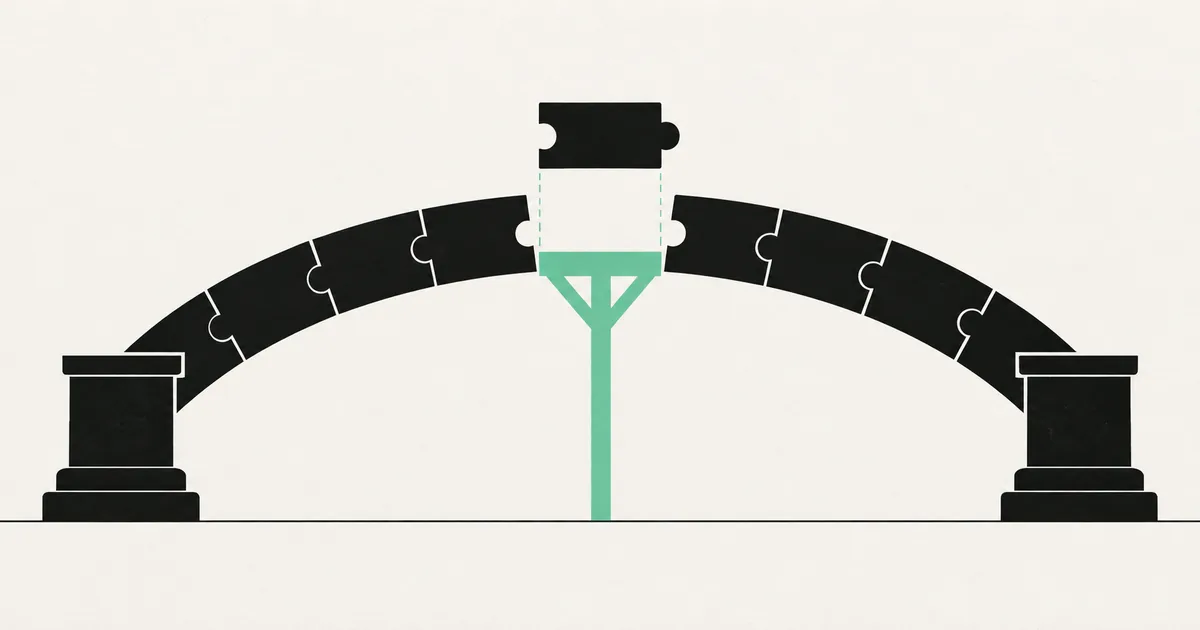
There is a specific moment in the life of an AI-built app where cleaning it up becomes unavoidable. Usually it is the third time you ask the agent for a small change and it rewrites something unrelated, or the day you try to explain the codebase to a new developer and cannot find where a piece of logic lives because there are four copies of it.
The temptation is to do a grand cleanup — a weekend of restructuring, everything in its right place. That is how working apps die. The safe version is less satisfying and considerably more effective: a sequence of small, verifiable changes in a deliberate order, with the app deployable at every step.
What follows is the order we use on rescue engagements, and the reasoning behind why each thing comes when it does.
Rule zero: nothing before a safety net
Refactoring without tests is not refactoring. It is rewriting and hoping. You cannot verify that behavior is unchanged if nothing checks the behavior.
You do not need comprehensive coverage — you need end-to-end tests through the real interface on the paths that matter: signup, login, the core product action, tenant isolation, and payment. Those tests survive any internal restructuring, which is precisely what makes them useful here. Adding tests to a codebase you did not write covers writing them in about a week.
One more prerequisite: start from a stable state, on a branch with a deployable preview. A refactor begun while a production bug is open loses you the ability to tell which change caused what.
What AI-generated code actually gets wrong
Generic refactoring advice is not very useful here, because AI-generated codebases fail in a distinctive and repeatable set of ways. Knowing the patterns tells you where to look.
Duplication rather than abstraction. Each prompt produces fresh code, so the fourth form the agent wrote does not reuse the validation logic from the first three. You will find near-identical blocks with small divergences — and one of those divergences is usually a bug that only exists in one copy.
Components doing everything. Data fetching, transformation, business rules, and markup in a single 600-line file, because the model was asked for a feature and produced a feature-shaped file.
Inconsistent conventions. Three date-formatting approaches, two state management styles, both fetch and an HTTP library, because different sessions made different choices and nothing reconciled them.
Missing error paths. The happy path is well written; the failure branches are absent. This is not a style issue, it is a correctness one, and it deserves its own pass — see error handling in an AI-generated app.
Schemas without constraints. Nullable columns everywhere, no unique indexes, no foreign keys, because the model modeled the demo rather than the domain.
That last one is the important exception to a general rule: most of this list is cosmetic until it is not, but the schema is load-bearing.
The order of operations
1. Make the codebase legible before you change it
Before restructuring anything, spend a day making the current state visible. Turn on strict type checking and a linter and record the errors without fixing them yet. Find the duplication with a clone detector. You are producing a map: which files are entangled with everything, and which are safely isolated. Start with the isolated ones, because a mistake there cannot take down the app.
2. Delete before you refactor
Every AI-built codebase carries dead weight: components from abandoned attempts, unused dependencies, API routes nothing calls. Deleting is the highest-value refactoring available because it cannot introduce a bug in code that no longer exists. Verify a thing is genuinely unreferenced, delete it, run the tests, ship. Codebases routinely shed a fifth of their files in this pass, and everything after it gets easier.
3. Fix the schema and the security boundaries
This is the one part that cannot wait for a tidier codebase, because these are correctness and safety problems rather than cleanliness problems. Missing unique constraints are producing bad data right now — the mess described in duplicate and half-finished records. Missing access policies are exposing data right now.
Add the constraints, foreign keys, and indexes the schema should have had, and verify every access rule with a test that tries to read another tenant's data. If the schema needs more than patching, designing a database schema for an AI-built app covers the modeling work, and it is far cheaper to do at a thousand rows than at a million.
4. Extract the shared logic, one duplicate at a time
Now the actual restructuring. Take one duplicated concern — form validation, the API client, date formatting — and unify it. Write the shared version, migrate one call site, run the tests, ship. Then the next call site. Resist migrating all seven at once: small commits make a failure trivially bisectable, while one large commit that breaks something tells you nothing about which part did it.
Note the divergences while you go. When two copies differ, one of them is wrong, and choosing which behavior survives is a product decision to make consciously rather than by whichever file you opened first.
5. Separate layers inside the big files
Pull data fetching out of components into hooks or a data layer. Pull business rules out of route handlers into functions that can be tested without HTTP. Leave the markup alone.
This is where unit tests finally become worth writing, because there are now units with clear boundaries. Do it file by file, prioritized by how often you have to change that file.
6. Standardize conventions last
Naming, file layout, import ordering, formatting. Genuinely valuable for the humans reading the code, genuinely worthless if done first — you would be renaming files you are about to delete. Automate what you can with a formatter and a lint rule, and do the rest in one dedicated pass so it does not pollute the diff of every functional change.
What to leave alone
| Leave alone | Reason |
|---|---|
| Working code you dislike stylistically | Cost with no benefit; the diff hides real changes |
| Anything you plan to replace this quarter | Refactoring precedes deletion is backwards |
| Third-party integration glue that works | Fragile, well-tested by production, rarely read |
| Performance you have not measured | Optimizing unprofiled code is guessing |
| Whole-app rewrites of working features | The frontend is usually the part that was fine |
That last row deserves emphasis. On rescue engagements the product logic and UI an AI built are typically serviceable; what is missing sits underneath — constraints, access control, error handling, deployment. Rewriting the working half to reach the broken half is the most expensive possible route. The tradeoff is examined properly in rebuilding versus hardening a vibe-coded app.
Using AI to refactor AI code
You can, with constraints. Agents are good at mechanical transformations — extracting a function, renaming across files, converting a pattern — and poor at judging which abstraction is correct.
Give it one narrow task per session with the target shape specified. Never let it touch more files than you are willing to review line by line. Run the tests after every accepted change rather than at the end of a session. And when it offers to "also clean up" something you did not ask about, decline; unrequested changes in a refactoring diff are how working features quietly stop working.
If the accumulated mess is larger than a few weeks of this, it has stopped being a refactoring question and become a debt question — the technical debt guide covers how to size and schedule it, and fixing AI-generated code covers the repair work that comes alongside.
Frequently asked questions
How do I know when refactoring is finished? It never is, and it does not need to be. Stop when the thing that prompted it has gone away — you can add a feature without touching six files, a new developer can find things, the agent stops breaking unrelated code. Refactoring is a means to those outcomes, not a goal with a completion state.
Should I refactor before or after adding a feature? Refactor the area you are about to work in, immediately before, and only that area. Broad cleanups disconnected from actual work rarely finish and rarely pay off. Cleaning the room you are working in today has an obvious return.
Is it faster to have an AI rewrite the whole thing cleanly? It will produce something quickly, and that something will have a fresh set of the same structural gaps, because the model is optimizing for a working demo rather than a maintainable system. You would also lose every accumulated fix for edge cases your users found. Incremental restructuring keeps those.
If your codebase has reached the point where every change is risky and the agent that built it now makes things worse, an ordered cleanup will get you further than another prompt. SprintX refactors AI-generated apps in reviewable steps — tests first, schema and security next, structure after — with the product working the entire time. Send us your repo or builder link.
Engineering and operations
Once it’s live, we keep it healthy.
Monitoring, backups, security updates and a monthly health report you can read in ten minutes.
Keep reading.
More on engineering and operations
Engineering and operations · 22 Jul 2026 · 8 min read
Rebuild or Harden? Deciding What to Do With a Vibe-Coded App
A decision framework for whether to harden an AI-built app or rebuild it, including the four conditions that genuinely justify a rewrite.
Engineering and operations · 14 Aug 2026 · 8 min read
Documenting a Codebase So the Next Engineer Can Take Over
Not a wiki nobody reads — the specific short documents that decide whether your next engineer ships in week one or spends a month reverse-engineering.
Engineering and operations · 13 Aug 2026 · 7 min read
Implementing Roles and Permissions Without Painting Yourself In
Most permission systems fail the first time a customer asks for something slightly unusual. Here is how to build one that bends instead of breaking.