How to Fix AI-Generated Code That Broke in Production
A practical playbook for diagnosing and fixing AI-generated code that worked in a demo but broke once real users and real data hit it.
 SprintX Team8 min read
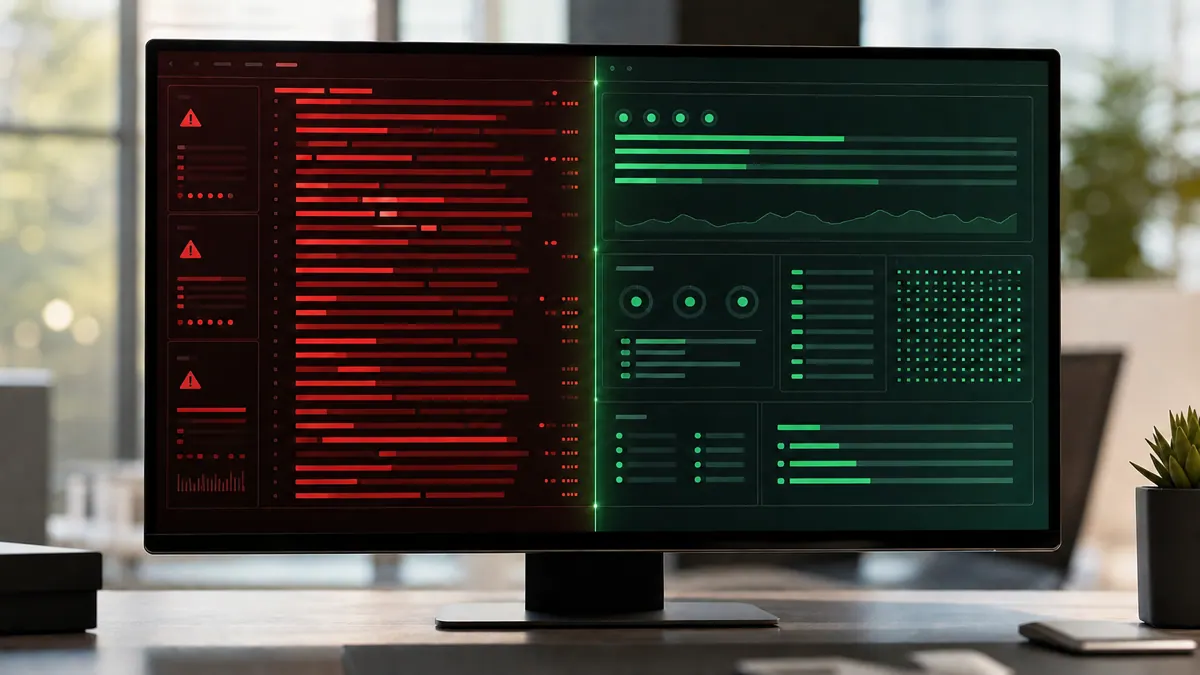
It worked perfectly when you built it. The AI wrote the whole feature, the demo went great, you shipped it — and now, with real users on it, something is wrong. Pages hang. A form silently fails. The logs are a wall of errors you do not recognize. Or worse, everything looks fine and the data is quietly corrupting.
Welcome to the most common support ticket of 2026. AI coding tools are astonishingly good at producing code that runs once, in the happy path, on the machine it was built on. They are far less good at the boring, defensive engineering that keeps code alive when hundreds of real people use it in ways you never demoed. This is a playbook for fixing AI-generated code that broke in production — calmly, in the right order, without making it worse.
First, stop the bleeding
When production is actively broken, resist the urge to have the AI "just fix it." Blindly regenerating code on top of a live incident is how a small bug becomes a data-loss event. Do this first:
- Reproduce the failure. Find the exact action that triggers it. If you cannot reproduce it, you cannot safely fix it.
- Read the actual error. Not the AI's guess about the error — the real stack trace in your logs or hosting dashboard. The message almost always names the file and line.
- Check what changed. Did a deploy, a dependency update, or a spike in traffic line up with when it broke? Timing is the fastest clue.
- Roll back if you can. If a recent deploy caused it and you have a previous working version, revert to it while you diagnose. A stable-but-old site beats a broken-but-new one.
Only once the fire is contained should you start fixing the root cause.
Why AI-generated code breaks in production specifically
Understanding the pattern makes the fix obvious. AI generators optimize for producing something that works right now, and they systematically skip the parts a demo never exercises. The same handful of gaps cause the vast majority of production failures.
| Failure you see | Root cause the AI skipped | Typical fix |
|---|---|---|
| Blank screen, unhandled crash | No error handling on external calls | Wrap calls, add fallbacks and user-facing errors |
| Works locally, 500 in production | Missing or wrong environment variables | Set real env vars server-side, stop hardcoding |
| Data looks wrong over time | No validation or database constraints | Validate input, add constraints and migrations |
| Random slowness or timeouts | No pagination, N+1 queries, no caching | Fix queries, add indexes and caching |
| Surprise API bill | AI calls fire on every event | Route to cheaper models, cache, gate on real actions |
| One user sees another's data | No access rules on the database | Enforce per-user access (e.g. Supabase RLS) |
Notice a theme: none of these are exotic. They are the exact things an experienced engineer adds by habit and an AI omits by default. The good news is that means they are fixable without a rewrite.
The ordered fix playbook
Work in this sequence. Each step reduces the risk of the next.
1. Read the real logs, not the AI's story
The single biggest time-saver is looking at your actual production logs. Vercel, your database provider, and your error tracker all show the real stack trace. That trace tells you the file, the line, and often the exact input that broke. Paste that into your AI assistant if you want help, not a vague "my app is broken."
2. Fix environment and secrets first
An enormous share of "works locally, breaks in production" cases come down to environment variables. The AI hardcoded a value, or assumed a key that was never set in production, or left a secret in the frontend where it either leaks or gets stripped. Confirm every secret lives server-side and every environment variable is actually set in your host. Our guide on apps that work locally but not in production goes deep on this specific class of bug.
3. Add error handling to every external call
Every call to a database, payment provider, or AI model can fail. AI-generated code usually assumes none of them ever will. Wrap each one, add a retry where it makes sense, return a friendly message instead of a white screen, and log the failure somewhere you can search. This alone eliminates most "it just hangs" reports.
4. Lock down data access and integrity
If your app has user accounts, verify that users can only read their own data. AI code frequently leaves database access wide open. Then add validation on input and constraints in the database so bad records cannot accumulate. If the AI never set up migrations, changing the schema safely becomes its own careful task.
5. Control runaway cost
If your app calls an AI model, check how often it fires. We routinely find apps calling an expensive model on every keystroke or page load, quietly running up hundreds of dollars. Route simple requests to a cheaper model, cache repeated answers, and only call the model on real user actions. Our breakdown of why AI apps burn API credits covers the specific fixes.
6. Add a safety net before you touch anything else
Once it is stable, write tests for the flows that touch money and data. AI-generated apps almost never have tests, which is why every "small fix" risks breaking something invisible. A handful of tests around the critical paths turns future changes from terrifying into routine. The full hardening sequence is in stabilize your AI app.
What this looks like in practice
A recent client project came to us as "the AI used to work, now it fails silently and we are burning credits." The app was an AI tool built quickly with a code generator; in production it crashed on any unexpected input, leaked API keys through the frontend, and fired a model call on every page load. We did not rewrite it. We read the real logs, moved secrets server-side, wrapped every external call with error handling and logging, added input validation, and routed cheap requests to a smaller model with caching. The silent failures stopped, the monthly bill dropped sharply, and the app finally behaved the same in production as it did in the demo. Work like this typically lands in phased fixed-scope milestones rather than an open-ended rebuild.
When to fix vs when to rebuild
Most broken AI-generated apps are worth fixing, not scrapping — the UI and product logic are usually fine, and the missing pieces are predictable. Rebuild only when the data model genuinely cannot support your real use case, or the code is such a tangle of duplicated logic that editing one thing breaks three others. An experienced engineer can usually tell you which camp you are in within an hour of reading the code. If you are earlier in the journey, taking a vibe-coded MVP to production maps the whole path.
Frequently asked questions
Why does my AI-generated code work locally but break in production? Almost always environment differences: missing or hardcoded environment variables, secrets that were in the frontend, or a database that existed locally but not in production. Production also exposes error paths and concurrent usage the demo never hit.
Can I just ask the AI to fix its own broken code? Sometimes, for a single clear bug with the real stack trace in front of it. But for production incidents, regenerating code blindly often makes things worse. Contain the incident first, read the real logs, and fix the root cause deliberately.
Is it worth fixing AI-generated code or should I start over? Usually worth fixing. The frontend and product logic are typically salvageable, and the failures follow a predictable pattern. A rebuild is only faster when the data model is fundamentally wrong or the code cannot be safely edited.
How do I stop my AI app from burning API credits? Audit how often it calls the model, route simple requests to a cheaper model, cache repeated answers, and only call the AI on genuine user actions. That combination often cuts spend substantially.
Got AI-generated code that broke once real users showed up? SprintX diagnoses and stabilizes AI apps fast — fixed-scope milestones, NDA-friendly, and you keep the repo. Send us the error and a link to the code and we will tell you exactly what it needs.
AI agents and automation
AI agents that do the work.
We build agents and automations for the repetitive work your team does by hand, and measure what they save.
Keep reading.
More on ai agents and automation
AI agents and automation · 25 Jul 2026 · 6 min read
From Google AI Studio Prototype to Production App
A studio prototype is a prompt that worked once in a browser tab. Here is everything that has to exist around it before it becomes a product.
AI agents and automation · 24 Jul 2026 · 6 min read
Shipping a Claude Code Project to Production
Agent-written repositories fail in their own specific ways. Here is what to check before a Claude Code project meets real users, in the order that matters.
AI agents and automation · 24 Jul 2026 · 6 min read
Taking a Windsurf Project to Production
A Windsurf project runs perfectly in one place — your editor. Here is what has to change before it runs anywhere else, and in what order.