Finding Every Secret an AI Left in Your Repo
AI-assisted commits leak credentials at roughly twice the baseline rate. Here is how to sweep an entire repo — history included — and what to do with what you find.
 SprintX Team7 min read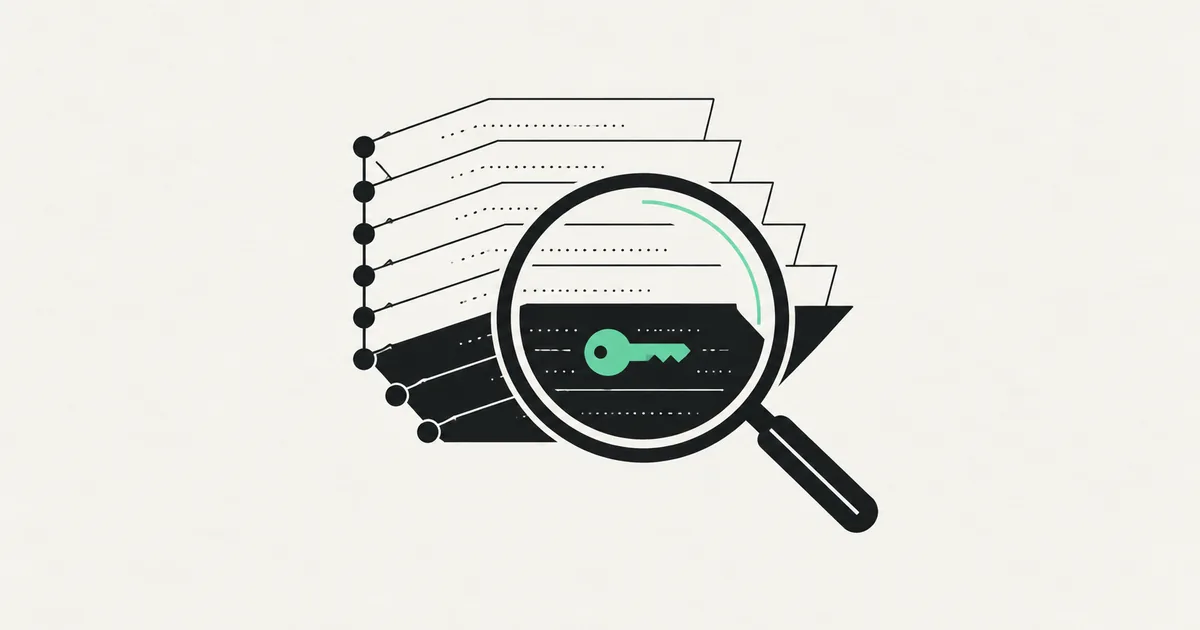
Most founders who ask us to check for leaked keys have already looked. They opened the files they remember touching, found nothing, and moved on. Then a scanner runs and turns up a live database URL in a commit from March, a provider key inside a README code block, and an admin token in a CI config nobody has opened since setup.
Secrets do not hide in the files you remember. They hide in history, in build artifacts, in documentation, and in the config surfaces you set up once. And they accumulate faster now: GitGuardian counted 28.65 million new hardcoded secrets in public GitHub commits during 2025, a 34% year-over-year rise, with AI-assisted commits leaking at roughly 3.2% against a 1.5% baseline.
Here is a sweep that actually covers the ground, in the order that limits damage.
Rotate before you clean
Order matters and almost everyone gets it backwards. If a secret was ever pushed to a remote — public or private — treat it as compromised and rotate it first. Cleaning history is housekeeping; rotation is the fix.
The reason is simple: public repos are scraped continuously by bots that index new commits within minutes, and private repos have forks, clones, CI caches, and former collaborators. You cannot recall a string. You can only make it worthless.
So: find, rotate, then clean. If you have just discovered a live key in the wild right now, what to do when an API key is exposed walks the first hour minute by minute.
Step 1: the working tree
Start with the obvious pass so you know the shape of the problem. Search the checked-out code for provider prefixes and generic patterns:
- Provider prefixes: sk_, pk_live, rk_, AKIA, ASIA, AIza, ghp_, xoxb-, SG., service_role
- Generic shapes: long base64 blobs assigned to variables named key, token, secret, password, or dsn
- Connection strings: postgres://, mongodb+srv://, redis://, anything with a colon-and-at-sign shape
Check that .env, .env.local, and .env.production are in your ignore file. In AI-built repos they frequently are not, because the generator wrote the ignore file before it wrote the env file.
Step 2: the build output
This is the step people skip, and it is the one that finds live exposures. Anything in your client bundle is public regardless of what the source file looks like.
Build for production, then search the output directory for the same patterns. Frontend frameworks inline environment variables that carry the public prefix, and AI builders reach for that prefix whenever a server-side call is inconvenient. A service-role database key with a public prefix is not a warning; it is a breach waiting for whoever views source. The full pattern and the fix path are in API keys exposed in the frontend.
While you are there, check whether source maps ship to production. They rebuild your original source for anyone who wants it.
Step 3: git history
Deleting a secret in a later commit does nothing. The blob stays in the object database, reachable by anyone with the repo. Scan the full history with a purpose-built tool.
| Tool | Covers | Notes |
|---|---|---|
| gitleaks | Full history, working tree, pre-commit hook | Fast, free, easy CI integration |
| trufflehog | History plus live verification of found keys | Tells you which secrets still work |
| GitHub secret scanning | Pushes and existing history on hosted repos | Free for public repos, push protection blocks new leaks |
| git-filter-repo / BFG | Rewriting history to purge blobs | Use after rotation, coordinate with collaborators |
Run gitleaks or trufflehog across all branches, not just the default one. Feature branches are where experiments — and hardcoded test credentials — live. Trufflehog's verification mode is worth the extra minutes: it distinguishes a dead key from one still charging your account.
Step 4: the places that are not code
Roughly a third of what we find sits outside source files entirely.
- Documentation and READMEs. Setup instructions written with a real key pasted in "just for now."
- CI/CD config. Workflow files with inline tokens instead of repository secrets.
- Notebooks and scratch scripts. Analysis notebooks keep outputs, and outputs contain connection strings.
- Deployment logs. Startup logs that print the loaded configuration object, including everything in it.
- Issue trackers and chat. Stack traces pasted into a ticket, complete with the query and the URL.
- The builder platform itself. Lovable, Bolt, Replit, and v0 projects have their own environment settings, share links, and preview deployments. A public project link can expose configuration your repo does not contain.
- Error monitoring. Check what your exception reporter captures. Request headers containing an authorization token get stored and become searchable by anyone with dashboard access.
Step 5: clean the history, if it is worth it
Once every found secret is rotated, decide whether to rewrite history. For a small private repo with two collaborators, it is an hour of work with git-filter-repo and a coordinated re-clone. For a public repo with forks, understand that rewriting cannot reach forks or anyone's local copy — rotation is doing the real work, and the rewrite is hygiene.
One caveat that catches teams out: after a rewrite, the old objects can persist in the hosting provider's storage until you ask them to run garbage collection. If a secret must be provably gone, open a support request with your provider rather than assuming the force push handled it.
Step 6: stop the next one
A sweep is a snapshot. What keeps a repo clean is a gate.
Install gitleaks as a pre-commit hook so credentials never reach a commit in the first place, and turn on push protection at your hosting provider as a second line. Add a history scan to your pipeline so a leak on any branch fails the build — the same place your other pre-merge checks live, as described in CI/CD for a vibe-coded app.
Then remove the temptation. Most leaks happen because loading configuration properly was annoying at the time. Set up a real secret store — your hosting provider's environment settings for small teams, a managed vault when you grow — and make the correct path the easy one. If environment variables have been unreliable for you, why env variables stop working in production covers the usual causes. Once the sweep is done, run the rest of the pre-launch security checklist while you are in the mood.
Frequently asked questions
My repo is private. Do I still need to worry? Yes, though the urgency drops. Private repos get cloned to laptops, forked internally, cached by CI, and shared with contractors who later leave. A secret in history is a secret shared with everyone who has ever had access, which is usually more people than the founder remembers.
How do I know whether a leaked key was actually used? Check the provider's usage logs and audit trail for requests from IPs or regions you do not recognize, and for spikes that do not match your traffic. Most model and payment providers expose per-key usage. If a key was in a public repo for more than a few minutes, assume it was scraped even if usage looks normal.
Is a scanner in CI enough on its own? It is enough to stop new leaks, which is most of the value. It will not find the credential a teammate pasted into a support ticket, or the one printed in a deployment log. Run the full sweep once by hand, then let the automation hold the line.
If you have found a secret and are not sure how far the exposure reaches, that is a question worth answering precisely rather than optimistically. SprintX runs full-history credential sweeps on AI-built codebases and closes the paths that put the keys there — send us your repo.
Security and compliance
Models you own.
When data can’t go to a public AI service, we deploy and train models that run in your environment.
Keep reading.
More on security and compliance
Security and compliance · 1 Aug 2026 · 7 min read
Auditing the Dependencies an AI Chose for You
How to run a dependency audit on an AI-generated npm project — spotting hallucinated packages, unmaintained libraries, license risk, and the CVEs that actually matter.
Security and compliance · 30 Jul 2026 · 7 min read
A Security Checklist for Apps You Did Not Write Line by Line
A working checklist for founders who shipped fast with an AI builder and now need to know the app is safe — every item with a way to verify it yourself.
Security and compliance · 29 Jul 2026 · 6 min read
Row Level Security Mistakes in AI-Generated Supabase Apps
Eight Row Level Security failures we find repeatedly in AI-built Supabase apps, why the generator produces them, and the test that actually proves a policy works.