WordPress Website Maintenance Services (Updates, Security & Backups)
A no-nonsense guide to WordPress website maintenance services: what updates, security, and backups actually involve, what a plan should cost, and how to pick one.
 SprintX Team8 min read
Nobody thinks about WordPress maintenance until the morning the site is down, or worse, until the morning it's been quietly serving spam pharmacy links to Google for three weeks and the rankings have cratered. WordPress runs a huge share of the web precisely because it's flexible and plugin-rich — and that same flexibility is why an unmaintained WordPress site is a slow-motion incident waiting to happen.
A WordPress website maintenance service exists to make sure that morning never comes. But "maintenance plan" covers everything from a $15 auto-updater bot to a real team that tests updates, hardens security, and can actually fix the site when something breaks. This guide explains what the work really involves, what it should cost in 2026, and how to tell a genuine service from a set-and-forget script.
What a WordPress maintenance service actually covers
Real maintenance is four jobs that all have to happen continuously, not once a year.
- Updates. WordPress core, themes, and plugins ship updates constantly — many of them security patches. The work isn't clicking "update all"; it's updating in a safe order, on a staging copy, and catching the update that breaks your checkout before your customers do.
- Security. Hardening login, firewalling, malware scanning, and monitoring for the intrusion patterns WordPress sites actually get hit with. The overwhelming majority of WordPress compromises trace back to out-of-date plugins and weak access control — both preventable.
- Backups. Automated, off-site, and — this is the part people skip — tested. A backup you've never restored is a hope, not a safety net.
- Uptime and performance. Monitoring so you know the site is down before your customers tell you, plus keeping it fast as content and plugins accumulate.
A plan that only does the first one — auto-updates with no testing, no backups, no one watching — isn't maintenance. It's a timer counting down to the update that takes your site offline.
What's actually in a real plan vs a cheap one
The word "maintenance" hides a huge quality range. Here's how to read it.
| Area | Set-and-forget bot | Real maintenance service |
|---|---|---|
| Updates | Auto-update everything, hope nothing breaks | Staged, tested, rolled back if it breaks |
| Backups | Maybe daily, never tested | Automated, off-site, restore-tested |
| Security | A firewall plugin | Hardening, scanning, monitoring, incident response |
| Uptime | None | Monitored, with someone who responds |
| When something breaks | You're on your own | A human fixes it |
The last row is the one that matters most and the one cheap plans quietly omit. Automated updates are easy; being the team that fixes the site at 9pm when an update collided with your theme is the actual service you're paying for.
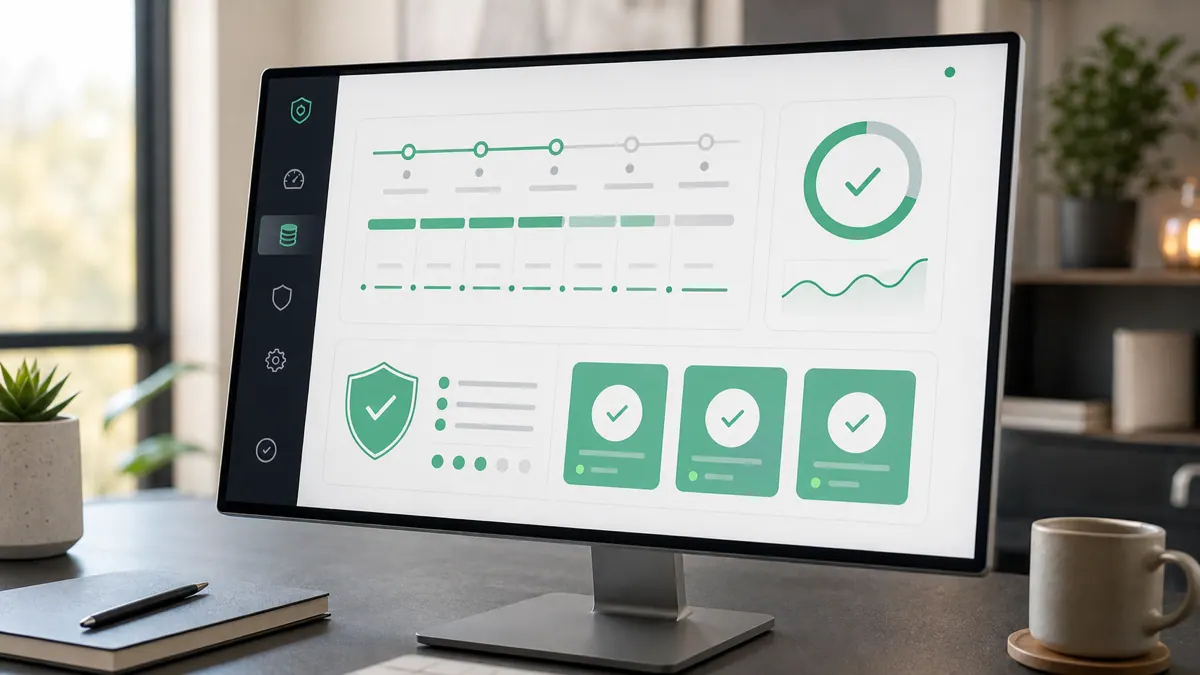
Why updates are the whole ballgame
If you take one thing from this article: the danger isn't updating, it's updating carelessly — or not at all. Both fail, in opposite directions.
Skip updates, and every unpatched plugin is a known, publicly documented way into your site. Attackers scan for exactly these. This is the single most common way WordPress sites get compromised, and it's entirely preventable.
Update everything blindly, and sooner or later a plugin update conflicts with your theme or another plugin and something visible breaks — a form, the checkout, the layout. That's why a real service updates on a staging copy first, checks the critical paths, and only then pushes to production, with a tested backup ready to roll back. The discipline is the product. It's the same principle behind good perfective software maintenance on any codebase: change deliberately, verify, keep a way back.
What WordPress maintenance costs in 2026
Pricing is all over the map because "maintenance" means such different things. Rough guidance, as of mid-2026 — always confirm scope against price:
- Basic plans cover updates, backups, and light monitoring — the low tens of dollars per month. Fine for a simple brochure site, but usually no real human support when something breaks.
- Standard plans add security hardening, uptime monitoring, and a monthly allowance of small content or fix requests. This is the sweet spot for most business sites — typically low-to-mid hundreds per month depending on the provider and site complexity.
- E-commerce and business-critical plans cost more because the stakes and the surface area are higher: WooCommerce, more plugins, faster response requirements.
Two cost rules worth internalizing. First, judge a plan by what happens when the site breaks, not by the list of green checkmarks when it doesn't. Second, weigh any plan against the cost of a single bad incident — a hacked site cleanup, lost sales during downtime, or an SEO recovery — which usually dwarfs a year of proper maintenance. If you're also budgeting a rebuild or new site, our website development cost guide pairs naturally with this.
How to choose a maintenance provider
- Ask who fixes it when it breaks — and how fast. A named response time and a real human beats any feature list.
- Confirm backups are off-site and restore-tested. "We back up daily" means nothing if no one has ever restored one.
- Check that you own everything. Your hosting, your domain, your database, your admin access — all registered to you. A provider who holds your site hostage is a lock-in trap, not a partner.
- Ask how they handle updates. "We test on staging and roll back if needed" is the answer you want. "We auto-update everything" is the answer that eventually bites.
- Make sure they can do more than maintain. The best providers can also fix real problems, improve performance, and make changes — not just run a plugin on a schedule.
What this looks like in practice
A common request we get isn't a fancy new build — it's "keep this thing running and stop it breaking." A clinic, a law office, or a local business has a WordPress site that's central to how customers find and book them, and they need someone reliable owning updates, backups, and security so a plugin conflict or a compromise doesn't take them offline during business hours. The valuable version of this isn't a bot; it's a team like SprintX that tests updates on a staging copy, keeps restore-tested off-site backups, watches uptime, and can actually get in and fix things — while the business keeps full ownership of its hosting, domain, and data. That "reliable hands on the site" outcome is what most owners are really buying.
Frequently asked questions
Do I really need a WordPress maintenance service, or can I do it myself? You can do it yourself if you're comfortable testing updates on a staging site, running off-site restore-tested backups, hardening security, and fixing conflicts when they happen. Most business owners aren't, and the risk isn't the routine week — it's the update that breaks checkout or the plugin vulnerability that gets exploited while you're busy running the business. A service exists to own exactly those cases.
How much should a WordPress maintenance service cost per month? As of mid-2026, basic update-and-backup plans run in the low tens of dollars, while plans with real security, monitoring, and human support for a business-critical site typically land in the low-to-mid hundreds per month. Judge the price against the cost of one bad incident — a hacked-site cleanup or lost sales during downtime usually exceeds a full year of proper maintenance.
What happens if my WordPress site gets hacked while under maintenance? With a real maintenance service, they respond — clean the malware, restore from a known-good off-site backup, patch the entry point, and harden against a repeat. That incident response is the core of what you're paying for, and it's exactly what a cheap set-and-forget plan doesn't include. Always confirm the response time before you sign.
Are automatic WordPress updates safe to leave on? For a simple site, cautious auto-updates are better than never updating. For anything business-critical, blind auto-updates are risky — a plugin update can collide with your theme and break something visible. The safer approach is staged updates: apply them on a copy of the site, verify the critical paths, then push to production with a tested backup ready to roll back.
Want someone reliable owning your WordPress updates, security, and backups — with a human who actually fixes things when they break? SprintX runs WordPress maintenance with staged, tested updates, restore-tested off-site backups, and real incident response — and you keep full ownership of your hosting, domain, and data. Tell us about your site and we'll scope a plan that fits its risk, not a one-size bot.
Engineering and operations
Once it’s live, we keep it healthy.
Monitoring, backups, security updates and a monthly health report you can read in ten minutes.
Keep reading.
More on engineering and operations
Engineering and operations · 18 Jul 2026 · 8 min read
Code Review as a Service: An Outside Expert Audit of Your Codebase
When to commission an outside code review, what a professional audit actually checks, what it costs in 2026, and how to choose a reviewer you can trust with your repo.
Engineering and operations · 14 Aug 2026 · 8 min read
Load Testing Before You Get the Traffic You Wanted
A launch that works is the most expensive way to discover your connection pool holds twenty. Here is how to find your breaking point on purpose, first.
Engineering and operations · 14 Aug 2026 · 8 min read
Incident Response When You Are the Whole Team
Nobody to escalate to, no runbook, and the app is down. Here is the process that keeps a one-person outage from turning into a one-person disaster.