No-Code vs Custom Development: The Honest 2026 Trade-off
A straight-talking 2026 comparison of no-code and custom development — where each genuinely wins, what each really costs, and how to choose without regret.
 SprintX Team8 min read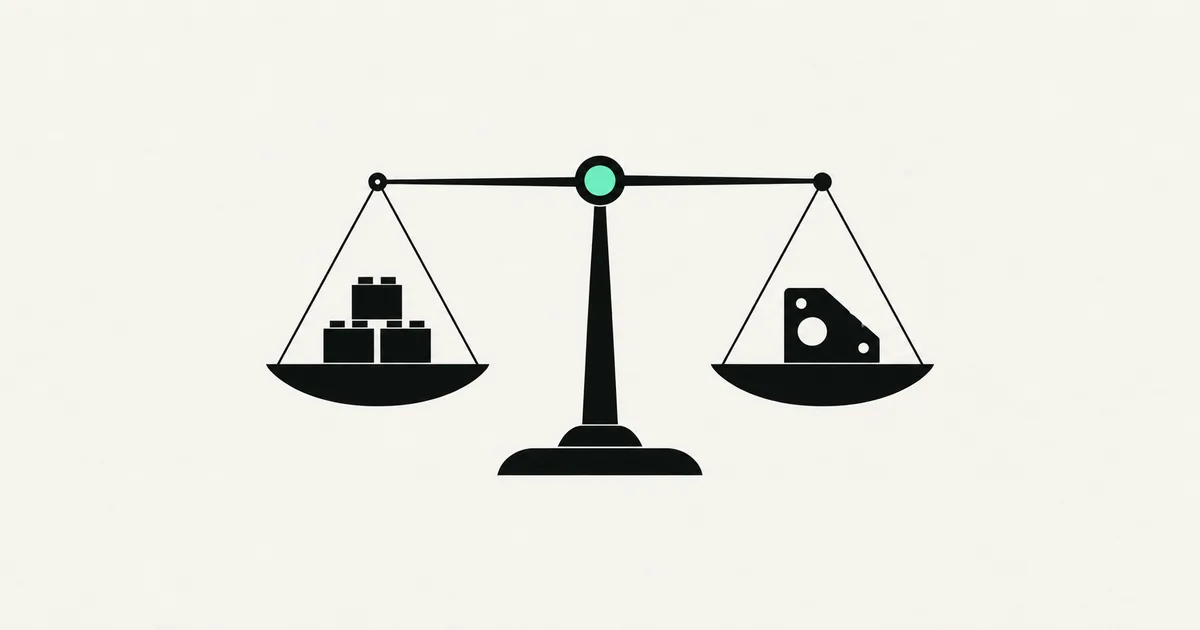
"Should I build this with no-code or hire developers?" is one of the most consequential questions a founder asks, and most of the advice online is quietly selling you one answer. No-code vendors say code is obsolete. Agencies say no-code is a toy. Both are wrong, and the honest answer in 2026 is more useful than either: it depends on where your project is in its life, and picking correctly can save you months and thousands of dollars.
This is the trade-off without the sales pitch — what each approach genuinely costs, where each wins, and a simple way to decide.
The tools have changed — the trade-off has not
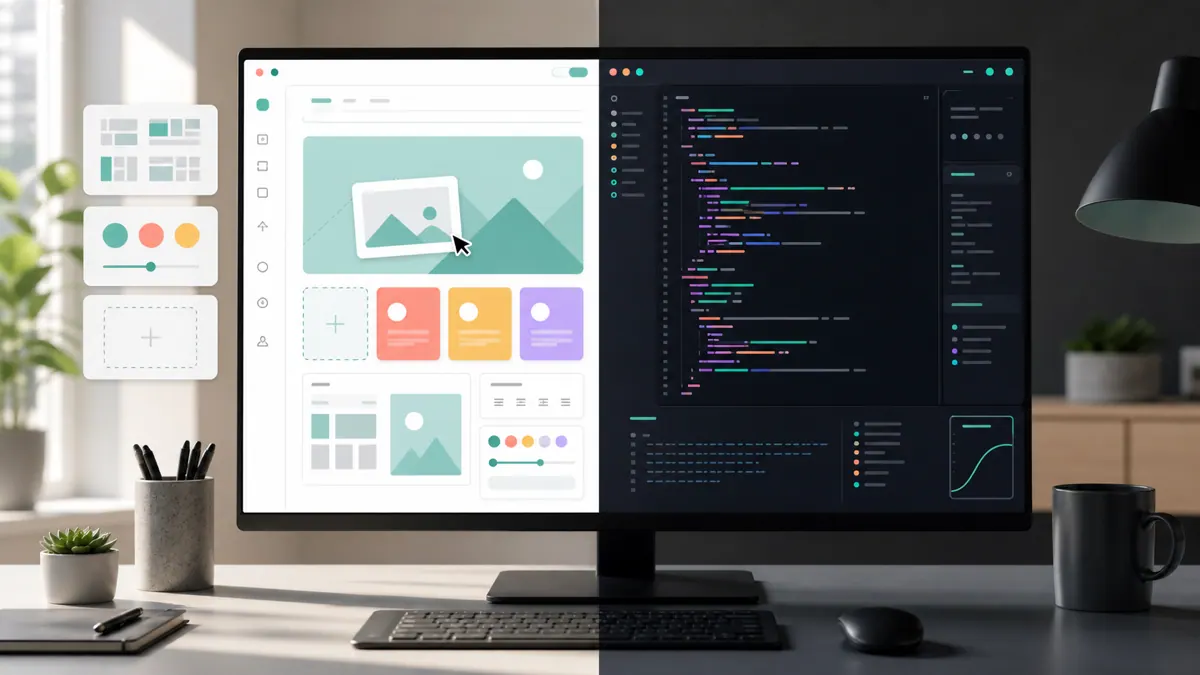
The no-code and AI-builder world got dramatically better. Platforms like Lovable, Bolt, Bubble, and FlutterFlow, plus AI coding tools like Cursor and Replit's agent, can now produce something that looks and feels like a real app in hours. That is genuinely new and genuinely useful.
What has not changed is the underlying trade-off. You are choosing between speed and simplicity now versus control and durability later. No-code front-loads the wins and back-loads the constraints. Custom development does the opposite. The mistake is not picking one — it is picking the wrong one for the stage you are actually in.
The honest comparison
| Factor | No-code / AI builders | Custom development |
|---|---|---|
| Time to first version | Hours to days | Weeks to months |
| Upfront cost | Low | Higher |
| Ongoing cost | Platform subscriptions, scale surprises | Hosting + maintenance you control |
| Customization ceiling | Capped by the platform | Effectively unlimited |
| Performance at scale | Can degrade, hard to tune | Tunable end to end |
| Data & security control | Limited, platform-dependent | Full control |
| Lock-in | Often significant | You own the code |
| Best for | Validation, internal tools, simple apps | Products, scale, anything unusual |
Where no-code genuinely wins
No-code is the right call more often than developers like to admit. Reach for it when:
- You are validating an idea. If you do not yet know whether anyone wants this, spending three months on custom code is a waste. Build the cheapest thing that tests the demand.
- It is an internal tool. Ops dashboards, intake forms, approval flows — things a handful of your own team uses. Nobody cares about the tech; they care that it works Monday.
- The app is genuinely simple. A booking page, a directory, a basic CRM. If the platform can express it, use the platform.
- Speed is the whole point. A campaign that launches in a week beats a perfect app that launches in a quarter.
The 2026 upgrade is that AI builders let you get further into "real product" territory before hitting the ceiling. But the ceiling is still there — it just moved.
Where custom development earns its cost
Custom code is worth the extra time and money when the thing you are building is the thing your business runs on. Reach for it when:
- The product is your business. If the app is the company, you cannot afford to have your core asset trapped in someone else's platform.
- You need scale or performance. High traffic, large data, real-time requirements, or tight latency all reward end-to-end control you do not get from a builder.
- The logic is unusual. A matching engine, a custom pricing model, deep integrations — anything the platform was not designed for.
- Data and compliance matter. Health, legal, or financial data often needs control over storage and access that no-code cannot fully give you.
- Lock-in is a real risk. When the cost of being trapped is existential, owning the code is not a luxury.
Our breakdown of custom software development cost covers what that investment actually looks like in 2026.
The third path most people miss
The false choice is treating this as permanent. In practice the best move is often to sequence them: validate with no-code, then rebuild the parts that earned it in custom code. You get the cheap, fast learning and the durable foundation — just not at the same time.
This is one of the most common projects we do. A no-code or AI-built prototype proves the idea, gains users, and then hits a wall — performance, a feature the platform cannot do, or a scary lock-in bill. At that point you do not start over; you migrate the parts that matter. Our guides on taking a vibe-coded app to production and migrating a Bubble app to code map that transition. The key insight: the prototype was not wasted, it was the spec.
A simple decision framework
Answer these in order and stop at the first "yes":
- Are you still proving people want it? Use no-code. Do not over-invest in something unvalidated.
- Is this an internal tool or a genuinely simple app? Use no-code. Custom is overkill.
- Is this app the core of your business, or does it need real scale, unusual logic, or strict data control? Go custom, or plan to migrate to custom soon.
- Not sure? Start no-code to learn cheaply, with a clear-eyed plan to graduate the moment you hit the ceiling — and choose a builder that lets you export or rebuild rather than one that traps you.
What this looks like in practice
A recent client project started as a prototype built on a visual platform — it worked, had real users, and then stalled. The founder needed a specific piece of custom logic the platform simply could not express, and the per-scale pricing was climbing fast. We did not scrap it. We rebuilt the core on a custom stack the founder fully owns, kept the parts that were fine, and migrated the data over. The prototype had done its job: it proved the demand and defined the requirements, which made the custom build faster and cheaper than starting cold. Work like this usually lands in phased fixed-scope milestones, typically in the $2k–5k range per phase, rather than one open-ended budget.
Frequently asked questions
Is no-code cheaper than custom development? Upfront, almost always. Over time it depends. No-code has low starting costs but ongoing platform fees and scale surprises, plus the eventual cost of migrating off if you outgrow it. Custom costs more to build but you own it and control what it costs to run. Cheapest depends on your time horizon.
Can you scale a no-code app? Up to a point. Modern no-code and AI builders handle real traffic far better than they used to, but every platform has a ceiling — on performance, custom logic, or data control. When you hit it, the answer is usually to migrate the parts that matter to custom code, not to fight the platform.
Should a startup use no-code or hire developers? Most early startups should start with no-code to validate the idea cheaply, then move to custom development for the pieces that become core once there is real demand. Going straight to custom makes sense only when the product is inherently complex or data-sensitive from day one.
What is the biggest risk of no-code? Lock-in. If your entire business lives inside a platform you do not control, you are exposed to its pricing, its limits, and its longevity. The way to manage it is to choose builders that let you export or rebuild, and to plan the migration before it becomes urgent.
Not sure whether your idea needs no-code, custom code, or a bridge between them? SprintX helps founders make that call honestly — and builds either path on fixed-scope milestones with you owning the code. Tell us what you are building and we will tell you the cheapest route that will not trap you.
Engineering and operations
Once it’s live, we keep it healthy.
Monitoring, backups, security updates and a monthly health report you can read in ten minutes.
Keep reading.
More on engineering and operations
Engineering and operations · 18 Jul 2026 · 8 min read
Taking a FlutterFlow App to Production the Right Way
A practical, honest path from a working FlutterFlow prototype to a real app store launch — what holds up, what breaks, and where to invest.

Engineering and operations · 11 Jul 2026 · 8 min read
Fixing a Base44 App: From No-Code Prototype to Production
Your Base44 app got you to a working product fast — here is how to fix the gaps that keep it from being safe, fast, and truly yours in production.

Engineering and operations · 14 Aug 2026 · 8 min read
Load Testing Before You Get the Traffic You Wanted
A launch that works is the most expensive way to discover your connection pool holds twenty. Here is how to find your breaking point on purpose, first.