Sales Automation That Reps Actually Use: A 2026 Guide
A practical 2026 guide to sales automation that reps adopt instead of resent — what to automate, what to keep human, and how to roll it out.
 SprintX Team8 min read
Most sales automation projects fail quietly. The tool gets bought, a workflow gets built, a launch email goes out — and three weeks later the reps are back in their spreadsheets, quietly ignoring the thing that was supposed to change their lives. The automation was not wrong. It was just built for the process the company wished it had, not the one the reps actually run.
Sales automation that sticks is different. It removes the work reps hate, leaves the parts that make them money alone, and shows up inside the tools they already live in. This is a 2026 guide to building that kind — the kind reps adopt instead of resent.
Why sales automation gets rejected
Understanding the failure mode is the whole game. Automation gets abandoned for a small set of predictable reasons:
- It automates the wrong thing. Someone automated the human part — the discovery call, the negotiation — and left the data entry manual. Backwards.
- It adds steps instead of removing them. If logging an activity now takes more clicks, reps route around it.
- It lives outside their workflow. A separate dashboard nobody opens is a dashboard nobody uses. It has to be in the CRM, the inbox, or the phone.
- It is a black box. When reps do not trust what it did — did that email actually send? — they redo it manually to be safe.
Every durable rollout is really just the inverse of this list.
What to automate vs what to leave human
The reps' instinct is right: some of this job should never be automated. Draw the line clearly and adoption follows.
| Automate this | Keep this human |
|---|---|
| Data entry and CRM updates | Discovery and qualifying conversations |
| Follow-up reminders and sequences | Negotiation and objection handling |
| Lead routing and assignment | Relationship-building with key accounts |
| Meeting scheduling and reminders | The actual pitch and close |
| Quote and proposal generation | Reading the room and adjusting |
| Note-taking and call summaries | Judgment calls on tricky deals |
| Lead enrichment and research | Deciding which deals are worth the fight |
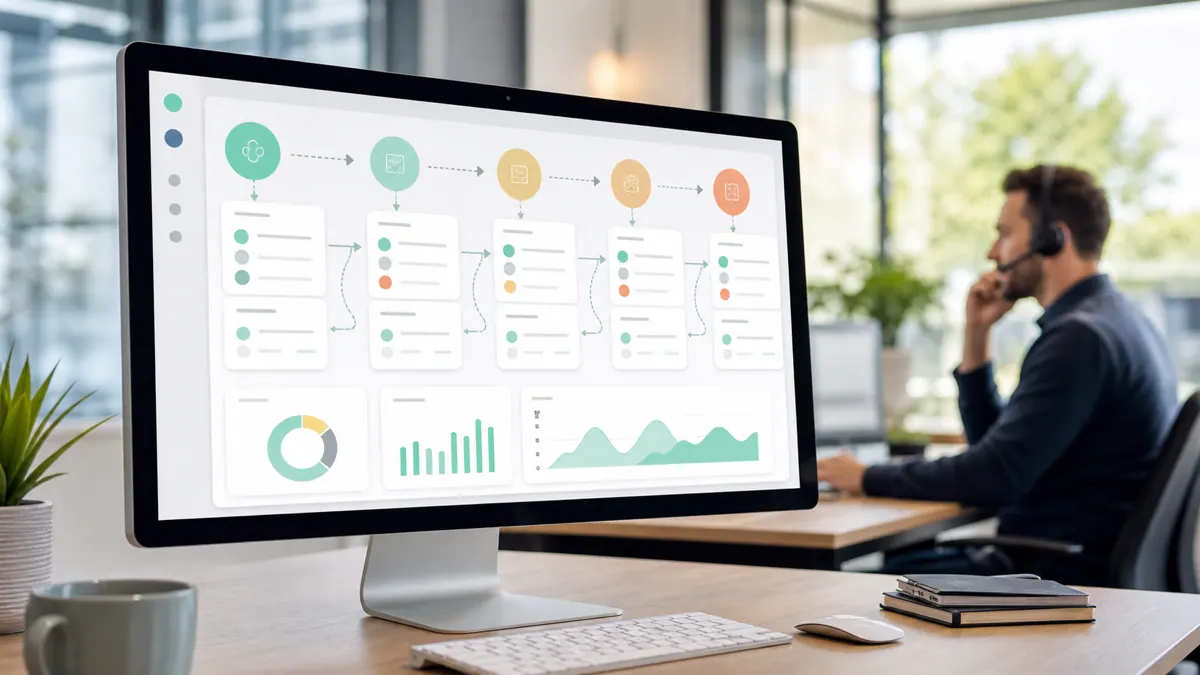
The pattern: automate the administrative tax, protect the human relationship. Reps did not join sales to update fields — take that away and they will love you. Try to automate the conversation and they will revolt, correctly.
The 2026 tool landscape
You have three broad layers, and most real setups combine them.
The CRM is the foundation
Everything routes through the CRM — HubSpot, Salesforce, Pipedrive, or GoHighLevel for smaller teams. If the automation does not update the CRM automatically, you have not removed the work reps hate most. Native CRM automations handle a lot of the basics before you add anything else.
Workflow tools connect the rest
To wire the CRM to your calendar, email, billing, and everything else, you use a workflow automation platform. In 2026 the three big options each added first-class AI agents: n8n (self-hostable and the most controllable, now with native agent nodes), Make (visual, cloud-only, with its own AI agents), and Zapier (the widest app library and broad support for MCP, now the de facto cross-vendor standard for connecting AI to tools). Our n8n vs Make comparison covers how to choose between them.
AI adds the judgment layer
This is what is genuinely new. AI can now draft context-aware follow-ups, summarize calls into CRM notes, score and prioritize leads, and even qualify inbound leads by voice before a rep picks up. An AI voice agent for sales can answer and qualify around the clock, and modern AI SDR software handles the top-of-funnel grind. The trick is using AI to hand reps warmer conversations, not to replace the conversation.
The high-impact automations to build first
Start where the pain is loudest and the risk is lowest. In rough priority order:
- Auto-log activity. Calls, emails, and meetings sync to the CRM with zero rep effort. This single win buys you all the goodwill you need for the rest.
- Follow-up sequences with a human override. Automated nudges that a rep can pause or personalize in one click. Never fully hands-off on real deals.
- Lead routing and instant response. New lead comes in, gets assigned and contacted within minutes, not hours — speed-to-lead is where deals are won or lost.
- Meeting scheduling. Kill the back-and-forth. Booking links plus automated reminders that cut no-shows.
- Call summaries and next steps. AI turns a recorded call into a clean CRM note and a task list, so nothing gets dropped.
- Quote and proposal generation. Pull deal data into a ready-to-send document instead of rebuilding it by hand.
Rolling it out without a revolt
The best automation dies on a bad rollout. A few rules that make it stick:
- Ship one automation, not ten. Prove value with the activity-logging win before you touch anything else.
- Involve reps in the design. They know where the real friction is. Build for their process, not the org chart's fantasy.
- Make it visible and reversible. Reps should see what fired and be able to override it. Trust comes from transparency.
- Measure the right thing. Track hours returned to selling, not "workflows executed." The point is more selling time, not a busier dashboard.
If you want the broader foundation, what workflow automation is sets up the concepts this all builds on.
What this looks like in practice
A recent client project stitched together a sales stack that had grown into chaos — a phone system, a CRM, a scheduler, and a billing tool that did not talk to each other, so reps re-keyed everything three times. We did not rip it out. We connected the pieces with a self-hosted workflow engine so that a booked call automatically created the CRM record, sent the calendar invite, and triggered the follow-up — and added an AI layer that summarized calls into notes and qualified inbound leads before they hit a rep's queue. The reps kept doing the human part; the software did the typing. Adoption stuck because it removed work instead of adding it. Projects like this usually run in phased fixed-scope milestones rather than one big-bang rollout.
Frequently asked questions
What sales tasks should you automate first? Start with activity logging — syncing calls, emails, and meetings to the CRM automatically. It removes the work reps hate most and earns the trust you need to roll out everything else. Follow-up sequences and lead routing come next.
Will sales automation replace sales reps? No — it replaces the administrative tax on reps, not the reps. The parts that close deals — discovery, negotiation, relationship-building, judgment — stay human. Good automation gives reps more time to sell and warmer conversations to have, not a pink slip.
What is the best sales automation tool in 2026? There is no single best. Your CRM is the foundation, a workflow platform like n8n, Make, or Zapier connects everything else, and AI adds drafting, summarizing, and lead scoring on top. The right stack depends on your existing tools and how much control you want — self-hosted n8n for control, Zapier for the widest app library.
How do you get reps to actually use sales automation? Automate the work they hate, keep it inside the tools they already use, make it visible and reversible, and ship one win at a time. Adoption is an adoption problem, not a technology problem — build for the process reps actually run.
Have a sales stack that reps quietly ignore? SprintX builds sales automation that removes the busywork and connects your existing tools — fixed-scope milestones, NDA-friendly, and you own every workflow. Tell us where your reps lose time and we will map the automations that will actually get used.
AI agents and automation
AI agents that do the work.
We build agents and automations for the repetitive work your team does by hand, and measure what they save.
Keep reading.
More on ai agents and automation
AI agents and automation · 18 Jul 2026 · 8 min read
AI-Powered Lead Generation Services: What an Automation Agency Actually Builds
A plain-English look at what "AI lead generation services" really means in 2026 — the systems an automation agency builds, what they cost, and where they go wrong.
AI agents and automation · 18 Jul 2026 · 8 min read
Ecommerce Order Management: How to Automate It End-to-End
How to automate ecommerce order management from checkout to delivery — the lifecycle, the tools, and where manual work quietly costs you money.
AI agents and automation · 18 Jul 2026 · 9 min read
Best AI SDR Software in 2026: Top Tools vs Building Your Own
A buyer-focused look at AI SDR software in 2026 — the leading categories of tools, honest pricing, and how they stack up against a custom agent.