Shopify Automation: 12 Workflows That Save Store Owners Hours
A hands-on guide to Shopify automation with 12 real workflows, the tools that run them, and where a custom build beats an off-the-shelf app.
 SprintX Team8 min read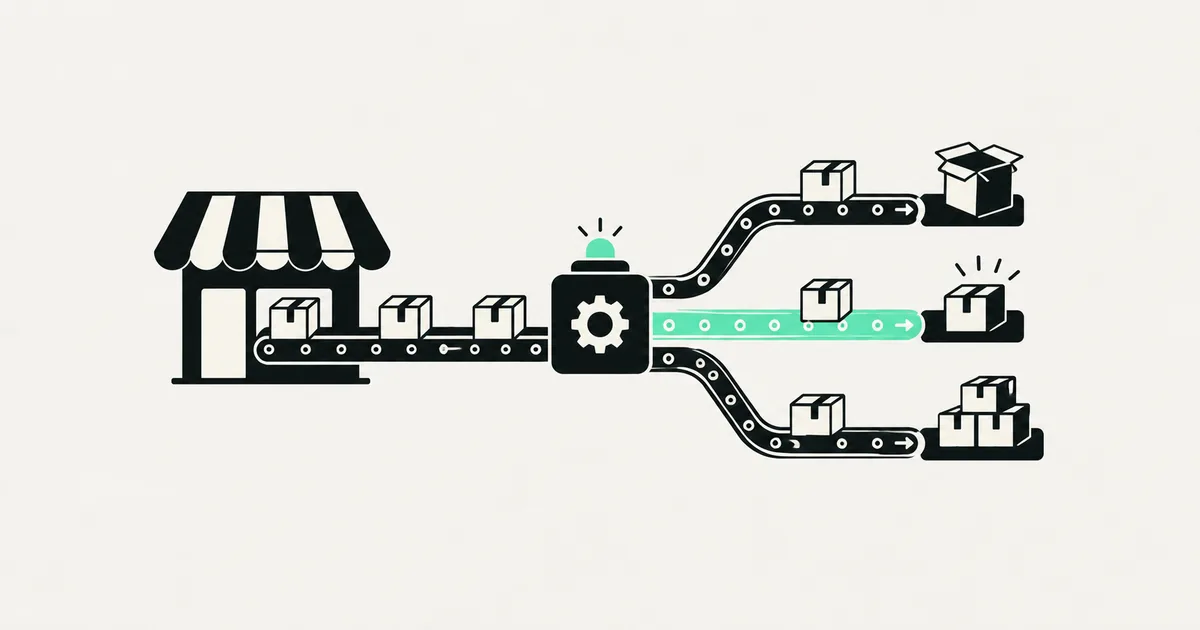
Most Shopify owners do not lose money on big, dramatic mistakes. They lose it in the small stuff: the fifteen minutes spent tagging a wholesale order, the out-of-stock item that stayed live for two days, the review request nobody sent. None of it feels expensive on its own. Added up across a month, it is a part-time salary you are paying yourself in busywork.
Shopify automation is the fix, and it is more capable in 2026 than most owners realize. Below are 12 workflows worth setting up, roughly in the order most stores should tackle them, plus an honest note on where a native app stops and a custom build earns its keep.
What "Shopify automation" actually means now
There are three layers, and knowing which one you are on saves a lot of wasted spend.
- Shopify Flow — Shopify's built-in, no-code automation for triggers, conditions, and actions inside the store (tag this, hold that, email the team). Free on paid plans.
- App-based automation — email/SMS platforms, review tools, and helpdesks that ship pre-built flows for a monthly fee.
- Custom automation — n8n, Make, or Zapier (or bespoke code against Shopify's GraphQL Admin API) when logic crosses systems Shopify Flow cannot reach: your ERP, an accounting tool, a 3PL, a custom fulfillment rule.
One thing to keep current: if you run a custom storefront or checkout logic, Shopify retired the legacy Checkout API and Shopify Scripts (Scripts end June 30, 2026), so build on Checkout Extensibility (Functions and UI extensions) and the GraphQL Storefront and Admin APIs rather than the old REST checkout endpoints. If you are earlier in the journey, our guide on how to add an AI chatbot to Shopify pairs well with the support workflows below.

Order and fulfillment workflows
1. Auto-tag orders by type. High-value, wholesale, subscription, first-time, or gift orders each deserve a tag the moment they land. Shopify Flow reads the order and applies tags; every downstream filter, report, and shipping rule then just works.
2. Flag high-risk orders for review. When Shopify's fraud signals cross a threshold, hold the order and notify a human instead of auto-fulfilling. One prevented chargeback pays for a year of effort.
3. Route orders to the right fulfillment path. Physical, digital, pre-order, and made-to-order items follow different rules. Automation splits or tags them so your 3PL, print partner, or warehouse only sees what it should.
4. Send branded fulfillment and delivery updates. Beyond Shopify's default emails, trigger SMS or email at picked, shipped, and out-for-delivery. Fewer "where is my order?" tickets, measurably.
Inventory and catalog workflows
5. Auto-hide or unpublish sold-out products. A live product page with no stock burns ad spend and trust. Flow can unpublish at zero and republish on restock.
6. Low-stock alerts to the right person. When a variant drops below a reorder point, ping the buyer in Slack or email with the SKU and current count, not a daily digest they will ignore.
7. Sync inventory across sales channels. If you sell on Shopify plus a marketplace or wholesale portal, a scheduled sync prevents overselling. This usually needs Make, n8n, or custom code because it spans systems.
Customer, support, and marketing workflows
8. Abandoned cart and checkout recovery. The single highest-ROI automation for most stores. A short email or SMS sequence brings back a meaningful slice of would-be lost sales. We break the sequences and timing down in abandoned cart recovery automations.
9. Post-purchase review requests. Trigger a review ask a set number of days after delivery, not after purchase, so the product is actually in hand.
10. Win-back and replenishment nudges. For consumables, calculate a likely reorder date and send a timely reminder. For lapsed buyers, a segmented win-back offer.
11. Tag and segment customers by behavior. VIPs, one-time discount hunters, and at-risk customers each get a tag that drives different email treatment. Automation keeps segments fresh without a manual export.
12. AI-assisted support triage. Route incoming questions, draft replies against your order and policy data, and escalate the genuinely tricky ones. This is where an AI layer on top of your helpdesk shines, and it connects naturally to the storefront chatbot in AI chatbots for e-commerce.
Which tool for which job
| Workflow type | Best starting point | When to go custom |
|---|---|---|
| Tagging, holds, internal alerts | Shopify Flow (free) | Rarely — Flow handles most in-store logic |
| Email/SMS marketing flows | Dedicated marketing app | Complex branching or first-party data rules |
| Reviews, loyalty, subscriptions | Purpose-built app | Deep customization or margin at scale |
| Cross-system sync (ERP, 3PL, accounting) | Make or n8n | High volume, custom mapping, reliability needs |
| Storefront/checkout logic | Checkout Extensibility + Functions | Almost always custom |
The pattern: start with Flow and reputable apps, and reach for Make, n8n, or custom code the moment a workflow has to leave Shopify and stay reliable. If you are weighing platforms, our take on Zapier alternatives covers the trade-offs.
What this looks like in practice
A recent client project we scoped was a Shopify store with delivery-zone rules: certain products could only ship to specific postal codes, and orders needed to split between an in-house courier and a national carrier. Shopify Flow could tag the orders, but the zone logic and carrier routing lived outside Shopify. We built the routing against the GraphQL Admin API with a small automation layer handling the cross-system handoff, then wired notifications so the ops team saw exceptions instead of every order. The owner stopped manually sorting the daily order list — the exceptions came to them.
How to prioritize your first three
Do not automate everything at once. Rank by frequency times pain:
- Abandoned cart recovery — near-immediate revenue, low effort.
- Order tagging and routing — removes daily manual sorting.
- Sold-out product handling — protects ad spend and trust.
Ship those, measure the time saved for a month, then add the next three. Automation you cannot observe is automation you cannot trust, so log every run and alert on failures from day one.
Frequently asked questions
Is Shopify Flow free, and is it enough on its own? Shopify Flow is included on paid Shopify plans at no extra cost, and it handles most in-store logic — tagging, holds, and notifications. It stops short when a workflow needs to reach another system (accounting, a 3PL, a marketplace) or run complex branching, which is where Make, n8n, or custom code come in.
What is the best Shopify automation for a small store with limited time? Start with abandoned cart recovery and automatic sold-out product handling. Both take little setup, run without supervision, and protect revenue you are otherwise leaking. Add order tagging next to kill the daily manual sort.
Can I automate inventory sync across Shopify and a marketplace? Yes, but it usually needs a middle layer like Make or n8n rather than Shopify Flow, because the sync spans two systems. Build in duplicate protection and low-stock buffers so a lag between platforms does not cause overselling.
Do I need custom development, or will apps cover it? Apps cover the common 80%: email flows, reviews, loyalty, subscriptions. You move to custom when logic touches checkout, spans several systems reliably, or has to match rules no app anticipates — delivery zones, tiered wholesale pricing, or bespoke fulfillment.
Getting it built without the guesswork
If you would rather ship these workflows than wire them up between other tasks, SprintX builds Shopify automations as fixed-scope, milestone-based projects — you own the code and the store, no lock-in, with a clear "production-ready" definition of done. We start by mapping your highest-pain workflow, quote it as a defined scope, and instrument it so you can see every run. Tell us about your store and we will send a scoped plan.
AI agents and automation
AI agents that do the work.
We build agents and automations for the repetitive work your team does by hand, and measure what they save.
Keep reading.
More on ai agents and automation
AI agents and automation · 18 Jul 2026 · 8 min read
Abandoned Cart Recovery: Automations That Win Back Lost Sales
A practical playbook for abandoned cart recovery — the sequences, channels, timing, and tools that turn abandoned checkouts back into revenue.

AI agents and automation · 18 Jul 2026 · 9 min read
RPA vs AI Agents: Which Should Automate Your Back Office?
A decision guide to robotic process automation vs AI agents: what each is good at, where each breaks, costs, and how to pick the right tool for back-office work.
AI agents and automation · 18 Jul 2026 · 8 min read
Playwright MCP Server: AI Browser Automation That Actually Works
A plain-English guide to the Playwright MCP server: how AI agents control a real browser, why it beats pixel-guessing bots, and where it fits your business.