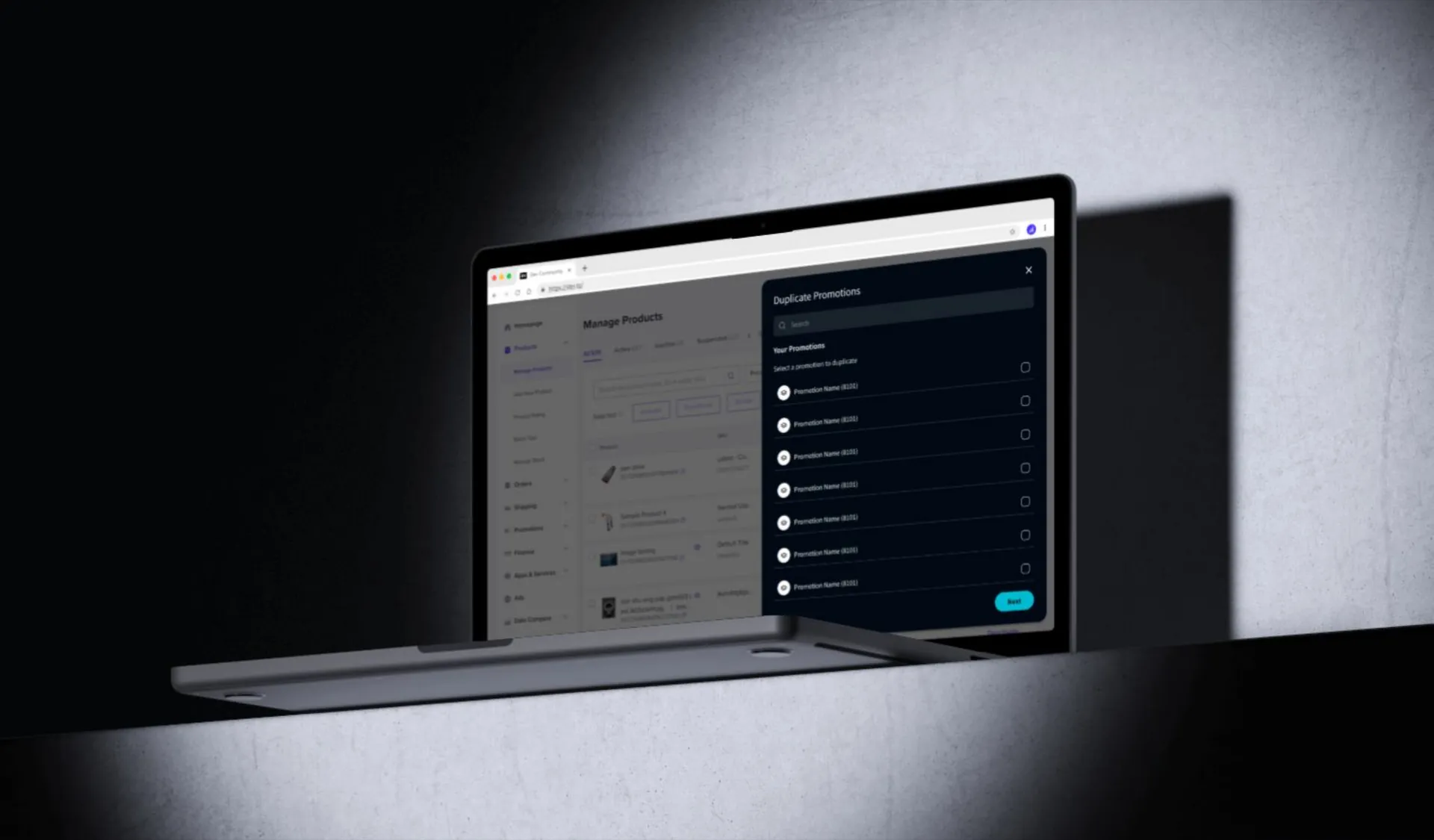
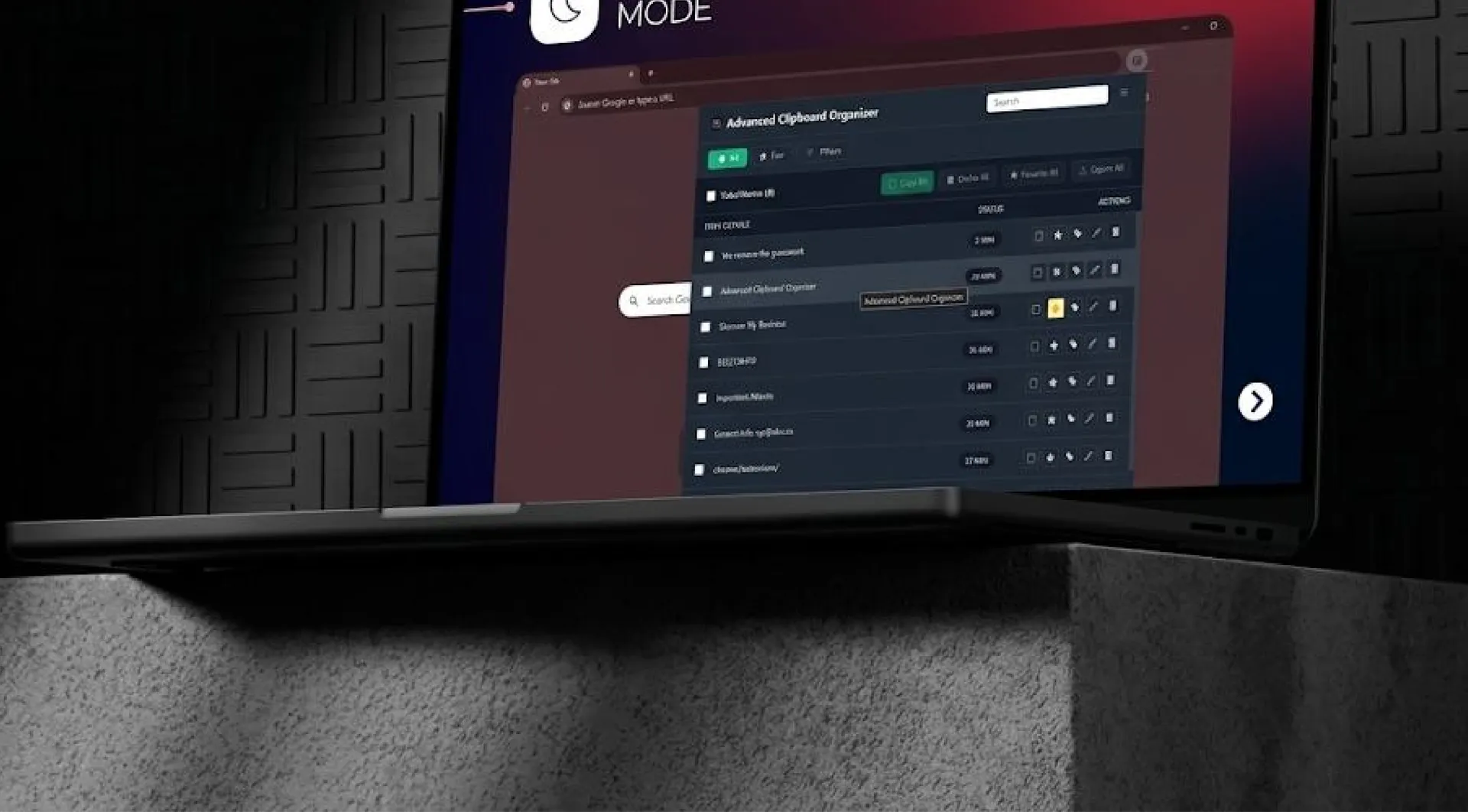
Extensions for your own team
Internal tools that add buttons, panels and shortcuts to the web apps your team uses all day.
We’d like to use analytics cookies to see how the site is used, and marketing cookies to measure our ads. Nothing is set until you choose. Privacy policy
Digitalize / Chrome extensions
Your team spends the day in Gmail, a CRM, a marketplace dashboard. A Chrome extension puts your tool right there, on the page they already have open.
What we build
Internal tools that add buttons, panels and shortcuts to the web apps your team uses all day.
Subscription extensions with sign-up, payments and a web dashboard behind them.
APIs, accounts, sync and admin panels, so the extension is more than a script.
Packaging, permissions review, listing and updates, so it gets approved and stays approved.
How we measure it
An extension earns its place by saving clicks. We time the task without it first, then report the same numbers once people use it.
How it runs
We sit with the people who do the work today and map the process as it actually runs.
Time, errors and cost for the task as it is now, written down before we build anything.
Working software early, reviewed with you as it develops.
After launch we measure the same things again, so the result is a number, not an opinion.
From the blog

Building software · 14 Aug 2026 · 7 min read
You do not need an observability stack. You need about six alerts that catch the failures that cost you money, and the discipline to keep the rest quiet.

Building software · 13 Aug 2026 · 8 min read
Your app assumes one company per account and a customer just asked for teams. Here is how to add tenancy to a live product without a rewrite or a data leak.
Building software · 12 Aug 2026 · 6 min read
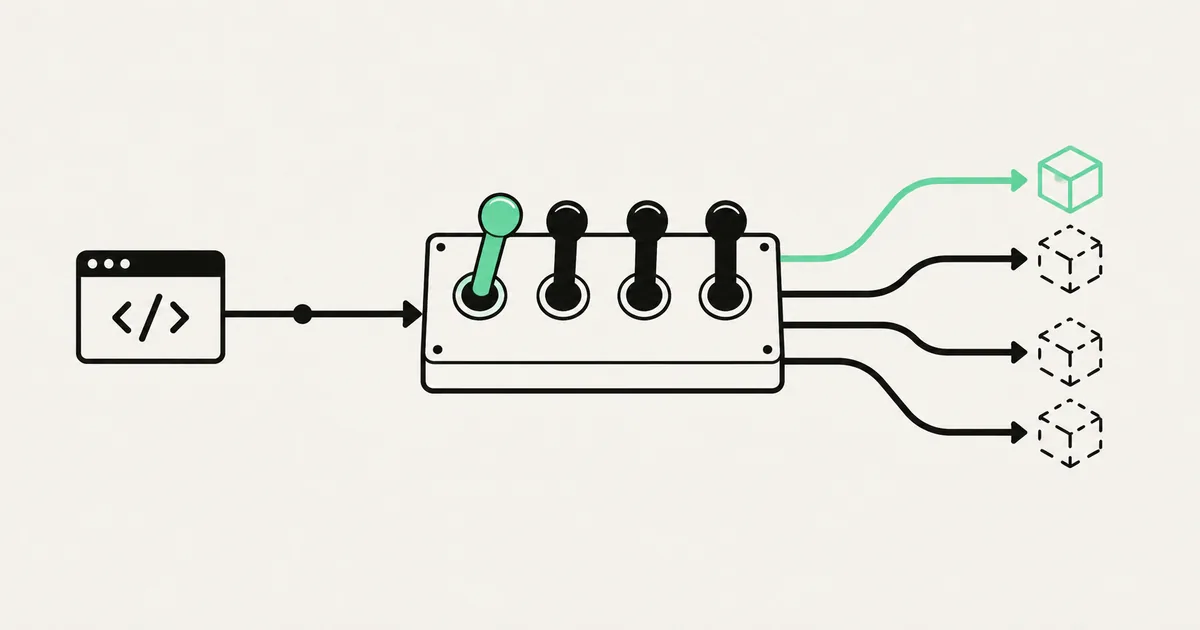
Use a small, disciplined set of feature flags to separate deployment from release without creating a second configuration system nobody understands.
Questions
We design for it from the start: only the permissions it needs, a clear privacy policy and a listing that matches what it does. Most rejections come from asking for too much access.