AWS MCP Servers Explained: Cloud Ops with AI Agents
A plain-English guide to AWS MCP servers: how AI agents connect to your cloud to answer questions and run operations, plus the permissions to get right.
 SprintX Team8 min read
"Why did our AWS bill jump last month?" is a question that usually costs an engineer an hour of clicking through the console. "Is anything in production about to run out of disk?" costs another. AWS MCP servers let you ask those questions in plain English and have an AI agent go find the answer — by actually querying your cloud, not guessing. In 2026, with MCP adopted as the cross-vendor standard across the major clouds including AWS, this stopped being experimental and became a real way to run cloud operations.
Here is what AWS MCP servers are, what an agent can safely do with them, and the permission model that keeps a helpful assistant from becoming an expensive mistake.
The one-paragraph version
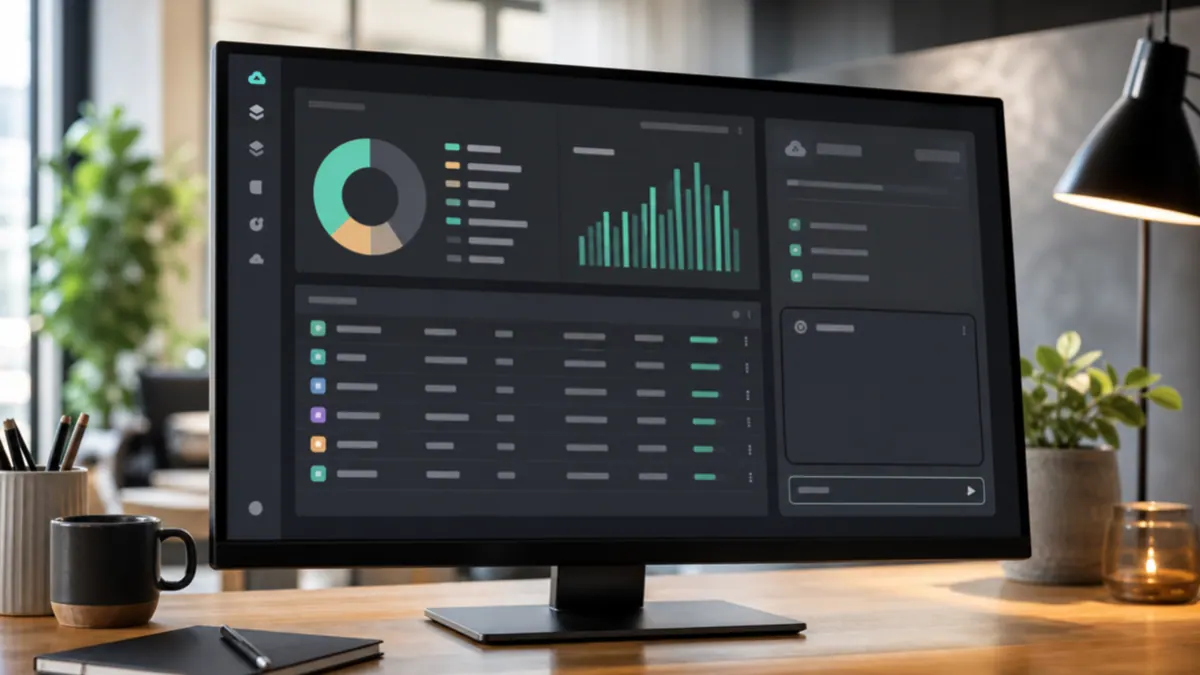
An MCP server is a standardized bridge between an AI agent and one system — the "USB-C for AI" idea. (If that is new, read what is an MCP server first.) "AWS MCP servers," plural, is the important nuance: rather than one giant server that does everything, AWS's approach is a family of focused servers — one for documentation, one for cost, one for a given service area — each exposing a narrow, well-scoped set of tools. An agent connects to the ones it needs and can then read from and, when permitted, act on your AWS environment.
What "a family of servers" means in practice
Splitting the surface into focused servers is a deliberate safety and clarity choice. You connect an agent only to the capabilities a task needs, instead of granting it the entire AWS API at once. Common categories you will encounter:
| Server focus | What an agent can do with it | Typical question it answers |
|---|---|---|
| Documentation | Look up accurate, current AWS docs | "What are the limits on this service?" |
| Cost & billing | Query spend and usage data | "What drove last month's increase?" |
| Infrastructure / resources | Inspect resources and their state | "Which instances are underused?" |
| Service-specific | Operate a particular service safely | "Show recent errors for this function" |
Because each server is narrow, you can hand your cost-analysis agent read access to billing data without ever giving it the ability to spin up or tear down infrastructure. That separation is the whole design philosophy.
What agents actually do with them
The killer use cases split cleanly into "read" and "act," and you should treat those very differently.
Read-only, low-risk, high-value:
- Cost investigation. "Break down the spike in our compute bill by service." An agent pulls the data and explains it in seconds.
- Health and inventory. "List anything running that we tagged as staging," or "which resources have no owner tag?"
- Grounded documentation. Ask configuration questions and get answers pinned to real AWS docs instead of a model's stale memory.
- Log and error triage. Summarize what is actually failing, with context.
Action-taking, higher-risk, guardrails required:
- Restarting a stuck service, adjusting a scaling setting, or applying a routine fix — the kind of operational task an agent can do but should do only with explicit permission and, for anything destructive, human approval.
The safe posture for most teams is: start read-only. An agent that can explain your cloud is enormously useful and can do essentially no harm. Grant write access deliberately, service by service, once you trust it.
The permission model — the part that matters most
Connecting an AI agent to cloud infrastructure is exactly as serious as it sounds. Do it wrong and you have handed a fast-moving automated actor broad access to systems that cost money and run your business. A few non-negotiables:
- Least privilege, always. Scope each server's credentials to the minimum — read-only where possible, and only the specific services in play. Never attach broad administrator access "for convenience."
- Separate read from write. Keep the credentials that can change infrastructure isolated from the ones that only read it.
- Human approval on destructive actions. Deleting, terminating, or scaling production should require a person to confirm.
- Log every tool call. You want a complete audit trail of what the agent did, when, and against which resources.
- Watch the known risks. MCP's rapid 2026 adoption brought real security findings — prompt injection through returned data and over-scoped servers among them. Only connect servers you trust, and isolate credentials per environment.
Get this right and an AWS MCP setup is safer than the alternative it often replaces: engineers sharing broad console access and running one-off commands with no audit trail. Get it wrong and it is a liability. The difference is entirely in the configuration.
What this looks like in practice
A big part of our work is getting apps properly onto production infrastructure — the "it works on my machine, now deploy it for real" projects, and migrations off vibe-coding platforms onto a real cloud with proper storage, auth, and webhooks. On those builds, a read-only AWS MCP setup is a genuine accelerator: the agent inventories what exists, flags misconfigurations and cost surprises, and answers infrastructure questions grounded in real data instead of assumptions — which shortens the discovery phase considerably. Any change that touches live infrastructure still goes through a human and our normal review, but the understanding phase gets much faster. If you are wrestling with a deploy, our guide on when an app works locally but not in production covers the usual culprits.
When it is worth setting up
AWS MCP servers pay off when:
- You are on AWS at enough scale that "just check the console" is a real time sink.
- Cost visibility is a recurring headache and you want answers in plain English.
- You want to give a broader team safe, read-only insight into infrastructure without handing out console access.
- You are building agents that need grounded, current AWS knowledge rather than a model's guesses.
They are overkill if your footprint is a single small instance — the console is faster than the setup at that size. Like most automation, the value scales with how much repetitive investigation you are doing.
Frequently asked questions
Is there one AWS MCP server or many? Many. AWS's approach is a family of focused servers — documentation, cost, infrastructure, and service-specific ones — each exposing a narrow set of tools. You connect an agent only to the ones a task needs, which keeps permissions tight and behavior predictable.
Can an AI agent accidentally delete my infrastructure? Not if you configure it properly. Give servers least-privilege, read-only credentials by default, isolate any write access, and require human approval for destructive actions. The risk comes from over-scoped permissions, not from MCP itself — start read-only and widen access deliberately.
Do AWS MCP servers cost money? The server software is generally free to run; your costs are the underlying AWS usage they query and the AI model tokens the agent consumes. Any actions the agent takes bill through your normal AWS account. Confirm current specifics on AWS's own pages.
Can I use a non-AWS AI model with AWS MCP servers? Yes. MCP is a cross-vendor standard, so any MCP-compatible agent can connect — you are not locked to a particular model provider. The AWS MCP servers expose the tools; whichever compatible AI client you prefer can use them.
Want AI agents that can safely answer questions about your cloud — and act only where you allow? SprintX sets up AWS MCP integrations with least-privilege access, read/write separation, audit logging, and human approval on anything destructive. Tell us about your AWS setup and we will scope a fixed-price, NDA-friendly build you own outright.
AI agents and automation
AI agents that do the work.
We build agents and automations for the repetitive work your team does by hand, and measure what they save.
Keep reading.
More on ai agents and automation
AI agents and automation · 18 Jul 2026 · 8 min read
What Is an MCP Server? A Plain-English Guide for Businesses (2026)
A no-jargon guide to MCP servers: what they are, why every major AI vendor adopted them, and how businesses use them to connect AI agents to real systems.
AI agents and automation · 18 Jul 2026 · 8 min read
GitHub MCP Server Setup: Let AI Agents Work Your Repos
How to connect AI agents to your GitHub repos with the GitHub MCP server — what it enables, setup steps, permissions, and where it saves real time.
AI agents and automation · 18 Jul 2026 · 8 min read
Figma MCP Server: From Design File to Working Code with AI
A practical guide to the Figma MCP server: how it feeds design context to AI agents so they generate code that matches the file, and where it falls short.