What Is an MCP Server? A Plain-English Guide for Businesses (2026)
A no-jargon guide to MCP servers: what they are, why every major AI vendor adopted them, and how businesses use them to connect AI agents to real systems.
 SprintX Team8 min read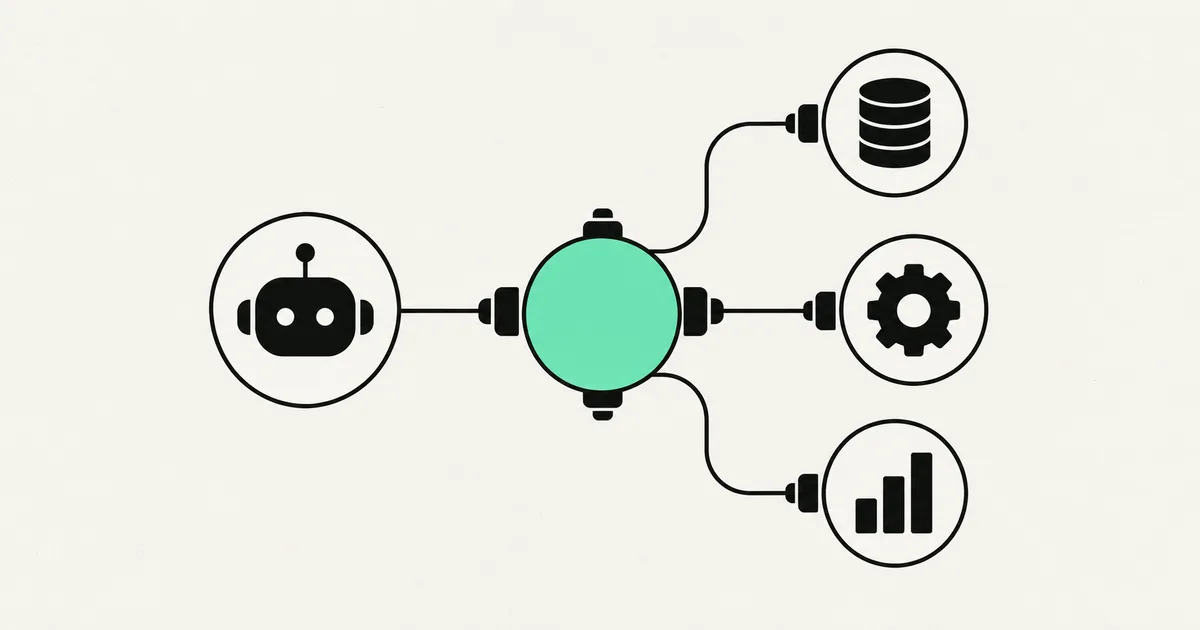
Your AI assistant is brilliant at drafting an email and useless at sending one. It can explain your Stripe dashboard but cannot pull yesterday's refunds. That gap — a model that can think but not reach your actual tools and data — is exactly what an MCP server closes. And in 2026 it stopped being a niche developer trick: MCP is now the standard every major AI vendor builds on.
If you keep hearing "MCP server" in demos and pitches and quietly nodding along, this is the guide that makes it click. No jargon, no code required to understand it.
What an MCP server actually is
MCP stands for Model Context Protocol. It is a shared standard for how an AI agent talks to an outside tool or data source. An MCP server is a small piece of software that wraps one system — your CRM, your GitHub repos, your database, your calendar — and exposes it in a way any MCP-compatible AI can understand and use.
The analogy that stuck, and that the industry now repeats, is "USB-C for AI." Before USB-C, every device needed its own special cable. Before MCP, every AI integration was a bespoke, one-off connector that someone had to build and maintain. MCP is the universal port: build one MCP server for a system, and any compatible AI agent can plug into it.
The key word is standard. MCP is vendor-neutral — it was donated to the Linux Foundation (under the Agentic AI Foundation) at the end of 2025, and it is supported across Anthropic's Claude, OpenAI, Google, Microsoft, and AWS. So the connector you build is not locked to one AI company.

The problem MCP solves
Say you want an AI agent that handles support tickets end to end. It needs to read the ticket, look up the customer in your database, check their orders in Stripe, and post a reply in your help desk. That is four different systems.
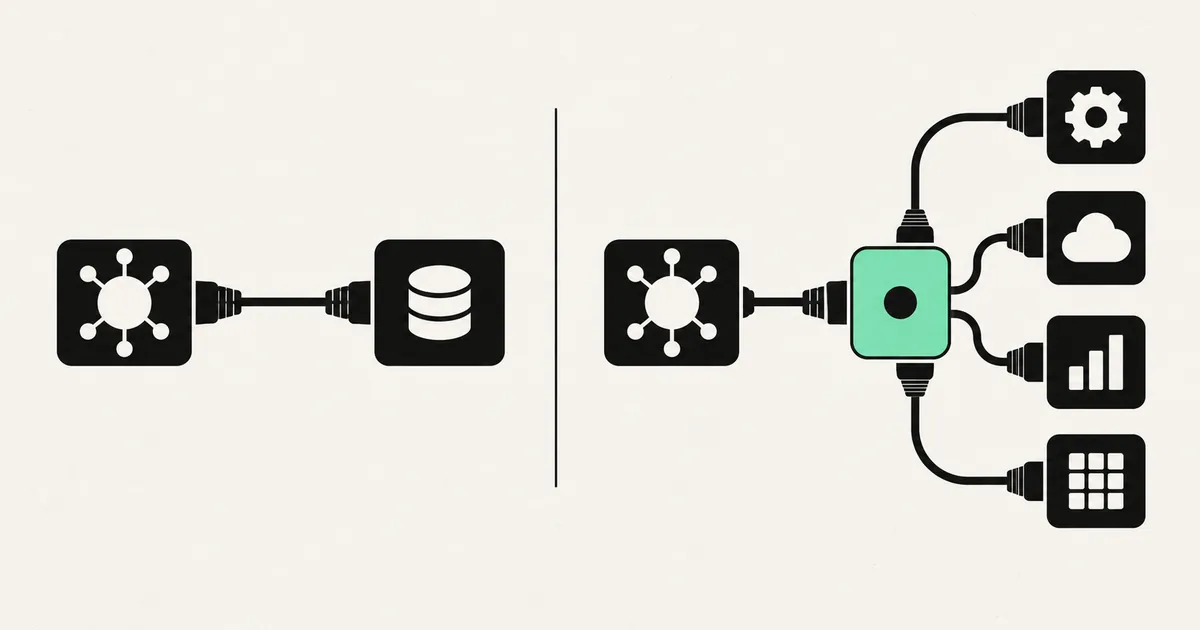
Without a standard, a developer writes four custom integrations — four different authentication flows, four different data formats, four things that break when an API changes. Do that across a dozen tools and three AI platforms and you get a maintenance swamp. This is the famous "M×N problem": M tools times N AI apps equals an explosion of custom glue code.
MCP turns M×N into M+N. Each tool gets one MCP server. Each AI app speaks MCP once. They meet in the middle. Build a GitHub MCP server and Claude, an OpenAI-based agent, and your internal tool can all use it without anyone rewriting integrations.
What lives inside an MCP server
An MCP server exposes three kinds of things to the AI. You do not need to memorize these, but knowing the vocabulary helps you read any MCP pitch:
| Building block | What it is | Everyday example |
|---|---|---|
| Tools | Actions the AI can take | "Create an invoice," "merge this pull request," "book the slot" |
| Resources | Data the AI can read | A customer record, a design file, a log stream |
| Prompts | Reusable templates the server offers | "Summarize this ticket in our house tone" |
The AI agent connects to the server, asks "what can you do?", and the server answers with its list of tools and resources. From then on the model can decide, in the middle of a task, to call a tool — and the MCP server does the real work against the real system.
How a request actually flows
Here is the whole loop in plain terms. A user asks the agent, "Refund the last order for this customer and email them a confirmation."
- The AI agent (the MCP "client") is connected to two MCP servers: one for your payments system, one for email.
- The model reasons: I need to find the order, then issue the refund, then send an email.
- It calls the payments server's find order tool, gets the order back as a resource, then calls the issue refund tool.
- It calls the email server's send tool with a drafted message.
- Each server executes against the real system and returns the result. The agent reports back: done.
The AI never touches your raw credentials or database directly. The MCP server sits in between, doing only the specific actions it was built to expose. That boundary is a feature, not an accident — it is where you put permissions, limits, and logging.
Why this matters for a business (not just developers)
Three practical reasons MCP is worth your attention this year:
- You stop paying for one-off integrations. A connector built as an MCP server is reusable across AI tools and future projects, instead of a throwaway.
- You are not locked to one AI vendor. Because MCP is a cross-vendor standard, switching from one model family to another does not mean rebuilding all your plumbing.
- AI agents become genuinely useful. An assistant that can only chat is a toy. One that can safely act in your CRM, calendar, code, and cloud is a coworker. MCP is what bridges the two.
What this looks like in practice
A recent client project needed an internal agent that could answer staff questions and take action — pull a customer's history, check open invoices, and create a calendar hold for a follow-up call. Instead of hard-wiring the AI to each system, we stood up a small set of MCP servers (one per system), each exposing only a handful of tightly-scoped tools with read/write limits and full logging. The agent orchestrated across them. When the team later wanted to swap the underlying model, nothing about the integrations had to change — the servers stayed put. That reuse is the whole point, and it is why we increasingly build integrations MCP-first. If you are weighing an agent build, our guide on AI agent vs chatbot explains why "can it act?" is the dividing line.
The security caveat nobody should skip
MCP's rapid, universal adoption also drew attention from attackers. Through early 2026 the ecosystem saw real security issues — tool-poisoning attacks (a malicious server description tricks the model), prompt-injection through returned data, and cross-tenant leaks in poorly isolated setups. Several CVEs were reported.
This is not a reason to avoid MCP; it is a reason to build it properly. In practice that means: only connect servers you trust, give each server the narrowest permissions it needs, keep human approval on destructive actions, and log every tool call. An MCP server that can delete production data should be treated with the same care as any account that can. Done right, the pattern is safer than the tangle of ad-hoc integrations it replaces — because everything flows through one auditable choke point.
Common MCP servers you will hear about
The ecosystem now has servers for most systems a business touches. A few you will run into repeatedly:
- GitHub — let agents read code, open issues, and manage pull requests. See our GitHub MCP server setup walkthrough.
- Figma — turn design files into structured context an AI can build from. Covered in Figma MCP server: design to code.
- AWS — query and operate cloud infrastructure through agents, explained in AWS MCP servers.
- Zapier — Zapier's MCP exposes thousands of app connections to agents in one place.
- Databases, calendars, help desks, payment systems — most now have community or official MCP servers.
Frequently asked questions
Is an MCP server the same as an API? Not quite. An API is how software talks to software; an MCP server is a standardized wrapper around those APIs designed specifically so AI agents can discover and use them safely. An MCP server usually calls one or more APIs under the hood, but it presents them in the consistent, model-friendly format MCP defines.
Do I need an MCP server to use AI in my business? No — a simple chatbot needs nothing like this. You need MCP servers when you want AI to take actions across your real tools and data rather than just answer questions. The moment "the AI should update the CRM" enters the conversation, MCP is the clean way to do it.
Is MCP an Anthropic-only thing? No. MCP originated at Anthropic but is now a vendor-neutral open standard governed under the Linux Foundation, and it is supported across Anthropic, OpenAI, Google, Microsoft, and AWS. Anything you build to the standard works across compatible AI platforms.
Can I build my own MCP server? Yes. There are open-source SDKs for it, and for most businesses the practical path is a developer building a small, tightly-scoped server around your specific system — with the permissions, limits, and logging that keep it safe.
Thinking about giving your AI agents real access to your tools — safely? SprintX designs and builds production-ready MCP servers and agent integrations: tightly-scoped permissions, full logging, and a definition of done that means "works in production," not "works in a demo." Tell us what you want your agents to do and we will scope it as a fixed-price milestone — and the code is yours to keep.
AI agents and automation
AI agents that do the work.
We build agents and automations for the repetitive work your team does by hand, and measure what they save.
Keep reading.
More on ai agents and automation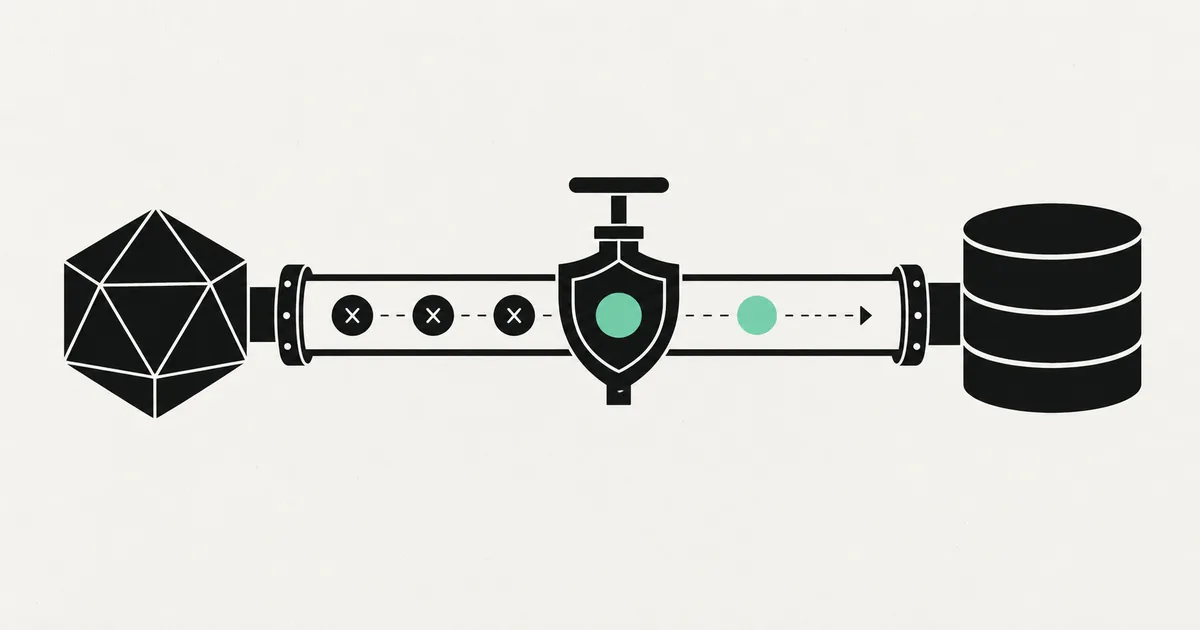
AI agents and automation · 18 Jul 2026 · 9 min read
Postgres MCP Server: Let AI Query Your Database Safely
A practical guide to running a Postgres MCP server so AI agents can query your database without turning into a security incident.
AI agents and automation · 18 Jul 2026 · 8 min read
MCP vs API: What's the Difference and Why It Matters for AI
A clear, non-technical breakdown of MCP vs API — what each one is, how they relate, and which you actually need when connecting AI agents to your business tools.

AI agents and automation · 18 Jul 2026 · 9 min read
Custom MCP Server Development: Expose Your Business Data to AI Agents
A practical guide to custom MCP server development — what it takes to expose your own systems to AI agents safely, the build process, cost ranges, and pitfalls.