Figma MCP Server: From Design File to Working Code with AI
A practical guide to the Figma MCP server: how it feeds design context to AI agents so they generate code that matches the file, and where it falls short.
 SprintX Team8 min read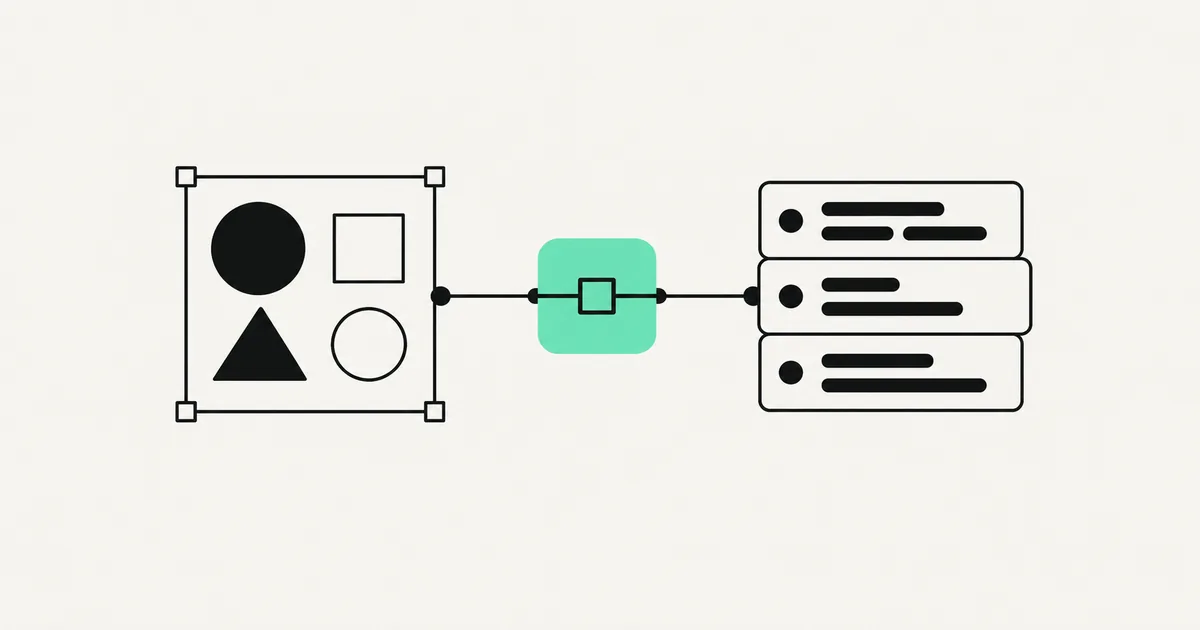
Ask an AI to "build this screen" from a screenshot and you get something that looks roughly right — until you check the spacing, the exact colors, the font sizes, and the fact that it invented a component your design system does not have. The problem is that a picture throws away everything structured about a design. The Figma MCP server fixes that by handing the AI the real design data — the layers, the styles, the variables, the layout rules — instead of a flat image to guess from.
That single change is what moves "AI-generated UI" from a fun demo to something you can actually ship. Here is how it works, what it does well, and where it still needs a human.
Why a screenshot is not enough
When you paste an image of a design into an AI, the model reverse-engineers it visually. It approximates. A 16px gap becomes 15 or 18. A brand teal becomes "close enough." A reusable button becomes bespoke markup. Multiply that across a real interface and you get code that looks fine at a glance and is wrong everywhere it counts.
Design files are not pictures — they are structured data. Every frame knows its exact padding, every color is a defined token, every component has a name. The Figma MCP server exposes that structure so the AI builds from facts instead of pixels.

What the Figma MCP server actually provides
An MCP server is a standardized bridge between an AI agent and one system — the "USB-C for AI" idea. (New to it? Read what is an MCP server first.) The Figma MCP server wraps a design file and gives an AI agent structured context about it, typically including:
| What it exposes | Why it matters for code |
|---|---|
| Layout & measurements | Exact spacing, sizing, and auto-layout rules — no guessing |
| Design variables / tokens | Real color, spacing, and typography tokens instead of hard-coded values |
| Component structure | Which elements are components, so the AI reuses instead of reinvents |
| A screenshot for reference | Visual grounding alongside the structured data |
| Selection context | "Build the frame I have selected," not the whole file |
Instead of "here is a picture, good luck," the agent gets "here is a frame that is 360px wide, uses your spacing/md token for gaps, and contains three instances of your Card component." Code generated from that is dramatically closer to correct.
How teams use it
The workflow is straightforward once it is connected:
- A designer finishes a frame in Figma.
- A developer (or an AI-native IDE) selects that frame and asks the connected agent to build it.
- The agent pulls the structured context through the Figma MCP server and generates markup — often mapping to your existing components and tokens rather than raw values.
- The developer reviews, wires up real data and behavior, and refines.
The best results come when your Figma file is clean — properly named components, real variables, consistent auto-layout. Garbage in, garbage out applies hard here: the server can only pass along the structure you actually built. A messy file with detached instances and hard-coded colors gives the AI little to work with.
Setting it up (the durable version)
Tool specifics shift, so here is the shape rather than brittle steps:
- Enable design-mode access in Figma so the file can serve structured data to tools. This typically requires an appropriate paid Figma seat — confirm current requirements on Figma's site.
- Connect an MCP-capable client — an AI-native editor like Cursor, Claude Code, or another agent that speaks MCP.
- Register the Figma MCP server in that client's config and authenticate.
- Select a frame and prompt. Point the agent at a specific selection rather than an entire sprawling file; scoped requests produce better output.
Start small — one component or one screen — before you ask it to build a whole flow.
What it does well, and where it does not
Being honest about the limits is what separates a useful tool from an overpromise.
It is genuinely good at: reproducing layout and spacing accurately, using your real design tokens, scaffolding the static structure of a screen, and mapping to an existing component library when your file is well-organized. It removes the tedious "eyeball the pixels" phase.
It still needs a human for: application logic and state, data fetching, accessibility nuance, edge cases and responsive behavior beyond what the file specifies, and any interaction the design does not encode. The server hands over what the screen looks like and is made of — not what it does. Treat generated code as a strong first draft of the presentation layer, not a finished feature.
What this looks like in practice
A common request in our design-to-build work is a clean Figma handoff that a team can turn into a real front end without weeks of pixel-chasing. Feeding the file's real structure to an agent through the Figma MCP server gets the static screens to high visual fidelity fast — correct spacing, correct tokens, correct component reuse. Our engineers then do the part AI cannot: wire in live data, handle loading and error states, cover accessibility, and make it responsive for real devices. The design fidelity comes nearly for free; the production hardening is the craft. If you are choosing a stack for the front end, our comparison of Next.js vs React is a good next read.
Frequently asked questions
Does the Figma MCP server write my whole app for me? No. It gives an AI agent accurate structural context about a design so the generated interface code matches the file. Business logic, data, state, accessibility, and edge cases are still real engineering work. Think of it as a very accurate front-end scaffolder, not an app builder.
Do I need a paid Figma plan to use it? Generally yes — serving structured design context to tools typically requires an appropriate paid Figma seat with design-mode access. Requirements change, so verify the current plan details on Figma's own pricing and docs pages before committing.
Will it match my design system components? It can, if your Figma file is built properly — named components, real variables, and consistent auto-layout. The server passes along the structure that exists; a well-organized file lets the AI reuse your components instead of inventing one-off markup. A messy file limits how well it maps.
Which AI tools can use the Figma MCP server? Any MCP-compatible client, because MCP is a cross-vendor standard. That includes AI-native editors and agents like Cursor and Claude Code. The same server can feed design context to whichever compatible tool your team prefers.
Have designs ready and want them turned into clean, production-grade front-end code — not a lookalike that breaks on real data? SprintX builds Figma-to-code workflows and ships the hardened result: accurate to the file, wired to your data, accessible, and responsive. Send us your Figma file and we will scope it as a fixed-price milestone you own end to end.
AI agents and automation
AI agents that do the work.
We build agents and automations for the repetitive work your team does by hand, and measure what they save.
Keep reading.
More on ai agents and automation
AI agents and automation · 18 Jul 2026 · 8 min read
What Is an MCP Server? A Plain-English Guide for Businesses (2026)
A no-jargon guide to MCP servers: what they are, why every major AI vendor adopted them, and how businesses use them to connect AI agents to real systems.

AI agents and automation · 18 Jul 2026 · 8 min read
GitHub MCP Server Setup: Let AI Agents Work Your Repos
How to connect AI agents to your GitHub repos with the GitHub MCP server — what it enables, setup steps, permissions, and where it saves real time.

AI agents and automation · 18 Jul 2026 · 8 min read
AWS MCP Servers Explained: Cloud Ops with AI Agents
A plain-English guide to AWS MCP servers: how AI agents connect to your cloud to answer questions and run operations, plus the permissions to get right.