Custom MCP Server Development: Expose Your Business Data to AI Agents
A practical guide to custom MCP server development — what it takes to expose your own systems to AI agents safely, the build process, cost ranges, and pitfalls.
 SprintX Team9 min read
Off-the-shelf MCP servers cover the popular systems — GitHub, a few databases, Zapier's giant connector library. But the data that actually makes your AI agent valuable usually lives somewhere generic connectors don't reach: your internal booking system, your proprietary pricing logic, a legacy database with three decades of customer history, a homegrown ops tool nobody else runs. That's when you commission a custom MCP server — a small, tightly-scoped piece of software that exposes your systems to AI agents on the industry-standard protocol.
This guide is for the founder or operator weighing that build. What a custom MCP server actually is, what the work involves, how to keep it safe, realistic cost ranges, and how to scope it so you don't overpay for capability you won't use.
What a custom MCP server does for you
MCP — Model Context Protocol — is the vendor-neutral standard for connecting AI agents to tools and data. It's supported across Anthropic, OpenAI, Google, Microsoft, and AWS, and was donated to the Linux Foundation at the end of 2025. A custom MCP server wraps one of your systems and exposes exactly the actions and data you choose, in a format any MCP-compatible agent can use.
The value is concentrated in three things:
- Reach. Your agent can finally read and act on the data that matters — not just the public SaaS tools that ship with connectors.
- Reuse. Build the server once and any compatible AI app can use it, now and later. It's an asset, not throwaway glue. Our MCP vs API piece explains why that reuse beats hand-wired integrations.
- Control. You decide precisely which tools exist, what each can touch, and where a human has to approve. Nothing is exposed by accident.
If the concept is still fuzzy, what is an MCP server is the plain-English primer; this article assumes you've decided you probably need one and want to know what building it looks like.

What lives inside the build
Every MCP server exposes three kinds of things, and scoping the build starts by deciding which of each you actually need.
| Building block | What it is | Example in a custom server |
|---|---|---|
| Tools | Actions the agent can take | "Create a booking," "issue a refund," "update the account status" |
| Resources | Data the agent can read | A customer record, an inventory level, an order history |
| Prompts | Reusable templates the server offers | "Summarize this account in our house tone" |
The single most important design decision is the tool boundary — what each tool is allowed to do, and how narrowly. A well-built custom server exposes a handful of sharp, purpose-specific tools with read/write limits, not one giant "run any query" tool that hands the model the keys to everything. Narrow tools are safer, easier to log, and easier for the agent to use correctly.
How a custom MCP server build actually goes
A competent build in 2026 follows a fairly consistent shape:
- Map the systems and the intent. Which systems does the agent need, and what should it be able to do versus only read? This is where most of the value — and the safety — gets decided.
- Design the tool surface. Translate the intent into a small set of tightly-scoped tools and resources, each with clear inputs and permissions.
- Wrap the underlying APIs. The server calls your existing APIs or database under the hood; the MCP layer is the standardized, self-describing front door.
- Add the guardrails. Authentication, per-tool permission scopes, rate limits, human-approval gates on destructive actions, and full logging of every tool call.
- Test against a real agent. Connect an actual MCP client and watch how the model uses the tools — including how it behaves on ambiguous or adversarial inputs.
- Deploy and monitor. Ship it where your agents can reach it, with observability so you can see what the agent did and why.
The build itself is often not enormous — the discipline is in scoping and guardrails, not raw code volume. The systems it typically fronts (databases, CRMs, payment tools) already have APIs; the MCP server is the safe, reusable adapter on top.
Keeping it safe (the part that separates good builds from risky ones)
MCP's rapid, universal adoption also attracted attackers. Through early 2026 the ecosystem saw real security issues — tool-poisoning (a malicious server description manipulates the model), prompt-injection via returned data, and cross-tenant leaks in poorly isolated deployments, with several CVEs reported. A custom server you build for your own data is the right place to get this correct, because you control the whole surface.
Non-negotiables for a production custom MCP server:
- Least privilege per tool. Each tool gets only the access it needs — never a blanket admin credential.
- Human-in-the-loop on destructive actions. Deleting or refunding should pause for approval, not fire autonomously.
- Full audit logging. Every tool call recorded, so you can answer "what did the agent do?" months later.
- Input treated as untrusted. Data returned from other systems can carry injected instructions; the server and agent design should assume that.
- Isolation between tenants and environments. No path from one customer's context into another's.
Treat any MCP server that can modify production data with the same care as a privileged user account, because functionally that's what it is.
What custom MCP server development costs
Cost tracks scope: how many systems the server fronts, how many tools it exposes, how much write access is involved, and how strict the guardrails need to be. Rough 2026 ranges, hedged and phase-based:
| Project | Typical range | What's included |
|---|---|---|
| Single-system, read-mostly server | ~$2k – $4.5k | One system, a few tools, logging, deploy |
| Multi-tool server with write actions | ~$4.5k – $9k | Write actions, approval gates, permissions, tests |
| Multi-system agent integration | ~$9k+ (phased) | Several MCP servers + agent orchestration |
These are ballparks, not quotes — the honest number depends on your systems. Projects like this usually run in phases in the low-thousands-per-phase range, which lets the risky integration get proven before anyone pays for polish. If you're comparing this against building the agent itself, AI agent development services covers the wider picture.
What this looks like in practice
A recent client project needed an agent that could work across an internal database, a CRM, and a scheduling system — none of which had a ready-made connector that fit. Rather than one sprawling integration, we built a small MCP server per system, each wrapping the existing APIs and exposing only the specific tools the workflow required, with read/write limits and human approval on the one action that touched money. The agent orchestrated across all three. Because everything spoke the standard protocol, when the client later evaluated a different model family, none of the server work had to be redone — the servers stayed exactly as they were. That durability is the practical argument for building custom rather than hard-wiring: you're creating an asset, not a disposable script.
How to scope your build without overpaying
Three questions cut most of the waste:
- What must the agent do, versus only read? Write access is where cost and risk concentrate. Many valuable agents are mostly read-only with one or two careful write tools.
- Which systems are genuinely needed for the first version? Ship the two that matter, not the ten that might. MCP's reuse means you can add servers later without rework.
- Where does a human need to stay in the loop? Naming the destructive actions up front keeps the design safe and the scope honest.
Answer those and a good builder can hand you a fixed-scope milestone instead of an open-ended hourly bet.
Frequently asked questions
How much does it cost to build a custom MCP server? As of mid-2026, a single-system, read-mostly server is roughly $2k–$4.5k, a multi-tool server with write actions around $4.5k–$9k, and a multi-system agent integration $9k and up, usually phased. The biggest cost drivers are how many systems it fronts and how much write access it exposes.
Can I build an MCP server for my own internal database? Yes — that's one of the most common reasons to build custom. The server wraps your database (usually via its existing API or a query layer) and exposes only tightly-scoped, purpose-specific tools, so the agent can read what it needs and change only what you allow, with everything logged.
How long does custom MCP server development take? A focused single-system server is often a short, single-phase build; multi-system agent integrations run in phases. The timeline is driven far more by scoping and guardrail decisions than by raw coding, which is why the discovery step matters most.
Is it safe to expose my business data to AI agents through MCP? It can be, when built properly — least-privilege tools, human approval on destructive actions, full audit logging, and tenant isolation. Routing agent access through a well-built MCP server is generally safer than scattering credentials across ad-hoc integrations, because everything flows through one auditable choke point.
If you want your AI agents to reach the data that actually runs your business — safely — SprintX designs and builds production-ready custom MCP servers: tightly-scoped tools, least-privilege permissions, human approval on the actions that matter, and full logging. Tell us which systems your agents need and we'll scope it as a fixed-price milestone, delivered production-ready, with the code yours to keep and no lock-in.
AI agents and automation
AI agents that do the work.
We build agents and automations for the repetitive work your team does by hand, and measure what they save.
Keep reading.
More on ai agents and automation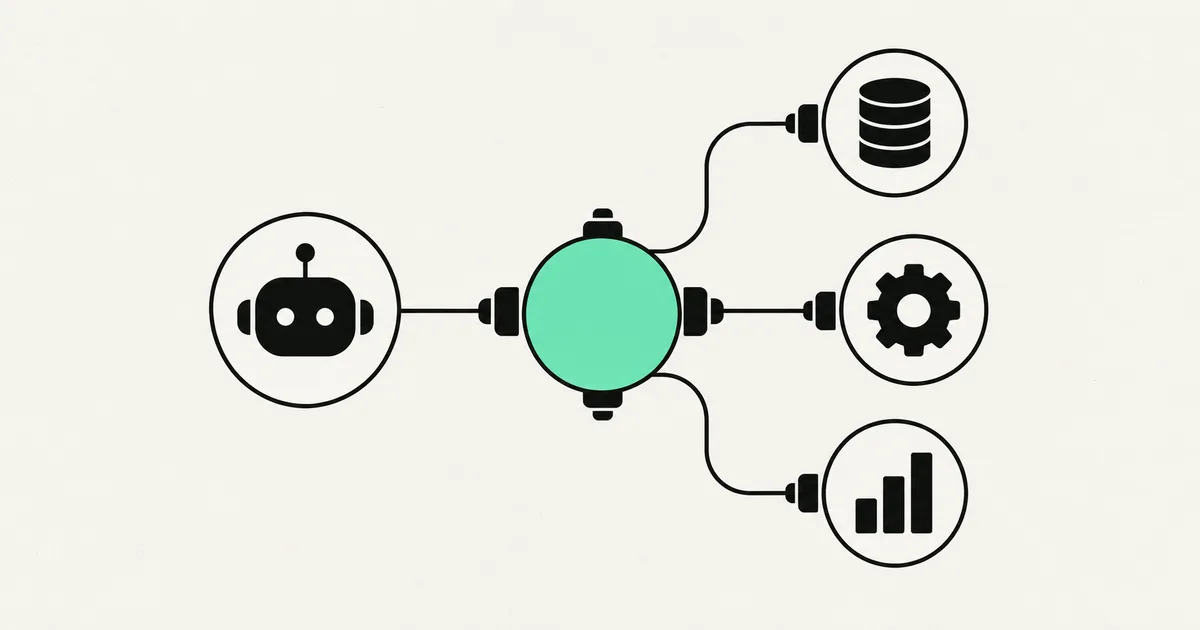
AI agents and automation · 18 Jul 2026 · 8 min read
What Is an MCP Server? A Plain-English Guide for Businesses (2026)
A no-jargon guide to MCP servers: what they are, why every major AI vendor adopted them, and how businesses use them to connect AI agents to real systems.
AI agents and automation · 18 Jul 2026 · 9 min read
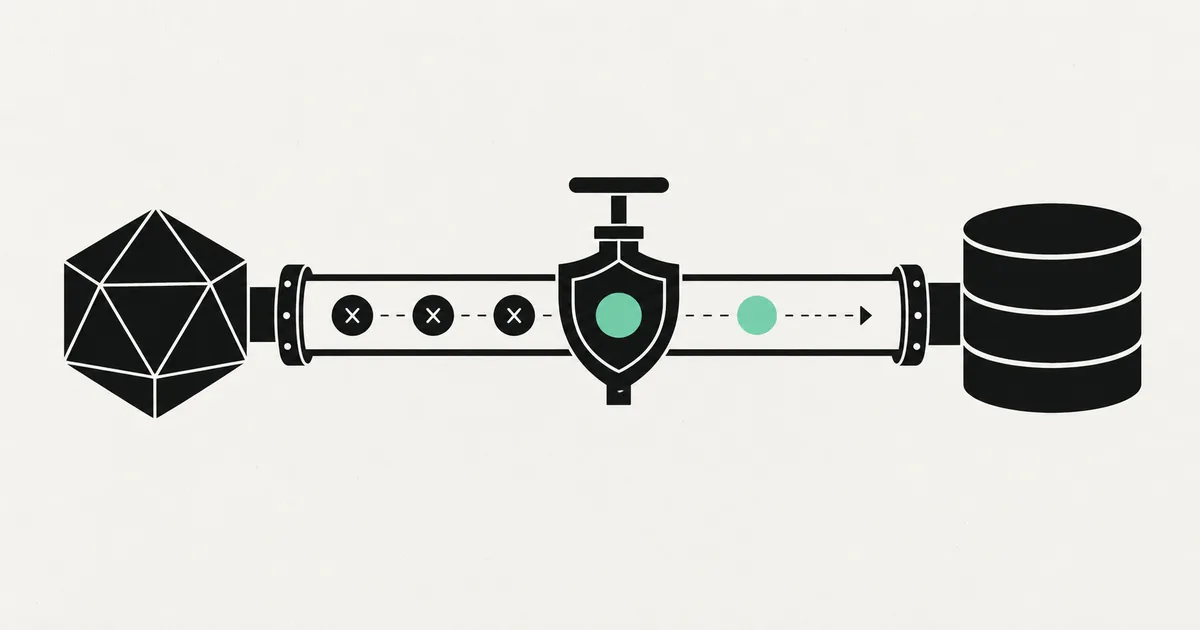
Postgres MCP Server: Let AI Query Your Database Safely
A practical guide to running a Postgres MCP server so AI agents can query your database without turning into a security incident.
AI agents and automation · 18 Jul 2026 · 8 min read
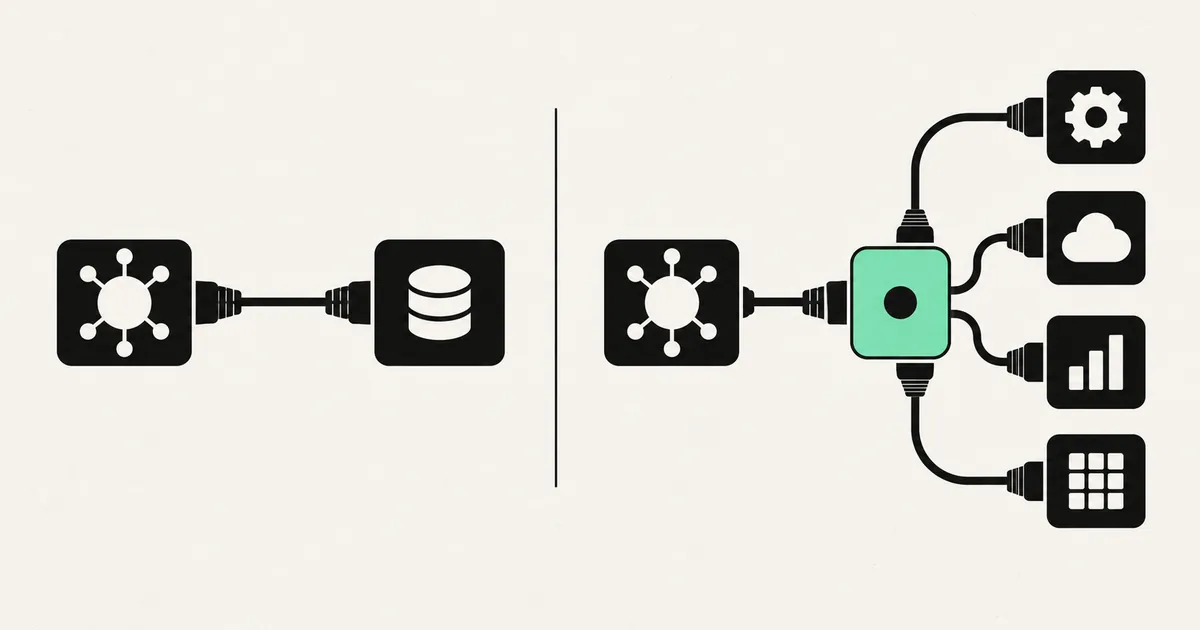
MCP vs API: What's the Difference and Why It Matters for AI
A clear, non-technical breakdown of MCP vs API — what each one is, how they relate, and which you actually need when connecting AI agents to your business tools.