Ecommerce Order Management: How to Automate It End-to-End
How to automate ecommerce order management from checkout to delivery — the lifecycle, the tools, and where manual work quietly costs you money.
 SprintX Team8 min read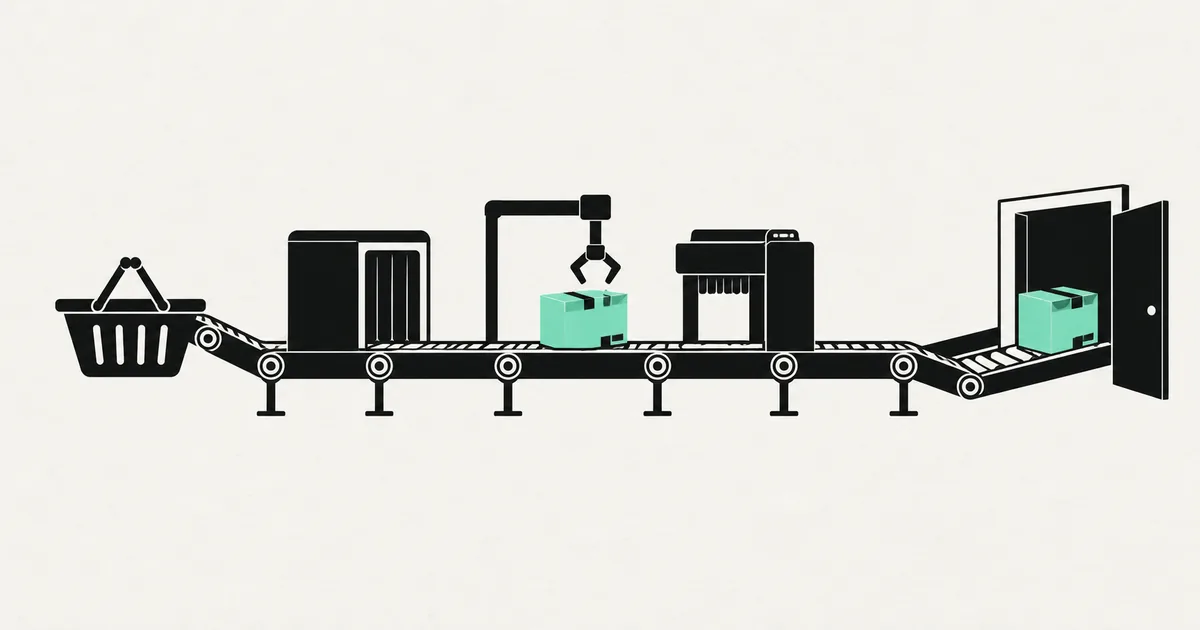
Every order that comes in looks the same on the storefront: a customer clicks "buy," money moves, a confirmation email fires. What happens after that is where most stores quietly bleed time. Someone copies the address into the shipping tool. Someone updates a spreadsheet. Someone answers "where is my order?" for the fifth time today. None of it shows up on the P&L as a line item, but it is a full part-time job hiding inside your operations.
Order management automation is about removing the manual hops between checkout and delivery so the same order that took ten minutes of human attention takes zero. This guide walks the full order lifecycle, shows you exactly where it breaks, and lays out how to wire it together end-to-end.
What "order management" actually covers
People use "order management" to mean the shipping label. It is much bigger than that. A complete order lifecycle usually has seven stages:
- Capture — the order is placed and payment is authorized.
- Validation — address is checked, fraud is screened, stock is confirmed.
- Routing — the order is assigned to a warehouse, supplier, or dropship partner.
- Fulfillment — items are picked, packed, and a shipping label is generated.
- Notification — the customer gets tracking and status updates.
- Post-sale — returns, exchanges, refunds, and support.
- Reconciliation — inventory, accounting, and reporting are updated.
Automation is not one big switch. It is closing the manual gaps between these stages, one at a time. Most stores have three or four of them automated and the rest held together by a person and a spreadsheet.
Where order management quietly breaks
Before automating anything, find where the human hops actually are. In practice they cluster in the same places:
- Re-keying data. Copying order details from your store into a shipping app, an accounting tool, or a supplier's portal.
- Inventory drift. Stock counts that are right in one system and wrong in another, leading to oversells and cancellations.
- Status limbo. Orders that are "paid" but sit for a day before anyone routes them.
- Support tickets that are just status checks. "Where is my order?" messages that a notification would have prevented.
- Reconciliation at month-end. A frantic session matching payouts, refunds, and invoices by hand.
Each of these is a candidate for automation, and each has a clear before/after.
| Stage | Manual reality | Automated version |
|---|---|---|
| Validation | Staff eyeballs addresses and flags odd orders | Address + fraud checks run automatically, only edge cases escalate |
| Routing | Someone decides which warehouse ships | Rules assign orders by zone, stock, or SKU |
| Fulfillment | Labels created one by one | Labels + pick lists generated in batches |
| Notification | Manual "it shipped" emails, or none | Tracking + delays pushed automatically |
| Reconciliation | Month-end spreadsheet marathon | Orders sync to accounting in near real time |
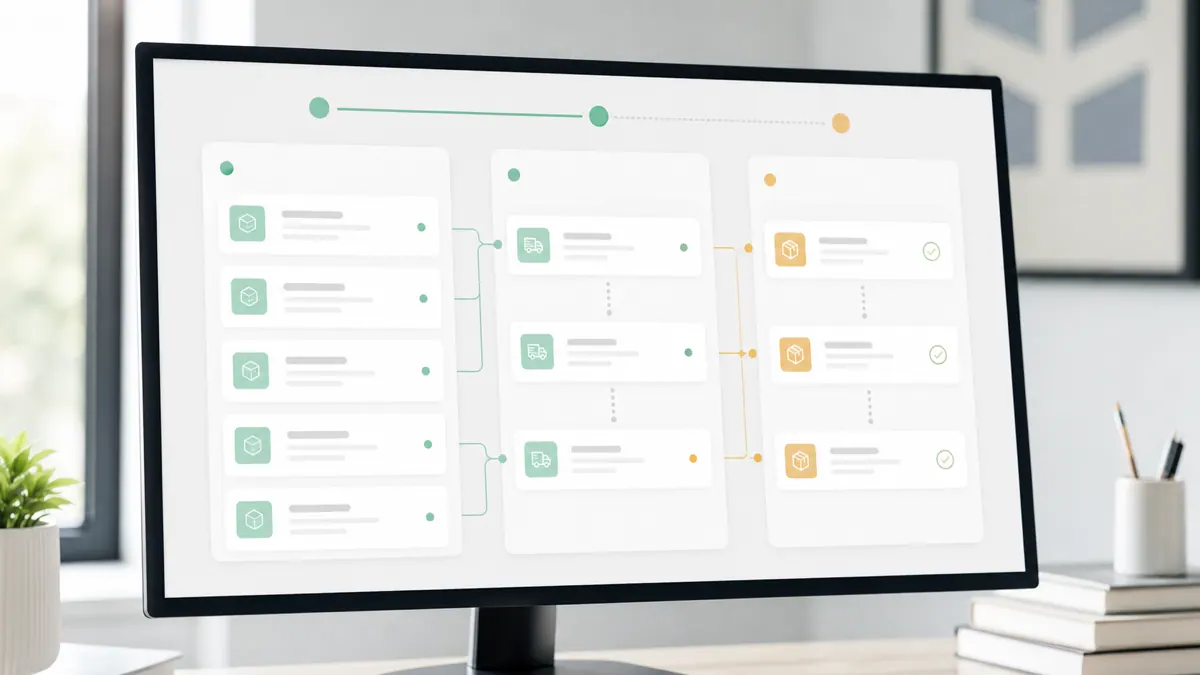
The building blocks of an automated order pipeline
You do not need a monolithic enterprise platform to automate order management. Most mid-sized stores get there with a few well-chosen pieces:
- Your store as the source of truth. On Shopify this means reading orders through the GraphQL Admin API rather than scraping the dashboard. (Note that the legacy Checkout API was retired in 2025 — custom flows now use the Storefront Cart API into hosted checkout.)
- An automation layer. A workflow tool like n8n (self-hostable, with a strong 2.0 AI-agent story as of 2026), Make, or Zapier sits between systems and moves data on events. Only n8n self-hosts if you want the data on your own infrastructure.
- A fulfillment or shipping service that accepts orders via API and returns tracking.
- An accounting system — Stripe's Billing and Payment Records data, QuickBooks, or an alternative — that receives the financial side.
- A notification channel — transactional email, SMS, or WhatsApp for status updates.
The pattern is always the same: an event happens (order paid), a workflow catches it, it validates and enriches the data, then it fans the order out to the systems that need it. No human retypes anything.
Where AI genuinely helps — and where it does not
You do not need a large language model to move an order from A to B; rules do that reliably and cheaply. Where AI earns its place is the messy edges: reading a free-text delivery note, classifying an inbound support message as "status check vs. real problem," or drafting the reply to a delayed-shipment email. A lightweight model such as Claude Haiku 4.5 (roughly $1 in / $5 out per million tokens as of mid-2026) is more than enough for that kind of classification and drafting. Keep the deterministic core deterministic, and let AI handle the parts that are genuinely fuzzy.
A sensible order of operations
If you automate everything at once you will not know what broke. Sequence it:
- Notifications first. They are low-risk, customer-facing, and immediately cut "where is my order?" tickets. A fast win that buys you goodwill and time.
- Fulfillment sync next. Push paid orders to your shipping tool and pull tracking back. This kills the biggest re-keying job.
- Inventory sync. Keep stock consistent across sales channels so you stop overselling.
- Reconciliation last. Once orders flow cleanly, wire the accounting sync so month-end stops being an event.
Do them in that order and each step stabilizes before you add the next.
What this looks like in practice
A recent client project was a custom Shopify storefront that needed delivery-zone logic the theme could not express — certain SKUs could only ship to certain postcodes, and orders had to route to different fulfillment partners based on the zone. We built the storefront against the Storefront Cart API, then put a workflow layer behind it: every paid order was validated, tagged with its zone, routed to the correct partner's API, and mirrored into the accounting system. The "where is my order?" volume dropped because tracking went out automatically, and the owner stopped spending Monday mornings re-keying weekend orders. Nothing exotic — just the manual hops removed one by one. Projects like this typically land in the low-thousands-per-phase range rather than a giant platform migration.
How to avoid the common traps
- Do not automate a broken process. If your routing rules are unclear when a human does them, they will be wrong when a machine does them. Write the rules down first.
- Build in escape hatches. Every automation needs a "flag for human review" path for the orders that do not fit. Automation handles the 95%; humans handle the weird 5%.
- Watch idempotency. If a webhook fires twice, you do not want two shipping labels. Make each step safe to run more than once.
- Log everything. When an order silently fails to sync, you want a trail, not a mystery.
Frequently asked questions
What is the difference between order management and a fulfillment service? A fulfillment service physically picks, packs, and ships. Order management is the connective layer that decides what gets shipped, where, keeps every system in agreement, and communicates with the customer. You can outsource fulfillment and still have chaotic order management — the two are separate problems.
Do I need to replace Shopify to automate order management? No. Shopify is a fine source of truth. The GraphQL Admin API exposes orders, inventory, and fulfillment cleanly, and a workflow layer handles the rest. You automate around your store, not by ripping it out.
Can I automate order management without a developer? Partly. Off-the-shelf apps and no-code tools cover common flows. The moment you have custom routing logic, non-standard integrations, or a supplier with an awkward API, you are into custom work — that is where a bespoke pipeline pays for itself.
How much does it cost to automate order management? It depends entirely on how many systems you are connecting and how weird the rules are. Simple notification and shipping sync is a small, well-scoped project; a full multi-partner routing pipeline is larger. Hosting for a self-hosted workflow engine is modest — as of mid-2026, roughly a few dollars to a few tens of dollars a month for the infrastructure.
If order management is eating your team's week, we can help. SprintX builds fixed-scope order automation pipelines on top of your existing store — milestone-based, NDA-friendly, and you own the code with no lock-in. It pairs naturally with the storefront and integration work covered in our guides on adding an AI chatbot to Shopify, invoice automation with AI, and what workflow automation actually is. Get in touch for a straight answer on scope and price.
AI agents and automation
AI agents that do the work.
We build agents and automations for the repetitive work your team does by hand, and measure what they save.
Keep reading.
More on ai agents and automation
AI agents and automation · 18 Jul 2026 · 8 min read
AI-Powered Lead Generation Services: What an Automation Agency Actually Builds
A plain-English look at what "AI lead generation services" really means in 2026 — the systems an automation agency builds, what they cost, and where they go wrong.

AI agents and automation · 18 Jul 2026 · 8 min read
Ecommerce Chatbot: Boosting Sales and Cutting Support Tickets
A practical look at how an ecommerce chatbot lifts sales and cuts support load, with real workflows, cost ranges, and a buyer-focused build plan.
AI agents and automation · 18 Jul 2026 · 8 min read
Sales Automation That Reps Actually Use: A 2026 Guide
A practical 2026 guide to sales automation that reps adopt instead of resent — what to automate, what to keep human, and how to roll it out.