Slack, Notion & Salesforce MCP Servers: Wire AI Agents Into Your Business Tools
A practical guide to wiring AI agents into the tools you already run — Slack, Notion, and Salesforce MCP servers, what they unlock, and how to do it safely.
 SprintX Team8 min read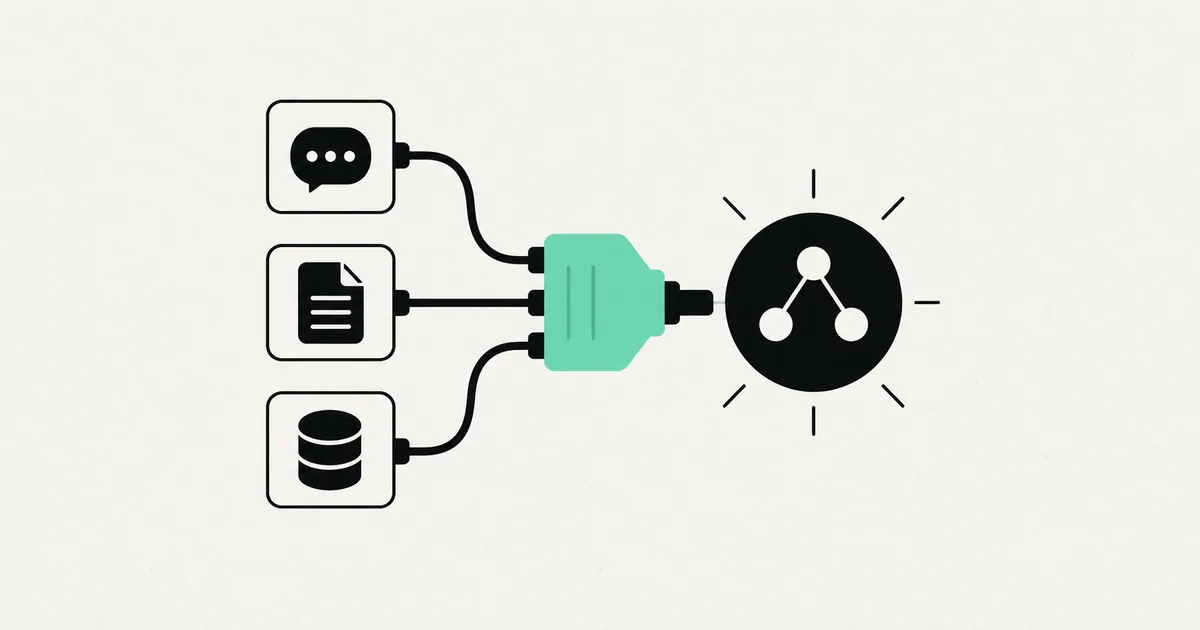
Most AI pilots stall in the same place. The chatbot demos beautifully, everyone nods, and then someone asks the obvious question: "But can it actually look at our CRM and post in our Slack?" If the answer is no, the project quietly dies, because an assistant that cannot reach the tools where work actually happens is just a smarter search box.
MCP servers are how you cross that gap. In 2026, the tools your team lives in — Slack for communication, Notion for knowledge, Salesforce (or another CRM) for customers — all have MCP servers that let an AI agent read from and act inside them. Wire those up and the agent stops being a novelty and starts being a coworker. Here is what each one unlocks, how they combine, and how to do it without handing a language model the keys to everything.
The one-paragraph refresher on MCP
MCP — the Model Context Protocol — is the open, vendor-neutral standard for connecting AI models to tools and data. It is the de facto standard now, adopted across Anthropic, OpenAI, Google, Microsoft, and AWS, and stewarded by the Linux Foundation since late 2025. An MCP server exposes a tool's capabilities — "post a message," "search these pages," "update this record" — so any MCP-compatible AI agent can use them. You do not build a custom integration per model; you connect the server once. If you want the wider landscape, our roundup of the best MCP servers for business maps the full menu.
The Slack MCP server: where answers should land
Slack is where most teams already are, which makes it the natural front door for an AI agent. A Slack MCP server lets the agent read messages (scoped to channels you allow) and post — so instead of someone logging into another tool, the agent brings the answer to the conversation.
What it unlocks in practice:
- In-channel answers. Ask a question in a channel and the agent replies with an answer pulled from your other connected systems.
- Alerts with context. Rather than a raw "error" ping, the agent posts what happened and what it found when it looked.
- Lightweight triage. New request in a channel? The agent can summarize it, tag it, and route it to the right person.
Slack is usually the interface, not the source — its value multiplies once the agent behind it can also reach your knowledge base and CRM.
The Notion MCP server: your knowledge base, searchable by an agent
Companies pour institutional knowledge into Notion — SOPs, product docs, onboarding, meeting notes — and then struggle to find any of it. A Notion MCP server turns that sprawl into something an agent can search and, where appropriate, update.
Where it earns its place:
- Grounded answers. The agent answers from your actual documented processes, not a generic guess — the same grounding idea behind a RAG chatbot, applied to a live workspace.
- Onboarding help. New hires ask the agent instead of interrupting a senior teammate.
- Keeping docs alive. With write access (scoped and reviewed), an agent can draft updates or log outcomes back into the right page.
The caveat is precision: a workspace full of stale or contradictory pages gives the agent bad ground truth. Clean, current docs make the difference between a helpful answer and a confident wrong one.
The Salesforce (CRM) MCP server: the powerful, sensitive one
This is where agents get genuinely valuable and genuinely risky. A Salesforce MCP server — the pattern applies to other CRMs too — lets an agent query and update customer records in plain language: "What's the status of the Acme deal?" or "Log this call under the Nakamura account."
High-value uses:
- Natural-language lookups. Answers about pipeline, accounts, and deals without anyone building a report.
- Data hygiene. The agent drafts updates, flags stale records, and fills gaps a human confirms.
- Post-interaction logging. Turn a call summary or email into a CRM entry automatically.
Because this is your customer data, it is the one to scope hardest. Start read-only, require human confirmation for writes, and never give an agent broad edit rights just because it is convenient. A wrong bulk update to a CRM is a bad afternoon.
Where the real power is: combining them
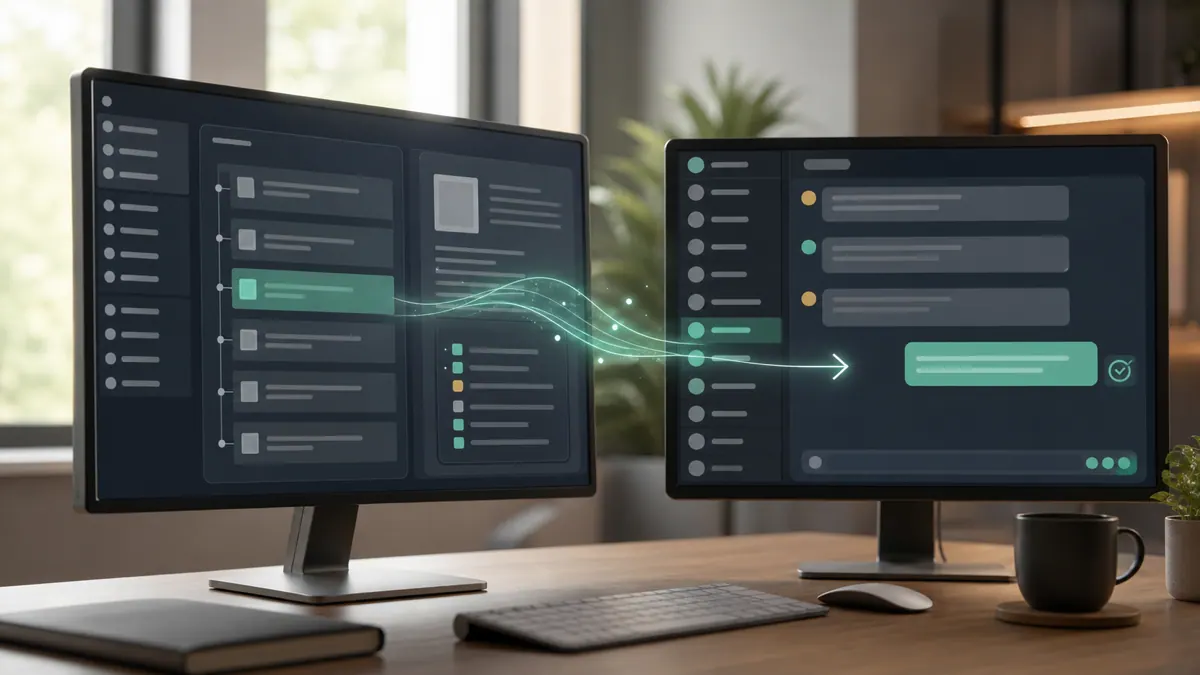
Any one of these is useful. Together they close a loop. Picture a support-and-sales assistant living in Slack: a teammate asks about a customer; the agent reads the account in Salesforce, checks the documented resolution process in Notion, and posts a grounded answer back in Slack — then, on confirmation, logs the interaction to the CRM. Three tools, one conversation, no tab-switching. That composition is the actual promise of the agent era, and MCP is what makes the pieces snap together instead of demanding three bespoke integrations.
What this looks like in practice
A recent client project wired an agent across exactly this trio for a small operations team drowning in "where do we stand with X?" questions. The agent answered account questions from the CRM, pulled the relevant SOP from the knowledge base, and posted in the channel where the team already worked — with every write to the CRM gated behind a human click. We kept it read-mostly for the first few weeks, watched the logs, and only widened permissions once the team trusted what it was doing. The point was never a flashy demo; it was removing a dozen small daily interruptions, safely. This is the kind of scoped, human-in-the-loop rollout SprintX builds for operations teams; projects like this typically land in the low-thousands-per-phase range and start read-only by design.
A safe setup path and a comparison
| MCP server | Agent can | Sensitivity | Sane starting scope |
|---|---|---|---|
| Slack | Read allowed channels, post messages | Medium | A single channel, read + post |
| Notion | Search and update workspace pages | Medium | Read-only on chosen pages |
| Salesforce / CRM | Query and update customer records | High | Read-only, writes behind confirmation |
The rollout that works, every time:
- Read before write. Prove value with lookups and answers first; add actions later.
- Least privilege. Dedicated tokens, one channel, chosen pages, a limited CRM role — never a master key.
- Prefer official servers for anything touching customer data; a vendor-maintained server beats a random wrapper.
- Human-in-the-loop for writes and anything irreversible.
- Log everything so you can see what the agent read and did.
Handled this way, wiring agents into your tools is closer to disciplined workflow automation than to a science experiment — powerful, and controllable.
Frequently asked questions
What can an AI agent do with a Slack MCP server? It can read messages in channels you allow and post replies, so answers and alerts land where your team already works. Combined with other servers, the agent can pull information from your CRM or knowledge base and respond in-channel, turning Slack into the interface for a much more capable assistant.
Is it safe to connect an AI agent to Salesforce or our CRM? It can be, with tight scoping. Because customer data is sensitive, start read-only, require human confirmation before any write, use a limited CRM role rather than an admin account, and log all activity. The MCP standard is widely adopted; the risk is in how much access and autonomy you grant, so grant the minimum and widen only once you trust the workflow.
Do I need Slack, Notion, and Salesforce MCP servers all at once? No. Many teams start with one — often the CRM for lookups or Notion for knowledge — and add others as value proves out. The biggest payoff comes from combining them (answer in Slack, grounded in Notion, sourced from the CRM), but that is a destination to build toward, not a day-one requirement.
What is the difference between this and a Zapier automation? A Zapier flow runs a fixed sequence you configure in advance. An MCP-connected agent decides, in the moment, which tools to use based on the request — reading the CRM, checking a doc, and replying. Use classic automation for deterministic, repeatable tasks and MCP agents for reasoning-driven work; many businesses run both side by side.
Want an AI agent that actually works inside Slack, your knowledge base, and your CRM — safely scoped, not a liability? SprintX designs and deploys MCP-connected agents with least-privilege access and human-in-the-loop controls, on a fixed-scope quote you own outright. For the deeper how-to on browser tasks, see our Playwright MCP server guide. Tell us which tools you run and we will map the safest, highest-value setup first.
AI agents and automation
AI agents that do the work.
We build agents and automations for the repetitive work your team does by hand, and measure what they save.
Keep reading.
More on ai agents and automation
AI agents and automation · 18 Jul 2026 · 8 min read
Playwright MCP Server: AI Browser Automation That Actually Works
A plain-English guide to the Playwright MCP server: how AI agents control a real browser, why it beats pixel-guessing bots, and where it fits your business.
AI agents and automation · 18 Jul 2026 · 9 min read
The Best MCP Servers for Business in 2026 (Curated + Tested)
A curated shortlist of the most useful MCP servers for real businesses in 2026 — what each connects your AI agent to, where it shines, and what to watch out for.
AI agents and automation · 18 Jul 2026 · 9 min read
n8n MCP Server: Connect Your Automations to AI Agents
A practical guide to using n8n as an MCP server so AI agents can trigger and use your existing automations as callable tools.