GitHub MCP Server Setup: Let AI Agents Work Your Repos
How to connect AI agents to your GitHub repos with the GitHub MCP server — what it enables, setup steps, permissions, and where it saves real time.
 SprintX Team8 min read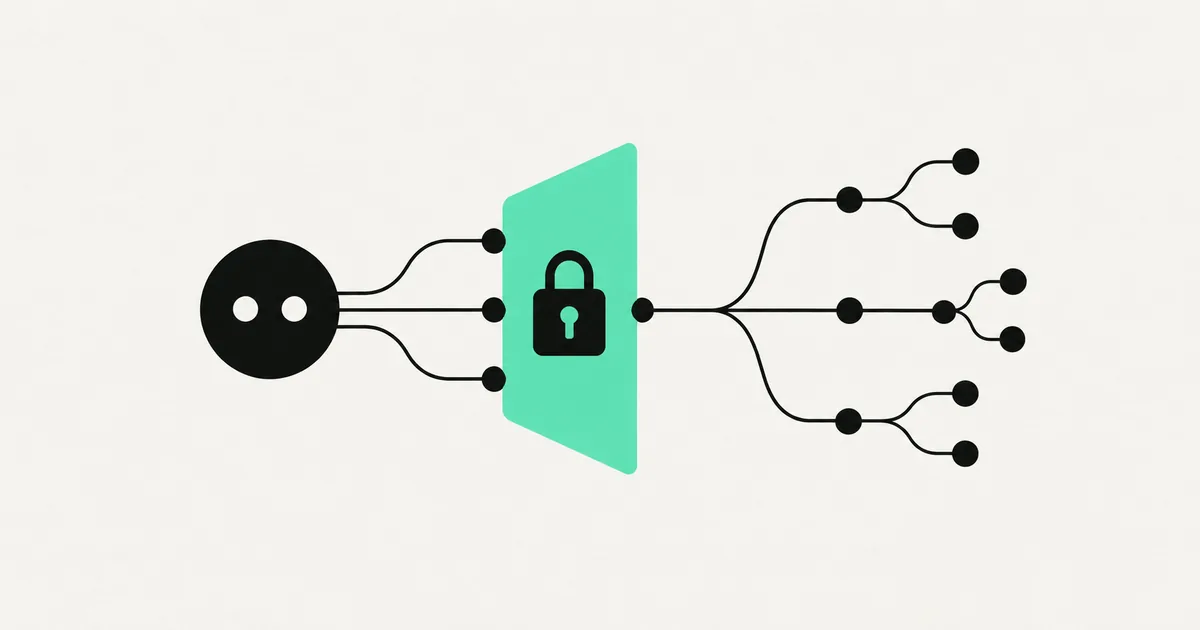
Most AI coding help still happens in a side window: you paste code in, get an answer back, copy it over by hand. Useful, but it means the AI never actually sees your real repository — the open issues, the branch history, the pull request someone left half-finished on Friday. The GitHub MCP server closes that gap. It lets an AI agent work directly against your repos: read the code, triage issues, open and review pull requests, and do it under permissions you control.
If your team lives on GitHub, this is one of the highest-leverage MCP servers to set up. Here is what it does, how to wire it up safely, and where it actually pays off.
What the GitHub MCP server does
An MCP server is a standardized bridge between an AI agent and one system — think "USB-C for AI." (If that framing is new, start with what is an MCP server.) The GitHub MCP server wraps GitHub's API and exposes it to any MCP-compatible agent as a tidy set of tools and readable resources.
In practice, that gives an agent the ability to:
- Read repositories — browse files, search code, follow the structure of a project.
- Work with issues — list, read, create, label, and comment on issues.
- Manage pull requests — open PRs, read diffs, leave review comments, and (with the right permissions) merge.
- Read history and context — commits, branches, and the discussion around them.
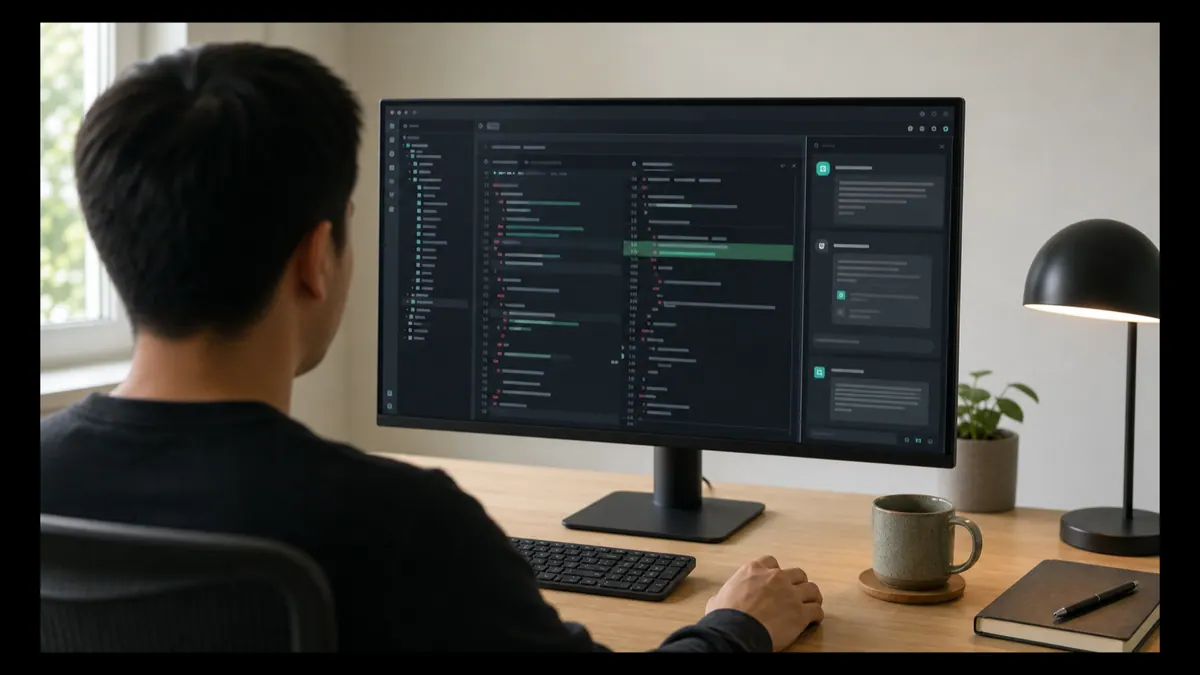
The point is not to replace your engineers. It is to hand off the mechanical, context-heavy work — "summarize what changed in this PR," "open an issue for each TODO," "draft a fix for this failing test" — to an agent that can see the whole picture instead of a pasted snippet.
Two ways to run it: remote or local
There are two common deployment styles, and the right one depends on your setup.
| Option | How it runs | Best for |
|---|---|---|
| Remote / hosted | GitHub-hosted MCP endpoint you connect to with OAuth | Teams who want zero infrastructure and automatic updates |
| Local / self-run | You run the server yourself (commonly a container) with a token | Teams needing tighter network control, private runners, or air-gapped setups |
The hosted route is the fastest to try — you authenticate through GitHub and you are connected. The self-run route trades a little setup for control over exactly where the server runs and what it can reach. For sensitive codebases, self-hosting the server inside your own network is often the safer default.
Setting it up (the honest version)
The exact clicks change as tools evolve, so here is the durable shape of it rather than brittle step-by-step commands.
1. Pick your AI client. Any MCP-capable agent works — Claude and Claude Code, an IDE like Cursor, or a custom agent you built. This is the "MCP client" that will connect to the server.
2. Add the GitHub MCP server to that client's config. Every MCP client has a place to register servers. You point it at either the hosted GitHub MCP endpoint or your locally-run server.
3. Authenticate with the least access that works. This is the step that matters most. Use a fine-grained personal access token or OAuth scoped to only the repositories the agent needs — and only the permissions it needs (read-only if the agent is just analyzing; write only if it must open PRs). Do not hand an agent an admin token for your whole org because it was easier.
4. Confirm the tools appear. A connected client will list the GitHub tools it can now call. If they show up, you are wired in.
5. Start read-only, then widen. Let the agent read and summarize before you let it write. Once you trust its behavior on your repos, grant issue and PR permissions.
Permissions and safety: read this part twice
Giving an AI agent access to your source code deserves the same caution as onboarding a new contractor. MCP's broad 2026 adoption also surfaced real security issues — prompt injection through returned data, and over-scoped servers doing more than intended. A few rules keep you out of trouble:
- Scope the token to specific repos, never the whole account by default.
- Prefer read-only until you have watched the agent work.
- Keep a human in the loop for merges and destructive actions. An agent can draft a PR; a person should approve the merge to protected branches.
- Log every tool call so you can audit what the agent did and when.
- Protect your main branch with the usual branch protections — required reviews, no direct pushes.
None of this is exotic; it is the same hygiene you would apply to any automated account. The difference is that an agent moves faster, so guardrails matter more.
Where it actually saves time
The GitHub MCP server earns its keep on the repetitive edges of engineering work:
- PR triage. An agent reads an incoming pull request, summarizes the change in plain English, flags risky diffs, and drafts review comments for a human to confirm.
- Issue grooming. Turn a messy backlog into labeled, deduplicated, well-described issues — or auto-open issues from TODOs and error reports.
- Onboarding context. Ask "how does auth work in this repo?" and get an answer grounded in the actual code, not a guess.
- First-draft fixes. For well-scoped bugs, an agent can open a branch, propose a fix, and open a PR — leaving the judgment call to your team.
What this looks like in practice
A recurring pattern in our rescue work is inheriting a codebase nobody on the current team wrote — a "the developer disappeared, finish my app" situation. Connecting an agent to the repo through the GitHub MCP server (read-only first) lets it map the project, summarize how the pieces fit, and surface the risky areas far faster than reading file by file. From there we open scoped PRs the human team reviews before anything merges. It compresses the "understand this unfamiliar code" phase from days to hours — without ever letting the agent merge unsupervised. If that is your situation, our take on turning vibe-coding projects into production covers the wider cleanup.
Frequently asked questions
Is the GitHub MCP server free? The server software itself is generally free to run, and connecting through GitHub uses your existing GitHub account and permissions. Your costs are the AI model usage (per token) and, if you self-run the server, the small infrastructure to host it. As always, confirm current details on the vendor's pages.
Can the AI agent merge code on its own? Only if you grant it write and merge permissions — and you usually should not for protected branches. The safe default is to let the agent draft and open pull requests while a human approves the merge. Branch protection rules enforce this regardless of what the agent tries.
Does it work with any AI, or just Claude? Any MCP-compatible client works, because MCP is a cross-vendor standard. Claude and Claude Code support it, and so do other agents and AI-native IDEs. The same GitHub MCP server can serve multiple different AI clients.
Is it safe to connect to a private repo? Yes, when configured properly — scope the access token to just that repository, prefer read-only until you trust the agent, keep humans on merges, and log tool calls. For highly sensitive code, self-run the server inside your own network rather than using a hosted endpoint.
Want AI agents working inside your repos without handing over the keys? SprintX sets up GitHub MCP integrations with least-privilege access, audit logging, and human-in-the-loop review baked in — a fixed-scope build you own outright. Tell us about your codebase and we will scope it as a clear milestone, NDA first.
AI agents and automation
AI agents that do the work.
We build agents and automations for the repetitive work your team does by hand, and measure what they save.
Keep reading.
More on ai agents and automation
AI agents and automation · 18 Jul 2026 · 8 min read
What Is an MCP Server? A Plain-English Guide for Businesses (2026)
A no-jargon guide to MCP servers: what they are, why every major AI vendor adopted them, and how businesses use them to connect AI agents to real systems.
AI agents and automation · 18 Jul 2026 · 8 min read
Figma MCP Server: From Design File to Working Code with AI
A practical guide to the Figma MCP server: how it feeds design context to AI agents so they generate code that matches the file, and where it falls short.

AI agents and automation · 18 Jul 2026 · 8 min read
AWS MCP Servers Explained: Cloud Ops with AI Agents
A plain-English guide to AWS MCP servers: how AI agents connect to your cloud to answer questions and run operations, plus the permissions to get right.