Postgres MCP Server: Let AI Query Your Database Safely
A practical guide to running a Postgres MCP server so AI agents can query your database without turning into a security incident.
 SprintX Team9 min read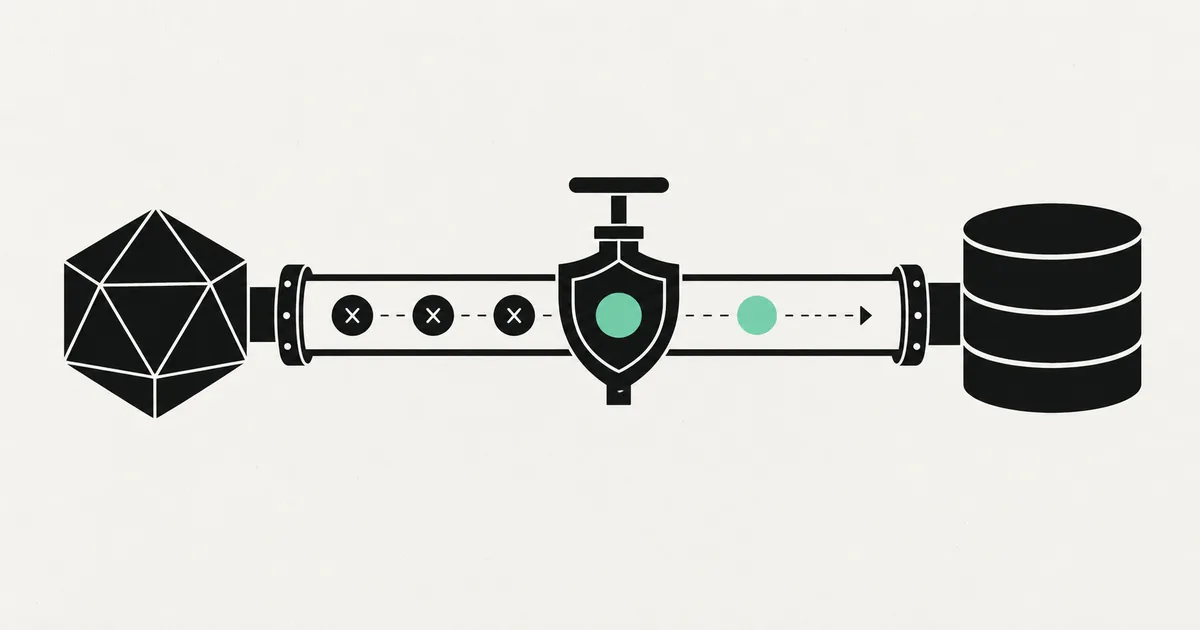
"Can the AI just look at our database and answer questions?" It is one of the most common requests we hear in 2026, and the honest answer is: yes, but the word "just" is doing a lot of dangerous work. Hand an AI agent unrestricted database credentials and you have not built a copilot—you have built a very fast way to leak, corrupt, or drop production data.
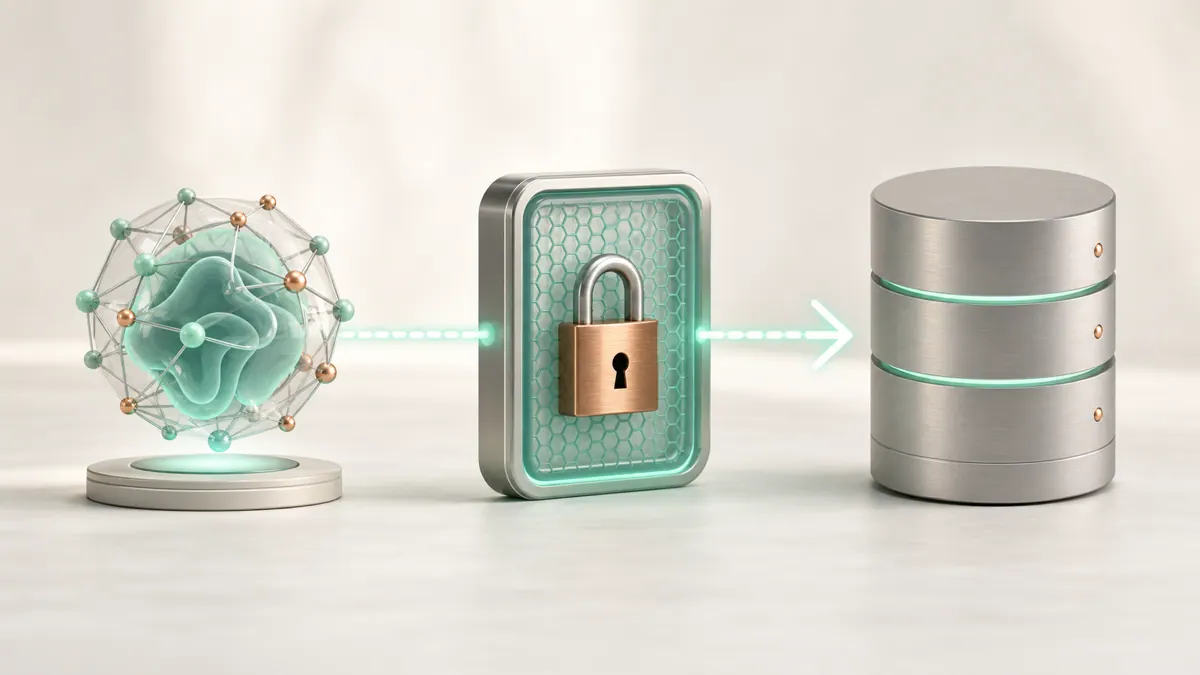
A Postgres MCP server is the safe way to do it. It sits between your AI agent and your database and exposes querying as a controlled capability rather than a raw connection. Done right, an analyst can ask "how many orders shipped late last month?" in plain English and get a correct answer—without anyone handing the model a password or write access.
This guide explains what a Postgres MCP server is, how it works, and the guardrails that separate a useful tool from an incident.
What MCP is, in one paragraph
MCP—the Model Context Protocol—is the now-standard way to connect AI agents to tools and data. Think of it as USB-C for AI: instead of every app inventing its own integration, an agent speaks MCP to any compliant server. It was donated to the Linux Foundation in late 2025 and is supported across the major AI vendors, so an MCP server you build works with Claude, and with other MCP-capable clients. A Postgres MCP server is simply an MCP server whose tools read from (and optionally write to) a PostgreSQL database.
What a Postgres MCP server actually does
At its simplest, the server exposes a few tools to the agent: run a query, list tables, describe a schema. When the agent decides it needs data, it calls a tool; the server runs the SQL against Postgres and returns the rows. The agent never holds the database credentials—the server does, and the server decides what is allowed.
That indirection is the whole point. Because every database interaction passes through your code, you get to enforce rules the raw connection could never enforce: read-only by default, row limits, timeouts, schema restrictions, and a full audit log of what the agent asked for.
Why "just give it the connection string" is a trap
Handing an LLM a database URL feels fast. It is also how data leaks happen. Three specific risks matter:
- Destructive queries. A model that can run any SQL can run
DROP TABLE,DELETE, or anUPDATEwithout aWHEREclause. Models are usually well-behaved, but "usually" is not a security posture. - Prompt injection into SQL. If the agent reads untrusted content—a support ticket, a web page, a document—an attacker can embed instructions that steer the model into exfiltrating data. This class of attack against MCP tooling was well documented across early 2026, so it belongs in your threat model, not your blind spot.
- Over-broad reads. Even read-only access to every table can expose payment details, password hashes, or other users' records. Least privilege matters as much for reads as for writes.
A Postgres MCP server is where you neutralize all three—by constraining what the tool can do before the model ever calls it.
The guardrails that make it safe
Safe AI database access is mostly a set of unglamorous, well-understood controls. Here is the checklist we hold ourselves to.
| Guardrail | What it does | Why it matters |
|---|---|---|
| Read-only role | Connect as a Postgres role with SELECT only | Makes destructive queries impossible, not just discouraged |
| Least-privilege grants | Grant access to specific schemas/tables/columns | Keeps sensitive tables out of reach entirely |
| Statement timeout | Cap query runtime | Prevents a runaway query from taking down the DB |
| Row limits | Cap returned rows | Avoids dumping whole tables into the model context |
| Query allow/deny rules | Block DDL/DML, restrict to safe patterns | Defense in depth beyond role permissions |
| Audit logging | Record every tool call and SQL executed | Gives you a trail to review and alert on |
| Separate replica | Point the server at a read replica | Isolates analytics load from production writes |
The single highest-leverage control is the read-only database role. In Postgres, you create a role, grant it SELECT on only the tables the agent should see, and connect the MCP server with that role. Now the database itself refuses to run a delete—no prompt, no plugin, no model behavior required. Row-level security policies can go further, scoping what the role sees per tenant or per user; if you already use RLS, it composes cleanly with an MCP server. Our walkthrough on Supabase row-level security and roles covers the policy side in depth.
Read-only vs read-write: pick deliberately
Most teams should start read-only. The moment an agent can write, your risk profile changes completely, and you need stronger validation, confirmation steps, and testing. If you do need writes—say, an agent that updates a record after a human approves—scope it to specific tables and specific operations, require an explicit confirmation in the flow, and log everything. Never let "read-only analytics" quietly grow into "write access to everything" because it was convenient.
A sane rollout plan
You do not need to boil the ocean. A staged rollout keeps risk low while you learn how the agent behaves.
- Point at a replica or a copy, not production. Prove the workflow against data you cannot harm.
- Create a dedicated read-only role with grants on only the tables in scope.
- Add limits and timeouts so a single query cannot run away.
- Turn on audit logging and actually read the logs for the first week.
- Test prompt-injection scenarios—feed the agent hostile content and confirm it cannot escalate.
- Only then consider production, and only against a replica if you can.
If you are already running Postgres on Supabase, much of this is close at hand; Supabase's Postgres backend, roles, and RLS give you most of the primitives. Teams new to Postgres data modeling may also want our primer on what a vector database is, since a common next step is pairing SQL access with semantic search over the same data.
What this looks like in practice
A recent pattern we built for a client was an internal "ask your data" assistant: their operations team wanted plain-English answers about orders, inventory, and fulfillment without waiting on the analytics team to write SQL. We stood up a Postgres MCP server pointed at a read replica, connected it with a SELECT-only role scoped to the reporting schema, added statement timeouts and row caps, and logged every query the agent ran. The team got fast self-serve answers, and because the database role physically could not write or reach sensitive tables, security signed off quickly. The build was a fixed-scope milestone, not an open-ended experiment—and because it burned no surprise API credits or write risk, it stayed boring in the best way. That "boring" is the goal: safe AI database access should be uneventful.
FAQ
How do I let an AI query my database safely? Put a Postgres MCP server between the AI and the database, connect it with a read-only role scoped to only the necessary tables, and add statement timeouts, row limits, and audit logging. The AI never holds credentials—the server enforces the rules.
Can a Postgres MCP server modify or delete my data?
Only if you let it. If you connect the server with a SELECT-only Postgres role, the database itself refuses any write or delete, regardless of what the model requests. Grant write access only for specific tables and operations, with confirmation steps.
Does a Postgres MCP server work with Claude and other AI agents? Yes. MCP is a vendor-neutral standard supported across major AI platforms, so a compliant Postgres MCP server works with Claude and other MCP-capable clients rather than being tied to one vendor.
What's the biggest risk with AI database access? Two things: destructive or over-broad queries, and prompt injection that steers the agent into leaking data. A read-only least-privilege role handles the first; input isolation, query rules, and audit logging address the second.
Want AI on your data—without the risk?
Giving an AI agent access to your database is a small engineering project with real security stakes, and it is exactly the kind of scoped work we do. SprintX builds Postgres MCP servers and agent integrations as fixed-scope, milestone-based projects: NDA-friendly, least-privilege by default, full audit logging, and you own the code. Tell us your schema and the questions your team wants answered, and we'll return a scoped plan and a fixed price. Explore related work in our n8n MCP server guide, then book a call at sprintx.net.
AI agents and automation
AI agents that do the work.
We build agents and automations for the repetitive work your team does by hand, and measure what they save.
Keep reading.
More on ai agents and automation
AI agents and automation · 18 Jul 2026 · 8 min read
What Is an MCP Server? A Plain-English Guide for Businesses (2026)
A no-jargon guide to MCP servers: what they are, why every major AI vendor adopted them, and how businesses use them to connect AI agents to real systems.
AI agents and automation · 18 Jul 2026 · 8 min read
MCP vs API: What's the Difference and Why It Matters for AI
A clear, non-technical breakdown of MCP vs API — what each one is, how they relate, and which you actually need when connecting AI agents to your business tools.

AI agents and automation · 18 Jul 2026 · 9 min read
Custom MCP Server Development: Expose Your Business Data to AI Agents
A practical guide to custom MCP server development — what it takes to expose your own systems to AI agents safely, the build process, cost ranges, and pitfalls.