Shopify App Development Cost: Public vs Private App Pricing
What Shopify app development actually costs in 2026 — public vs private pricing, the real cost drivers, and how to keep the quote honest.
 SprintX Team8 min read
The first quote you get for a Shopify app is almost never wrong because the developer is greedy — it's wrong because nobody agreed on what "an app" means. A checkout tweak, a private admin tool for your own store, and a product you plan to list in the App Store are three completely different budgets, and if you ask for a price before you've named which one you want, you'll get a number that's either scary-high or suspiciously cheap. Both are red flags.
This guide breaks down Shopify app development cost the way a builder actually estimates it: by app type, by how many Shopify surfaces the app touches, and by whether you're carrying the ongoing weight of a public listing. Every range here is hedged — treat them as planning anchors for mid-2026, not quotes.
The three app types, and why they cost so differently
"Shopify app" is a category, not a project. Price splits along three lines:
- App extension — a small add-on that plugs into one surface: a checkout UI extension, a theme app extension, an admin block, or a Shopify Function that customizes discounts, shipping, or payment logic. Narrow scope, lowest cost.
- Custom (private) app — built for your store only, not listed publicly. It usually reads and writes store data through the Admin API and often talks to an outside system. No review process, no billing, no multi-merchant support.
- Public app — listed in the Shopify App Store, installable by any merchant, and subject to Shopify's review. This is a product, not a feature. You take on billing, onboarding, support, and a review gate — which is why it's a different universe of cost.
Most merchants who say "I need a Shopify app" actually need an extension or a private app. Building for the App Store only makes sense if selling the app to other merchants is the business. Getting this call right is the single biggest lever on the final number.
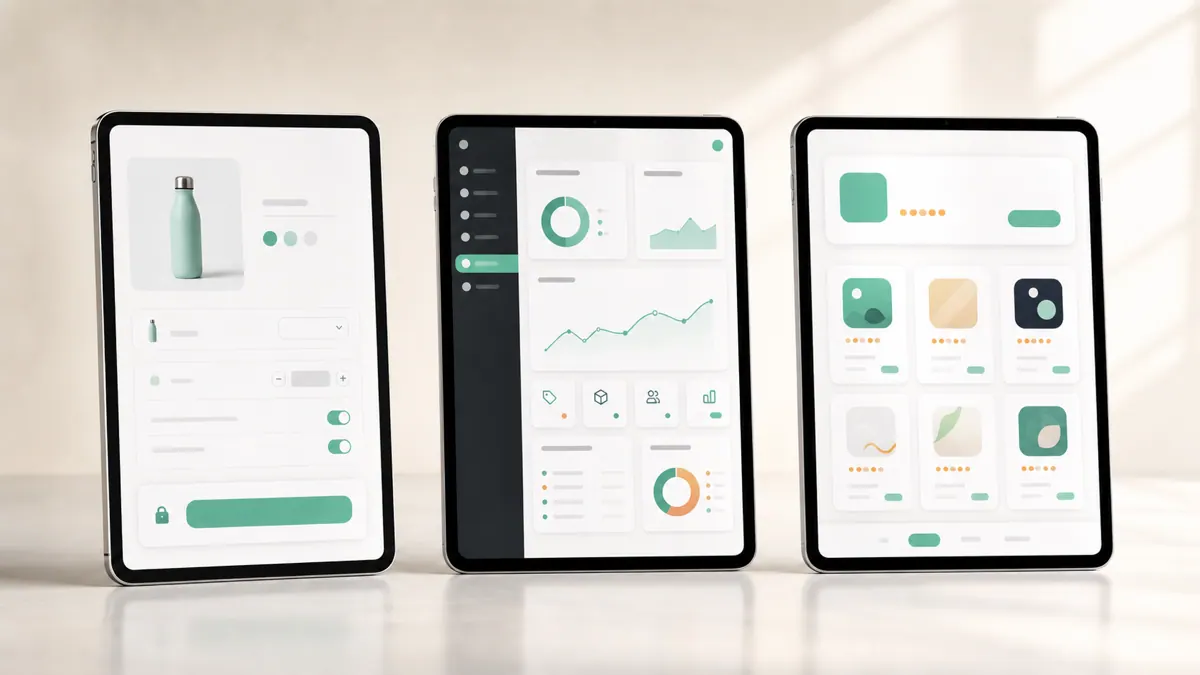
Shopify app development cost by type (2026 ranges)
Here's how the three types typically land. These are hedged ranges — the real figure depends on integration depth and data ownership.
| App type | Typical range (2026) | What drives it |
|---|---|---|
| Extension / Shopify Function | ~$2k – $5k | One surface, clear logic, no stored data |
| Custom (private) app | ~$5k – $15k | Admin API + an external system, its own data |
| Headless / storefront build | ~$8k – $25k+ | Storefront API build, checkout handoff |
| Public App Store app | $15k+ | Adds billing, review, onboarding, support |
Two patterns worth naming. A private app that only reads data and pushes it somewhere (say, syncing orders to an ERP) sits at the low end. A private app that stores its own data, has an admin UI merchants configure, and reacts to webhooks climbs toward the top. And the jump to a public app isn't just more code — it's a whole support-and-billing operation bolted onto the build.
What actually moves the number
When we scope a Shopify app, four questions set the price before a line of code is written:
- How many Shopify surfaces? One Function is cheap. An app that touches the admin, the storefront, checkout, and a webhook pipeline is four integration points, each with its own edge cases.
- Does it store its own data? A stateless extension is far cheaper than an app with its own database, auth, and admin screens you have to design and secure.
- Public or private? Public adds Shopify's review, a billing integration, onboarding flows, and an ongoing support channel — often 40–60% on top of the equivalent private build.
- Which external systems? Every third-party integration (an ERP, a 3PL, a payment or invoicing tool) adds mapping, error handling, and retries. Two integrations is roughly twice the surface of one.
If you want the fuller picture of the build itself — the API stack, the deadlines, how to vet a developer — our Shopify app development guide covers it, and this piece is the cost companion to it.
The ongoing cost people forget
The build quote isn't the whole bill. Shopify ships a new API version roughly quarterly, and it moves fast — the 2026-07 Storefront API version restructured several discount fields, for example. A public app has to keep pace or risk breaking for the merchants running it, which means a maintenance budget, not a one-time cost. A private app you own is lighter, but it still needs occasional attention as Shopify deprecates old pieces.
There's a platform deadline dimension too. The legacy Checkout API shut down in April 2025, Shopify Scripts retire June 30, 2026 (replaced by Shopify Functions), and non-Plus Thank-you and Order-status customizations move to Checkout Extensibility by August 26, 2026. If any quote you receive assumes checkout.liquid or Scripts, it's priced on an outdated playbook and you'll pay again to redo it. If you're on Plus and weighing what the platform unlocks, our Shopify Plus development guide covers the upgrade side of that decision.
What this looks like in practice
A recent client project came in asking for "a Shopify app," and after ten minutes it was clearly a private app plus one extension — not an App Store product. The store needed delivery-zone rules that no off-the-shelf app handled cleanly, with carts that behaved differently based on the customer's location. We built it on the GraphQL Storefront API with the Storefront Cart API driving the cart and Shopify's hosted checkout closing the sale, so the merchant kept PCI scope low. Scoped that way, the work ran in phases in the low-thousands-per-phase range instead of the five-figure public-app number the merchant first braced for. Naming the type correctly saved them most of the budget.
How to keep the quote honest
A few checks that separate a real estimate from a guess:
- The builder asks public vs. private before quoting. Anyone who prices before that question is fishing.
- The quote lists surfaces and integrations. "Custom Shopify app — $12k" is a number, not an estimate. You want to see what it touches.
- Phased, fixed-scope milestones. Prove the hard integration first, polish later. That structure caps your risk far better than an open hourly bet.
- You own the code and Partner assets. The app, the listing (if public), and the store credentials should be yours with no lock-in.
For the broader trade-off of when a custom build beats configuring existing tools, our take on build vs. buy for e-commerce chat applies to apps too: sometimes an existing app plus a small extension beats a full build.
Frequently asked questions
How much does it cost to build a custom Shopify app? As of mid-2026, a simple extension or Shopify Function is roughly $2k–$5k, a custom private app around $5k–$15k, and a full App Store product $15k and up once billing, review, and support are added. The biggest driver is how many Shopify surfaces the app touches and whether it stores its own data.
Why is a public Shopify app so much more expensive than a private one? A public app carries a whole operation beyond the code: Shopify's review process, a billing integration, onboarding flows, ongoing support for every merchant, and constant upkeep against the quarterly API version cycle. A private app skips all of that because it only serves your store.
Are there ongoing costs after a Shopify app is built? Yes. Shopify releases a new API version roughly quarterly and retires old features on set deadlines, so both public and private apps need light maintenance to stay working. Public apps need more because they must keep working for every merchant who installed them.
Can I reduce the cost of a Shopify app? Usually, by scoping down to the app type you actually need. Most merchants who ask for a public app really need a private app or a single extension, which can cut the budget by more than half. Phased milestones also let you prove the risky part before committing the full spend.
If you've got a quote that feels off — too high, too vague, or built on soon-to-retire Shopify features — a short scoping call sorts it fast. SprintX builds Shopify extensions, private apps, and headless storefronts on the current GraphQL and Functions stack, fixed-scope and milestone-based, and you own the code and store assets with no lock-in. Tell us what your store needs to do and we'll price it honestly before you commit.
Building software
Systems your business runs on.
Custom platforms, internal tools and integrations that move work off spreadsheets.
Keep reading.
More on building software
Building software · 18 Jul 2026 · 8 min read
Shopify App Development Services: Custom Public & Private Apps
What Shopify app development services actually involve in 2026 — public vs custom apps, the current API and extension stack, cost ranges, and how to choose a builder.

Building software · 18 Jul 2026 · 9 min read
Is Headless Shopify Worth It? Costs, Benefits and Trade-offs
A straight answer on whether headless Shopify is worth it — the real benefits, the hidden costs, who it fits, who it does not, and how to decide in 2026.
Building software · 18 Jul 2026 · 8 min read
Shopify Plus Development: When to Upgrade and What It Unlocks
When Shopify Plus is worth the upgrade, what it actually unlocks for developers, and how to plan custom Plus work.