CRM Automation: Stop Doing Data Entry Your Software Should Handle
Your CRM should be doing the data entry, not your salespeople. Here is what to automate, and how to keep the pipeline clean without the manual grind.
 SprintX Team8 min read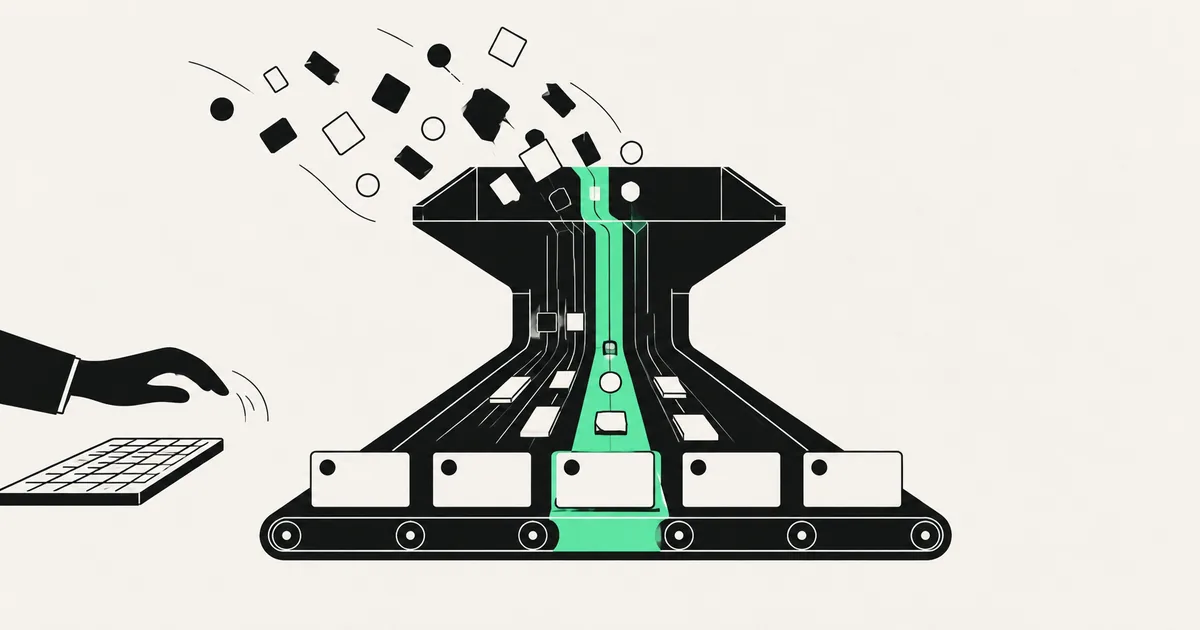
Salespeople are expensive, and a startling amount of what they do all day is type. Logging calls. Copying an email thread into the notes field. Updating a deal stage. Creating a contact from a business card. Chasing themselves with reminders. It's the work that keeps the CRM alive — and it's the work that pulls them away from selling.
Here's the thing: almost none of it should be done by a human. Modern CRM automation exists precisely so your software captures, updates, and maintains its own records from the activity that's already happening. This guide covers exactly what to stop doing by hand, what to automate, and how to end up with a CRM that's cleaner because people touch it less.
The data entry you should never do again
If a piece of information already exists somewhere else in your stack, keying it into the CRM by hand is pure waste. The usual suspects:
- Contact creation. A new lead fills a form, replies to an email, or books a call — the record should create itself, enriched, not wait for someone to type it.
- Activity logging. Emails, calls, and meetings should attach to the right contact and deal automatically. Nobody should be copy-pasting a thread into a notes field.
- Deal stage updates. When a proposal is sent, a contract is signed, or a payment lands, the stage should move on its own based on the real event.
- Follow-up reminders. The CRM knows when a deal has gone quiet — it should surface it, not rely on a rep's memory.
- Data cleanup. Duplicate merging, formatting, and enrichment are rules-based chores a machine does better and never skips.
Every one of those is a trigger-and-action pattern — the exact shape of any workflow automation. Pointed at your CRM, it means the record maintains itself from activity that's already happening.
Why manual CRM entry is worse than just slow
Manual entry doesn't only waste time — it quietly wrecks the thing the CRM is for. Reps skip logging when they're busy, so the pipeline is always a little wrong. Fields get half-filled or inconsistent. Follow-ups fall through because a reminder never got set. By the time you try to forecast or report, you're working from data nobody fully trusts.
Automation fixes the root cause: records that update from real events don't depend on discipline. The counterintuitive result is that a CRM people touch less is usually a CRM you can trust more, because the machine doesn't get busy and forget.
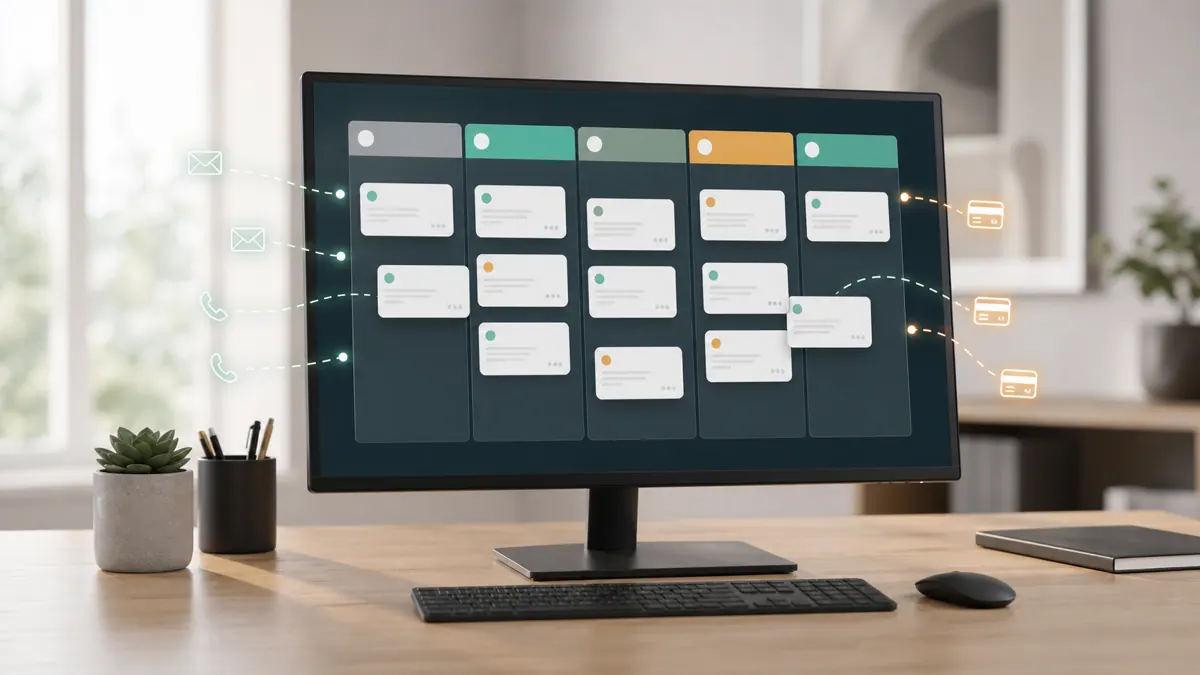
What to automate across the pipeline
| Stage | Automate | Keep human |
|---|---|---|
| Lead capture | Create + enrich contact from forms, email, calls | — |
| Lead routing | Assign by territory, size, or round-robin | Exceptions / key accounts |
| Activity logging | Attach emails, calls, meetings automatically | — |
| Lead scoring | Score on behavior & fit | Final "is this real" judgment |
| Deal stage | Advance on real events (sent, signed, paid) | The actual selling |
| Follow-ups | Surface stale deals, trigger nudges | The relationship |
| Reporting | Assemble pipeline & forecast data | Interpreting it |
| Data hygiene | Dedupe, format, enrich | — |
The pattern is consistent: automate the capture and maintenance, keep humans on the selling and judgment. The CRM should do the admin so your people do the relationship.
Where AI adds a layer
Basic CRM automation is rules moving data. AI adds understanding on top, and a few applications genuinely earn their place in 2026:
- Reading unstructured input — pulling contact details, intent, and next steps out of an email thread or a call transcript and updating the record, no template required.
- Lead scoring and prioritization — weighing behavior and fit to tell a rep who to call first.
- Draft follow-ups — a grounded, context-aware first draft a rep edits and sends, instead of a blank compose window.
Where AI belongs is reading and drafting; where the human belongs is the actual conversation and the close. If you're wiring this into an outbound motion, it pairs naturally with the tooling in our look at the best AI SDR software.
The tools involved in 2026
- Your CRM — HubSpot, Salesforce, Pipedrive, GoHighLevel, or similar — as the system of record. Most ship native automation; the gaps are usually at the edges, connecting to everything else.
- Automation glue — n8n, Make, or Zapier to orchestrate flows between your CRM, email, calendar, forms, payment system, and support tools. n8n 2.0 is a common self-hosted choice when you want the logic and data under your own control.
- An AI layer, used where it counts — a current model (a fast, cost-effective tier like Claude Haiku 4.5 or Sonnet 5 suits high-volume record updates) for reading threads, scoring, and drafting.
The real work is almost always the integrations — reliable, error-handled connections so events in one system update the CRM correctly. That plumbing is exactly the kind of custom AI automation that off-the-shelf connectors handle badly once volume and edge cases show up. If you're weighing connector tools, our Zapier alternatives breakdown covers the trade-offs.
What this looks like in practice
A recent client project stopped a sales team from being part-time data-entry clerks. New leads from their forms and inbox created enriched CRM contacts automatically and routed to the right rep by rules. Emails, calls, and meetings logged themselves against the correct deal. Deal stages advanced on real events — a proposal sent, a payment received — instead of waiting for someone to remember. Stale deals surfaced as nudges, and an AI layer drafted context-aware follow-ups for reps to approve. The pipeline finally reflected reality because keeping it accurate no longer depended on anyone's discipline. Builds like this typically land in the low-thousands-per-phase range and pay back in selling hours recovered and a forecast you can actually trust.
How to roll it out
- Start with capture and logging — get leads and activity into the CRM automatically first; it's the highest-friction, highest-return win.
- Add stage automation next, tying deal movement to real events so the pipeline stays honest.
- Layer in scoring and follow-up nudges once the data feeding them is clean.
- Introduce AI drafting last, with human approval, so reps stay in control of the message.
- Measure adoption — the sign it's working is that reps update the CRM less and trust it more.
Frequently asked questions
What's the difference between CRM automation and my CRM's built-in workflows? Built-in workflows handle the simple, in-tool rules. CRM automation in the fuller sense connects your CRM to everything around it — email, calendar, forms, payments, support — so records update from events that happen outside the CRM, which is where most manual entry actually comes from.
Will automation make my CRM data messier? Done well, the opposite. Manual entry is the main source of gaps and inconsistency because busy people skip it. Records that update automatically from real events are more consistent and more complete — you just have to build the rules and dedupe logic carefully up front.
Do I need to switch CRMs to automate? Usually no. HubSpot, Salesforce, Pipedrive, GoHighLevel, and most modern CRMs expose APIs that automation connects to. The work is in the integrations and logic, not in replacing your CRM — switching is only worth it if your current one is a genuine dead end.
Can AI update my CRM from emails and calls? Yes — that's one of the strongest current uses. A model can read an email thread or call transcript, extract the contact details, intent, and next steps, and update the record without a rigid template. A person still owns the conversation; the AI just handles the write-up.
Paying salespeople to do data entry your software should handle? SprintX builds CRM automation on a fixed-scope quote — self-updating records, event-driven deal stages, and AI-drafted follow-ups wired into the CRM you already use, with your team owning the selling. Tell us where your reps lose time and we'll map what to automate first.
AI agents and automation
AI agents that do the work.
We build agents and automations for the repetitive work your team does by hand, and measure what they save.
Keep reading.
More on ai agents and automation
AI agents and automation · 18 Jul 2026 · 9 min read
Best AI SDR Software in 2026: Top Tools vs Building Your Own
A buyer-focused look at AI SDR software in 2026 — the leading categories of tools, honest pricing, and how they stack up against a custom agent.

AI agents and automation · 18 Jul 2026 · 9 min read
RPA vs AI Agents: Which Should Automate Your Back Office?
A decision guide to robotic process automation vs AI agents: what each is good at, where each breaks, costs, and how to pick the right tool for back-office work.
AI agents and automation · 18 Jul 2026 · 8 min read
Playwright MCP Server: AI Browser Automation That Actually Works
A plain-English guide to the Playwright MCP server: how AI agents control a real browser, why it beats pixel-guessing bots, and where it fits your business.